Free Address Labels Template from your list to Avery 5160 in a minute
Paste your mailing list or import a CSV from Excel, Google Sheets or your contacts, and every address lands on its own label. Or switch to return address labels and fill a whole sheet with one address. Works with Avery 5160, 8160, 5163, 5167 and A4 L7160, and nothing is uploaded.
PDF, PNG and print · US Letter and A4 · addresses stay in your browser
How to print themFill in your address labels template
Avery 5160 is already selected. Pick the code printed on your pack, paste or import your addresses (one address per label), or tap Return address to fill the whole sheet with one address. Then download the PDF and print at 100%.
Avery 5160: 30 labels per US Letter sheet (3 across × 10 down), each 1 × 2⅝ in.
Same layout as: 8160, 5260, 5520, 5630, 5960, 8460, 18160, 18660, 15660, 45160, 48160
What are you printing?
Template librarySelected template: Mailing Address LabelsOpen the Label Maker template library and choose one of thirty-nine presets, including picture-and-word classroom labels and mailing and return address labels, with varied shapes, colors, and decorations.
Import an address list (paste or CSV)Paste addresses separated by an empty line, rows copied from Excel or Google Sheets, or upload a CSV export.
Paste addresses above or choose a CSV file. Nothing is uploaded; the list stays in your browser.
Start position, copies and alignment
Skip labels you already used on a partly used sheet (counted left to right, top to bottom).
Repeats every label until all free labels on the sheet are used. For return address labels, type one address and get a full sheet.
Test print on plain paper and hold it against the label sheet. If everything is off the same way, nudge it here; negative values move left or up.
Sheet and label layout
Paper size and label size come from the label sheet you picked.
Text and print marks
Theme and decorations
Label Maker full sheet preview
Mailing Address Labels
US Letter · 30 labels per sheet · Avery 5160 (1 × 2⅝ in)
3 labels · 1 page(s)
Print at 100% / Actual size, never Fit to page. Do a test print on plain paper first and check it against your label sheet.
Dashed outlines show the label edges on screen only. They are not printed.
Address labels template: quick facts
Short answers for holiday card lists, wedding invitations and small shops.
- Price
- Free, with no paid tier or download fee
- Account
- Not required
- Watermark
- None
- Export formats
- PDF (every page in one file), PNG (one file per page) and direct print
- Paper sizes
- US Letter and A4
- Supported sizes
- Avery 5160/8160 (1 × 2⅝ in, 30 per sheet), 5161 (20), 5163 (10), 5167 (80), 5195 (60); A4 L7160 (21), L7163 (14), L7159 (24) and 60+ other sheets
- Privacy
- Runs in your browser; nothing you type is uploaded
- Languages
- 8 languages: English, Chinese, Spanish, Portuguese, French, German, Japanese, Korean
- Address list input
- Paste addresses separated by an empty line, paste rows from Excel or Google Sheets, or upload a CSV (comma, semicolon or tab); column headers such as Name, Address, City, State and ZIP are recognized
- Return address mode
- One address repeated on every free label: 30 per Avery 5160 sheet, 80 per Avery 5167 sheet
- Alignment
- Move the whole print in 0.5 mm steps (up to 10 mm) and start on any label of a partly used sheet
- List size
- Up to 1,000 addresses per batch, about 33 Avery 5160 sheets, in one multi-page PDF
- Last updated
- October 15, 2026
Best for
- Holiday card, wedding invitation and graduation announcement mailing lists of 20–500 addresses
- Small online shops and Etsy sellers printing recipient and return address labels at home
- Anyone who wants to print Avery labels without Word mail merge, a login or a desktop app
Not the best fit for
- Thermal 4 × 6 in shipping labels with postage and barcodes (use your carrier's label tool)
- Intelligent Mail barcodes or CASS address validation for bulk-rate mailings
- Fully designed labels with photos or logos
How it compares
- Avery Design & Print
- The official tool, with every Avery template, artwork and spreadsheet merge, but you sign in to design online and it only knows Avery codes.
- Microsoft Word mail merge
- Powerful and already on many computers, but takes six or more steps, needs desktop Word, and a missed Update Labels click prints the same name on every label.
- Canva
- Many pretty address label designs, but bulk merging a list needs a Pro plan and the layout is not tied to a specific label sheet code.
Why this address labels template is faster than mail merge
Three things most free templates leave to you.
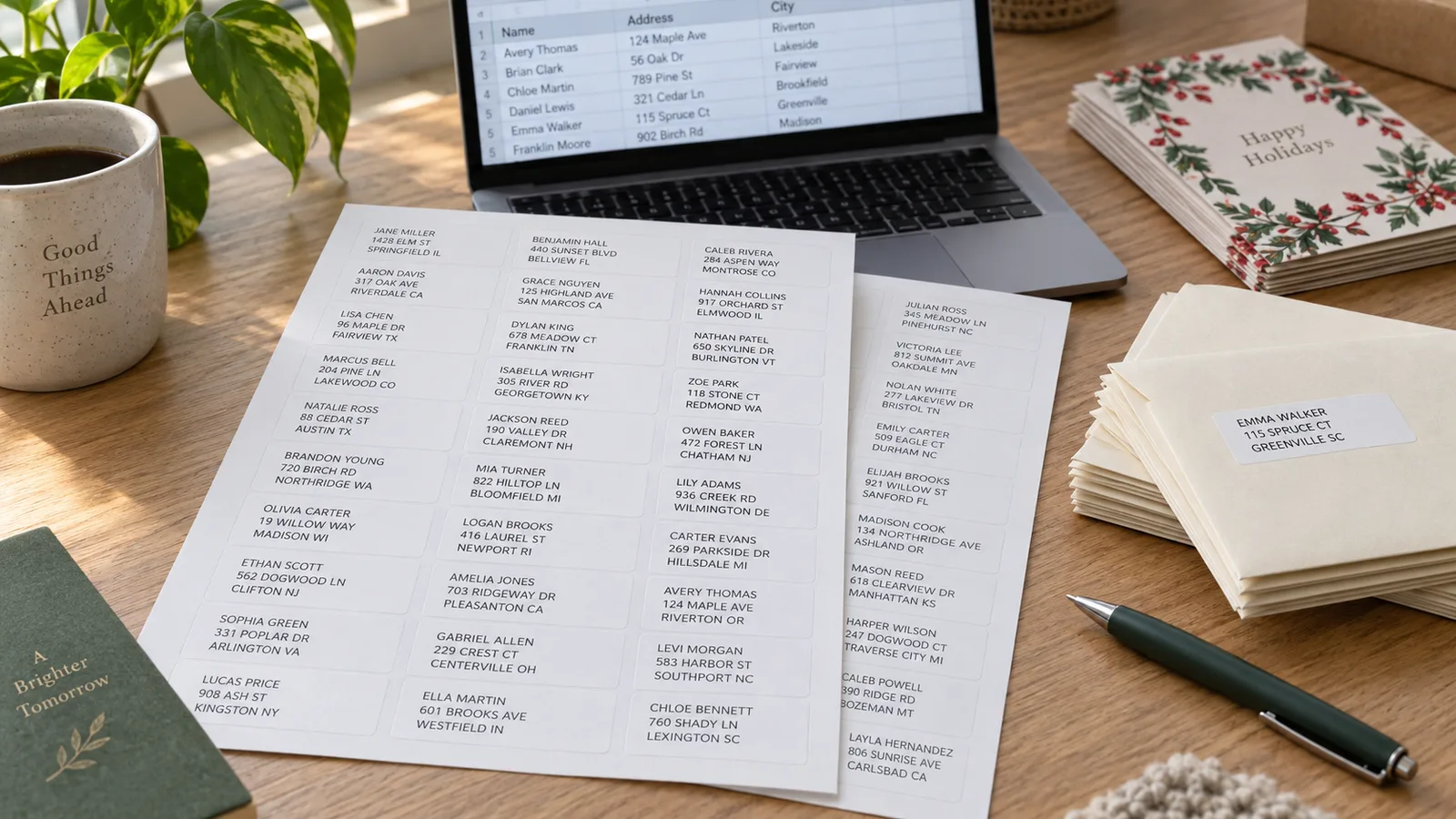
Your list goes straight onto the labels
Copy the addresses from your spreadsheet, contacts export or a plain list and paste them in. Column headers like First Name, Street, City, State and ZIP are matched automatically, the address lines are put in the usual order, and 120 addresses become four full Avery 5160 sheets. No Mailings tab, no merge fields, no Update Labels.
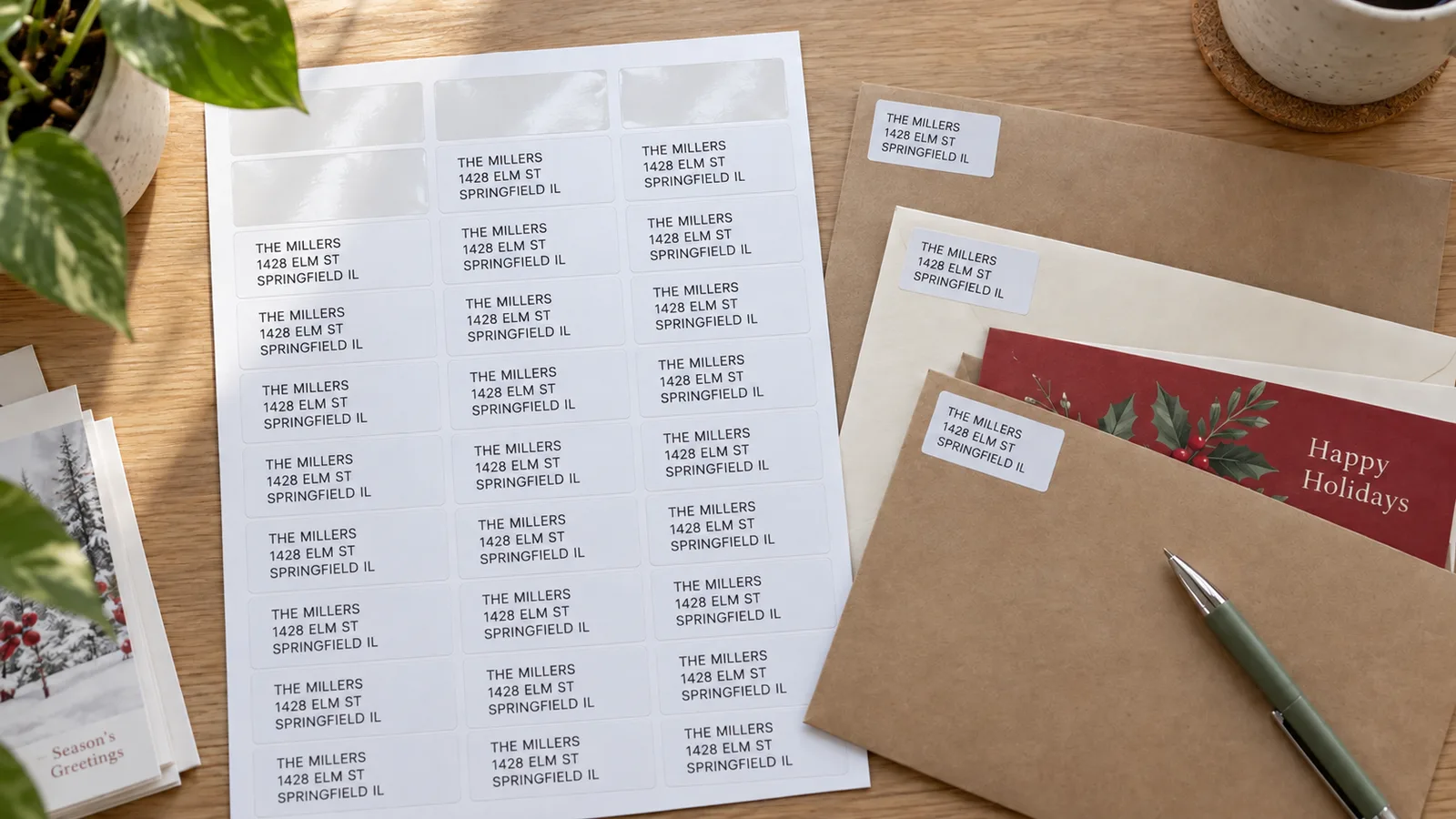
A full sheet of return address labels in one click
Tap Return address, type your name and address once, and every free label on the sheet repeats it: 30 on Avery 5160, 80 on the small Avery 5167 return labels. Start at any label to finish a sheet you already used, and keep the extras in your desk for bills and birthday cards.
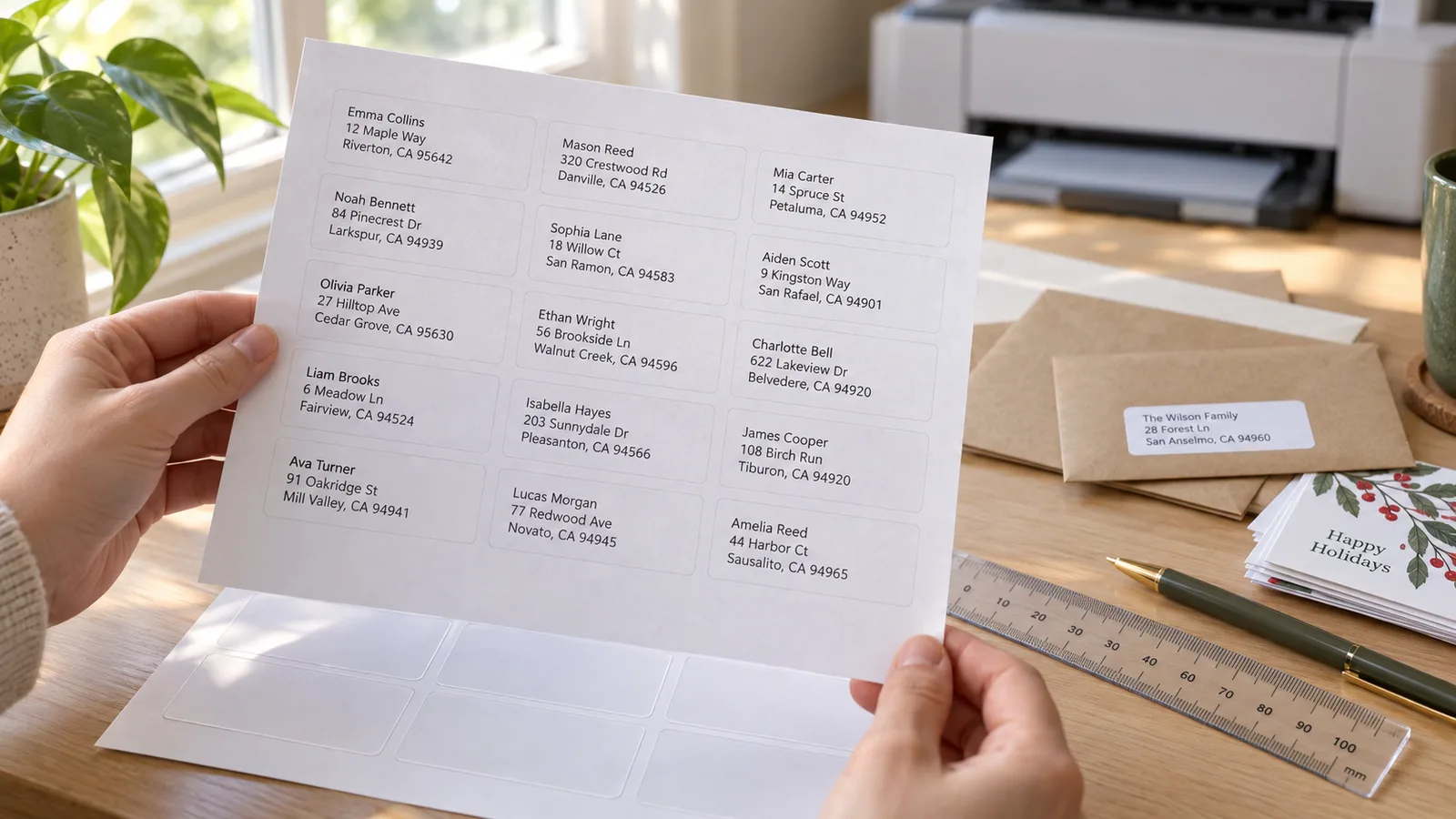
Labels that line up, even on a picky printer
Every address labels template here uses the label sheet's real margins and pitch, so text lands inside each die-cut label. Print a test page on plain paper, hold it against the sheet, and if everything sits 1 mm low, move it up by 1 mm. The PDF keeps the exact size when you print at 100%.
What you can print with this address labels template
Everything happens in your browser, so your mailing list never leaves your computer.
CSV and spreadsheet import
Comma, semicolon or tab separated files from Excel, Numbers, Google Sheets, Google Contacts or Outlook. First and last name columns are joined for you.
Mailing labels
One recipient per label for holiday cards, wedding invitations, save the dates, party invites and customer orders.
Return address labels
Your address on every label of the sheet. Try Avery 5167 or 5195 for small return labels, 5160 for the standard size.
60+ label sheets
Avery 5160, 8160, 5161, 5162, 5163, 5167, 5195, L7160, L7163, L7159, Zweckform, Apli, Pimaco, A-one and Formtec codes.
Clean address block
Left-aligned black text, every line the same size, the name in bold. Long lines shrink to fit instead of being cut off.
Long lists, one PDF
Up to 1,000 addresses flow onto extra pages automatically. Download one PDF and print the whole batch in one go.
How to print an address labels template at home
From a list of names to labels on envelopes in about ten minutes.
Pick your label sheet
Find the product code on your label pack, for example Avery 5160 or 8160 (they share one layout), 5163 for larger shipping labels, 5167 for small return address labels, or L7160 on A4. Choose it in Label sheet; the label size, margins and labels per sheet are set for you.
- Store brands usually print the matching Avery code on the box, such as 'compatible with 5160'.
- 8160 is the inkjet version of 5160; laser sheets jam less in laser printers.
Add your addresses
Open Import an address list and paste addresses with an empty line between them, or paste rows from your spreadsheet, or upload a CSV. Check the count and the first address, then click Use these addresses. For return address labels, tap Return address and type your own address once.
- Keep each address to 3–4 lines so it fits a 1 in high label at a readable size.
- USPS prefers capital letters and no punctuation, for example 1428 ELM ST APT 3B, but mixed case is delivered too.
Print a test sheet on plain paper
Download the PDF or click Print. In the print dialog choose Actual size or 100%, never Fit to page, and the right paper size. Print page 1 on plain paper, hold it up to a label sheet against a window, and nudge the text with Move right / Move down if every label is off the same way.
- Set the paper type to Labels or Heavyweight so the sheet feeds straight.
- If labels drift more towards the bottom of the page, it is a scaling problem, not an offset problem.
Print on the labels and mail
Load one label sheet at a time in the direction your printer shows for letterhead. Print, let laser labels cool or inkjet labels dry for a minute, then peel and stick: recipient labels in the middle of the envelope, return address labels in the top-left corner.
- For a partly used sheet, set Start at label # to the first empty label.
- Mail holiday cards early: USPS recommends December 17, 2026 for First-Class Mail in the contiguous US.
Address labels template FAQ
Label codes, mail merge, alignment and addressing rules.
Yes. There is no sign-up, no trial, no watermark and no paid download. The labels are drawn in your browser and the PDF or PNG is saved straight to your device, so your mailing list is never uploaded. Use it for personal mail, invitations or your small business.
Copy the rows from Excel or Google Sheets (with or without a header row) and paste them into Import an address list, or save the sheet as CSV and upload it. Headers like Name, First Name, Last Name, Address, City, State and ZIP are recognized and put in USPS order. Click Use these addresses and download the PDF: no mail merge needed.
Avery 5160 is the standard address label: 1 × 2⅝ in, 30 per US Letter sheet (3 across, 10 down). Avery 8160 uses exactly the same layout but is made for inkjet printers, while 5160 is for laser. 5260, 5520, 5960, 8460, 18160 and many store brands also share it, so choose 5160 for any of them.
Tap Return address, type your name and address once and pick your sheet. Every free label is filled: 30 on Avery 5160, 60 on 5195, 80 on the small ½ × 1¾ in Avery 5167. Print at 100% and keep the spare sheet for bills and cards. On a partly used sheet, set the start label first.
Most often the print dialog is set to Fit to page or Shrink oversized pages, which makes labels drift more towards the bottom. Choose Actual size or 100%, the right paper size and the Labels paper type. If the whole test page is off by the same amount, use Move right / Move down in 0.5 mm steps; 1 mm is about 1/25 in.
Avery 5160 (1 × 2⅝ in) fits a 3–4 line address and suits letters and cards. Avery 5161 (1 × 4 in) gives long addresses more room, 5163 (2 × 4 in) is for parcels, and 5167 (½ × 1¾ in) or 5195 (⅔ × 1¾ in) are made for return addresses. Outside North America, L7160 (63.5 × 38.1 mm, 21 per A4) is the usual size.
USPS Publication 28 lists three main lines: recipient name, delivery address (street, apartment or suite) and city, two-letter state and ZIP Code, all left-aligned. Capital letters without punctuation are preferred, such as SPRINGFIELD IL 62704-1234. Put the return address in the top-left corner of the envelope.
Yes. The page works in mobile Safari and Chrome: paste addresses from your notes or a shared spreadsheet, download the PDF and print it from the share menu with AirPrint or your printer's app. Check that scaling is 100% in the printer app before you print on label sheets.
Yes. The CSV or pasted list is read and turned into labels inside your browser; nothing is sent to a server or stored in an account. Closing the tab clears it. That also means you need to keep your own copy of the list for next year's cards.
Print your address labels template now
Paste a list or CSV, one address per label, or a full sheet of return address labels on Avery 5160, 5163, 5167 or L7160.
Free, no sign-up, no watermark, and your addresses never leave your browser.
Need jar, folder or classroom labels instead? The same Label Maker has 12 more designs.