Name Tag Maker for printable classroom, event, and office badges
Use the free Name Tag Maker to turn names and role or class details into clean printable name tags. Pick a color, choose how many name tags fit on each page, then download a PDF or PNG in seconds.
100% free. No account. No watermark on basic downloads.
How the Name Tag Maker worksFree Name Tag Maker
Enter names, add a role or class, choose a color and page layout, then download your printable name tags.
One name per line. Use Name | Role/Class to override the shared detail.
Sticker library (312)
Sticker position
Sticker size
Color
Font size
Name tags per page
Paper
Orientation
Live preview
8 name tags on Letter Portrait
Why use the PrintMigo Name Tag Maker
The Name Tag Maker is built for quick printing, clear names, and real classroom, event, and office workflows.
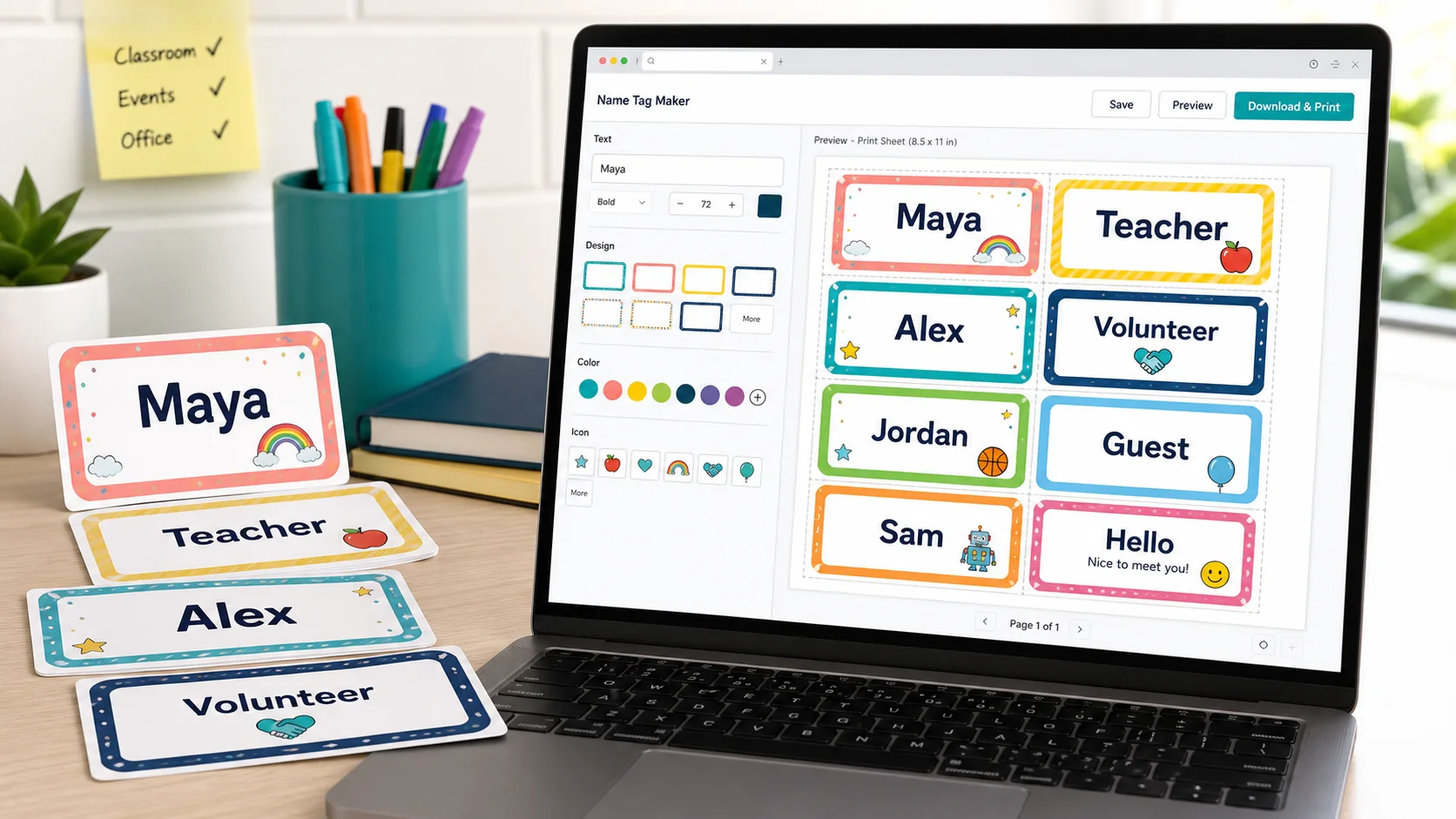
Name Tag Maker colors that stay readable
Choose from practical color presets or select a custom accent color. The Name Tag Maker keeps the name, role, and trim guides clear so your printable name tags are easy to read across a classroom, conference room, or check-in table.
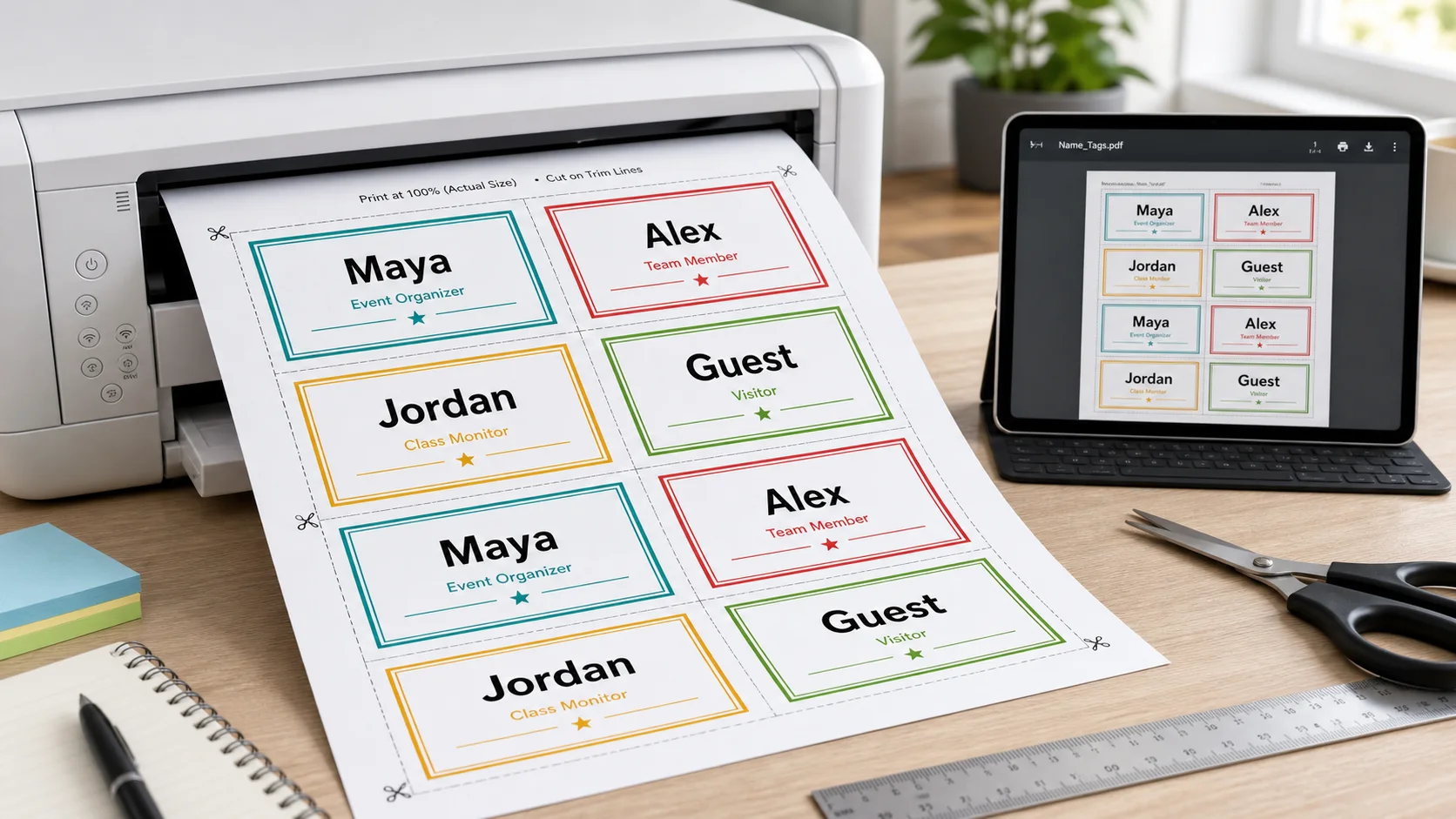
Print-ready Name Tag Maker PDF layouts
Set 1, 2, 3, 4, 6, 8, 10, 12, 14, or 16 name tags per page, then export a print-ready PDF. The Name Tag Maker supports A4 and US Letter landscape pages, making it useful for regular paper, card stock, and label sheets.
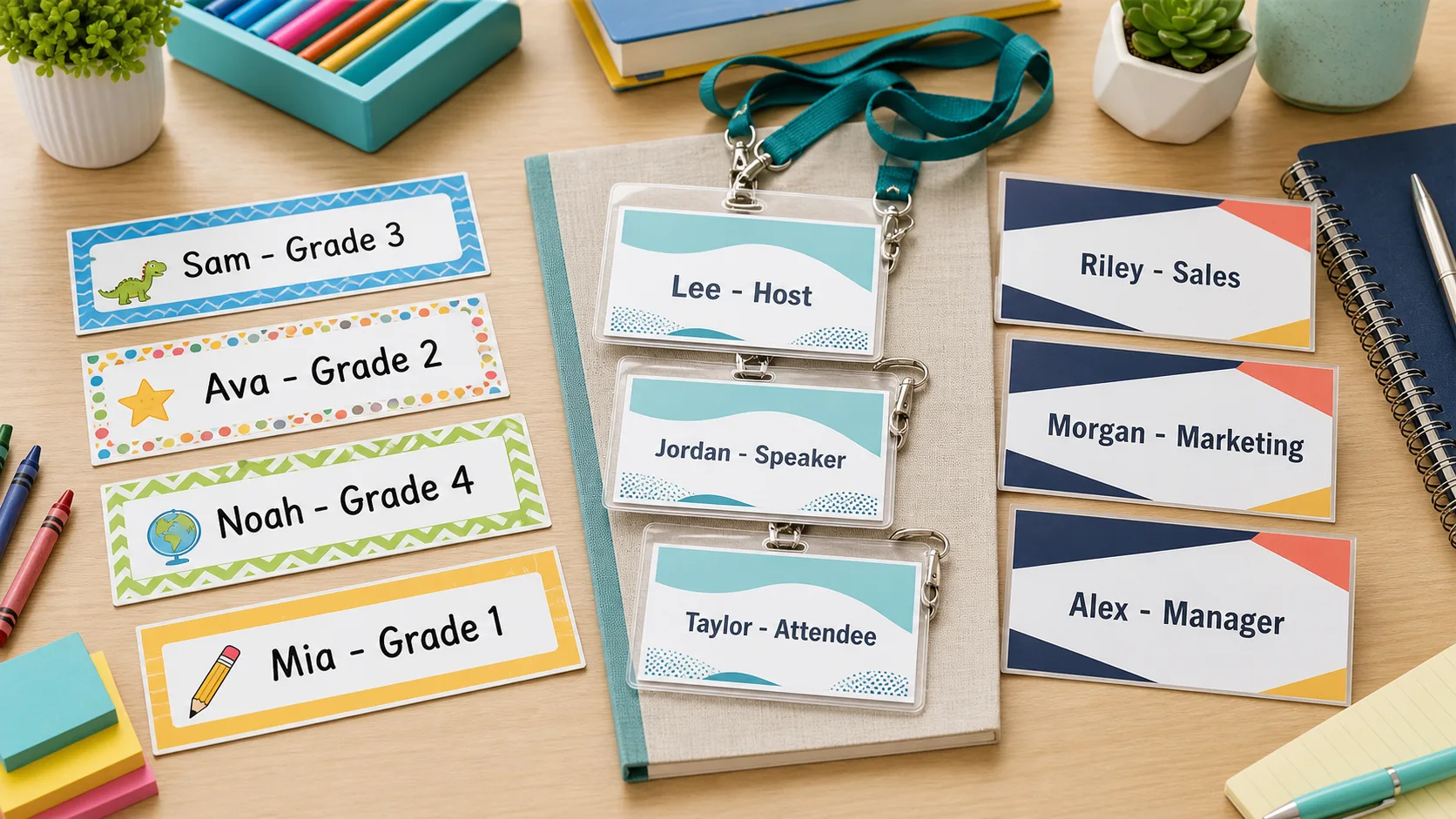
Name Tag Maker for classrooms, events, and offices
Use the Name Tag Maker for student desks, first-day introductions, visitor badges, workshop tables, volunteer roles, or staff meetings. Type several names at once and the printable name tags fill the page automatically.
Everything included in the Name Tag Maker
A focused Name Tag Maker with the controls you need before printing.
Multiple names
Paste one name per line and the Name Tag Maker fills the printable sheet automatically.
Add namesRole or class line
Add a shared class, role, team, or visitor label, or override it per name with Name | Role/Class.
Set detailsPreset and custom colors
Pick a readable color preset or use the custom color input to match your classroom, event, or team.
Choose colorsFlexible page counts
Print 1, 2, 3, 4, 6, 8, 10, 12, 14, or 16 name tags per page on A4 or US Letter landscape paper.
Set countPDF and PNG export
Download a PDF for printing or a PNG for sharing, saving, or sending to another device.
ExportBrowser based
Use the Name Tag Maker on phone, tablet, or desktop without installing design software.
Open toolHow to use the Name Tag Maker
Go from a list of names to a printable PDF in three steps.
Add names to the Name Tag Maker
Type or paste one name per line. For mixed roles, use the format Name | Role/Class so each printable name tag can have its own subtitle.
- Keep names short for larger lettering
- Paste a class roster or event list directly
Choose Name Tag Maker colors and layout
Select a color, pick A4 or US Letter, and choose how many name tags appear on each page. The live preview updates instantly.
- Use 8 per page for a common badge sheet feel
- Use fewer per page when names need to be seen from farther away
Export your Name Tag Maker PDF or PNG
Download PDF for printing or PNG for quick digital sharing. Print at actual size when possible, then cut along the light guide lines.
Card stock around 160-200 gsm makes sturdier printable name tags for desks and events.
Download name tags
Name Tag Maker FAQ
Answers for printing classroom name tags, event badges, and office labels.
Yes. The PrintMigo Name Tag Maker is free to use, does not require an account, and basic PDF/PNG downloads do not include a watermark.
Yes. Use PDF when you want the best print result, or PNG when you want a single image file to save, share, or send to another device.
The Name Tag Maker supports 1, 2, 3, 4, 6, 8, 10, 12, 14, or 16 name tags per page on A4 or US Letter landscape pages. Eight per page is a good starting point for badge-style labels.
Yes. Add a shared role or class line for the sheet, or type Name | Role/Class on a line to give one person a different detail.
Regular printer paper works for quick classroom or event use. For sturdier printable name tags, use card stock around 160-200 gsm and print at actual size.
Yes. The Name Tag Maker runs in the browser on phones, tablets, and desktop computers. A larger screen is more comfortable for reviewing the full sheet preview.
Create printable name tags with the Name Tag Maker
No account. No design software. No waiting.
Add names, choose a color, and download your printable name tags as PDF or PNG.
Free printable name tags, ready when you are.