Free Worksheet Generator for your own questions, passages and answer keys
Type the questions you already wrote, choose a template, and print a clean worksheet with an optional answer key. Free, no sign-up, no watermark, no AI, and everything runs in your browser.
12 templates, 4 question types, US Letter or A4, PDF, PNG or print. Nothing you type is uploaded or saved.
Read the guideWorksheet generator editor: type your questions, preview, print
Pick a template, replace the sample text with your own questions, check the live preview, then print or download a PDF or PNG.
Template librarySelected template: Basic Practice WorksheetTemplates are collapsed by default. Open the Worksheet Generator library when you want a quick printable setup.
Make questions by skill (numbers, adding, letters, sight words)Tick the skills, set how many questions each one gets, and the worksheet is written for you with an answer key.
Ready-made kindergarten sets
Skills
Tick at least one skill to make questions.
Basic information
Student lines
Answer key settings
Answers are never generated automatically. Add your own answers when you want an answer page.
Instructions / text blocks
Questions
Add short answer, fill-in-the-blank, multiple choice, or true/false items. Text wraps and preserves line breaks in preview, print, PDF, and PNG.
Batch paste questions
Choose a question type first. For multiple choice, separate question blocks with a blank line and use A/B/C/D plus optional Answer.
Layout settingsChoose paper, orientation, one or two worksheet columns, spacing, margins, numbering, and footer.
Theme style
Pick a simple solid, multicolor, gradient, or lightly decorated printable worksheet theme.
Student worksheet preview
Answer key preview
Answer key off
Worksheet Generator preview
Basic Practice Worksheet
Worksheet checks
- Preview looks ready: no empty worksheet, missing answer, or long-text warning.
Free worksheet generator: quick facts
Short answers for teachers, parents and tutors choosing a way to turn their own questions into a printed page.
- Price
- Free, with no paid tier or download fee
- Account
- Not required
- Watermark
- None
- Export formats
- PDF, PNG and direct print
- Paper sizes
- US Letter (8.5 × 11 in) and A4 (210 × 297 mm), portrait or landscape
- Supported sizes
- 1 or 2 columns, 3 font sizes, 3 line spacings, 3 margins, 13 colour themes
- Privacy
- Runs in your browser; nothing you type is uploaded
- Languages
- 8 languages: English, Chinese, Spanish, Portuguese, French, German, Japanese, Korean
- Question types
- Short answer, fill in the blank, multiple choice (A–D) and true or false, mixed on one page
- Templates
- 12, including a mixed quiz, reading passage, spelling test, word bank practice and writing prompt
- Other blocks
- Instructions, reading passage, notes or word bank, name, date, class and score lines, footer
- Answer key
- Optional page that uses the answers you typed; the tool never writes or grades answers
- Input
- Type each question, or paste a whole list and the generator splits it into questions
- Last updated
- October 18, 2026
Best for
- Teachers who already have the questions and need a clean, printable page in a few minutes
- Parents, tutors and homeschoolers who want a quiz or review sheet with an answer key
- Anyone who cannot use AI-written content and wants to control every word
Not the best fit for
- Writing questions for you: this tool does not use AI
- Online quizzes, auto-grading or student accounts: the output is paper only
- Saving worksheets between visits: nothing is stored, so keep your PDF
How it compares
- Canva
- Great for decorative designs and photos, but you place every box by hand and need an account to save. Here the layout, numbering and answer key are automatic.
- Twinkl Create and Education.com
- Large libraries of themed templates, with a free account needed for most features. This one has fewer designs but needs no account.
- MagicSchool and Diffit
- AI tools that write the questions for you, with sign-up and usage limits. Use them to draft; use this tool when you want your own wording printed exactly.
- Word and Google Docs
- Flexible and familiar, but numbering, blanks and a separate answer key take manual work every time.
A worksheet generator that prints exactly what you wrote
No AI rewriting and no fixed question bank: you supply the content, the tool handles the layout.
Make your own worksheet from your own questions
Type a title, instructions, an optional reading passage and any mix of short answer, fill in the blank, multiple choice and true or false questions. Paste a list and it turns each line into a numbered question.
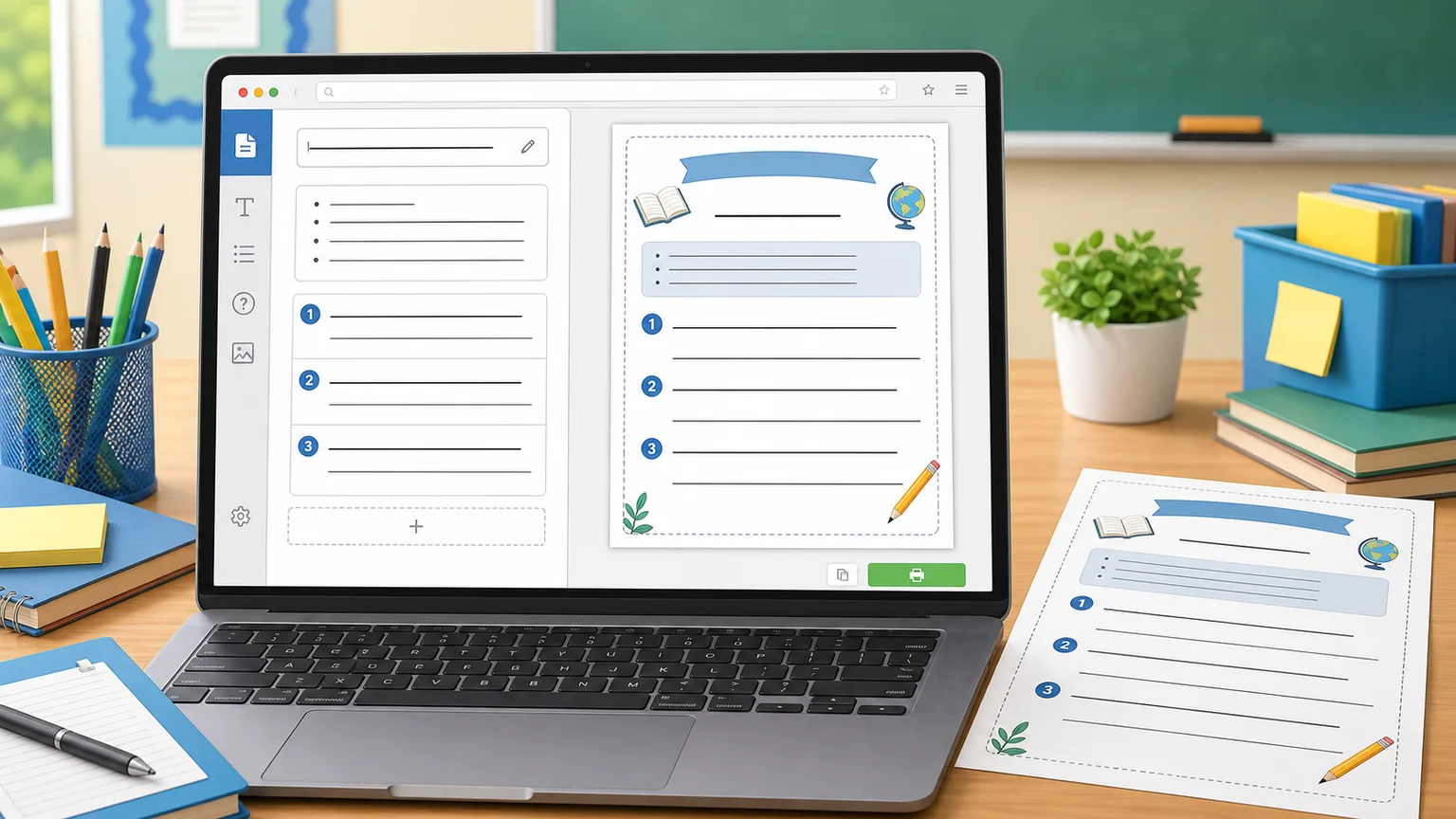
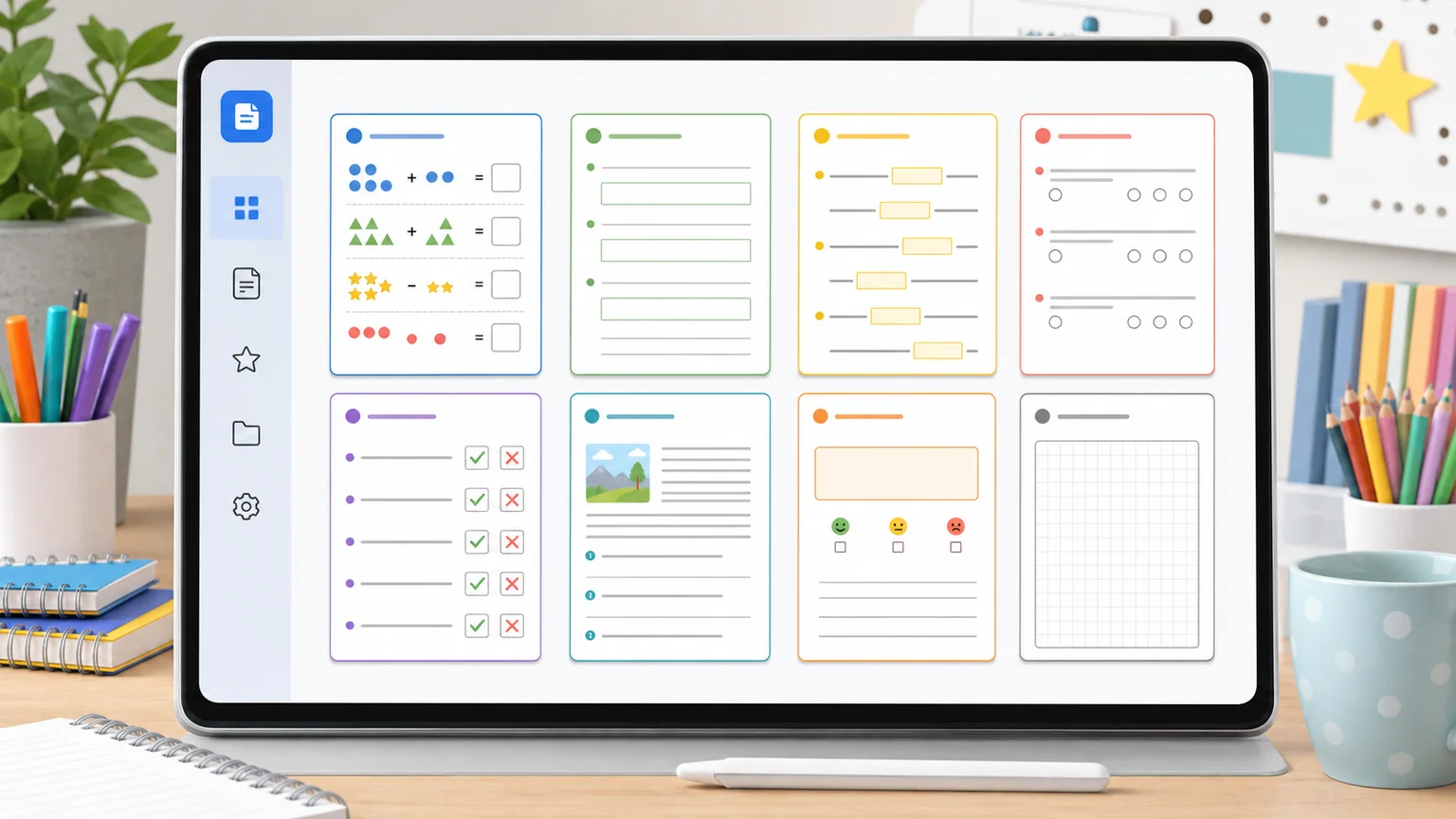
12 worksheet maker templates for common classroom jobs
Start from a mixed quiz, reading passage, spelling test, word bank practice, writing prompt, exit ticket or a blank page. Choose one or two columns, answer lines or boxes, and a theme that prints well in black and white or colour.
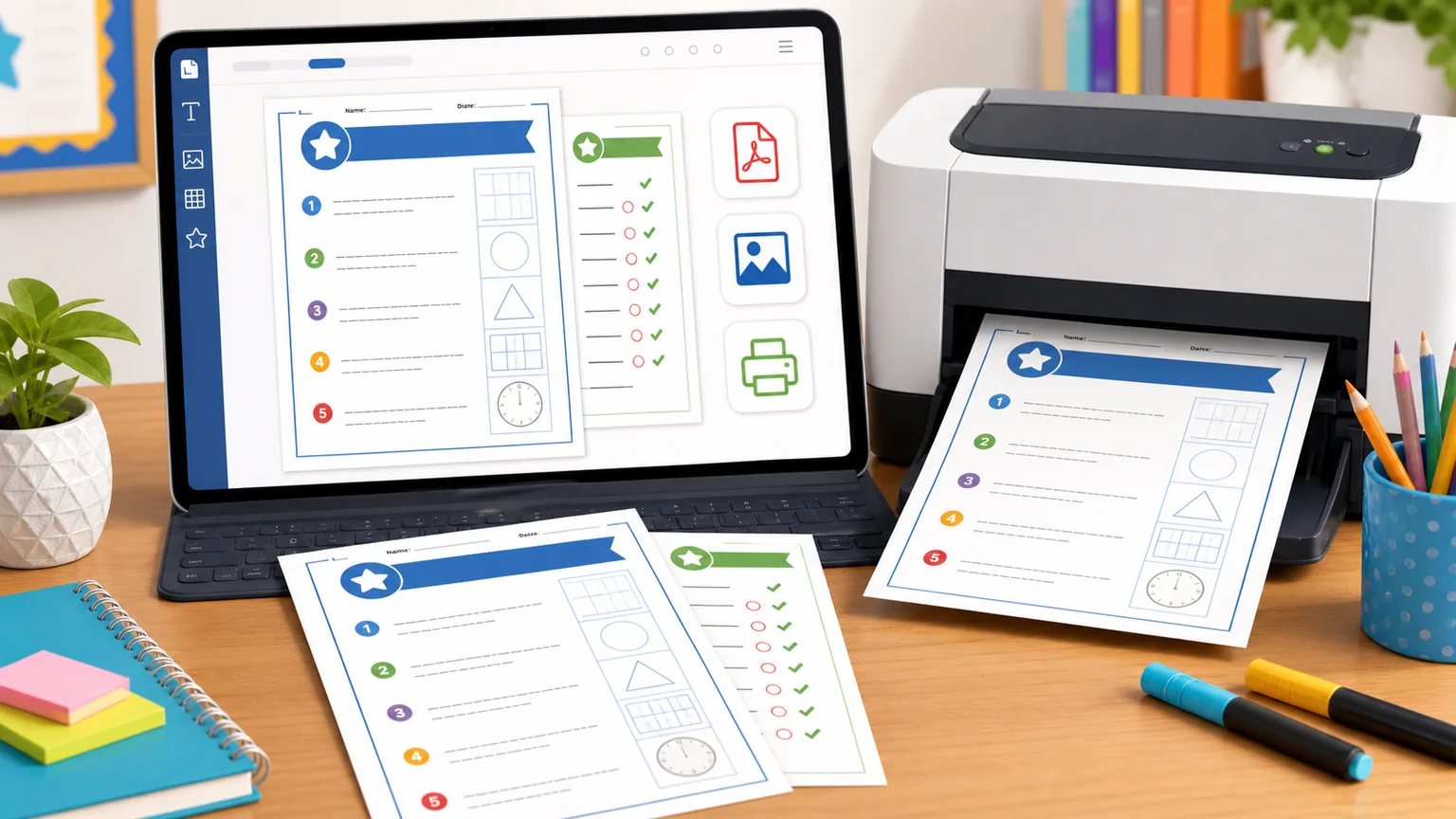
Print a worksheet with an answer key on Letter or A4
Add the answers you want, switch the answer key on and export the student page and the key together. Download a PDF or PNG, or print straight from the browser at 100% scale.
What you can make with this worksheet generator
One tool for the worksheets teachers and parents build most often.
Classroom practice sheets
Instructions, short answer prompts and writing space for classwork, review or homework.
Reading passage with questions
Paste a short text, add comprehension questions and leave room for the answers.
Quizzes with an answer key
Multiple choice and true or false items with a separate key page for marking.
Spelling and writing pages
Numbered lines for a dictated spelling test, or a lined page with a writing prompt.
Fill in the blank with a word bank
Put the word bank in the notes box and let students complete the sentences.
Need random math problems?
The math worksheet generator makes random sums and an answer key without typing every problem.
Open the math worksheet generatorHow to use the worksheet generator, step by step
Four steps from your question list to a printed page.
Add your questions and text
Open the template library and pick a starting point, or begin with the blank template. Replace the sample title, instructions and questions with your own, or paste a list into Batch paste questions.
- Keep one goal per worksheet.
- Write instructions in one short sentence.
Choose the question type and answer space
Set the type for each question, then pick answer lines, an answer box or a large box. Type the answers you want in the key; the generator never fills them in for you.
- Use large boxes for sentence answers and lines for single words.
- For multiple choice, use letters A–D and type the letter in the answer field.
Set paper, columns and readability
Choose US Letter or A4, portrait or landscape, and one or two columns. Raise the font size and line spacing for younger or struggling readers.
- Dyslexia Scotland recommends at least 12 pt text and 1.5 line spacing.
- Use two columns for short items such as spelling words.
Check the preview, then print or download
Read the preview and the checks panel for empty or missing answers. Then print, download a PDF or save a PNG from the same preview.
- In the print dialog, set scale to 100% or Actual size.
- Print one page first when you need exact margins.
Worksheet generator FAQ
Quick answers about free use, question types, answer keys, paper sizes and privacy.
Yes. You can make, print and download worksheets for free, with no account, no watermark and no download limit. Everything is created in your browser.
Open a template, replace the sample questions with yours, choose the question type and answer space, then check the preview. You can also paste a whole list into Batch paste questions and it splits the list into numbered items.
No. It formats the content you enter and never generates, solves or grades questions. That keeps your exact wording, and it works where AI-written material is not allowed.
Type the correct answer in each question's answer field, switch on Show answer key and export. The key page follows the same order as the student page. Turn on Hide answers on student worksheet to keep answers off the first pages.
Short answer, fill in the blank, multiple choice with options A to D, and true or false. You can mix types on one worksheet, for example 3 multiple choice questions followed by 2 short answers.
Yes. Choose US Letter (8.5 × 11 in) or A4 (210 × 297 mm), portrait or landscape. Print at 100% or Actual size, not Fit to page, so margins and line spacing stay as you set them.
People use both terms for the same thing: a tool that turns content into a printable page. This worksheet generator does not invent the content, so it behaves like a worksheet maker for your own questions.
Yes. Download PDF gives a print-ready file with the same layout as the preview, and Download PNG gives images you can share or upload to a learning platform. Both are free and have no watermark.
No. The tool runs in your browser, so questions and answers are never uploaded. Nothing is saved between visits either, so download the PDF if you want to reuse the worksheet.
Dyslexia Scotland advises at least 12 pt text, 1.5 line spacing and left-aligned text for readable print. In this tool choose Large font and Spacious line spacing for early readers, and add answer boxes instead of thin lines.
No. This is a printable classroom worksheet with questions and answer spaces, not an Excel sheet. If you need random math problems, use the math worksheet generator instead.
Make your worksheet now with the free worksheet generator
Start with a template, type your own questions and print in a few minutes.
Free on US Letter or A4, with PDF, PNG, print and an optional answer key.
No sign-up, no watermark, no AI, nothing uploaded.