Free Math Worksheet Generator random problems by grade, with answer keys
This math worksheet generator makes printable addition, subtraction, multiplication and division worksheets in seconds. Pick a grade preset or set your own number ranges, choose vertical or horizontal problems, and print up to 30 different worksheets at once, each with a matching answer key. It works on US Letter and A4 and runs in your browser.
Random problems every time · answer keys · PDF, PNG and print · nothing is uploaded
How to use itMake your sheets with the free math worksheet generator
Choose a grade, tweak the numbers and check the preview. Every click on New problems gives a fresh set.
Grade presetsCurrent setup: Grade 2 / Year 2–3Start from a grade level, then change anything.
Operations
Select one or more. With several operations the problems are mixed.
Number ranges
Layout and size
Each worksheet has new problems. Use the numbered buttons above the preview to look at each one.
Paper, color and symbolsUS Letter - Blue - × ÷
Print or download
Print at 100% (actual size) on plain paper. Use the black and white color to save ink.
Worksheet
Answer key
Math worksheet generator: quick facts
Short answers for parents and teachers comparing free math worksheet makers.
- Price
- Free, with no paid tier or download fee
- Account
- Not required
- Watermark
- None
- Export formats
- PDF (all worksheets and answer keys in one file), PNG and direct print
- Paper sizes
- US Letter and A4
- Supported sizes
- 6 to 60 problems per page; vertical or horizontal; up to 30 different worksheets per export
- Privacy
- Runs in your browser; nothing you type is uploaded
- Languages
- 8 languages: English, Chinese, Spanish, Portuguese, French, German, Japanese, Korean
- Operations
- Addition, subtraction, multiplication, division and mixed review
- Number ranges
- Any range from 0 to 999,999, plus decimals to hundredths for add and subtract
- Regrouping
- Choose problems that always, never or sometimes carry or borrow
- Answer keys
- Generated from the same problems, after each worksheet or all at the end
- Grade presets
- 11 presets from Kindergarten to Grade 6, written with Grade and Year names
- Last updated
- October 17, 2026
Best for
- Parents and homeschoolers who want fresh daily practice at the right level
- Teachers who need several different versions of the same quiz, plus answer keys
- Tutors building extra practice for one skill, such as carrying or 7× tables
Not the best fit for
- Word problems, fractions or geometry worksheets
- Adaptive online practice that tracks a child's scores
How it compares
- Math-Drills
- A huge library of ready-made sheets with answer keys, free and ad-supported, but you pick from fixed versions instead of generating new random problems.
- Super Teacher Worksheets and K5 Learning
- Polished worksheets and generators, though much of the library needs a paid membership.
- Education.com
- Large catalog, but free downloads are limited and an account is required.
- Asking ChatGPT
- Handy for word problems, but the arithmetic can be wrong and the layout is hard to print; this generator calculates every answer exactly.
Why teachers use this math worksheet generator
Sheets that match the grade, a key that matches the sheet, and no account to create.
Grade presets that follow the standards
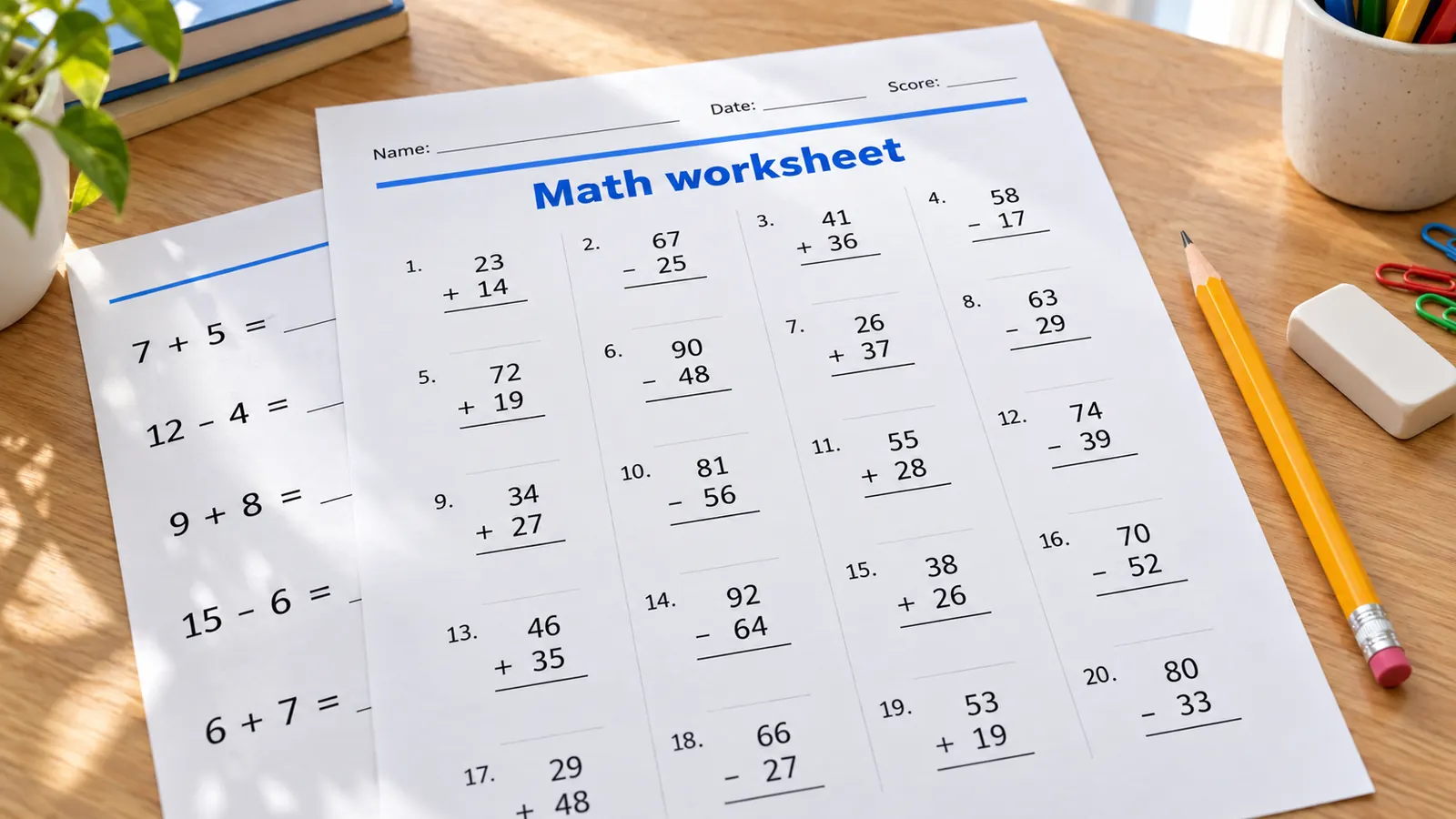
Start from Kindergarten sums within 10, Grade 2 vertical addition within 100, Grade 3 times tables or Grade 4 long division with remainders. The presets follow the arithmetic fluency expectations of the Common Core standards, and the Grade and Year names help UK and Australian classes find the right level. Change any number range afterwards to make it easier or harder.
Answer keys made from the same problems
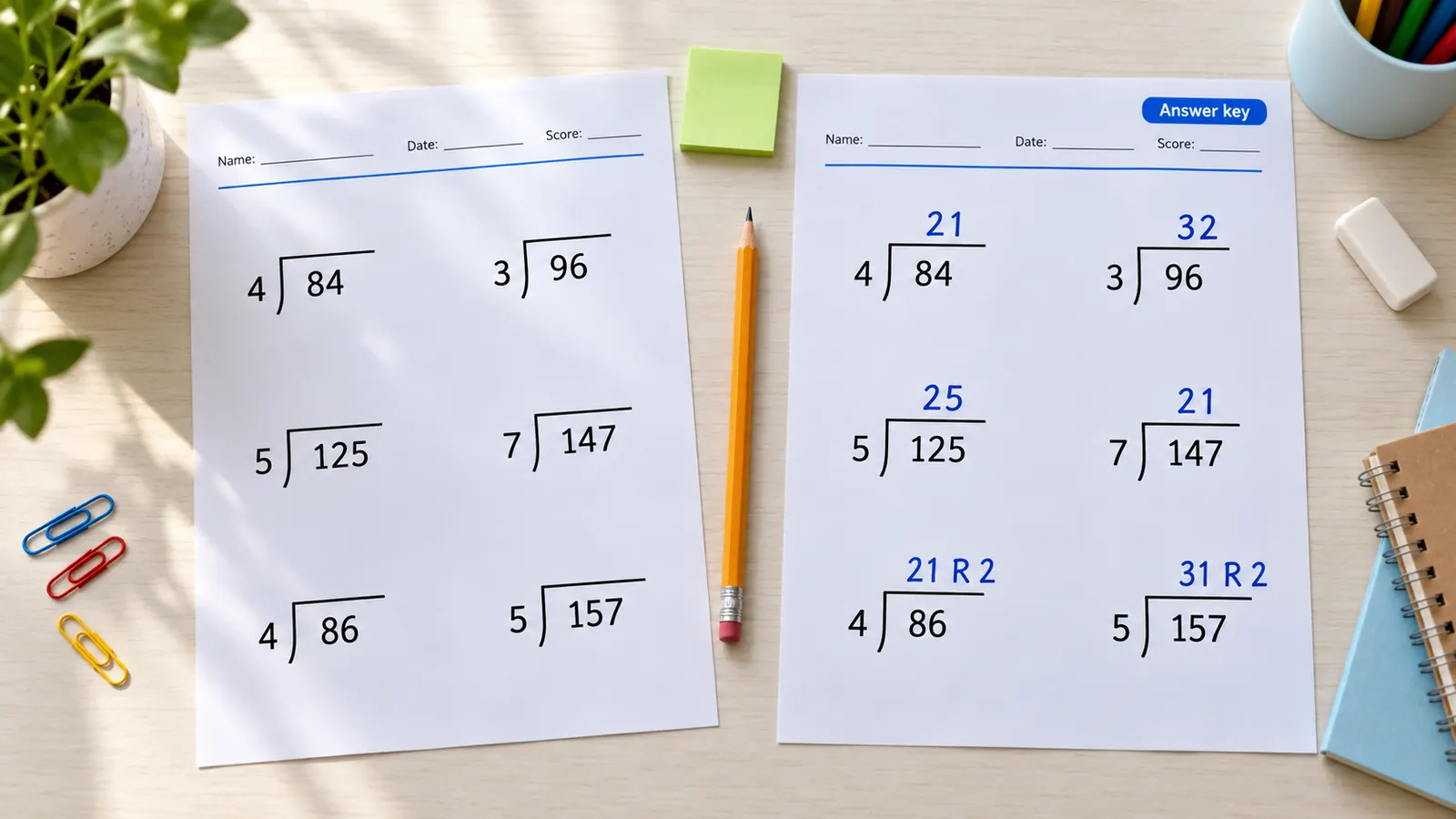
Every worksheet comes with an answer key built from the exact numbers on the page, so there is nothing to copy by hand. Put the key after each worksheet or all keys at the end, and print the keys separately for self-checking. Long division keys show the quotient and the remainder in the same layout as the question.
Many different worksheets in one print run
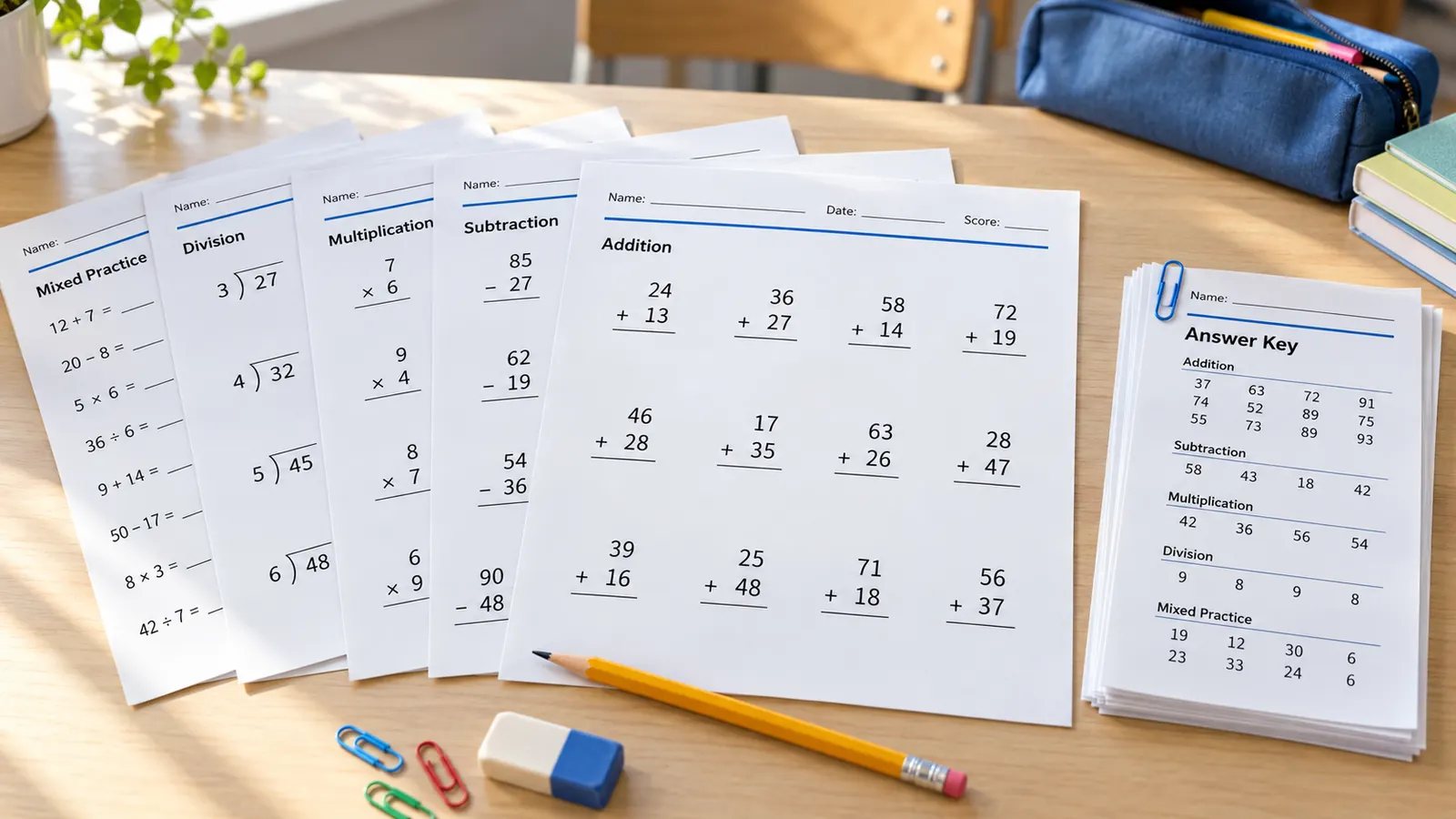
Need four versions of a quiz so neighbors cannot copy, or a week of daily practice? Set the number of worksheets and the generator makes each one with new problems, avoids repeating the same problem across the set where it can, and puts them in one PDF. Press New problems for a fresh batch whenever you like.
What the free math worksheet generator includes
All the options teachers ask for, running in your browser with nothing to install.
PDF, PNG or print
One PDF with every worksheet and key, a PNG for tablets, or print straight from the page. No watermark.
Vertical or horizontal
Stacked problems with a line for the answer, or 12 + 7 = ___ in a row. Long division in two layouts.
Missing numbers
Fill-in-the-box problems such as 8 + ☐ = 15 build the idea of the equal sign.
Carrying and borrowing
Practice problems that always, never or sometimes need regrouping.
Decimals
Add and subtract decimals to tenths or hundredths, aligned in vertical form.
Private by design
Problems are made on your device. No account, no tracking of student names, nothing uploaded.
How to make math worksheets with the math worksheet generator
From a blank page to a printed worksheet and key in about two minutes.
Start from a grade preset
Open Grade presets and choose the level, for example Grade 2 for addition and subtraction within 100. The Common Core standards ask for fluent addition and subtraction within 20 by Grade 2 and within 100 with place-value strategies, and know-from-memory products by Grade 3, so the presets move in those steps.
- UK and Australian classes: use the Year range shown next to each Grade.
- Not sure which level? Print one worksheet and see how many problems your child finishes comfortably.
Set operations and number ranges
Turn operations on or off and type the smallest and largest numbers for each. For long division choose the quotient range and the divisor, and allow remainders for Grade 4 and up. Use the carrying and borrowing option to target one skill at a time.
- Short practice on one skill usually beats one long mixed sheet.
- Widen the range if the warning says problems will repeat.
Choose layout, size and number of worksheets
Pick vertical or horizontal, how many problems fit on a page (20 to 30 is typical) and how many different worksheets you need. For missing-number practice switch to horizontal and choose a missing number. Add the name, date and score line for classroom use.
- Fewer, larger problems are easier for younger children to write.
- Choose Automatic columns first, then adjust if you want more space.
Print with the answer key
Press Print or download a PDF. Print at 100% (actual size) on US Letter or A4, and set the color to black and white to save ink. Keep the answer key for yourself or hand it out for self-checking. Fluency is accuracy, flexibility and speed together, as the NCTM position statement on procedural fluency explains, so keep practice short and relaxed.
- Check that the print dialog says 100% or actual size, not fit to page.
- Press New problems to make a different version any time.
Math worksheet generator FAQ
Answers about grades, answer keys, printing and how this tool compares.
Yes. The tool has no paid tier, no account and no watermark on the PDF, PNG or print. Everything is generated in your browser, so nothing you enter is uploaded.
Open Grade presets and choose Kindergarten through Grade 5, or pick the matching UK Year. Each preset sets the operations, number ranges, layout and number of problems, and you can change any of them. For example, Grade 2 gives 20 vertical addition and subtraction problems within 100.
Yes. Choose to put the answer key after each worksheet or all keys at the end. The key is built from the same problems, so it always matches, and long division keys show the remainder too.
Yes, up to 30 per export. Each worksheet has new problems, and the generator avoids repeating a problem across the set whenever the number range allows it. That makes it handy for quiz versions A, B, C and D, or a week of daily practice.
The problems are random and change every time you press New problems. If your number range is small, for example the 2 times table, only a few different problems exist and some repeat; a warning tells you how many different problems your settings allow.
There is no official number. Most printable sheets have 20 to 30 problems, and for younger children 8 to 12 larger problems is easier to finish. Several short sets a week usually work better than one long page, and the aim is accurate, flexible fluency, not only speed.
A chatbot can write word problems, but it can make arithmetic mistakes in the answers and the layout is awkward to print. This generator calculates each answer exactly, formats vertical problems properly and exports a print-ready PDF.
They hide one number in an equation, such as 8 + ☐ = 15. Common Core standard 1.OA.D.8 asks first graders to find the unknown number in addition and subtraction equations, and England's Year 1 curriculum uses the same idea. Choose horizontal layout and a missing number to make them.
Yes. Choose A4 or US Letter under Paper, color and symbols; the page opens with the right size for your region. The sheets are portrait, so print at 100% (actual size) for the layout shown in the preview.
Make your math worksheets with the free generator now
Choose a grade, press print and hand out fresh worksheets with matching answer keys in two minutes.
Free, no sign-up, no watermark, and nothing leaves your device.
Tip: print the answer key on colored paper so it never gets mixed up with the worksheets.