Save the Date Template Your photo, your date, their first glimpse of the celebration
Personalize a free save the date template with your engagement photo, names and wedding date. Download a printable PDF or a single-card PNG for phone sharing, with no account and no watermark.
3 photo layouts · 5 × 7, 4 × 6 and A6 · Local photo editing
See printing stepsEdit your save the date template
Choose a photo layout, update the names and date, then download a print file or a single-card image.
1 · Templates
2 · Your wording
Choose a date and time
Personalize a batch
Up to 200 records; UTF-8 CSV or one name per line. Map each column before applying.
3 · Style & photo
Fonts adapt to the characters you enter; CJK uses the matching Noto font.
JPEG, PNG or WebP; up to 15 MB / 24 megapixels.
Add a photo or keep the empty frame.
Print & download
Print at 100% / Actual size. Match the paper size and turn off headers and footers. Test one sheet before a batch.
Preview
127 × 177.8 mm · Per sheet: 0 · Pages: 0
Your text, photos and lists stay in this browser. Free, no account or watermark.
Save the date card: download facts
- Price
- Free
- Account
- No account or email required
- Watermark
- None
- Export formats
- PDF, single-card 300 dpi PNG and browser printing
- Paper sizes
- A4 (210 × 297 mm) and US Letter (8.5 × 11 in)
- Supported sizes
- 5 × 7 in, 4 × 6 in and A6 (105 × 148 mm)
- Privacy
- Your photo and card text are processed locally in your browser
- Languages
- English, Spanish, Portuguese, French, German, Simplified Chinese, Japanese and Korean
- Last updated
- November 2, 2026
Best for
- Couples who want a simple photo announcement before sending the full wedding invitation.
- Home printing and sharing a finished image through a messaging or email app.
Not the best fit for
- Automatic delivery, guest tracking or online RSVP collection.
- Animated announcements, unrestricted canvas design or specialty foil printing.
How it compares
- Canva
- Canva offers a broad template library and flexible visual editing. This maker uses a smaller set of fixed photo layouts and local exports, so you can focus on the wording without positioning every element.
- Paperless Post
- Paperless Post provides hosted delivery and opening information. Here you download the finished image and send it yourself; there is no delivery or response tracking.
- Minted
- Minted offers physical stationery, proofing and professional finishes. This tool provides files for your own printer or a shop that accepts the exported PDF; it does not fulfill print orders.
Make a save the date card personal
Start with a photo and finish with files suited to both paper and a small screen.
Let your engagement photo lead
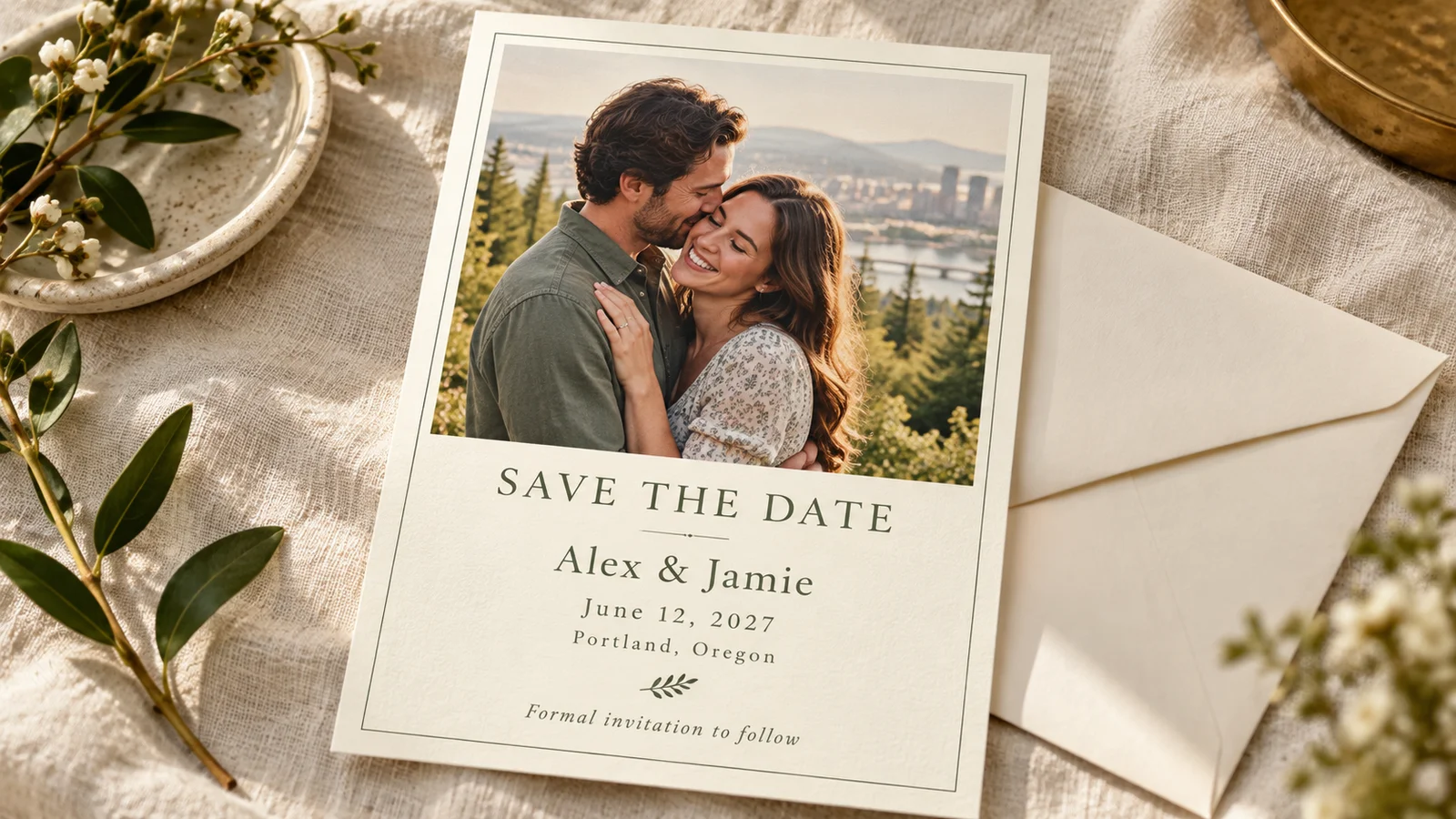
Upload a photo you are happy to share and position it within the selected layout. Portraits with a little space around the couple are easier to crop than tightly framed faces. Add the names, confirmed wedding date and city, then review every line at the final card size.
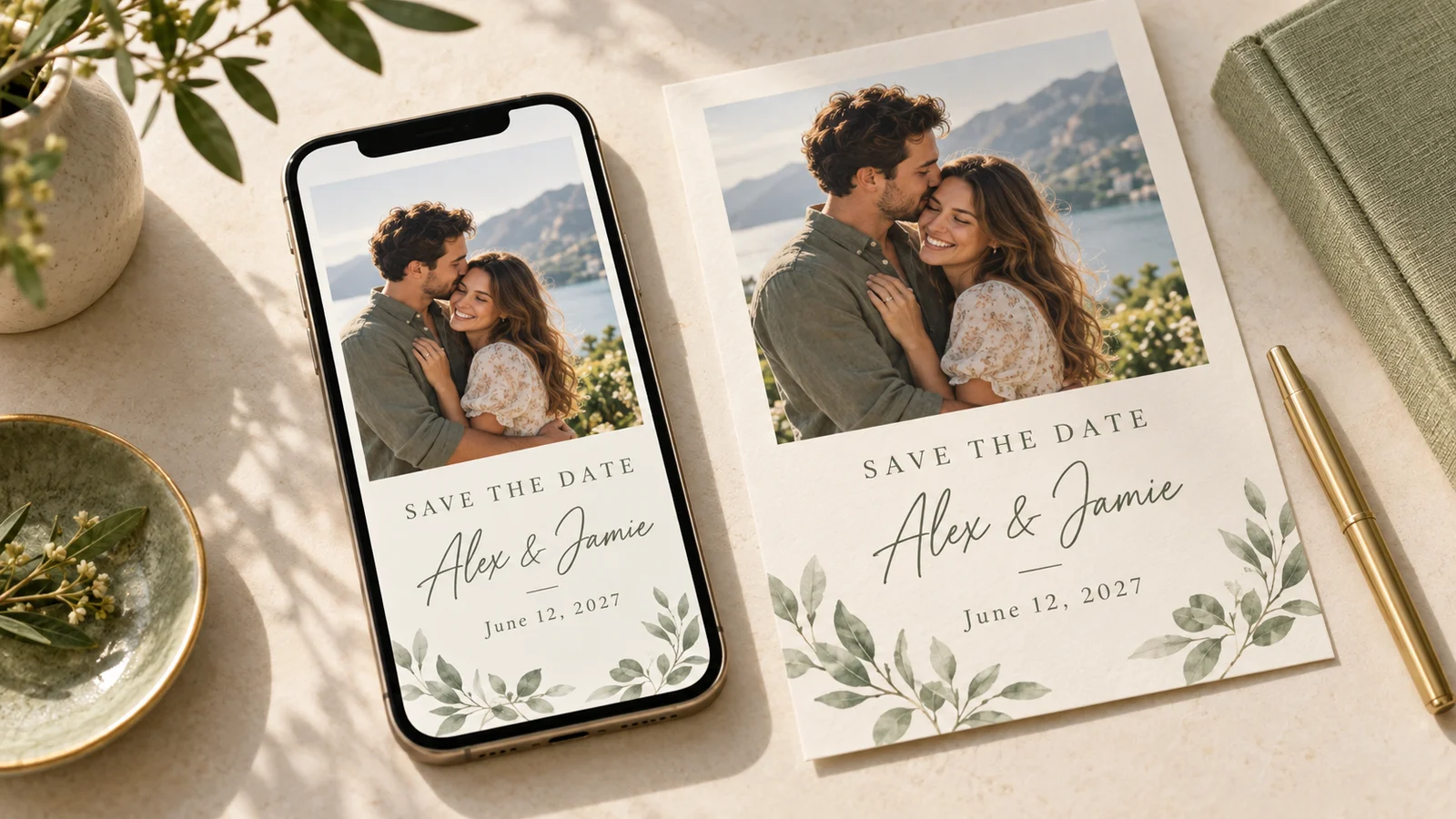
Share a card that reads on a phone
Download the single-card PNG and attach it in your own messaging or email app. It contains the finished design without a full paper sheet or cutting guides. Open the file on a phone before sending, especially when names or locations are long. Sending an image does not create a response form.
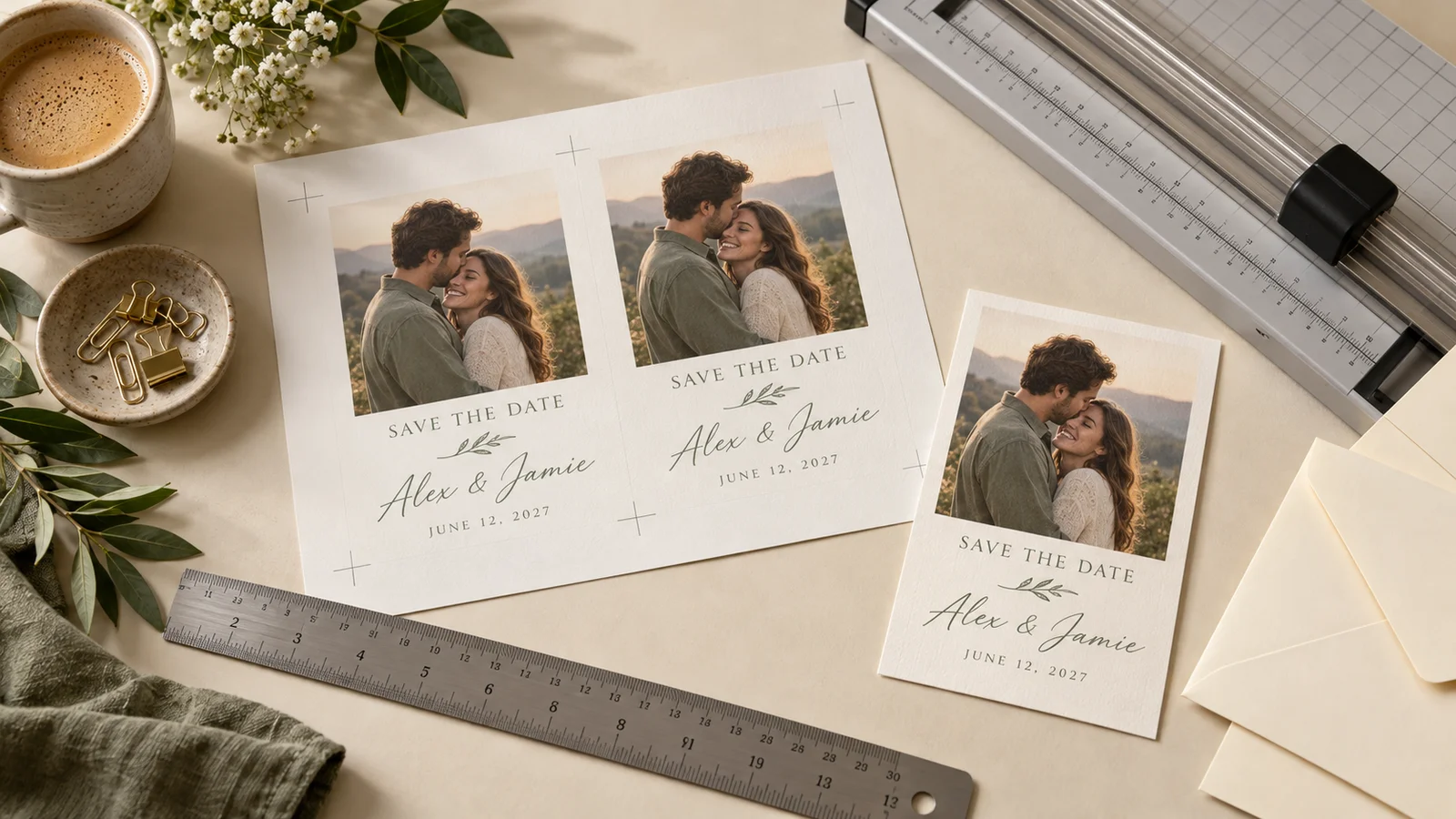
Print, measure and trim at home
Choose A4 or Letter for your printer and export the PDF. Print at 100% or Actual Size, then trim on the guides. A test sheet helps you check photo brightness, card measurements and envelope fit before buying supplies for the full guest list.
What the save the date card includes
Focused controls for an early wedding announcement.
Three photo layouts
Choose a layout that gives your engagement photo room to breathe. Crop carefully so faces stay clear of the text and trimmed edges.
Three finished sizes
Use 5 × 7 inches for a larger card, 4 × 6 inches for a compact format or A6 for a metric option. Sheet size is a separate choice.
Names, date and city
Replace the example names, date and location. Keep the message short; ceremony times and reply deadlines can come with the formal invitation.
Local photo handling
Upload and adjust the photo on your device. Download finished files before leaving the page; there is no cloud project account.
Print sheets and a clean image
Export a PDF for the printer and a single-card PNG for messages. The sharing image is the card itself, without the surrounding paper sheet.
Editable colors and type
Adjust available colors and font styles, then preview the result. Strong contrast and short lines help guests read the names and date on a phone.
How to personalize a save the date card
Prepare one proof before printing a batch or messaging your guest list.
Choose a layout and finished size
Select one of the three photo layouts and choose 5 × 7 inches, 4 × 6 inches or A6. The dimensions describe the trimmed card, not the entire print sheet. Check your envelopes before choosing a size; leave room for the card to slide in without bending.
- A6 is 105 × 148 mm; it is not exactly 4 × 6 inches.
- Count households for mailed cards and keep a few extra copies.
Upload the photo and replace the examples
Add your photo, adjust its crop and enter both names, the full date with year and the general location. A written month avoids confusion between day-first and month-first dates. Add a website if useful, plus a short note that the formal invitation will follow.
- Keep faces away from the edge and check contrast behind small text.
- Ask another person to proofread the date and names before exporting.
- Confirm the city and year are correct even when the exact venue address will be announced later.
Download for print or phone sharing
Choose the PDF for A4 or Letter printing. Download the single-card PNG when you want to attach the design to a message. The image is generated at 300 dpi for the selected card size; it is not a tall animated phone story. Check the exported file rather than relying only on the editor preview.
- Open the PNG on a phone and make sure the date is legible.
- Send through your own app; the editor does not deliver messages or track guests.
Print one sample and trim
Load the sheet size selected in the editor. Use 100% or Actual Size and disable Fit to Page. Test on plain paper first, then use cardstock supported by your printer’s weight, thickness and coating specifications. Let the ink dry and cut along the trim marks.
- Measure the finished card and test it in the envelope.
- Ask a print shop to approve a sample if it needs specific bleed or color settings.
Save the date template questions
Practical answers for photos, wording, sharing and home printing.
Yes. The three photo layouts can be edited and downloaded without an account or email address. PDF and PNG exports have no watermark. Printing supplies, postage and any outside printing service are separate costs.
Yes. Upload a photo from your device and adjust its crop in the editor. Use a clear original image rather than a screenshot when possible. Check faces and edges in the preview, then inspect the downloaded file before printing or sending it.
Download the single-card PNG and attach it in your messaging or email app. The file shows the card without a surrounding print sheet. It is a static image, so it does not collect responses, track whether guests opened it or provide an online event page.
Include the couple’s names, the wedding date with year and the city or general location. A wedding website and “Formal invitation to follow” are useful optional lines. Keep detailed schedules and RSVP instructions for the formal invitation or website. The Minted guide linked above provides examples of the essential information.
Send them after the date and location are confirmed, with enough notice for guests to plan travel. Paperless Post suggests four to six months for many weddings and earlier for difficult travel or holidays. Other guidance varies; use your guests’ circumstances and local practice instead of treating one interval as a rule.
Send an early announcement to people you intend to invite to the wedding. It helps them reserve the date, while the formal invitation supplies the confirmed event details and response instructions. Avoid sending to a provisional list until you know whom you can host.
Choose 5 × 7 inches (127 × 177.8 mm), 4 × 6 inches (101.6 × 152.4 mm) or A6 (105 × 148 mm). PDF sheets use A4 or US Letter. Print at Actual Size, not Fit to Page, to preserve those dimensions. Layout, margins and bleed determine how many cards fit on a sheet.
The editor processes your uploaded photo and text locally in the browser to create the preview and exports. Download the files before closing the page because there is no cloud project account. If you later send the image through another app, that app handles the file under its own terms.
Ask the shop to review a sample and confirm the finished dimensions, sheet arrangement and any bleed requirements. The export is useful for ordinary card printing, but it is not a certified CMYK or PDF-X production file. Specialty foil, letterpress and custom cutting require separate preparation.
Create your photo save the date card
Add your favorite photo and the confirmed wedding details.
Download a proof, check it on paper and on your phone, then share it with your guests.
Free PDF and PNG · No sign-up · No watermark