Cupcake Toppers Printable Their name. Their age. Your party.
Make cupcake toppers printable for a birthday or small celebration: choose a theme, edit the name and age, then save free PDF or PNG sheets without an account or watermark. Your wording stays in your browser.
Personalize your cupcake toppers
Choose a star, balloon or flower theme. Edit the greeting, name and age, select the finished diameter and check your sheet before downloading.
1 · Templates
2 · Your wording
Personalize a batch
Up to 200 records; UTF-8 CSV or one name per line. Map each column before applying.
3 · Colors & font
Fonts adapt to the characters you enter; CJK uses the matching Noto font.
Print & download
Print at 100% / Actual size. Match the paper size and turn off headers and footers. Test one sheet before a batch.
Preview
50.8 × 50.8 mm · Per sheet: 0 · Pages: 0
Your text, photos and lists stay in this browser. Free, no account or watermark.
Cupcake topper sizes and downloads
- Price
- Free
- Account
- No account or email required
- Watermark
- None
- Export formats
- PDF, 300 dpi PNG, ZIP for multiple PNG pages, and printing
- Paper sizes
- US Letter (8.5 × 11 in) and A4 (210 × 297 mm)
- Supported sizes
- 2 in (50.8 mm) or 2.5 in (63.5 mm) diameter circles
- Privacy
- Text editing and file generation happen in your browser
- Languages
- English, Spanish, Portuguese, French, German, Simplified Chinese, Japanese and Korean
- Last updated
- November 5, 2026
Best for
- Families and party hosts who want a short name, age and simple icon on round paper decorations.
Not the best fit for
- Edible icing sheets, licensed character artwork, machine cutting files or a freeform graphic design canvas. These are paper decorations to remove before eating.
How it compares
- Canva
- Canva offers a broader canvas and customizable cupcake-related designs. This editor focuses on fixed circle diameters and prepared print sheets. Choose a full design canvas for freely positioned artwork; use this form for a quick name-and-age design.
Cupcake toppers for a personal celebration
A few small paper details can bring your dessert table together.
Put the birthday name in the center
Start with a star, balloons or flower and replace the sample wording with your own greeting, name and age. Keep the name short enough to read from across the table. Review accents and characters in the preview before printing; longer text may need a smaller font or a shorter greeting.
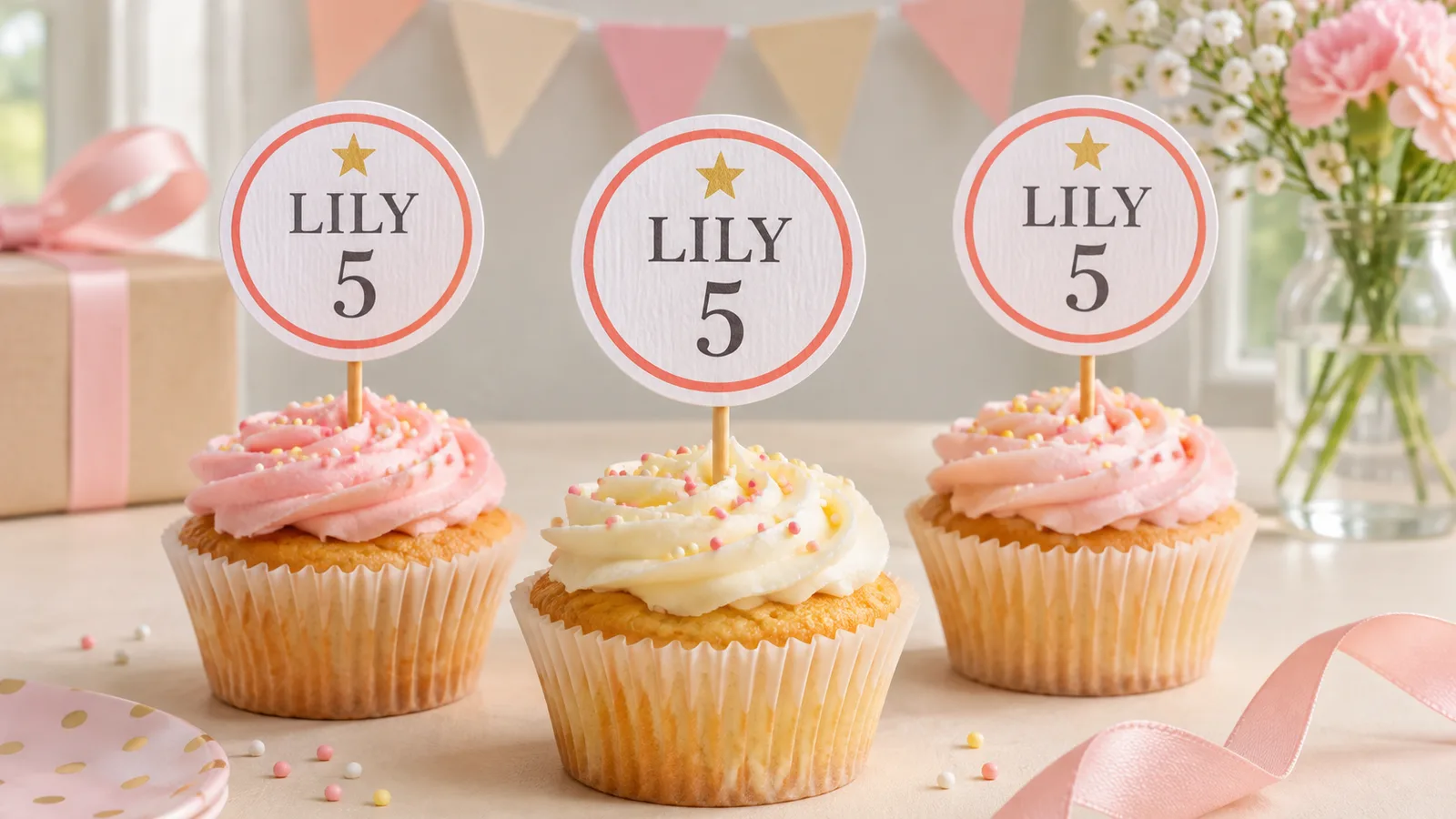
Match the circle to your cutting tool
Choose a finished diameter of 2 inches or 2.5 inches. That is exactly 50.8 mm or 63.5 mm, rather than a rounded 5 cm or 6 cm. A punch must match the selected size. If you only have scissors, follow the round edge and turn the paper gradually as you cut.
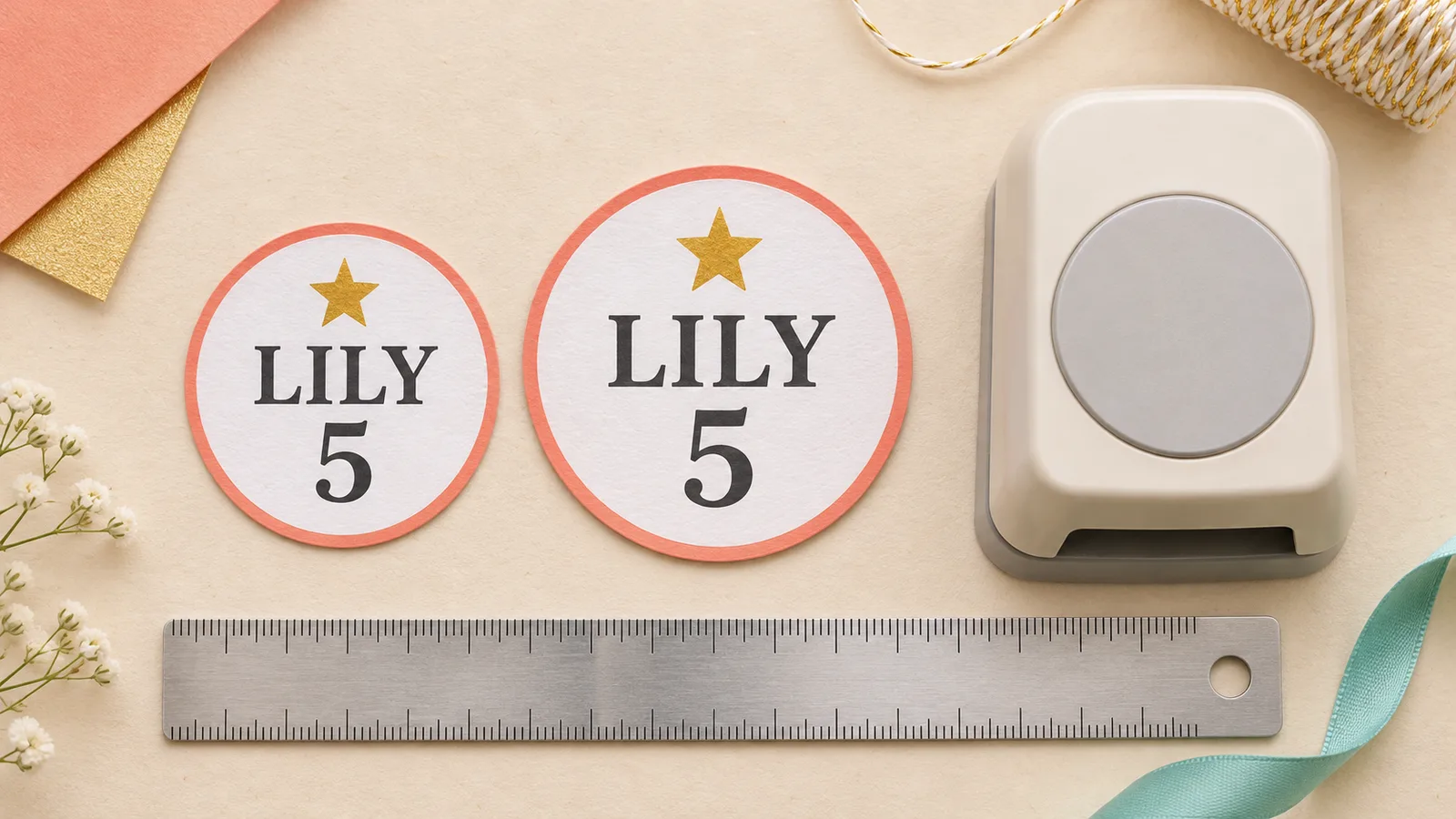
Print, cut and attach a pick
Download a prepared sheet, print a proof at actual size and measure one circle. Cut the sheet into strips so a craft punch can reach each design. Attach a food pick to the back with tape or glue, keeping the paper and adhesive above the frosting. Let any glue dry before arranging the finished pieces.
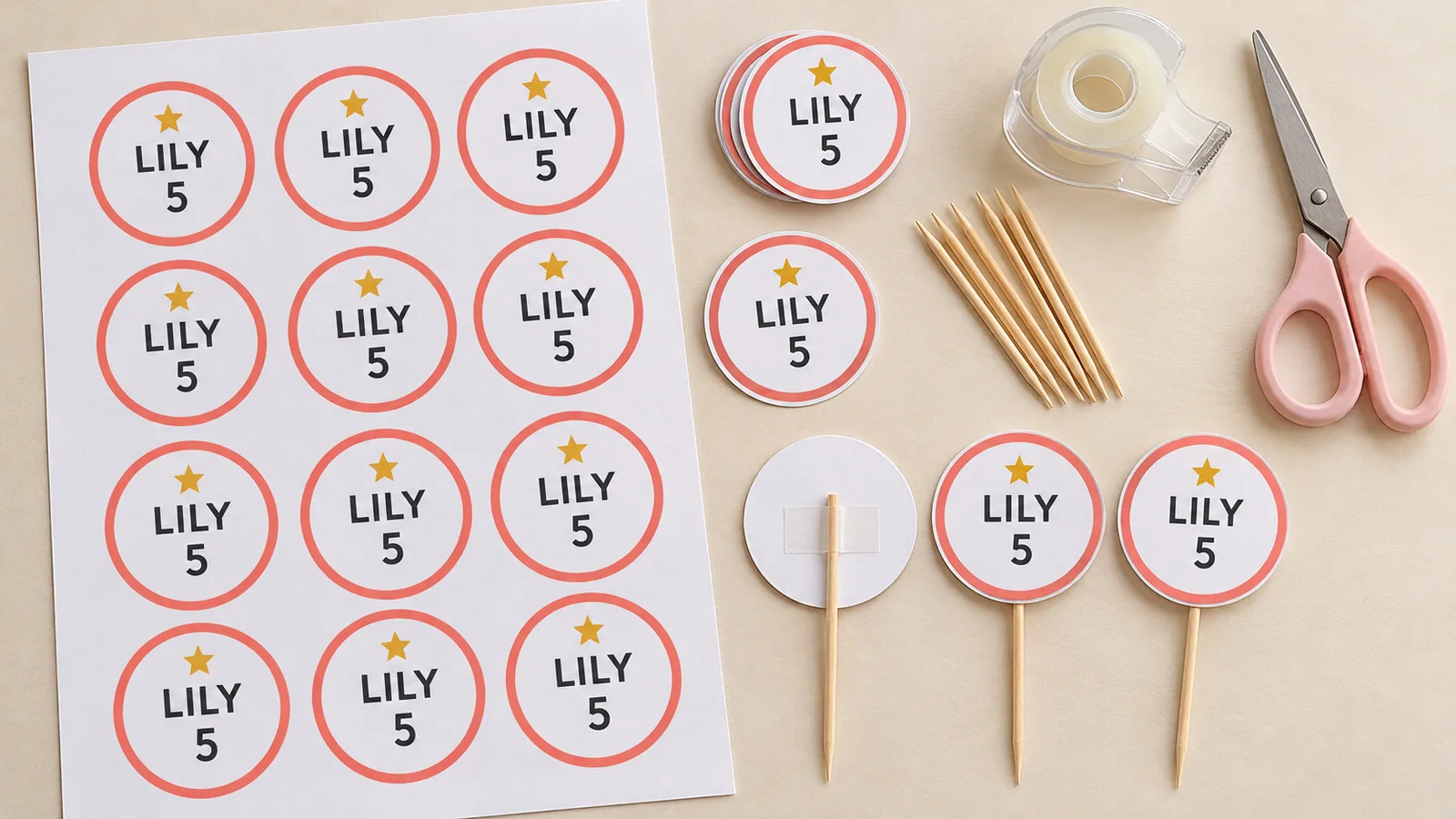
What your cupcake topper sheet includes
Keep the design simple and let the prepared layout handle the spacing.
A greeting that fits the occasion
Change the greeting as well as the name and age. Remove wording you do not need for a shower, class celebration or anniversary. The fields are editable text, so check spelling and punctuation before you export.
Two actual circle diameters
Both sizes keep the same physical dimensions on A4 and Letter. Changing paper selects a different sheet layout; it does not scale your design to an arbitrary size. Print one test sheet and measure the diameter before using your punch.
Simple theme icons
Use a star, balloons or flower as a small decorative cue above the wording. These prepared motifs keep the design readable at a small size. This is not a library of licensed characters or a photo composition tool.
Colors you can coordinate
Choose a palette that suits your liners, napkins or invitations. Dark wording against a light background is easier to read. Screen colors and printer output can differ, so a proof helps you check both contrast and ink coverage.
A PDF for accurate printing
The exported PDF includes the selected paper size and repeated pieces. Keep the printer at one document page per physical sheet because the arrangement is already built in. Disable Fit to Page when preserving the diameter matters.
PNG pages for saving
Save the prepared pages as 300 dpi images. Multiple pages arrive in a ZIP archive that you can extract before sharing with a helper. For reliable physical dimensions, use the PDF and check the print dialog instead of printing an image from a photo app.
How to print and assemble cupcake toppers
Prepare scissors or a matching punch, a ruler, paper and food picks.
Choose a theme and edit the wording
Select your icon, then change the greeting, name and age. Choose a diameter before fine-tuning the type so you can judge the text at its final scale. Check every character in the preview, especially long names and unfamiliar symbols.
- Use the same spelling and colors on your invitations.
Set the sheet and print a proof
Select A4 or US Letter to match the tray. Export PDF and print at Actual Size or 100%, with one PDF page per sheet. Measure across one circle: 50.8 mm for the smaller size, or 63.5 mm for the larger size. If it is wrong, check scaling before printing again.
- Try plain paper first; use white cardstock within your printer’s supported weight range for the final pieces.
Trim strips and cut the circles
Allow the ink to dry. Trim the unused edges and separate the sheet into strips to make it easier for a punch to reach the circles. Align the printed edge with a punch of the same diameter. With scissors, rotate the paper rather than trying to bend the blade around a tight curve.
- A 2 inch punch cannot cut a 2.5 inch design without removing its outer artwork.
Attach the picks and arrange the table
Fix each circle to the upper end of a food pick with tape or a small amount of glue on the back. Keep paper and adhesive clear of the food. Let glue dry fully, then place the decoration into the cake. Remove the entire pick and paper before eating.
- For a finished back, attach a second matching circle manually; check alignment before the adhesive sets.
Cupcake topper questions before printing
Practical answers about circles, paper and assembly.
Yes. Editing and downloading PDF or PNG files are free, with no account, email requirement or watermark. You supply the paper, ink, picks and adhesive. The designs are generated locally in your browser.
Choose 2 inch circles, which are 50.8 mm across, or 2.5 inch circles, which are 63.5 mm across. These are the finished paper diameters. The wooden pick extends below the paper and is not included in that measurement.
Yes. Replace the greeting, name and age in the form, then choose a star, balloon or flower theme. Short wording is easier to read on a small circle. Review the preview to check line breaks and spelling before downloading.
Select the 2 inch design and print the PDF at 100%. Measure a proof before punching. Trim the sheet into strips so the punch can reach the centers. A 2.5 inch circle needs a matching larger punch or scissors.
Use whichever size your printer supports and select that same format in the editor and print dialog. A4 measures 210 × 297 mm; Letter measures 8.5 × 11 inches. Choose cardstock within your printer’s supported weight and thickness limits.
Fit to Page, Shrink or a photo printing preset can resize the entire sheet. Export PDF, choose Actual Size or 100%, and keep the printer setting at one page per sheet. Check that the selected paper matches the loaded paper, then measure another proof.
They are paper decorations, not edible images. Attach the back to a food pick using tape or glue, keeping adhesive and paper above the frosting. Remove the decoration before eating. The editor does not produce icing-sheet or cutting-machine files.
Yes. Editing and exports run in your browser, including names and ages you enter. Use PDF for printing or save PNG pages at 300 dpi; multi-page PNG output downloads as ZIP. Extract that archive before opening the individual page images.
Create cupcake toppers printable for your party
Start with a name and age, choose your circle size and print one proof before preparing the full set.
Free PDF and PNG · No signup · No watermark