Free Printable Card Maker your words, ready to fold
Use this free printable card maker for birthdays, thank-yous and everyday greetings. Edit the cover and inside, then save PDF or PNG without a sign-up or watermark.
Choose a design, write your message and download a card that folds into place.
Read the folding guidePrintable card maker with cover and inside text
Pick Classic, Confetti or Photo, choose a half-fold or quarter-fold layout, and personalize the message. The preview shows the unfolded print layout.
Printable card maker
Choose a cover, write your message and print a folded card.
1 · Templates
2 · Your wording
Personalize a batch
Up to 200 records; UTF-8 CSV or one name per line. Map each column before applying.
3 · Style & photo
Fonts adapt to the characters you enter; CJK uses the matching Noto font.
Print & download
Print at 100% / Actual size. Match the paper size and turn off headers and footers. Test one sheet before a batch.
Half fold: outside has back cover on the left, front cover on the right. Print both sides, then fold at the center.
Preview
279.4 × 215.9 mm · Per sheet: 0 · Pages: 0
Your text, photos and lists stay in this browser. Free, no account or watermark.
Printable card maker: matching envelope
The envelope pocket adds 6 mm to both the width and height of your currently selected folded card. Download a full-size PDF tiled across A4 or Letter sheets; the template is not shrunk to fit one page.
Envelope pocket: 221.9 × 145.7 mm
PDF pages: 4 · Letter
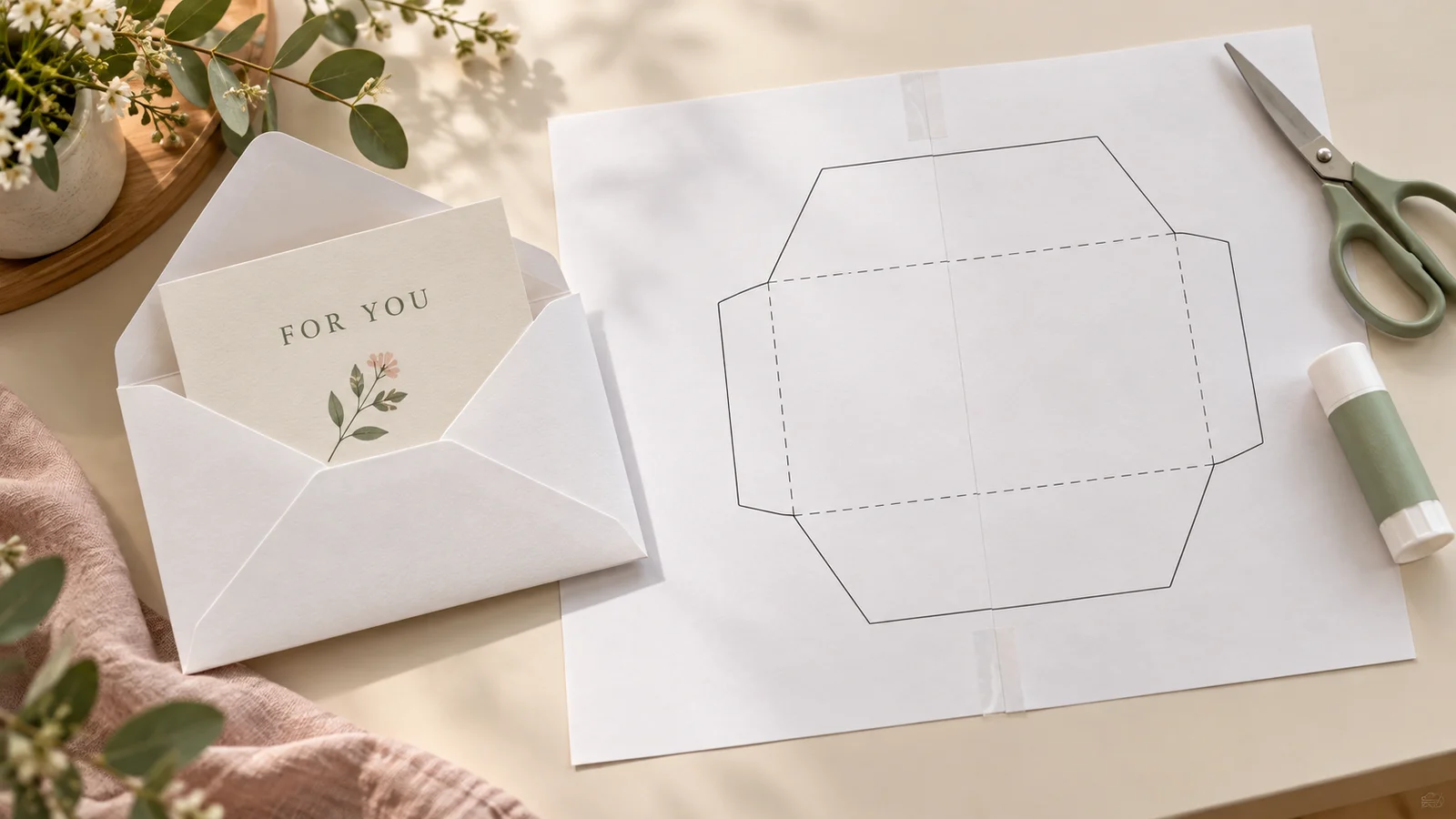
Arrange the sheets by their row and column numbers. Align the 10 mm overlaps and tape the sheets together first. Then cut the solid outline, fold the dashed lines and glue the flaps. Test the card inside before sealing.
Printable card maker facts and finished sizes
The fold determines the finished size. The card uses one physical sheet; its PDF contains two sides for a half-fold or one side for a quarter-fold.
- Price
- Free
- Account
- No account required
- Watermark
- None on exported cards or envelope templates
- Export formats
- Card PDF, 300 dpi PNG and direct printing; tiled envelope PDF
- Paper sizes
- US Letter (8.5 × 11 in) and A4 (210 × 297 mm)
- Supported sizes
- Half-fold: 5.5 × 8.5 in on Letter, 148.5 × 210 mm on A4. Quarter-fold: 4.25 × 5.5 in on Letter, 105 × 148.5 mm on A4.
- Privacy
- Card text and uploaded photos are processed locally in your browser
- Languages
- English, Spanish, Portuguese, French, German, Chinese, Japanese and Korean
- Last updated
- November 1, 2026
Best for
- Last-minute greetings for friends, family and colleagues when you have a home printer
- People who want a small set of editable designs with the folding layout already arranged
Not the best fit for
- An unrestricted drag-and-drop canvas, shared editing or saving projects to an account
- Ordering printed cards, guaranteed postal envelopes, or certified commercial press files
How it compares
- Canva
- Canva offers a broad layout library, drag-and-drop design and collaboration. PrintMigo provides three focused card designs with ready-arranged fold panels. Choose Canva for more open-ended composition; choose this editor when fixed fields and a home-print layout cover your needs.
- Greetings Island
- Greetings Island offers a large selection of illustrated cards. Its documented upload-your-own card has a small watermark in the free version, with removal through Premium. PrintMigo exports these designs without a watermark, but does not offer the same artwork library.
A printable card maker for personal greetings
Build the card around your own message. These photographs illustrate printed cards and envelope assembly; the live preview shows your actual exported layout.
Choose one fold or two
A half-fold gives you a larger card with a separate outside and inside print. A quarter-fold puts the panels on one printed side, making it useful when you do not have a duplex printer. The upside-down upper panels are intentional: two folds turn the message the right way up. Both options are available for A4 and Letter without resizing the finished card.
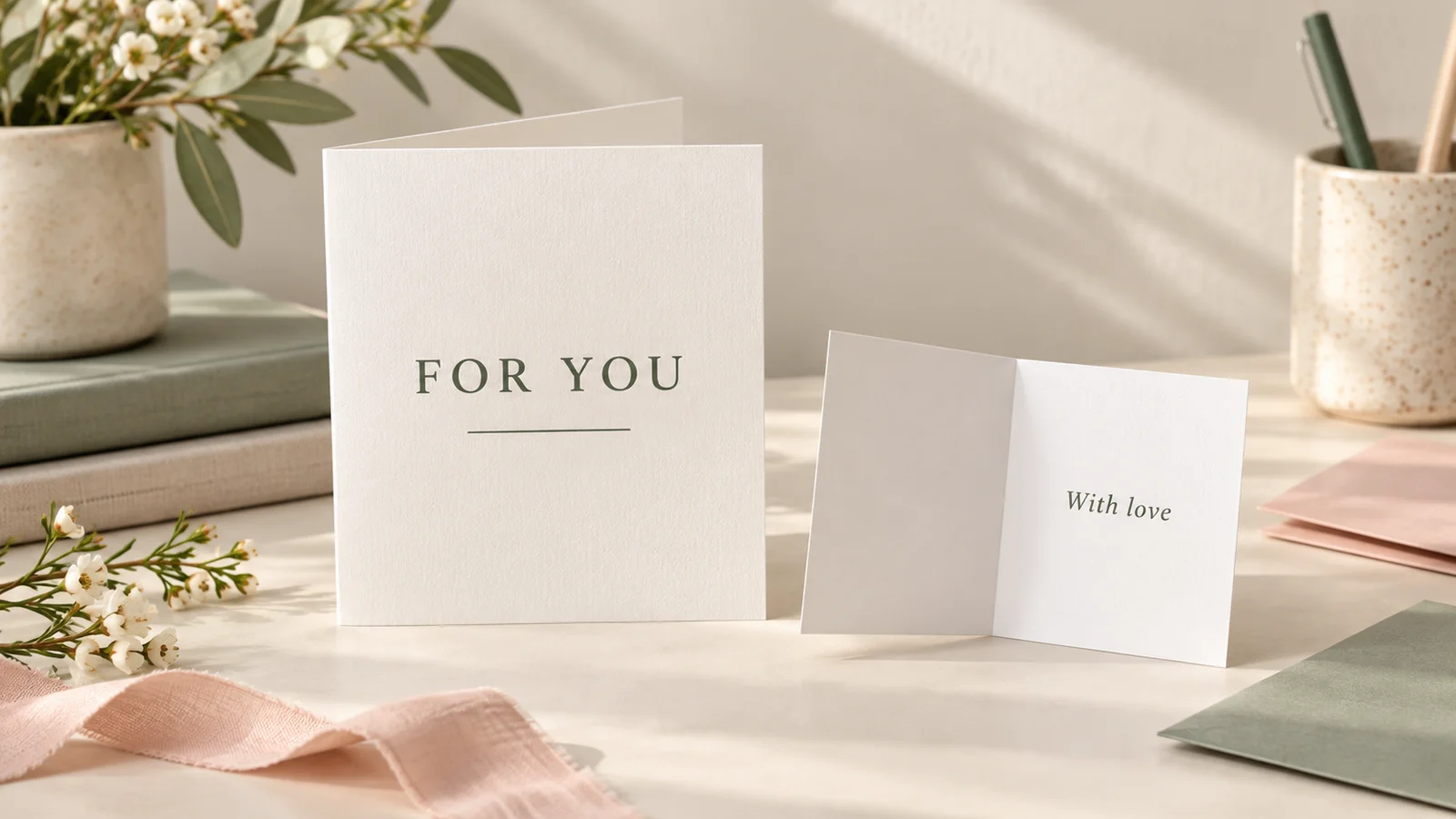
Make the cover and message your own
Use Classic for a restrained greeting, Confetti for a celebration, or Photo for a personal picture. Edit the cover and inside message, then adjust the available colors and font style. A short greeting is easier to read than a crowded paragraph. Leave space in the message for a handwritten signature if you want to add a final personal touch after printing.
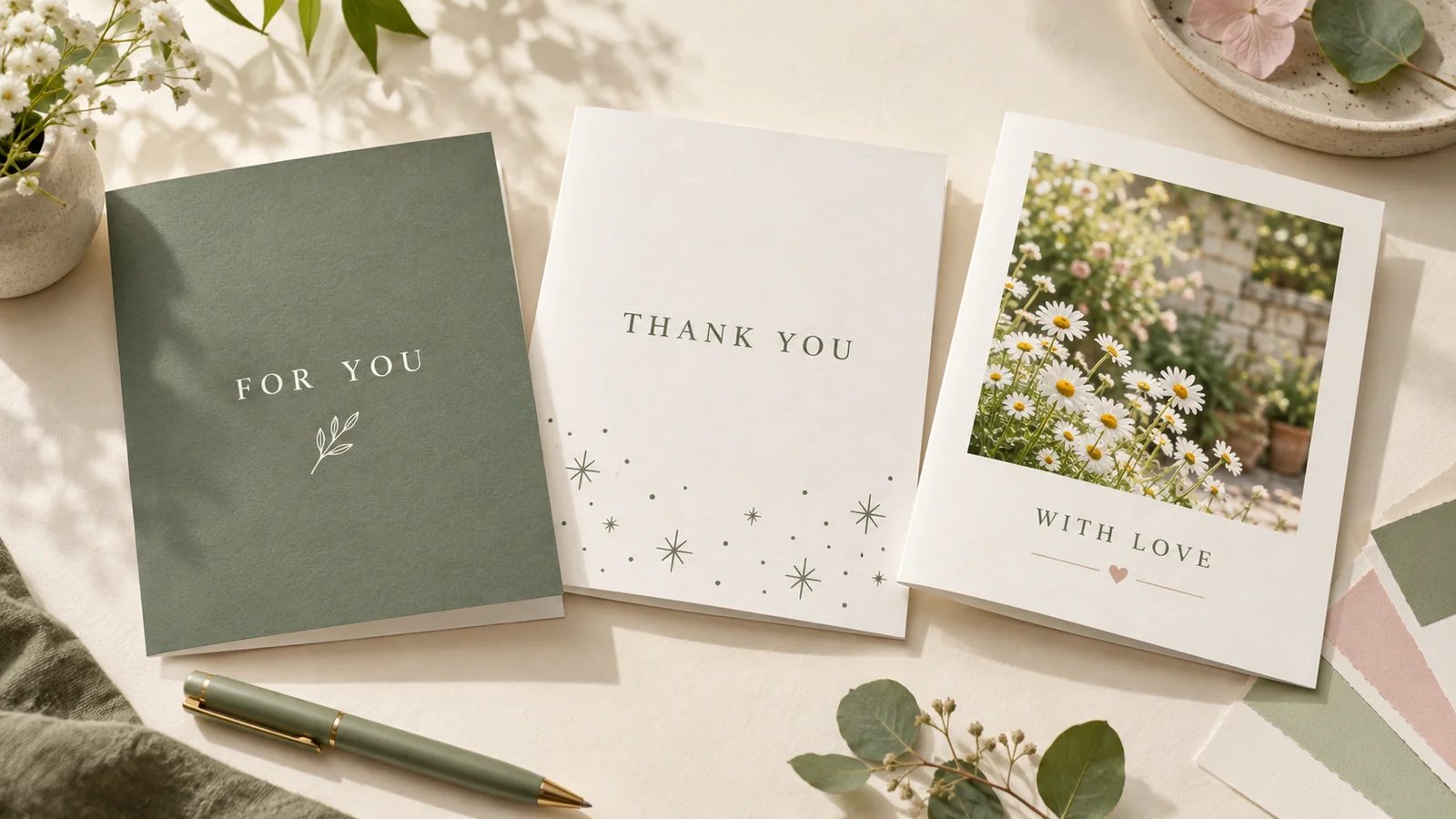
Finish with an envelope that fits
The envelope template follows your selected folded-card dimensions and adds 6 mm to the pocket width and height. Larger envelopes span several sheets, so assemble the numbered PDF pages at their overlap marks before cutting. This makes a practical wrapping option when you have ordinary printer paper, scissors, tape and glue. It is a craft template, not a postal-format certification.
Printable card maker settings for a useful result
Set the words, the appearance and the physical construction separately. Preview all the panels before printing your final paper.
Write for the person receiving it
Start with a clear greeting on the cover, then add a specific memory, a thank-you or a wish inside. You can use the same design for different occasions by changing the wording. A name is optional in your message; avoid including private contact details unless they belong on the physical card. The tool does not generate a personal story for you.
Four layouts for every design
Each of the three designs supports half-A4, quarter-A4, half-Letter and quarter-Letter. A4 quarter-fold finishes at 105 × 148.5 mm, which is close to but not exactly the 105 × 148 mm ISO A6 size. Select the paper actually loaded in your printer so the preview, fold positions and downloaded envelope agree.
A photo stays on your device
The Photo design uses a picture selected from your device. Check the crop and image quality in the preview before downloading. A larger original generally gives more detail than a small screenshot. The card content is not uploaded to a design server. Advertising and site analytics are separate from this local editing process.
Readable type before decoration
Choose from the available font styles and palettes, then inspect longer names and messages. Supported Chinese, Japanese and Korean characters use their corresponding fallback fonts; a Latin handwriting style does not turn every script into handwriting. Shorten text if the editor reports an overflow rather than expecting a cut-off line to appear in the file.
Keep the files you need
PDF is the straightforward choice for printing at a known paper size. PNG is useful when adding the design to another document or sharing an image; check its physical size when another app places it on a page. Multiple selected images can be packaged as a ZIP. Download before closing the page because this tool does not keep an online project for later.
Allow time for the envelope
A matching envelope can be larger than a single A4 or Letter sheet. The PDF keeps the real dimensions and divides the template into numbered tiles with 10 mm overlap. Paper thickness and your cuts affect the fit, so test the folded card in the pocket before gluing the final flap. For mailing, check your postal service’s size and addressing requirements.
How to use the printable card maker and fold your card
Make one plain-paper test first. It checks the wording, scale, paper direction and folds before you use heavier or photo paper.
Choose a design and folded size
Select Classic, Confetti or Photo, then choose the half-fold or quarter-fold layout matching your A4 or US Letter paper. Half-fold produces a larger portrait card from a landscape sheet. Quarter-fold makes a smaller card from a portrait sheet. Choose the construction before downloading a matching envelope, because changing the size also changes its pocket.
- Letter half-fold is 5.5 × 8.5 inches; Letter quarter-fold is 4.25 × 5.5 inches.
- A4 half-fold is 148.5 × 210 mm; A4 quarter-fold is 105 × 148.5 mm.
Personalize and check every panel
Replace the cover greeting and inside message. For the Photo design, select a picture and inspect its crop. Look at both sides of a half-fold layout. In a quarter-fold layout the upper text appears rotated by 180 degrees on the flat sheet; this is part of the fold arrangement and should not be manually reversed.
- Proofread names and dates separately from the rest of your message.
- Keep a blank area if you plan to sign the card by hand.
Print the card at actual size
Download the PDF, match its paper size in the print dialog and select Actual size or 100%. Half-fold uses both sides of one sheet; follow the editor’s selected flip setting and test the orientation before printing the final version. Quarter-fold uses one printed side. Adobe’s sizing guidance explains that Fit rescales the page, which changes the card and envelope dimensions.
- For a two-fold card, 80–120 gsm paper is a practical starting point. For a single fold, try 160–220 gsm only if your printer supports it; its manual takes priority.
- Turn off browser headers and footers. A plain-paper test is cheaper than discovering an upside-down inside on your final card.
Fold, then assemble the envelope
For a half-fold card, crease down the middle with the cover outside. For a quarter-fold card, with the printed side up, fold the top half behind the bottom and then the left half behind the right; check the cover and inside before making a firm crease. Download the envelope for this size, assemble its tiles with the marked 10 mm overlaps, tape them together, then cut solid lines and fold dashed lines. Glue the flaps and test the fit.
- Let ink dry before folding. Score thicker card gently with a blunt tool and a ruler.
- A matching gift tag can finish a wrapped present; it is a separate printable from the card and envelope.
Printable card maker questions before you print
Answers about folds, files, paper and matching envelopes.
Yes. The three designs, editable messages, PDF and PNG downloads, direct printing and matching envelope PDF are free. You do not need an account, and exported pages have no watermark. The website may show advertising; it is not part of your card. Save your files locally before closing the editor.
Yes. Edit the supplied text fields and check the panel preview. The half-fold design has an outside and an inside; the quarter-fold design arranges its panels on a single printed side. Choose Photo when you want to add your own picture. This is a form-based editor with fixed layouts, rather than a canvas for moving each element freely.
It supports US Letter, 8.5 × 11 inches, and A4, 210 × 297 mm. English initially uses Letter, and you can change it. A half-fold Letter card finishes at 5.5 × 8.5 inches; quarter-fold is 4.25 × 5.5 inches. On A4, the corresponding sizes are 148.5 × 210 mm and 105 × 148.5 mm.
Half-fold prints the outside and inside on opposite sides of one sheet, then uses one central fold. Quarter-fold places all panels on one printed side and uses two folds. The smaller version therefore works without duplex printing. Its upper panels look upside down on the flat page so they face the right way after folding.
For a half-fold card, the printer’s long-edge or short-edge flip must match the selected output and paper orientation. Use the calibration sheet and one plain-paper trial, then adjust the flip setting if needed. For a quarter-fold card, rotated text on the flat sheet is expected. Do not print its second side or rotate individual panels yourself.
Check your printer’s supported media first. As a practical starting point, use 80–120 gsm paper for a quarter-fold because it is folded twice, or 160–220 gsm stock for a half-fold if the printer accepts it. Test one sheet, let the ink dry and score thicker stock before folding. Photo-paper coatings and feed limits vary by printer.
Yes. The envelope pocket adds 6 mm to each folded-card dimension. The PDF keeps its actual size and tiles the larger template across A4 or Letter pages with 10 mm overlaps. Arrange pages by row and column, align and tape the tiles, then cut, fold and glue. It is not automatically scaled onto one sheet or certified for postal use.
The card is processed locally in your browser, including the picture selected for a Photo design. This page does not save a cloud project or provide shared editing. Download the finished PDF or PNG before leaving and keep a separate copy of text you want to reuse. Sharing the tool link does not share your private card content.
Make a personal greeting with the printable card maker
Choose a design, add a few words that sound like you, and print one test before making the final card.
Keep the finished PDF, then use the matching envelope template when you are ready to cut and fold.
Free downloads · No sign-up · No watermark