Budget planner printable Your month, on one page
Make a free budget planner printable for your household, student expenses or next paycheck. Fill in amounts or leave space for handwriting, then download PDF or PNG without signup or watermarks.
12 layouts · A4 and US Letter · Calculated in your browser
See the printing guideCustomize your budget planner printable
Start with a blank sheet or load a sample. Add your own categories and amounts, check the remaining balance, and choose a paper size before exporting. Every expense belongs in just one section.
TemplateSelected template: Simple Monthly Budget PlannerChoose one of 16 layouts. Switching templates keeps your entries and paper size.
Loading the sample replaces the entries below with fictional amounts. Choose Clear entries for a sheet to fill by hand.
Write one item per line as Category | amount, for example Rent | 1,200.50. Put bill dates before the | and the amount last. Record each expense once across fixed expenses, variable expenses and bills.
Layout settings
Print preview
US Letter / PortraitBefore you print
- Check for repeated expenses and unrecognized amounts.
- Review every visible row: long text and extra lines may be shortened.
- Match the selected A4 or Letter paper and orientation.
- Print the PDF at Actual size / 100%, with browser headers off.
Budget planner printable: quick facts
A single-page worksheet you can prepare without sharing your financial entries with a server.
- Price
- Free, with no paid tier or download fee
- Account
- Not required
- Watermark
- None
- Export formats
- PDF, PNG and direct printing; PDF contains a flat image, not fillable fields
- Paper sizes
- US Letter (8.5 × 11 in) and A4 (210 × 297 mm), portrait or landscape
- Supported sizes
- One page per export; 12 layouts, 10 color themes and 10 decoration choices
- Privacy
- Entries stay in this browser tab; no bank connection, account or automatic saving
- Languages
- 8 languages: English, Chinese, Spanish, Portuguese, French, German, Japanese, Korean
- Calculations
- Expenses = fixed + variable + bills. Remaining = income − expenses − savings.
- Number format
- Use the page language’s decimal separator and put the amount last. A currency symbol is a label, not a conversion rate.
- Last updated
- October 20, 2026
Best for
- People who prefer a paper worksheet in a binder, at a desk or on the fridge
- Households listing shared income and spending for one month
- Students and paycheck planners who want to fill their own categories before printing
Not the best fit for
- Automatic bank imports, reminders or a saved transaction history
- An interactive PDF form or an editable Excel download
- Interest calculations, a debt repayment schedule or a foldable envelope template
How it compares
- CFPB worksheets
- The CFPB offers ready-made budgeting and tracking worksheets. Choose those for a fixed guided form; use this page when you want to change category text, colors and layout before printing.
- Vertex42 spreadsheets
- Its monthly budget templates include planned and actual columns in Excel or Google Sheets. Those formats suit repeated calculations and records across months; this page produces a finished printable sheet from your current entries.
- Canva finance planners
- Canva offers broader visual design choices. This tool focuses on ready-made budget sections and a calculated summary, with no design canvas to arrange.
Make a budget planner printable for your routine
Choose a useful structure first, then adjust the details to match the way you record spending.
See income, expenses and savings together
Enter the money coming in and the amounts you plan to allocate. The summary updates as you type, including a warning when planned expenses and savings exceed income. Bills are included in total expenses, so a rent payment listed under fixed costs should not appear again under bills. Leave everything empty if you prefer to do the arithmetic on paper.
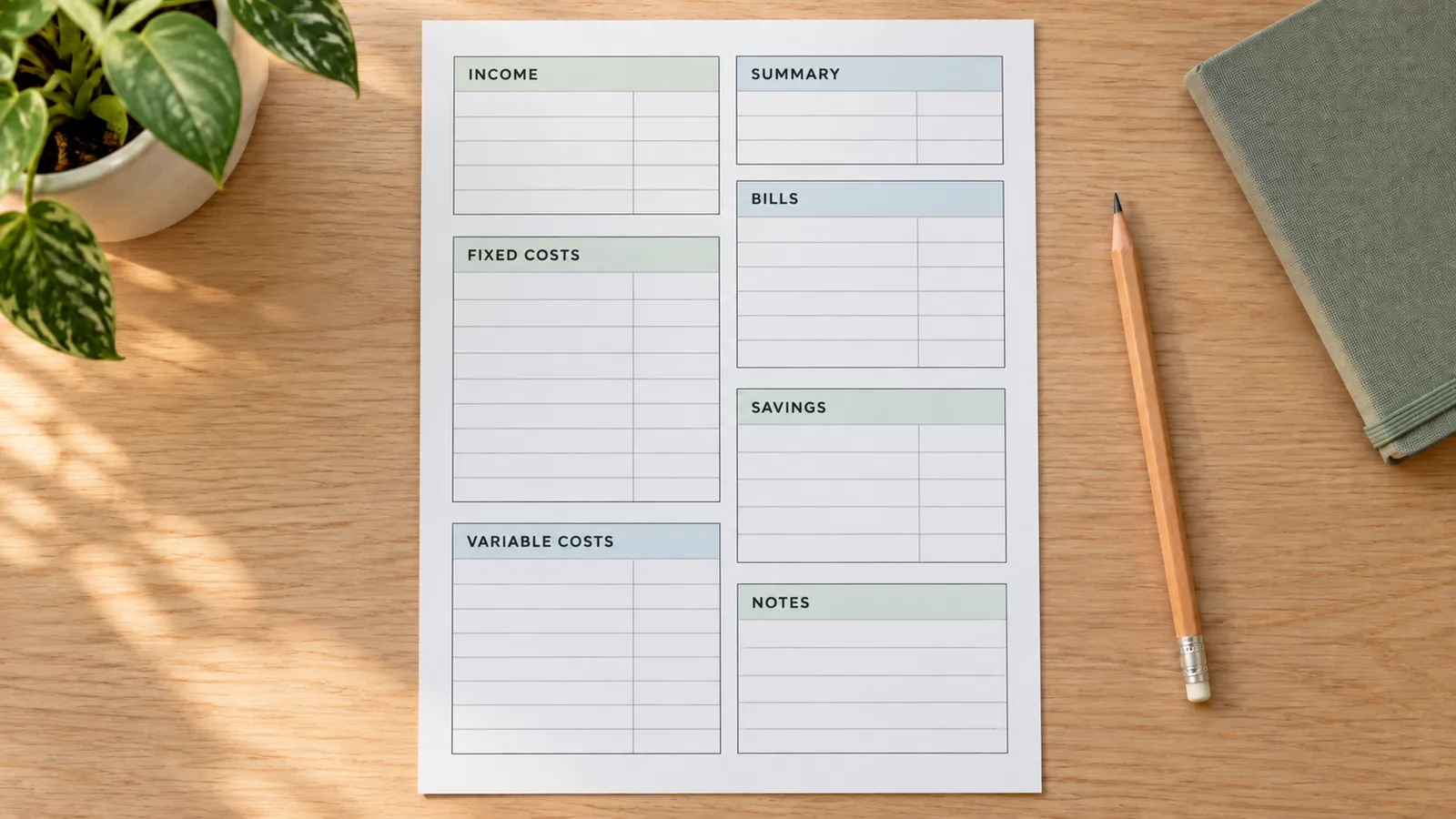
Start with one of 12 layouts
Choose monthly, family, student, paycheck, savings, bills, zero-based, debt payoff, cash envelope, weekly cash, small business or holiday. Each uses the same editable sections with different amounts of space and emphasis. Names describe a planning layout: the debt sheet does not calculate interest, and the envelope style does not create a cut-and-fold envelope.
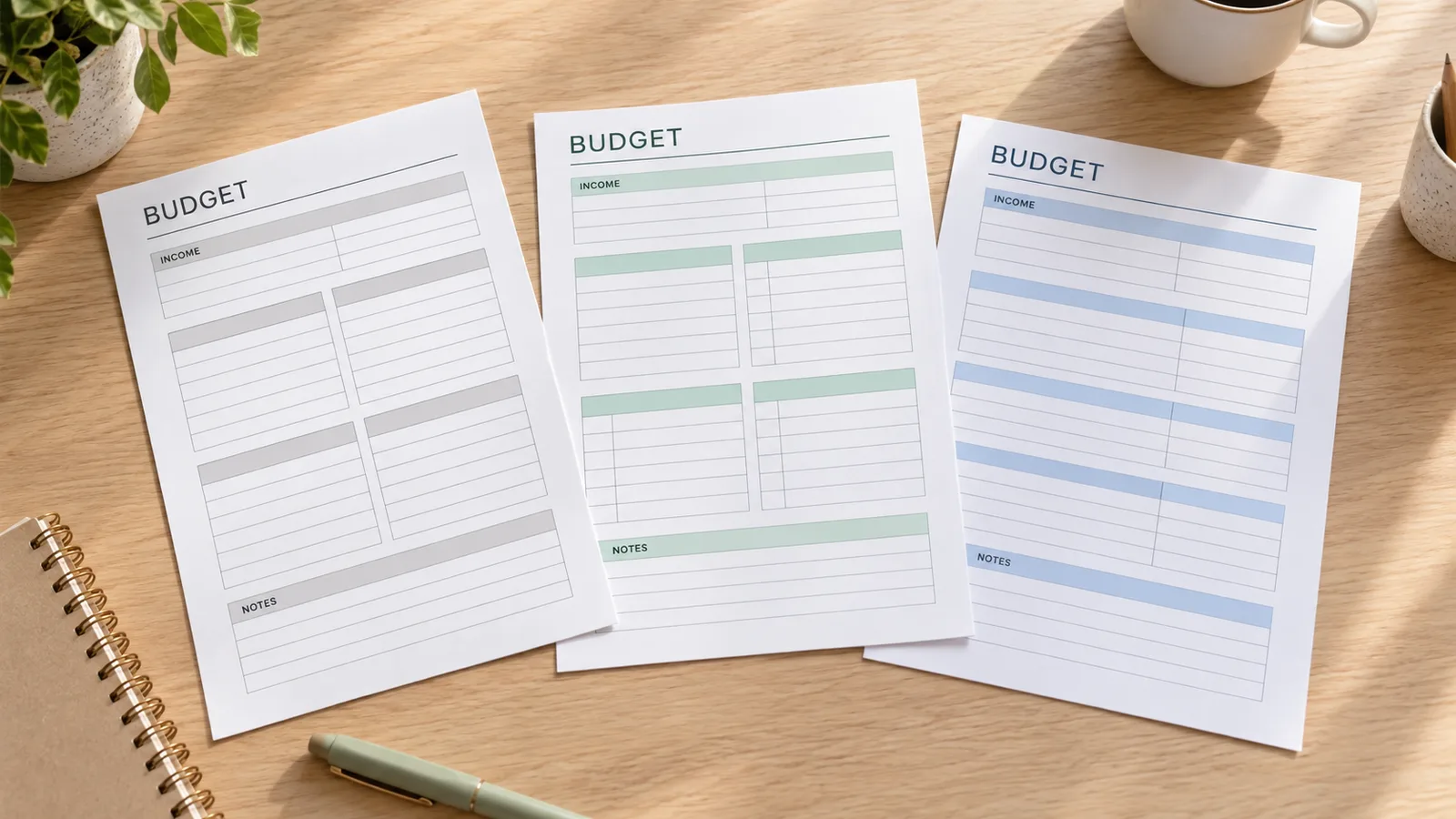
Keep the output ready for your printer
Use a low-ink theme for a practical worksheet or choose a color theme for your binder. Select Letter or A4 and portrait or landscape. The PDF and PNG contain the same preview, including your entries and totals. Downloads have no watermark. Check that the complete content is visible before saving; extra rows or long labels can be shortened to fit one page.
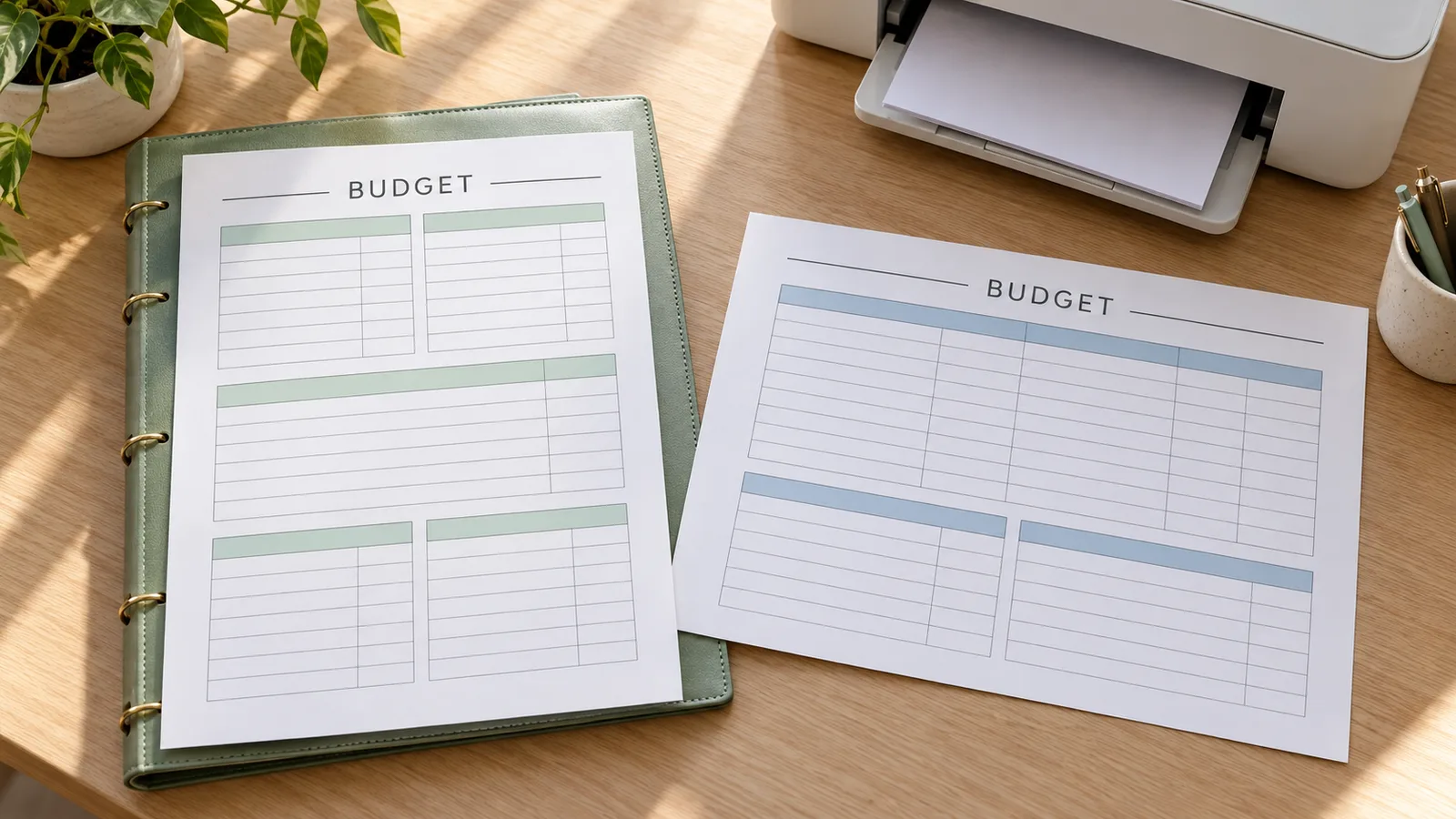
What your budget planner printable includes
Enough structure for a monthly review, with room to write the categories that make sense for your household.
Your own categories
Type wages, freelance income, rent, groceries or any category you use. One line holds one entry and its amount. The headings stay consistent across layouts, so changing the design does not require entering the same information again.
A readable balance
Income minus fixed costs, variable costs, bills and planned savings gives the remaining amount. Negative entries can represent corrections or refunds. The currency field changes the printed label only; use one currency throughout each sheet.
A blank copy for handwriting
Clear the entries and export an empty worksheet with ruled sections. You can keep one copy for your plan and another for actual spending. Print a new page for each month; the website does not keep earlier months for you.
Prepare it on a phone
The form and preview stack on a narrow screen. Open the template or layout controls when needed, edit the text, then save the PDF through your browser. A larger screen is helpful for checking the smallest labels before printing.
How to print your budget planner printable
Use real figures when you are ready, or print a blank copy and complete it with a pen.
Choose a layout and a month
Start with the monthly layout, or open the template library and choose family, student or another arrangement. Load the fictional sample to see how entries and totals work, then replace the amounts. Switching the layout preserves your text; loading the sample replaces it. Set the month to the period you want to review.
Choose a layoutList income and spending once
Gather the figures you want to use, such as take-home pay and recurring bills. Consumer.gov recommends writing down income and expenses, subtracting expenses from income, and checking the plan against what you actually spend. For this worksheet, use Category | amount on each line. Put dates in the label before the separator.
- Keep a phone bill in either fixed expenses or bills, not both.
- Use Notes for reminders without an amount.
Check the summary and the full preview
Review total income, total expenses, planned savings and the remaining amount. A warning identifies lines without a recognized amount; they are excluded from the summary until corrected. A negative remaining amount means the allocations entered exceed income. Inspect all printed rows because long text or more entries than the layout can hold may be shortened.
- Use one currency per page; changing its symbol does not convert the numbers.
- Shorten category names or use a second exported sheet if a section is crowded.
Match the paper and export
Choose US Letter for 8.5 × 11 inch paper or A4 for 210 × 297 mm paper. Select the same orientation in the printer dialog and print at Actual size or 100%. Ordinary 80–100 gsm office paper is a practical starting point within your printer’s supported range. Turn off browser headers and footers. No cutting is needed; a sheet protector works for repeated handwritten notes.
- PDF preserves page size; PNG can be placed in another document at the selected paper dimensions.
- Download before closing or refreshing the tab. The file is a snapshot, not a saved online budget.
Budget planner printable questions
Specific answers about formats, calculations and ways to use the worksheet.
Yes. All 12 layouts, editing controls, PDF and PNG downloads and direct printing are free to use, without registration or a watermark. Financial entries are processed in your browser tab. The tool does not need bank credentials to make the worksheet.
Yes. Select Clear entries, choose the layout and paper size, then download or print. The sections and summary amount fields remain blank for handwriting. If you enter amounts on the page, the summary is calculated automatically and included in the printout.
Both are available. Each file contains the visible preview at a 300-dpi target resolution for the chosen paper. The PDF is a flat image on one page, not a fillable form with editable fields. Make changes in the tool before exporting again.
Use one entry per line, for example Groceries | 420.50. This English page uses a decimal point and accepts comma thousands separators such as 1,200.50. Put due dates before the |. Expenses combine fixed costs, variable costs and bills, so record each payment in only one of those sections. Savings are subtracted separately from the remaining amount.
List the income available to the household, recurring costs, flexible spending and planned savings. The consumer.gov guide recommends comparing income and expenses and reviewing actual spending during the month. A Family layout offers a different arrangement of the same sections; it does not apply spending targets or allocate money automatically.
You can organize your entries that way manually. The CFPB worksheet describes a reference split of 50% of take-home pay for needs, 30% for wants and 20% for savings and debt payments, while inviting people to make a rule that fits their circumstances. This tool does not enforce those percentages. The Zero-Based layout helps review allocations until the remaining amount is zero; that is a planning balance, not a requirement to empty a bank account.
Match your actual paper: US Letter is 8.5 × 11 inches and A4 is 210 × 297 mm. Both support portrait and landscape. Download the PDF, select the same paper size and print at 100% or Actual size. Disable browser headers and footers for direct printing, and check the first sheet before making more copies.
Entries last only for the current page session, so download before reloading or leaving. There is no bank synchronization or stored budget history. Debt payoff and cash envelope are worksheet layouts using the same basic totals; they do not calculate interest, predict a payoff date or produce foldable envelopes. A spreadsheet is more suitable when you need a continuing monthly record.
Create your budget planner printable
Choose a monthly layout, enter the categories you need and review the balance before exporting. A printed copy gives you a simple place to plan spending and make notes during the month.
Start blank or use the sample as a guide, then download your finished page while the entries are still open.
Free · No signup · No watermark · A4 or Letter