Weekly Planner Maker printable time block planner
Design a one-page Weekly Planner Maker sheet for work, family schedules, appointments, errands, and weekly review. Your weekly planner is created in your browser. No account, calendar connection, or online sync is required.
Printable PDF, PNG, and Print - no account needed
How the Weekly Planner Maker worksWeekly Planner Maker printable editor
Use the Weekly Planner Maker to set a week title, start date, week order, days shown, layout settings, paper size, orientation, color style, decoration style, and printable notes.
Template librarySelected template: Clean Weekly FocusOpen to choose one of twelve Weekly Planner Maker templates. The library is collapsed by default.
Layout settings
Weekly to-do, priorities, and notes
Weekly planner preview
Clean Weekly Focus
Oct 31 - Nov 6, 2026 | Monday - Sunday | 7 days | Basic weekly layout | US Letter Portrait
Week range
Oct 31 - Nov 6, 2026
Week order
Monday - Sunday
Days
7 days
Layout
Basic weekly layout
Paper
US Letter
Orientation
Portrait
Template
Clean Weekly Focus
Why use this Weekly Planner Maker
The Weekly Planner Maker focuses on one printable weekly planner page instead of a heavy calendar app or a bundle of unrelated planners.
Weekly Planner Maker for one-page planning
Create a weekly planner with a week overview, time blocks, to-do list, top priorities, notes section, and next week notes on one printable page.
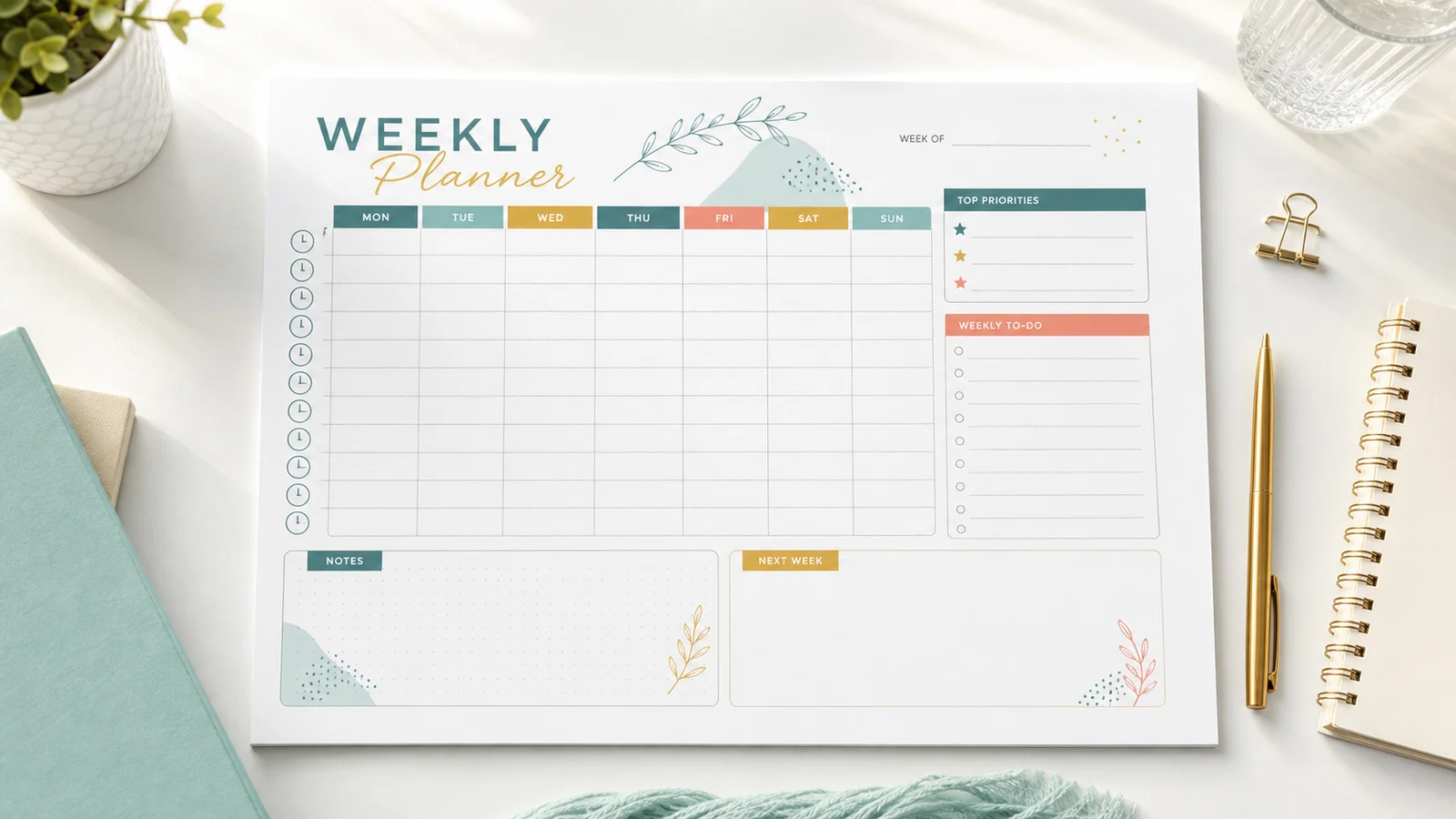
Weekly Planner Maker for time block planning
Switch to the Time Block Weekly Planner layout, choose a time range, and print a clean schedule grid for appointments, errands, and focused work.
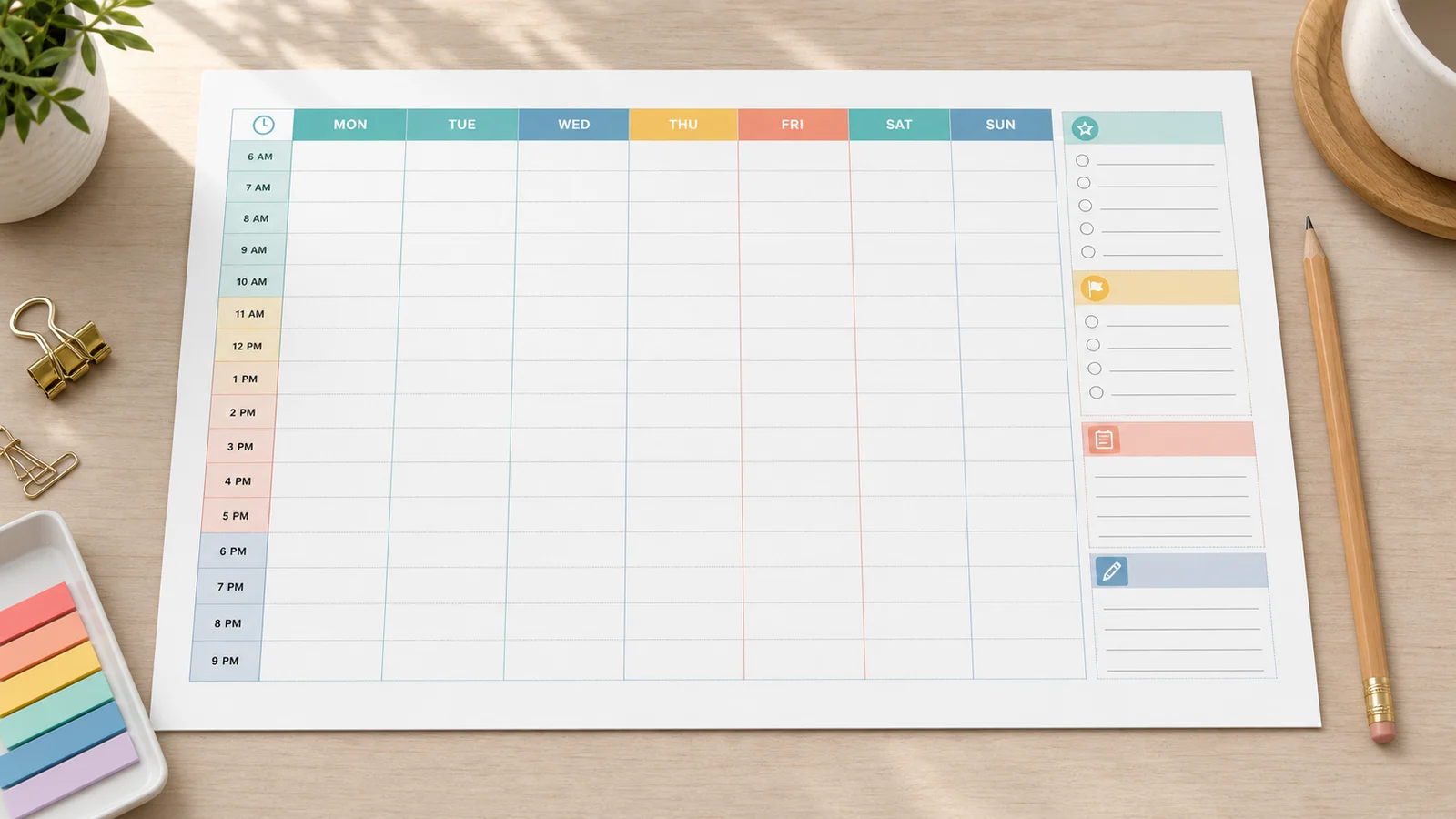
Weekly Planner Maker with browser-only export
Print or download PDF and PNG from the Weekly Planner Maker without an account, calendar sync, cloud saving, reminders, or AI scheduling.
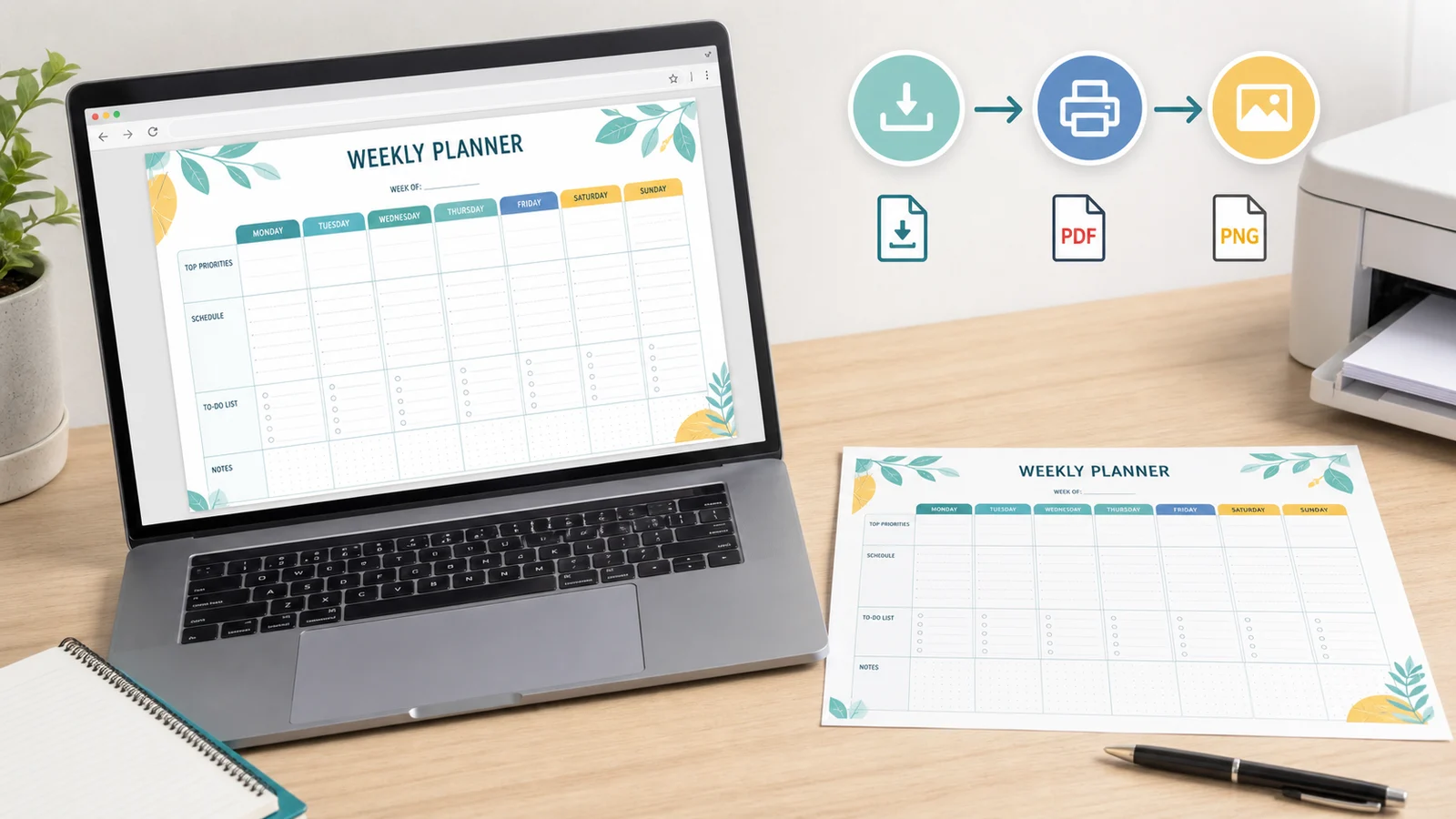
Weekly Planner Maker features
Keep the Weekly Planner Maker focused on a printable weekly schedule, with practical controls that affect the page you will print.
Weekly Planner Maker date and week controls
Set a week title, start date, Monday-Sunday or Sunday-Saturday order, and 7 days or weekdays only.
Weekly Planner Maker layout controls
Choose Basic, Time Block, or Notes-Focused layout, then keep paper, orientation, colors, and decorations in one Layout settings menu.
Weekly Planner Maker print controls
Pick A4 or US Letter, Portrait or Landscape, then Print, Download PDF, or Download PNG.
How to use the Weekly Planner Maker
The Weekly Planner Maker workflow is short: choose the structure, add weekly notes, preview the printable sheet, and export.
Choose a Weekly Planner Maker template
Open the collapsed template library and pick from 12 Weekly Planner Maker templates, including work, study, family, wellness, creative, and kids activity directions. Each template keeps the same order in every language.
- Use Time Block Weekly Planner for appointment-heavy weeks.
- Use Workweek Planner when you only need Monday through Friday.
Customize the Weekly Planner Maker page
Open Layout settings to adjust week order, days shown, layout type, time range, paper size, orientation, color style, and decoration style.
- Use 1 hour intervals for long schedules.
- Use landscape when you want wider time block columns.
- Use No decoration or low ink mode for the simplest printout.
Print the Weekly Planner Maker result
Review the weekly planner preview, then use Print, Download PDF, or Download PNG. The printable is generated in your browser.
- A4 and US Letter are both supported.
- Black-and-white low ink mode is available for simple printing.
Weekly Planner Maker FAQ
Common questions about using the Weekly Planner Maker for printable weekly planning.
Yes. The Weekly Planner Maker is free to use and does not require an account. Your planner is created in the browser, so you can print it or download PDF and PNG without signing in.
Yes. The Weekly Planner Maker includes Print, Download PDF, and Download PNG buttons. The export uses the same printable weekly planner preview you see on the page.
No. The Weekly Planner Maker intentionally does not include Google Calendar sync, Outlook sync, calendar import, reminders, cloud saving, team collaboration, or AI auto-scheduling because those features need accounts, permissions, backend services, or external APIs.
No. The Weekly Planner Maker is focused on one printable weekly planner page with a week overview, time blocks, to-do space, priorities, and notes. It does not replace PrintMigo's specialized meal planner, study planner, habit tracker, chore chart, checklist, or calendar tools.
The Weekly Planner Maker supports A4 and US Letter in Portrait or Landscape. Landscape is helpful for Time Block Weekly Planner layouts, while Portrait works well for classic and notes-focused weekly planner pages.
Yes. Choose weekdays only and the Time Block layout, then set the time range and either 30-minute or 1-hour intervals. The Workweek Planner template applies this setup quickly.
No. The Weekly Planner Maker is a browser-only printable tool. It does not upload your weekly to-do list, priorities, notes, or schedule to a server.
Create your Weekly Planner Maker page
Build a printable Weekly Planner Maker sheet for work, appointments, errands, family plans, and weekly review.
Keep it simple: one page, local editing, PDF, PNG, and Print.
No account, online sync, reminders, or calendar connection required.