Savings Tracker Printable Choose a goal. Print a plan. Color your progress.
Make a savings tracker printable for a 100-envelope challenge, a 52-week plan or your own target. Set the amounts and currency, then download a free PDF or PNG, or print on A4 or US Letter. No account or watermark; your financial details stay in your browser.
Customize your printable savings tracker
Choose a challenge, name your goal and adjust the amount. Check the printed total, then select the paper, orientation and design you want to keep.
TemplateSelected template: 100 envelopesChoose one of 16 layouts. Switching templates keeps your entries and paper size.
Currency changes the denomination and precision only. Amounts are not converted.
Total to save: $5,050.00 · 100 cells
Download before leaving. Entries and progress are not saved online.
Layout settings
Savings challenge
US Letter / PortraitBefore you print
- Color or tick a cell on paper after saving its printed amount.
- Currency changes the denomination and precision only. Amounts are not converted.
- Download before leaving. Entries and progress are not saved online.
Savings tracker printable: quick facts
A paper record of planned deposits, with the amounts calculated before you print.
- Price
- Free, with no paid tier or download fee
- Account
- Not required
- Watermark
- None
- Export formats
- PDF, PNG and direct print; the PDF is a flat image, not a fillable form
- Paper sizes
- A4 (210 × 297 mm) or US Letter (8.5 × 11 in), portrait or landscape
- Supported sizes
- 100 envelope cells, 52 weekly cells, or a custom goal with 10, 20, 25, 50 or 100 cells
- Privacy
- Generated in this browser tab; no bank connection or automatic saving
- Languages
- 8 languages: English, Chinese, Spanish, Portuguese, French, German, Japanese, Korean
- Currencies
- USD, EUR, GBP, CNY, JPY, KRW, BRL, MXN, CAD and AUD; changing currency does not convert amounts
- Classic totals
- A 1-unit base gives 5,050 across 100 envelopes or 1,378 across 52 weeks, before interest
- Custom targets
- The cells add up to your target; any remainder goes into the first cells in the currency's smallest unit
- Progress
- Mark or color the printed cells by hand after setting aside the corresponding amounts
- Last updated
- October 20, 2026
Best for
- People who want to color a cell after each deposit toward a personal goal
- Households keeping a simple challenge sheet in a budget binder or on the fridge
- Anyone who wants to choose a manageable target before printing
Not the best fit for
- Bank synchronization, transfers or automatic deposit verification
- An online progress history, a spreadsheet or an editable PDF form
- Interest forecasts, exchange-rate calculations or a personalized financial plan
How it compares
- Canva savings templates
- Canva offers a broad choice of designs and more freedom to arrange a page. This tool focuses on calculating the challenge cells from your amount and exporting the finished grid.
- Etsy savings templates
- Some paid listings include fillable PDF fields and deposit logs in several currencies. PrintMigo provides free browser-based setup and a flat printable export; edit your settings here before downloading again.
- 101 Planners
- Offers free savings charts, jars, thermometers and spreadsheet options. PrintMigo brings three challenge types into the same budget planner, with paper and currency controls beside the preview.
A printable savings tracker for three ways to save
Start with a familiar challenge or divide a target into smaller deposits.
Choose 100 envelopes or 52 weeks
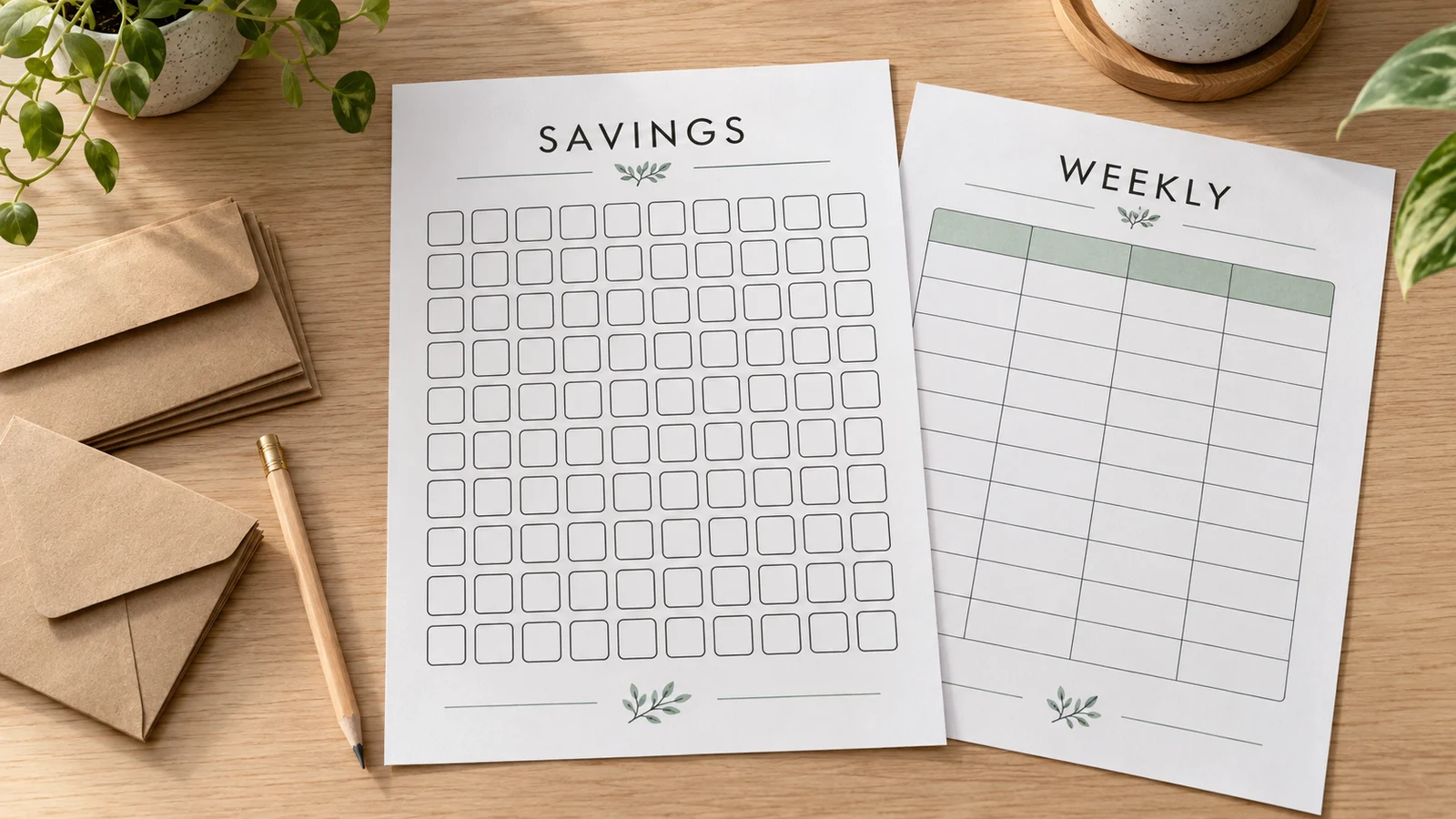
The envelope preset has 100 numbered cells; the weekly preset has 52. Each amount is the base amount multiplied by its number. A base of 1 produces totals of 5,050 and 1,378 respectively. Increase or reduce the base to suit your plan. The envelope sheet is a tracking grid, so you can use it without buying or folding 100 envelopes.
Split your own goal into clear amounts
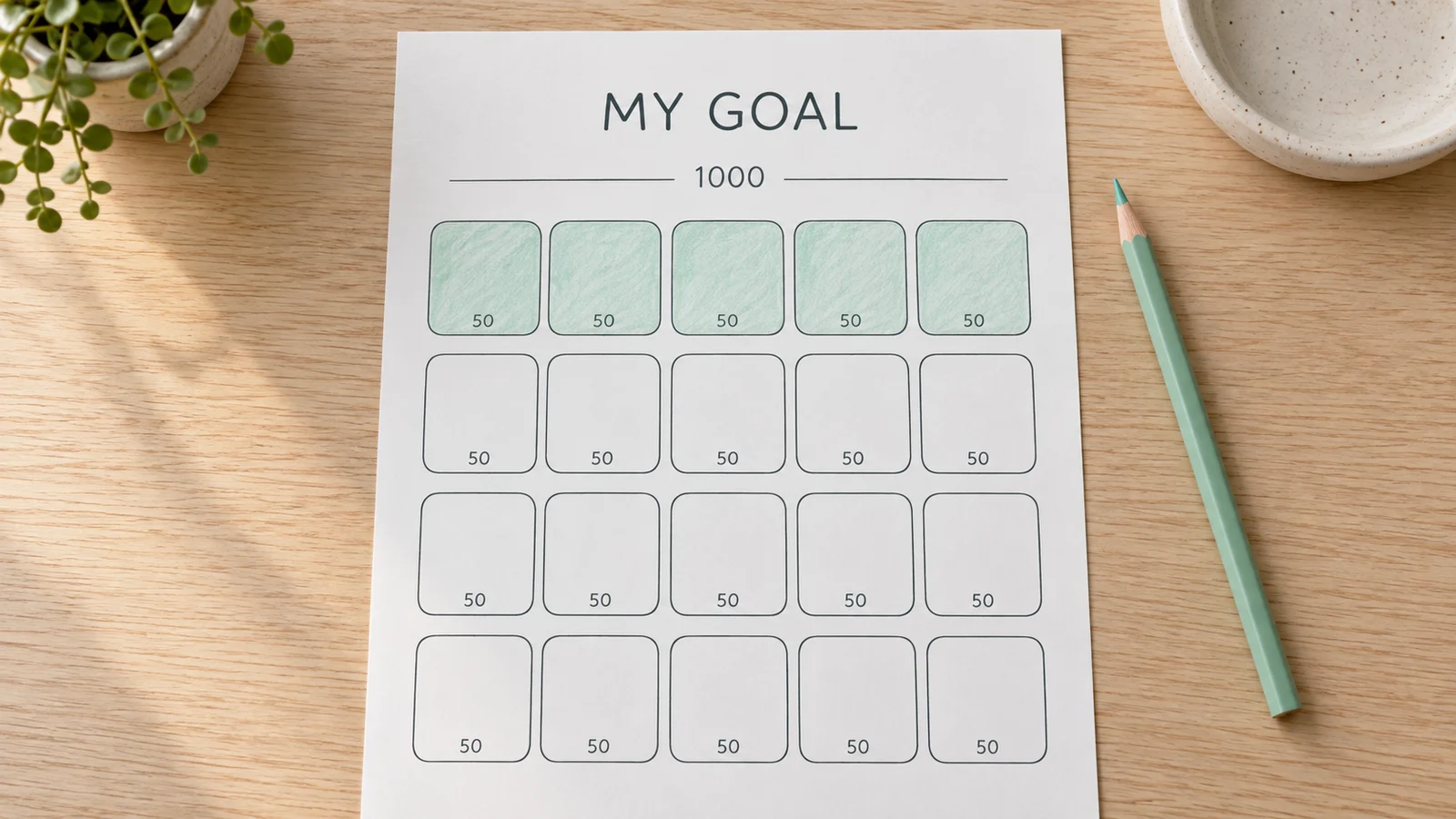
For a trip, a purchase or an emergency buffer, choose the target first. Divide it into 10, 20, 25, 50 or 100 cells. A 1,000 target over 50 cells gives 20 per cell. When division leaves a remainder, the first cells receive one extra smallest currency unit so the printed amounts add up exactly. Name the goal to remind yourself what each deposit is for.
Keep your progress on paper
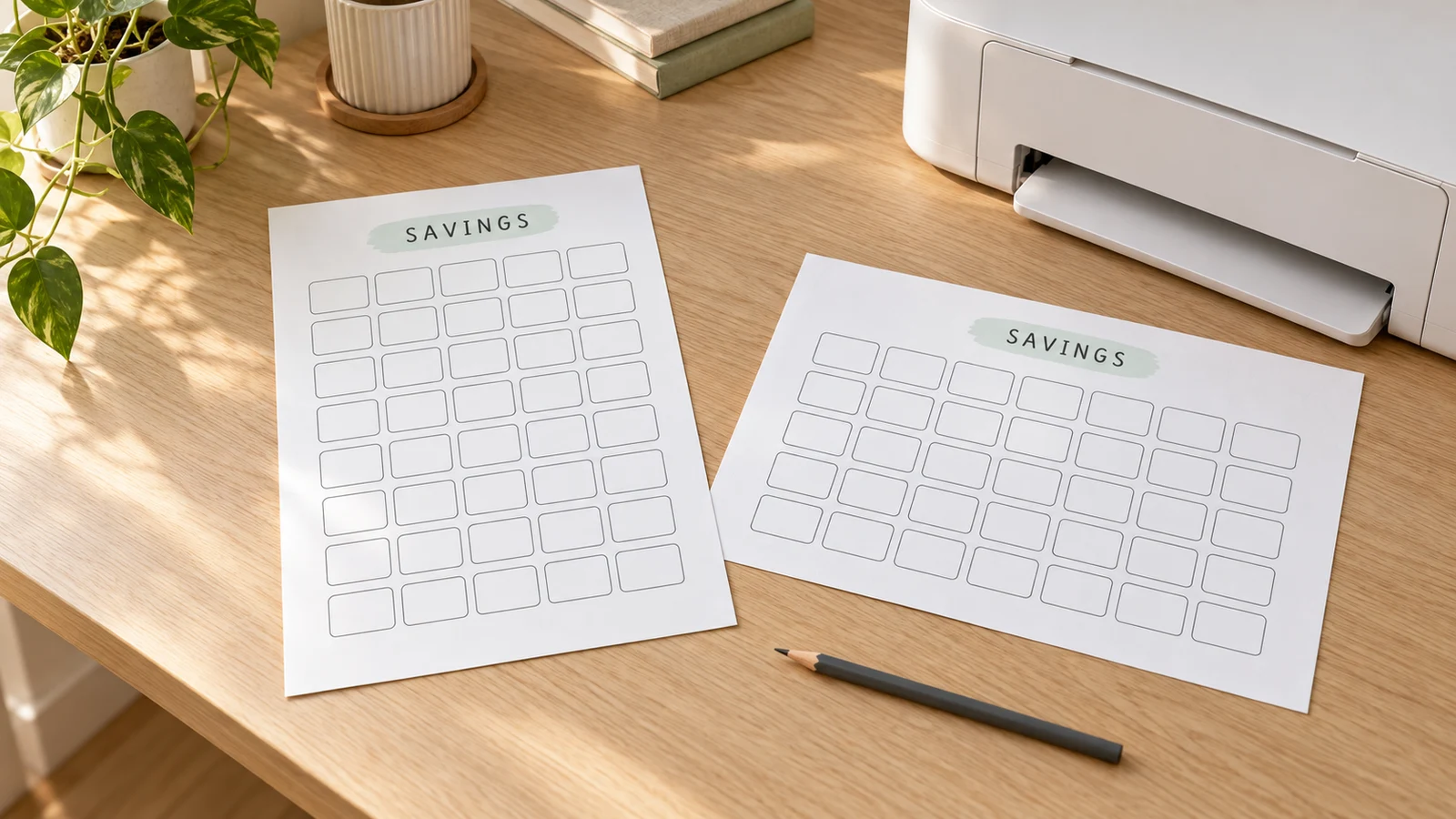
Choose A4 or US Letter, portrait or landscape, then adjust the theme and decoration. Download the PDF for a page-sized copy or PNG for an image. After each real deposit, mark its cell with a pen or color it in. The website does not store your progress, so keep the exported file and use the printed sheet as your record.
What your printable savings tracker includes
Practical choices for the challenge you can afford and the paper you have.
10 currency choices
Use dollars, euros, pounds, yuan, yen, won, reais or pesos. The currency controls the printed denomination and precision, without fetching exchange rates.
Totals that match the cells
Review the total before printing. Classic challenges multiply each number by the base; a custom goal distributes the target across your chosen cell count.
Room to mark real deposits
The grid stays blank for handwriting. Color a cell only when its amount has been saved, and continue at a pace that fits your available money.
Themes and decoration
Keep a low-ink page for everyday use or add color to a binder. Check the live preview to see how the goal name fits your chosen orientation.
Make a printable savings tracker in four steps
Decide what you can set aside, then turn the plan into a sheet you can use.
Choose a goal that fits your budget
Give the target a clear name, such as “Car repair buffer” or “Weekend trip”. The CFPB recommends setting a savings goal suited to your situation and regularly checking progress. Review essential spending before choosing a challenge amount; even a smaller target can be useful. The main budget planner can help you list income, expenses and planned savings together.
- A challenge total is arithmetic, not a recommended emergency-fund size.
- Choose an amount you can put aside without missing essential bills.
Set the challenge and currency
Pick 100 envelopes, 52 weeks or a custom goal. For envelopes and weeks, enter the base amount; the largest deposit is 100 or 52 times that amount. For a custom goal, enter the whole target and select the cell count. Choose the currency before checking the figures, since yen and won use whole units while the other listed currencies use two decimal places.
- A base of 2 doubles the classic totals to 10,100 or 2,756.
- Changing USD to EUR changes the denomination, not the numerical value through an exchange rate.
Review the cells and choose a design
Check the goal name, total and individual deposits in the preview. With a custom target of 100 divided across 25 cells, each cell is 4. If a target leaves a remainder, the first cells may differ by one cent or whole unit. Compare the available cell counts to find deposit amounts that fit your plan, then choose the theme, decoration and orientation.
- Use fewer cells if you want larger spaces for coloring.
- Keep the goal name short enough to read in the preview.
Download, print and mark each deposit
Match the paper in your printer: A4 is 210 × 297 mm and US Letter is 8.5 × 11 inches. Print at 100% or Actual Size with the selected orientation; turn off browser headers and footers for direct printing. Ordinary office paper works for pencil marks. Check your printer's supported stock before using heavier paper for markers. Keep the sheet whole; no cutting is needed.
- The PDF is a flat snapshot. Change the settings in this tool if you need a different version.
- Download before refreshing or leaving; entries and progress are not saved online.
Savings tracker printable questions
Answers about challenge totals, custom targets, currencies and printing.
Yes. All three challenge types, the editing controls, PDF and PNG downloads and direct printing are free, without an account or watermark. The goal name and amounts are processed in your browser. Download the finished sheet before closing or refreshing the page.
In the classic version, save amounts from 1 through 100 and mark the matching cells. The sum is 100 × 101 ÷ 2 = 5,050 currency units. This tool multiplies each number by your base amount. The 100 cells represent deposits, not a mandatory 100-day deadline, and the sheet does not make physical envelopes.
With a base of 1, the deposits run from 1 in week 1 to 52 in week 52. Their sum is 52 × 53 ÷ 2 = 1,378. A base of 2 gives 2,756. These totals include contributions only, without interest. Review the larger later deposits before choosing a base you can afford.
Yes. Choose Custom goal, enter the total and pick 10, 20, 25, 50 or 100 cells. A 1,000 target with 50 cells gives 20 per cell. If division leaves a remainder, the first cells get one extra smallest currency unit until the total is exact. For example, $100.01 over 10 cells starts with $10.01, followed by nine $10.00 cells.
No. Choose USD, EUR, GBP, CNY, JPY, KRW, BRL, MXN, CAD or AUD to set the denomination and precision. JPY and KRW use whole units; the other choices use two decimal places. The tool does not fetch rates or convert purchasing power. Recheck the entered amount after changing currency.
You can color or tick the printed cells after making each deposit. There are no online completion boxes, saved progress or bank synchronization. A printed mark is your own record; the tool cannot verify that money has been deposited. Keep the sheet and downloaded file if you want to continue later.
Yes. Both sizes support portrait and landscape. Choose A4 for 210 × 297 mm paper or US Letter for 8.5 × 11 inch paper, then print at 100% or Actual Size. PDF preserves the chosen page dimensions; PNG gives you an image copy. The PDF has no editable form fields.
You can use a custom goal to record money set aside for unexpected costs. The CFPB says an appropriate emergency-fund amount depends on your situation and that even small amounts can help. The classic totals of 1,378 and 5,050 are not universal targets. The tracker records your plan and does not decide where to keep the money.
Create your printable savings tracker
Choose a challenge, set an amount that fits your budget and check every deposit in the preview.
Download a free PDF or PNG, or print on A4 or US Letter. Then color the cells as you save.
Free · No signup · No watermark · Keep your downloaded copy