Bill Tracker Printable Your year, one clear sheet
Make a bill tracker printable for rent, utilities, subscriptions and other household payments. Edit names, due dates and optional amounts, then mark each month as paid. Download PDF or PNG or print for free, without signing up or adding a watermark. The yearly layout opens ready to customize, with seven household examples and space for your own bills.
Customize your printable bill tracker
Start with 12 rows and January–December columns. Change the year, edit the example names or switch to a blank sheet. Choose the month above the table to update its paid boxes; the preview always shows all twelve months.
TemplateSelected template: Yearly bill trackerChoose one of 16 layouts. Switching templates keeps your entries and paper size.
Choose a month above; each tick changes only that month. Empty boxes can also be filled on paper.
Changing the year keeps your entries. Clear paid marks to start a new year.
Scroll the table sideways to edit all columns.
| Bill | Due date | Amount | Jan Paid | Remove bill |
|---|---|---|---|---|
Due dates and amounts are text notes. No automatic schedules, totals or overdue detection.
Entries stay in this tab and are not saved after a refresh. Download before closing.
Layout settings
Yearly bill tracker
US Letter / LandscapeBefore you print
- Use matching A4 or Letter paper, preferably landscape, at Actual size / 100%.
- Due dates and amounts are text notes. No automatic schedules, totals or overdue detection.
- Entries stay in this tab and are not saved after a refresh. Download before closing.
Printable bill tracker: the essentials
- Price
- Free, with no paid tier or download fee
- Account
- Not required
- Watermark
- None
- Export formats
- One-page PDF, 300 dpi PNG and direct print
- Paper sizes
- US Letter and A4
- Supported sizes
- 1–18 bills × 12 months; 12 rows initially; portrait or landscape
- Privacy
- Runs in your browser; nothing you type is uploaded
- Languages
- 8 languages: English, Chinese, Spanish, Portuguese, French, German, Japanese, Korean
- Editable fields
- Year, bill name, due date, optional amount, monthly paid boxes and notes
- Storage
- Current browser tab only; download before refreshing or closing
- Last updated
- October 20, 2026
Best for
- Households that want recurring payments visible in a binder or on a desk
- People who prefer checking bills manually, on screen or with a pen
- A blank annual checklist to fill with your own bill names and dates
Not the best fit for
- Bank synchronization, payment reminders or automatic payments
- Invoice accounting, tax reporting or an archive of actual monthly amounts
How it compares
- 101Planners
- Also offers free editable bill templates without registration, with several layouts and document formats. This page focuses on a single annual grid, eight languages and direct PDF/PNG export.
- OnPlanners
- Its yearly template offers more planner sizes. The checked download page lists a watermarked, non-editable free sample and paid upgrades; this tool exports editable-in-browser content without a watermark.
A printable bill tracker for the whole year
See twelve months together
Keep each bill on one row and January through December in adjacent columns. Rent, phone service and subscriptions stay in the same place all year. Add or remove rows to match your household; twelve rows are ready initially, and the page supports up to eighteen. Landscape gives the month columns more room, while portrait remains available for a binder.
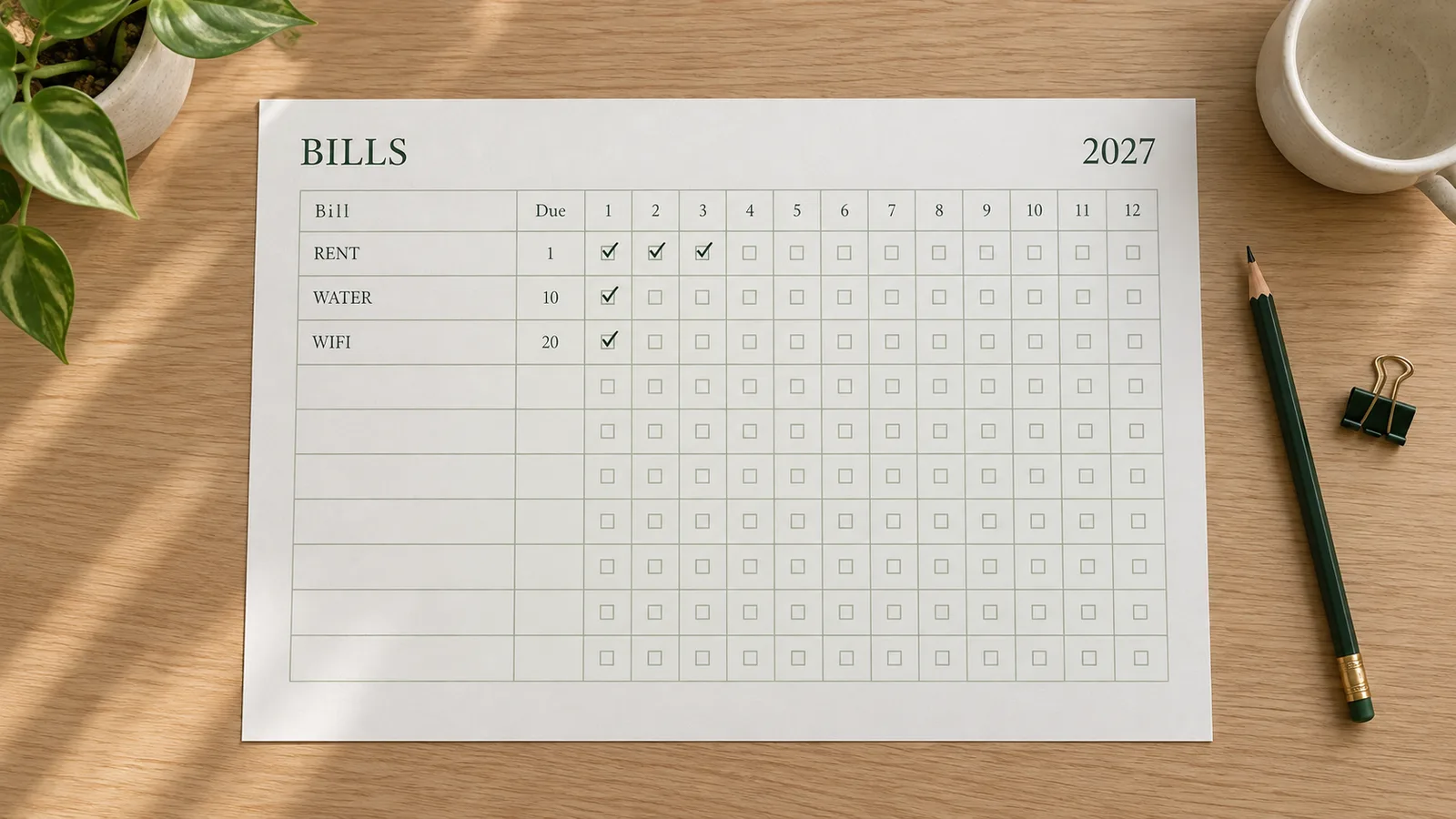
Keep due dates beside paid marks
Enter a recurring due day such as “15th monthly,” or a short date note for an occasional bill. Select a month in the editor and tick a row only after checking its payment. The other eleven months keep their marks. Amounts are optional text, so a note such as “varies” is possible; the sheet does not calculate an annual spending total.
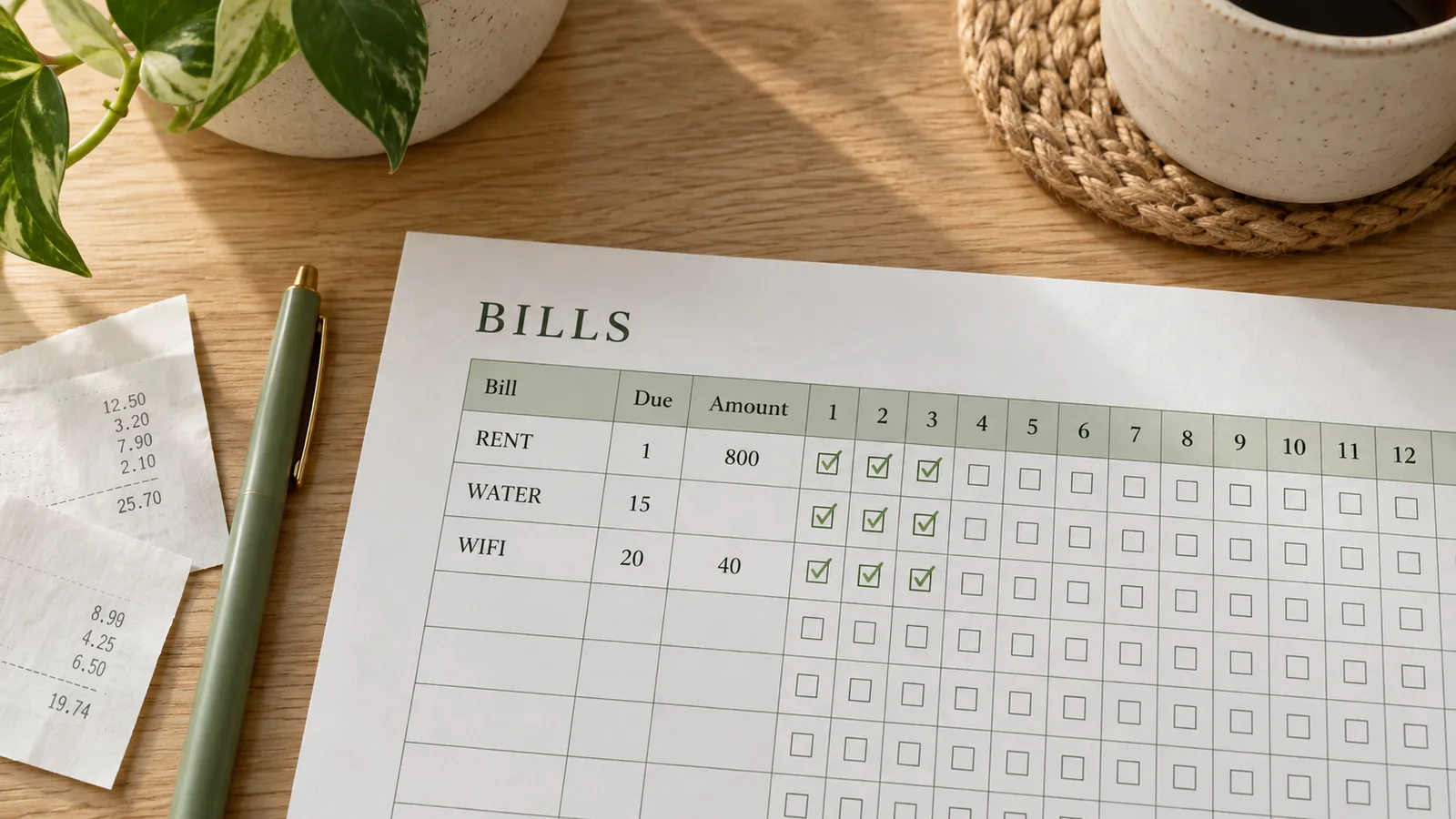
Print a sheet that fits your paper
Choose US Letter or A4 before exporting. The PDF uses the selected page dimensions, and the PNG is rendered at 300 dpi. A blank version leaves all names, dates, amounts and paid boxes ready for handwriting. Use the low-ink theme for a restrained black-and-white page, or keep the green default for a home binder.
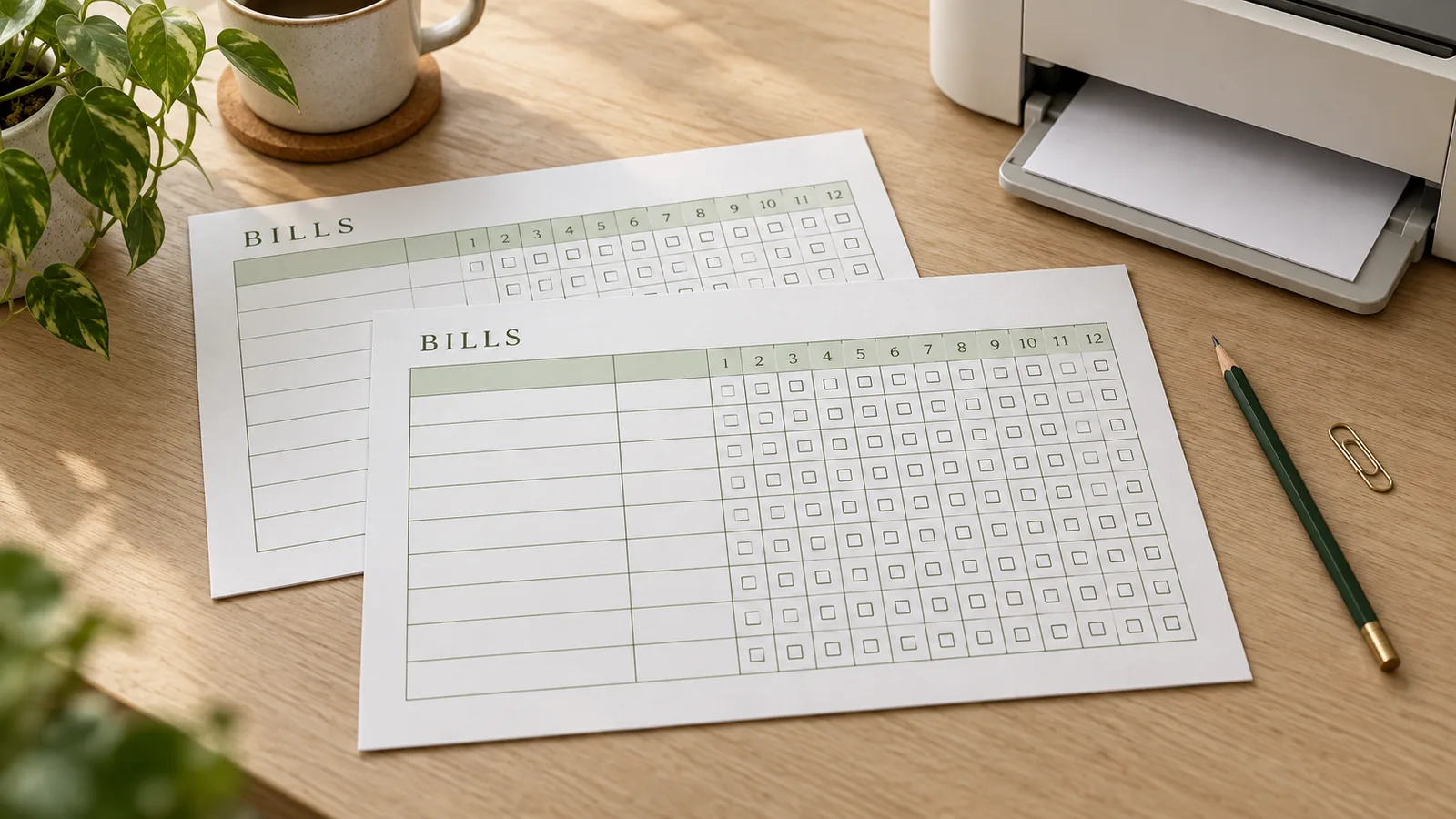
What your bill payment tracker includes
Local household examples
Start with Rent, Electricity, Water, Internet, Phone, Insurance and Subscriptions. Replace any label, remove unused rows or clear the list for your own categories. Examples do not assign invented amounts or payment dates.
Manual month-by-month checks
Choose January, mark payments, then switch to February. Only the selected month's boxes change. Printed empty squares stay writable, and digital checkmarks appear in the exported file.
A separate amount note
The amount column accepts your preferred currency notation, including decimals. It is one reference value per bill, not twelve monthly amounts. Use notes or a separate expense log when the actual charge changes.
A local editing session
There is no bank connection or account form. Bill entries are processed in the current tab and are not uploaded by the tool. They are not automatically saved when you reload the page; export the finished sheet before leaving.
How to prepare a printable bill tracker
Set the year and bill list
Check the year, then replace the household examples with the payments you want to track. Add rows up to the eighteen-row limit or remove rows you do not need. Choose Blank sheet if you want a reusable form, and leave the year empty for an undated version.
- Changing the year keeps existing entries and ticks. Use Clear paid marks for a new year.
- The same annual template is also available in the parent Budget Planner.
Record due dates and verify payments
Copy due information from your own bill or agreement. For recurring dates, write a day of the month; for quarterly or annual items, name the relevant months in the due field or notes. Choose a month and mark a payment after confirming it. The CFPB bill-calendar guide also recommends gathering bills and recording their due dates.
- An empty square means unmarked, not automatically overdue.
- Automatic debit still needs your own payment confirmation.
Choose the paper and download
Open layout settings and select Letter (8.5 × 11 in) or A4 (210 × 297 mm), with landscape recommended for twelve columns. Check long labels in the preview before downloading a one-page PDF or PNG. The year, bill names, optional amounts and all paid marks are included.
- PDF is a print-ready snapshot, not an editable form or saved project.
- Keep a blank master copy if you plan to write on the paper each month.
Print at actual size
Select the same paper and orientation in the print dialog. Use Actual size or 100%, turn off browser headers and footers, and check that the grid stays inside the printable area. Ordinary 80–100 g/m² paper is a practical option if supported by your printer. The whole sheet is used; no trimming is needed.
- If the printer clips the page, use Fit after checking the preview.
- Punch holes only in the blank margin; the table itself needs no cutting.
Bill payment tracker questions
Yes. Editing, PDF and PNG downloads and direct printing are free, with no account, email gate or watermark. The page starts with a usable annual layout. You can print the examples, replace them with your own bill names or clear the sheet for handwriting.
Yes. Each bill has a name, due-date note, optional amount and twelve paid boxes. There are twelve rows initially, with a minimum of one and a maximum of eighteen. Choose a month above the editing table to change its checkmarks; January through December always remain visible in the print preview.
Yes. Both formats contain one page matching the preview, with the selected A4 or Letter size and orientation. PNG is exported at 300 dpi. The PDF is a finished printable snapshot: you cannot import it here to restore an editing session, so make changes before downloading.
Use a short reminder copied from your bill, such as “15th monthly,” “March/September” or an exact date in your usual format. This is free text, not a scheduling rule. The tool does not infer whether a date moves for weekends, calculate a payment cycle or label a bill overdue.
Choose the month, then tick the box beside the matching bill after checking that its payment completed. A tick updates only that bill and month. You can untick it to correct a mistake, or clear all paid marks when reusing the list for a new year. Paper copies can be marked with a pen.
For variable utilities, leave the amount blank or use a reference note rather than treating it as an exact annual expense. For occasional payments, put the relevant months in the due field and leave other boxes unmarked or cross them out by hand. There is no automatic frequency calculation or twelve-month total.
Choose Letter or A4 in both the tool and printer settings, preferably landscape for wider month columns. Start at Actual size / 100% and inspect the preview; Adobe explains that Actual size prints without scaling. If your printer clips an edge, use Fit. Standard printer paper works; a full sheet needs no cutting.
The editor processes entries in your browser tab without uploading bill data or connecting to a bank. There is no automatic storage: refreshing or closing the tab loses the current entries. Download your PDF or PNG first. These files preserve the finished page, but do not restore the editable list.
No. This is a manually maintained annual checklist. It does not send notifications, move money or verify bank transactions. Use it to record what you have confirmed yourself. For income and expense totals, open the parent budget planner; for automated accounting or persistent transaction history, use a tool designed for those tasks.
Download your printable bill tracker
Keep the next payment check simple. Review your list, choose the paper size and save a clean annual sheet.
Your twelve-month grid is free to edit, print and download.
Free · No sign-up · No watermark