Printable Math Flash Cards Addition, subtraction, multiplication and division facts with answers on the back
Pick the operations and the numbers, and every fact becomes a card: the problem on the front, the answer on the back, lined up for double-sided printing on US Letter or A4. Free, no sign-up, and nothing leaves your browser.
+ − × ÷ · any range 0–20 · PDF, PNG and print · double-sided test page
How it worksPrintable math flash cards: choose the facts, then print
The page opens with the multiplication facts from 1 × 1 to 10 × 10, 12 cards to a page. Tick other operations, change the range, shuffle the deck, and check the preview before you print.
Template librarySelected template: Multiplication cards, 1 to 10Templates are collapsed by default. Open the library when you want sample cards, print modes, or style presets.
Math fact cards
The cards below are built from the math facts you choose. Every fact gets its own card: the problem on the front and the answer on the back.
55 cards
Changing these options rebuilds every card and replaces any edits you made in the table.
Front / Back cards
Put the prompt, term, date, question, or math fact on the left. Put the answer, definition, event, explanation, or result on the right.
Batch paste input
Paste one card per line. The Flashcard Maker detects tabs, pipes, semicolons, commas, colons, and spaced dashes. Left text becomes the front; right text becomes the back.
Print settings
Choose the same edge in your printer's duplex setting. If the back comes out upside down, switch to the other edge.
Fine-tune after a test print, from -5 to 5 mm. Negative values move the back left or up. The setting stays when you change template.
Printable flashcard deck
Multiplication Flash Cards
Double-sided printing tips
- Print the test page first. In double-sided mode it prints one front and one back; hold them up to a window to check the alignment.
- Use the same flip edge here and in the printer dialog. If the back is a little off, enter a back page shift.
- Print at 100% or actual size and turn off fit to page, or the cut lines will drift.
- For fold-over mode, cut the cards, fold along the center line and glue or tape the halves.
Front page preview - Page 1
Back page preview - Page 1
Front page preview - Page 2
Back page preview - Page 2
Front page preview - Page 3
Back page preview - Page 3
Front page preview - Page 4
Back page preview - Page 4
Front page preview - Page 5
Back page preview - Page 5
Printable math flash cards: quick facts
Short answers for parents, teachers and tutors comparing free ways to print math fact cards.
- Price
- Free, with no paid tier or download fee
- Account
- Not required
- Watermark
- None
- Export formats
- PDF (all pages in one file), PNG and direct print
- Paper sizes
- US Letter and A4
- Supported sizes
- 4, 6, 8, 10 or 12 cards per page; on A4, 12 per page is 59 × 62 mm and 6 per page is 91 × 84 mm
- Privacy
- Runs in your browser; nothing you type is uploaded
- Languages
- 8 languages: English, Chinese, Spanish, Portuguese, French, German, Japanese, Korean
- Operations
- Addition, subtraction, multiplication and division, alone or mixed in one deck
- Range
- Addition and subtraction up to any number from 2 to 100; multiplication and division with factors from 0 to 20, so 0–12 times tables are covered
- Choices
- Both orders (3 × 4 and 4 × 3) or one; with or without 0; answer only or the whole equation on the back; “= ?” after the problem; in order or shuffled; × or ·, ÷ or :
- Deck size
- 1–10 multiplication facts are 55 cards, or 100 with both orders; 0–12 with both orders is 169 cards. One deck holds up to 240 cards
- Font
- Andika, a free school-style font with clear digits, built into the cards so the PDF, PNG and printout all match the preview
- Last updated
- October 18, 2026
Best for
- Parents and tutors drilling one table or one set of facts at a time
- Teachers who want a class set for a centre or a quick check at 8, 12 or 24 cards per sheet
- Homeschoolers who want addition within 10 or 20 today and times tables next month
Not the best fit for
- Word problems, fractions or long division: the cards hold whole-number facts only
- Timed tests with scoring: this makes the cards, not a quiz app with progress tracking
- Teaching what multiplication means: cards are for practising facts a child already understands
How it compares
- Fixed PDF sets (K5 Learning, Elevated Progress, Super Teacher Worksheets)
- Quick to download, and K5 Learning is free. The sets are fixed: K5 Learning splits 0–12 into five groups, and you cannot pick your own range or mix operations. Here you can, and nothing needs an account.
- Email-gated and personal-use PDF packs (Tree Valley Academy, Paper Trail Design)
- Polished layouts and answer pages, but some ask for an email address first or are limited to personal use. Here there is nothing to sign up for and no licence to read.
- Canva and other design tools
- Total design freedom, but you type every fact and build the matching back page yourself. Here the facts, the answers and the mirrored back page are made for you; the price is less design freedom.
Why these printable math flash cards are quick to make and easy to use
Three things a fixed PDF cannot do.
Math flash cards for any operation and range
Choose addition, subtraction, multiplication or division, or mix them in one deck. Set how high the sums go, or the smallest and largest number for times tables and division. Print only the 6 to 8 tables this week, or every fact from 0 × 0 to 12 × 12.
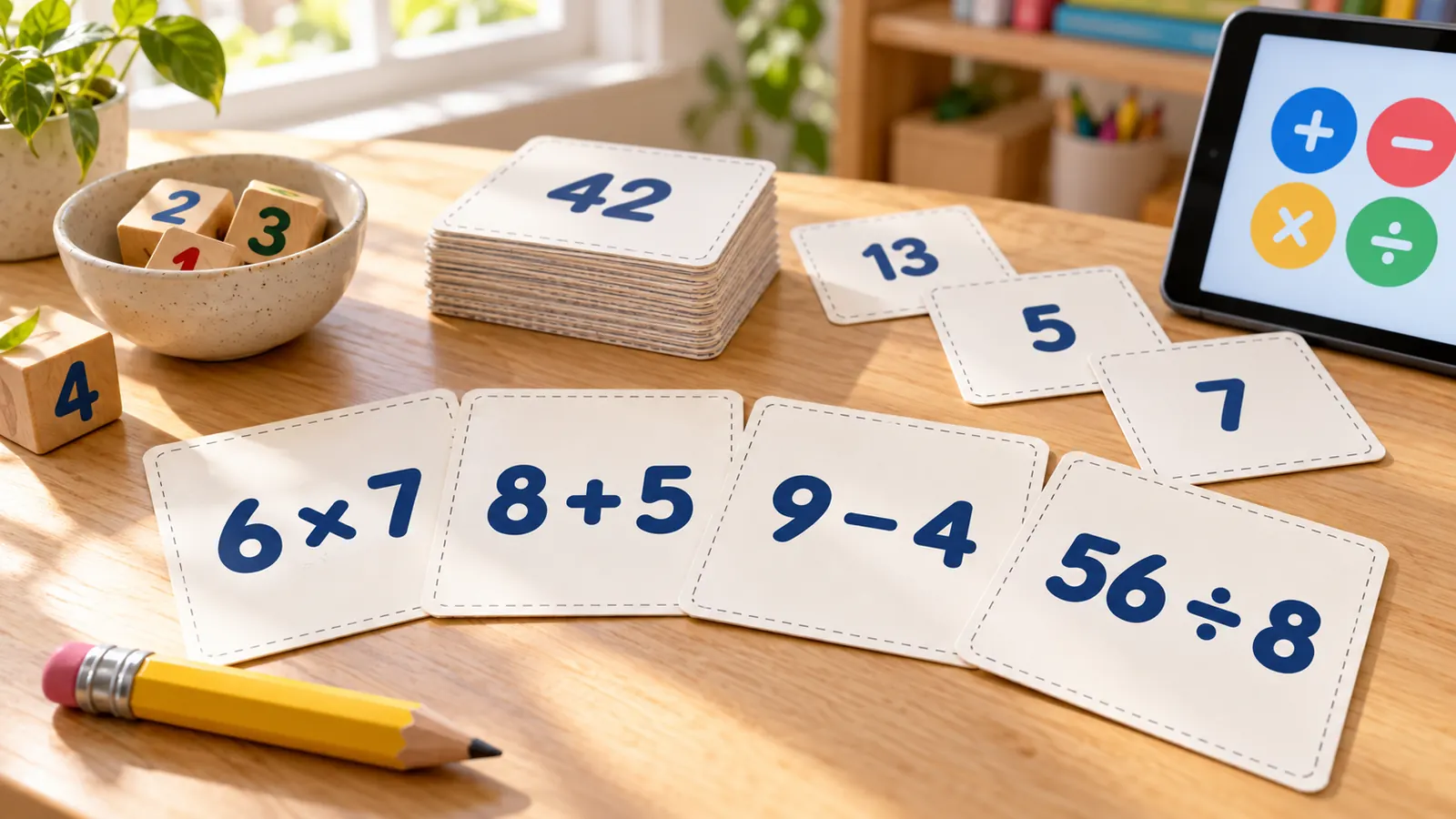
Answers on the back, in order or shuffled
Every card has the problem on the front and the answer on the back, or the whole equation if you want a child to check the sum. Keep the facts in order for the first lesson, then shuffle so the order stops giving the answer away.
Double-sided pages that line up
The back page is mirrored for you, so each answer lands behind its problem. Pick long-edge or short-edge flip to match your printer, print the test page with one front and one back, and shift the back by up to 5 mm if it drifts.
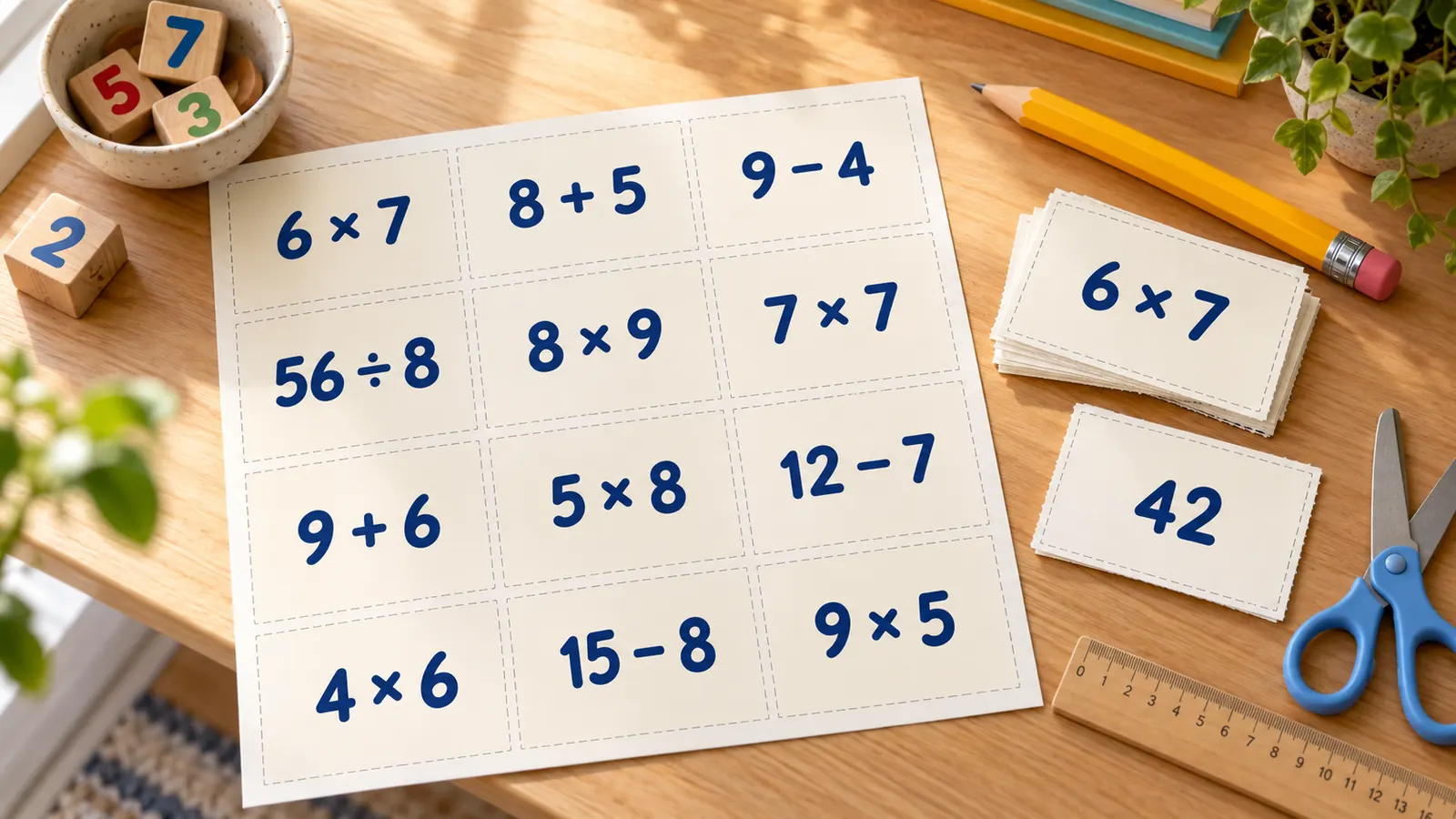
What these printable math flash cards include
Everything runs in your browser, with nothing to install and nothing to upload.
PDF, PNG or print
One PDF with every page, a PNG, or print straight from the page. Same as the preview, no watermark.
Four operations
+ − × ÷ alone or mixed, with ranges for sums, differences, times tables and division facts.
Both orders or one
Print 3 × 4 and 4 × 3, or only one of them to halve the deck. Add or drop the zero facts.
Every card editable
Change a fact, add a card, or paste your own list into batch input to build a deck from problems you choose.
Letter and A4
4, 6, 8, 10 or 12 cards per page with the exact card size shown in millimetres and inches.
Private by design
No account, no ads, no upload. Your deck stays on your device.
How to make printable math flash cards in four steps
From a blank page to a stack of cut math fact cards in a few minutes.
Pick the operations and the range
The deck opens with the multiplication facts from 1 to 10. In Math fact cards, tick the operations you want. For addition and subtraction set how high the numbers go; for times tables and division set the smallest and largest number. Grade 2 usually practises sums within 20 and grade 3 products up to 10 × 10.
- For one table, such as 7, set the smallest and largest number to 7 and tick both orders.
- Reset returns to the deck you started with.
Choose the order and what is on the back
Keep the facts in order or shuffle them. Show only the answer on the back, or the whole equation. Add “= ?” to the front if you want the card to read like a question. Changing these options rebuilds the deck, so edit single cards or paste your own facts last.
- Dropping one of two orders halves the deck: 100 cards become 55.
- A shuffled mixed deck is the best test once the single tables feel easy.
Print a test page first
Choose US Letter or A4, then cards per page and double-sided. Match the flip edge to the one in your printer dialog and press Print test page. Hold the two sheets up to a window; if the back sits off, enter a shift in millimetres. Portrait sheets usually flip on the long edge.
- Print at 100% or actual size and turn off fit to page.
- No duplex? Print the fronts, put the stack back in without turning it, then print the backs.
Print, cut and practise
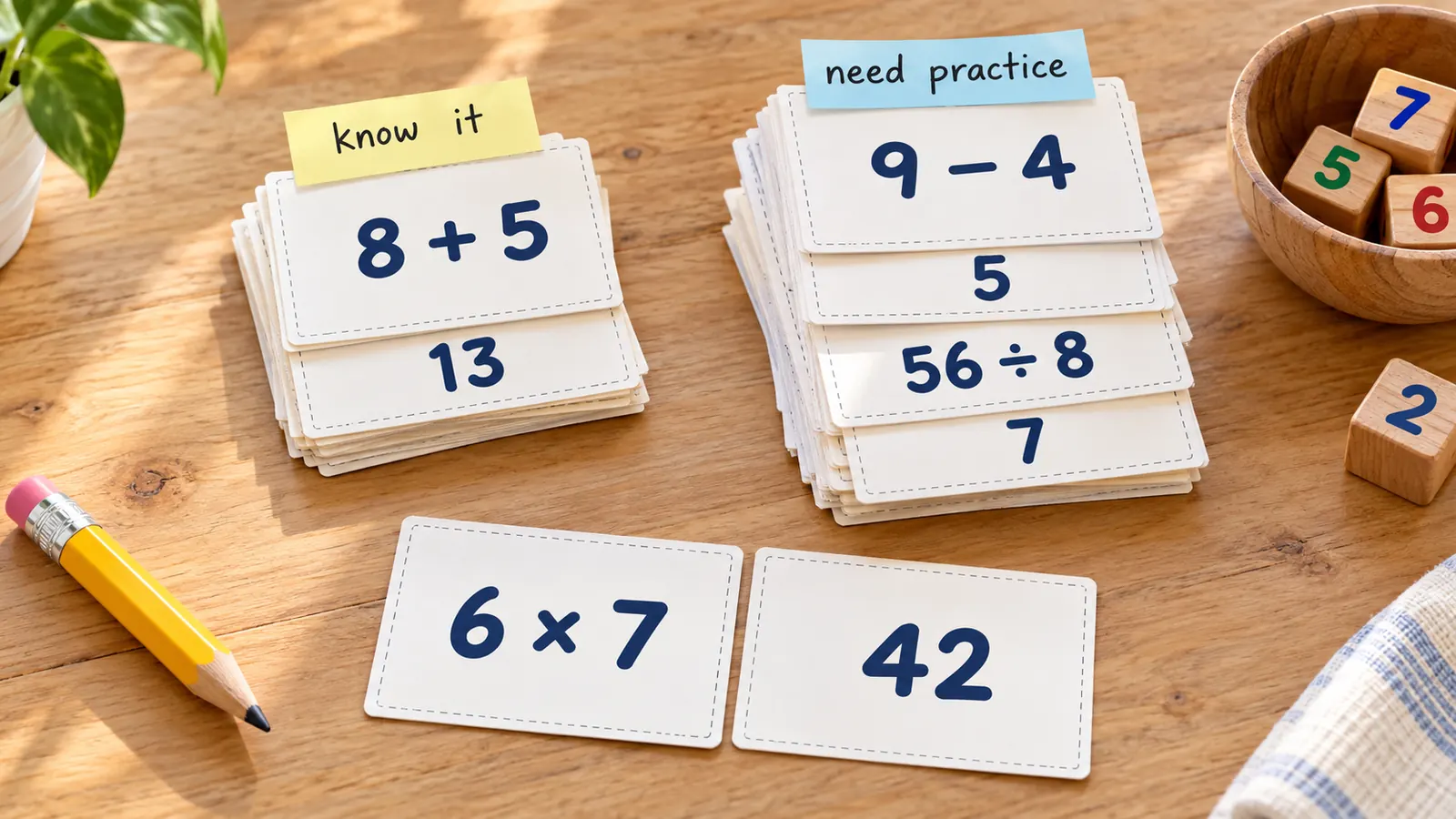
Print on card stock or heavy paper, cut along the dashed lines and keep each deck in a bag. Show a card, wait for the answer, flip it, and make two piles: know it and need practice. The What Works Clearinghouse practice guide suggests about 10 minutes in each session for retrieval of basic facts.
- Practise a few minutes every day rather than one long session.
- Put cards the child answered quickly aside and play the rest again.
Printable math flash cards FAQ
Answers about free printing, ranges, double-sided printing, card size and practising math facts with flash cards.
Yes. They are free, need no account and add no watermark to the PDF, PNG or printout. Everything is made in your browser, so the facts you choose are not uploaded.
Tick the operations, set the range, and every fact becomes a card with the problem on the front and the answer on the back. Choose double-sided, press Print test page to check the alignment, then print the whole deck. Set the back to show the whole equation if you prefer.
Yes. Tick multiplication, then set the smallest and largest number to the same value, for example 7 and 7, and keep both orders on. You get 7 × 0 to 7 × 20 plus the turnarounds. To practise 6, 7 and 8, make three small decks or use a range of 6 to 8.
In the US Common Core, grade 1 is fluency for addition and subtraction within 10, grade 2 is adding and subtracting within 20 and knowing all sums of two one-digit numbers from memory, and grade 3 is multiplying and dividing within 100 and knowing all products of two one-digit numbers. Your school may pace this differently.
The Year 4 multiplication tables check in England has 25 questions with 6 seconds each, drawn from the 2 to 12 times tables. For practice, make multiplication cards with a range of 2 to 12, shuffle them and use the “= ?” option to mimic the question format.
Choose double-sided, pick long-edge or short-edge flip to match your printer, and print the test page first. It prints one front and one back; hold them up to a light. If the back is slightly off, use the back page shift fields. Without duplex, print the fronts, reload the same stack unturned and print the backs.
You can fit 4, 6, 8, 10 or 12 cards per page. On A4, 4 per page gives cards of 91 × 128 mm, 6 per page 91 × 84 mm, 8 per page 91 × 62 mm and 12 per page 59 × 62 mm; US Letter is very close. There is no standard size, and the tool shows the exact size for your choice.
Keep it short. The What Works Clearinghouse practice guide recommends about 10 minutes in each session for retrieval of basic arithmetic facts, and many teachers use 3 to 4 minutes a day with one table at a time. Sort cards into know it and need practice piles and replay the second pile.
They are a practice tool for facts a child already understands, not a way to teach what multiplication means. Retrieving a fact from memory, spaced over several days, helps it stick. Pair the cards with arrays, number lines or objects when a child does not yet see why 3 × 4 is 12.
Yes. Tick as many operations as you like and the deck holds them one after another, or shuffled. One deck holds up to 240 cards; if your range gives more, the first 240 are used and a note tells you how many were left out.
Yes. Every card in the table can be edited, you can add or remove cards, and the batch input replaces or extends the deck with a list of your own problems, one per line, for example 6 × 7 | 42. Make your edits last, because changing the fact options rebuilds the deck.
Make your printable math flash cards with the free maker
Pick the operations and the range, shuffle the deck, print a test page and get a stack of math fact cards in minutes.
Free, no sign-up, no watermark, and nothing leaves your device.
Tip: print on card stock, cut along the dashed lines and keep each times table in its own zip bag.