Alphabet Flashcards Printable A–Z letter and picture cards for home and classroom
Print alphabet flashcards with a picture for every letter. Choose capital letters, small letters or both, put the letter on the front and the picture and word on the back, then print double-sided on US Letter or A4. Free, no sign-up, and nothing leaves your browser.
26 cards, 26 pictures · PDF, PNG and print · double-sided test page
How it worksAlphabet flashcards printable: pick the letters, the layout and print
The page opens with a ready deck: A–Z, capital and small letters, the letter on the front and the picture and word on the back. Change the letter form, the layout, the letters or the cards per page, and check the preview before you print.
Template librarySelected template: ABC picture cardsTemplates are collapsed by default. Open the library when you want sample cards, print modes, or style presets.
Front / Back cards
Put the prompt, term, date, question, or math fact on the left. Put the answer, definition, event, explanation, or result on the right.
Alphabet cards
The cards below are built from the alphabet. Pick the letter form, the card layout and the letters to include; every card keeps its picture.
Changing these options rebuilds every card and replaces any edits you made in the table.
Batch paste input
Paste one card per line. The Flashcard Maker detects tabs, pipes, semicolons, commas, colons, and spaced dashes. Left text becomes the front; right text becomes the back.
Print settings
Choose the same edge in your printer's duplex setting. If the back comes out upside down, switch to the other edge.
Fine-tune after a test print, from -5 to 5 mm. Negative values move the back left or up. The setting stays when you change template.
Printable flashcard deck
ABC Alphabet Flashcards
Double-sided printing tips
- Print the test page first. In double-sided mode it prints one front and one back; hold them up to a window to check the alignment.
- Use the same flip edge here and in the printer dialog. If the back is a little off, enter a back page shift.
- Print at 100% or actual size and turn off fit to page, or the cut lines will drift.
- For fold-over mode, cut the cards, fold along the center line and glue or tape the halves.
Front page preview - Page 1
Back page preview - Page 1
Front page preview - Page 2
Back page preview - Page 2
Front page preview - Page 3
Back page preview - Page 3
Front page preview - Page 4
Back page preview - Page 4
Front page preview - Page 5
Back page preview - Page 5
Alphabet flashcards printable: quick facts
Short answers for parents, teachers and tutors comparing free ways to print alphabet cards.
- Price
- Free, with no paid tier or download fee
- Account
- Not required
- Watermark
- None
- Export formats
- PDF (all pages in one file), PNG and direct print
- Paper sizes
- US Letter and A4
- Supported sizes
- 26 cards (A–Z) with 26 built-in pictures. 4, 6, 8, 10 or 12 cards per page; on A4, 6 per page is 91 × 84 mm and 4 per page is 91 × 128 mm
- Privacy
- Runs in your browser; nothing you type is uploaded
- Languages
- 8 languages: English, Chinese, Spanish, Portuguese, French, German, Japanese, Korean
- Letters
- A–Z in capital and small forms: both on one card (Aa), capital only (A) or small only (a). Pick a first and a last letter to print a few at a time
- Pictures
- Apple, ball, cat, dog, egg, fish, grapes, hat, ice cream, jellyfish, kite, lion, moon, nest, orange, pig, queen, rainbow, sun, tree, umbrella, van, watermelon, xylophone, yo-yo and zebra
- Layouts
- Letter on the front and picture with word on the back, or picture on the front and letter with word on the back; double-sided, single-sided (everything on one card) or fold-over
- Font
- Andika, a free school-style font with a single-storey a and g, built into the cards so the PDF, PNG and printout all match the preview
- Pages
- 26 cards need 5 sheets at 6 cards per page, or 10 pages when printed double-sided; the test page prints one front and one back first
- Last updated
- October 18, 2026
Best for
- Parents of toddlers, preschoolers and kindergarteners who want a quick A–Z set at home
- Teachers and tutors who need a class set, or only the letters of this week
- Homeschoolers who want capital and small letters on separate decks
Not the best fit for
- Cursive or joined-up letters: the cards use a simple print font
- Choosing a different picture for a letter: the 26 pictures are built in, although you can edit or hide the word under them
- A full phonics programme: the cards show letters and picture words, so pair them with sounds, books and handwriting practice
How it compares
- Fixed PDF sets (123 Homeschool 4 Me, Mr Printables, Twinkl)
- Polished artwork you download as it is: Mr Printables offers A4 and US Letter, 4 cards per page; Twinkl sells separate upper-case, lower-case and cursive versions and some need a membership. Here the letter form, layout and letters are your choice, and nothing needs an account.
- Canva and other design tools
- Total design freedom, but you build 26 cards and the matching back pages yourself. Here the cards, the mirrored back page and the test page are made for you; the price is less design freedom.
- Quizlet and study apps
- Good for tapping through letters on a screen, but printing is a side feature. This page is only for printing on paper.
Why these alphabet flashcards are quick to print and easy to use
Three things a fixed PDF cannot do.
Alphabet flashcards with a picture for every letter
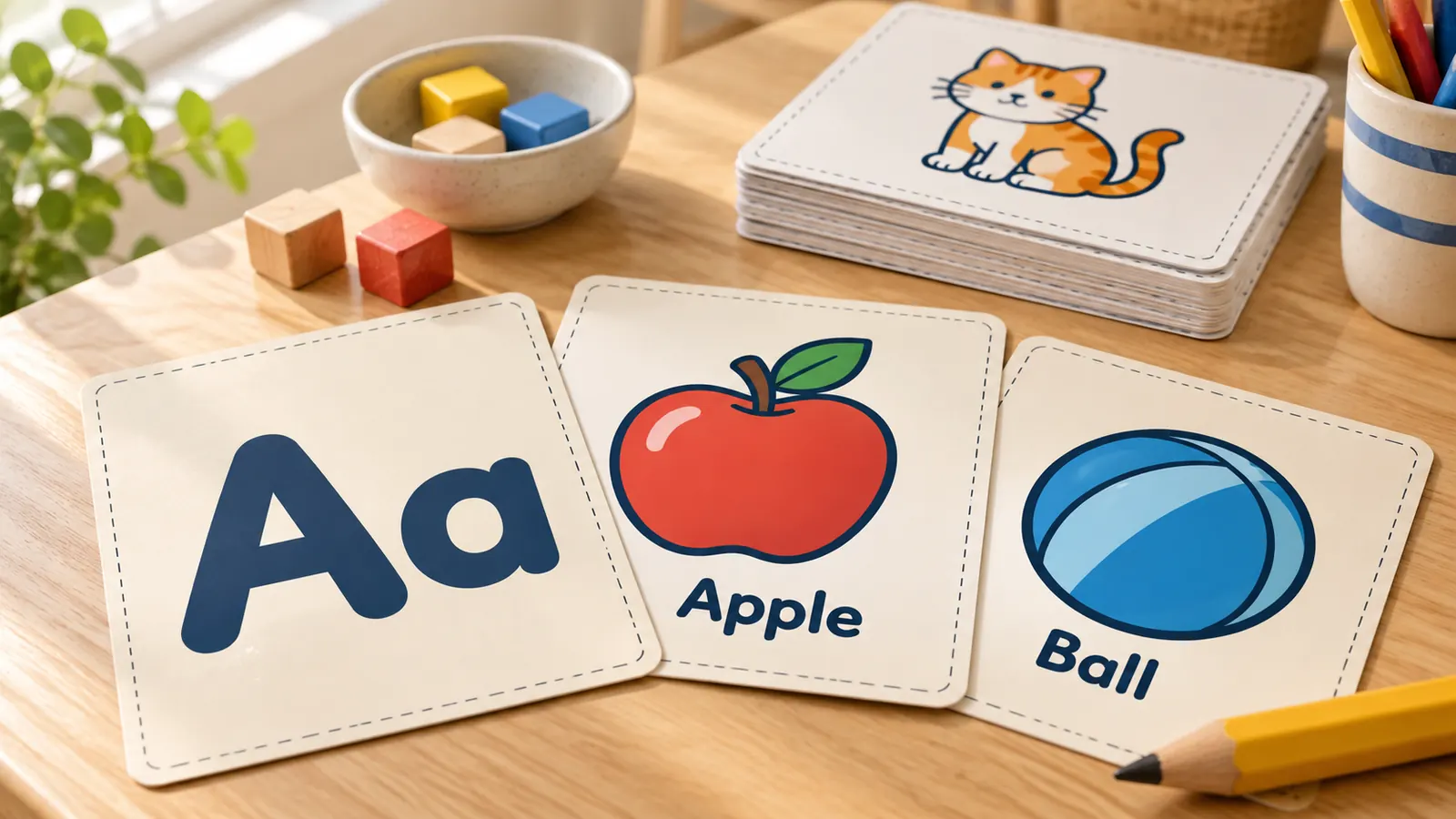
Each of the 26 cards has its own drawn picture, from apple and ball to yo-yo and zebra, with the picture word under it. Hide the word when you only want letter and picture, or turn the deck around so the picture is on the front and children guess the letter.
Capital letters, small letters or both on one card
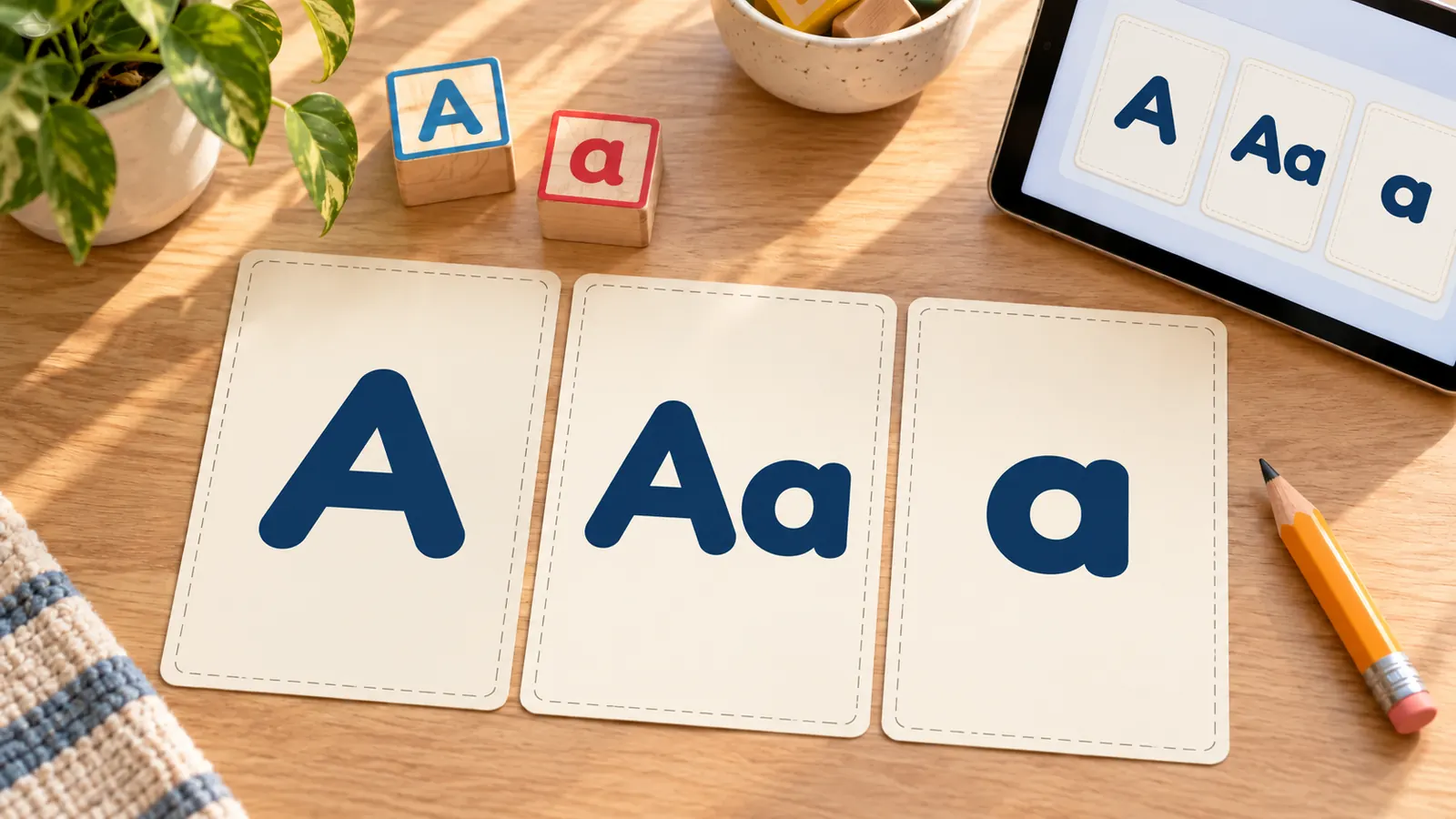
Print Aa on every card, capital letters only, or small letters only. Many sets are fixed, so you cannot split them; here you can print the two forms as separate decks, or only the letters you are teaching this week. The built-in font has a single-storey a and g, the shape children see in most picture books.
Double-sided alphabet flashcards that line up
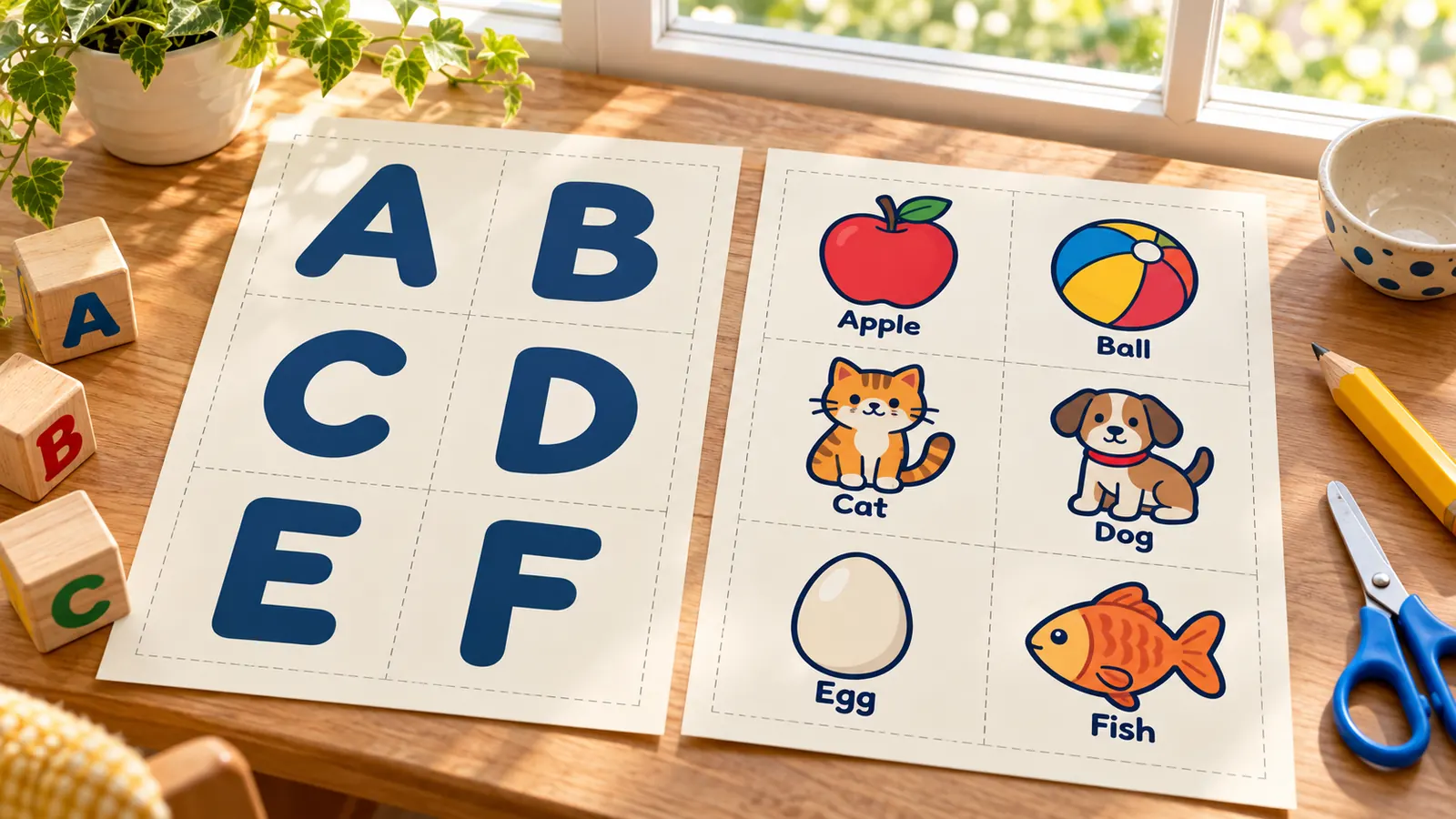
The back page is mirrored for you, so the picture lands behind its letter. Pick long-edge or short-edge flip to match your printer, print the test page with one front and one back, and shift the back by up to 5 mm if it drifts. Prefer one side? Single-sided cards put letter, picture and word on the same card.
What these alphabet flashcards include
Everything runs in your browser, with nothing to install and nothing to upload.
PDF, PNG or print
One PDF with every page, a PNG, or print straight from the page. Same as the preview, no watermark.
Aa, A or a
Both forms on one card, capital only or small only, for any run of letters from A to Z.
Four layouts
Double-sided with the letter first or the picture first, single-sided with everything on one card, or fold-over.
Every card editable
Change a word, add a card for a name, or paste a list into batch input. The picture stays with its card.
Letter and A4
4, 6, 8, 10 or 12 cards per page with the exact card size shown in millimetres and inches.
Private by design
No account, no ads, no upload. Your deck stays on your device.
How to make alphabet flashcards in four steps
From a blank page to a stack of cut, double-sided A–Z cards in a few minutes.
Pick a ready deck
Open the template library and choose ABC picture cards for letter-then-picture cards, one card for single-sided cards, picture first for a guessing game, big capital cards for a wall, or lowercase cards. The deck opens with all 26 letters.
- Start with capital and small together (Aa) if you are not sure.
- Reset returns to the deck you started with.
Choose the letters and the layout
In Alphabet cards, pick capital, small or both, letter first or picture first, and a first and last letter. Children often learn a few letters at a time, so print A to F one week and G to L the next. The word under each picture can be shown or hidden.
- Use fewer cards per page for a bigger letter, more for a small hand.
- Changing these options rebuilds the deck, so edit single cards last.
Print a test page first
Choose US Letter or A4, then cards per page and the print mode. For double-sided, match the flip edge to the one in your printer dialog and press Print test page. Hold the two sheets up to a window; if the back sits off, enter a shift in millimetres.
- Print at 100% or actual size and turn off fit to page.
- Long-edge flip suits most printers for portrait pages.
Print, cut and use the cards
Print the whole deck on card stock or heavy paper so the picture does not show through, cut along the dashed lines and keep the set in a bag or a box. Show a card, say the letter, then the picture word, and let the child say it back.
- Show a few new cards with a few known ones so every round succeeds.
- Keep sessions short and stop while it is still fun.
Alphabet flashcards FAQ
Answers about free printing, card size, capital and small letters, double-sided printing and teaching with alphabet flashcards.
Yes. They are free, need no account and add no watermark to the PDF, PNG or printout. Everything is made in your browser, so the cards you build are not uploaded.
Use a double-sided deck such as ABC picture cards, choose long-edge or short-edge flip to match your printer, and print the test page first. It prints one front and one back; hold them up to a light. If the back is slightly off, use the back page shift fields, then print the whole deck.
It depends on the cards per page. On A4, 4 per page gives cards of 91 × 128 mm, 6 per page 91 × 84 mm, 8 per page 91 × 62 mm and 12 per page 59 × 62 mm; US Letter is very close. Four per page is a common size for printable alphabet cards, and the tool shows the exact size.
Both, in the end. Common Core standard RF.K.1.d asks kindergarteners to recognize and name all upper- and lowercase letters, and Ohio State University Extension, citing Piasta, suggests a preschool goal of at least 18 uppercase and 15 lowercase letters. Start with the Aa cards or print the two forms as separate decks.
Understood.org says most children know some letters at 2, about half the alphabet at 3, and often all the letters and their order by 4, with letter-sound matching in kindergarten. Treat the cards as play, not a test: a few letters a day, stopping when interest fades.
Show a small group of letters, say the letter, say the picture word, and let the child say it back. Add a few new cards to a few known ones. Experts differ on order: Reading Rockets summaries favour letter names first, while research cited by Ohio State Extension suggests names and sounds together can work, and UK schools usually teach sounds first. Follow your own school if it has a scheme.
You can edit or hide the word under the picture and add your own cards, but the 26 pictures themselves are built in and cannot be swapped. X is shown with a xylophone because few common words start with x; if you prefer fox or x-ray, hide the word and write your own.
You can fit 4, 6, 8, 10 or 12 cards per page. A full A–Z set of 26 cards needs 5 sheets at 6 per page, 7 sheets at 4 per page, and double that number of pages if you print both sides.
The cards use Andika, a free font designed for literacy, with a single-storey a and g and clearly different look-alike letters such as b and d. Those are the shapes children see in most early readers, so the card matches what they will read.
Make your alphabet flashcards with the free printable maker
Pick capital, small or both, choose letter first or picture first, print a test page and get a full A–Z set in minutes.
Free, no sign-up, no watermark, and nothing leaves your device.
Tip: print on card stock, cut along the dashed lines and keep the cards in a zip bag.