Sight Word Flashcards Printable Dolch and Fry word cards for home and classroom
Print one big word per card. Pick a Dolch or Fry list, choose the words you are teaching this week, shuffle them or keep the list order, and print on US Letter or A4. Free, no sign-up, and nothing leaves your browser.
9 built-in word lists · PDF, PNG and print · double-sided test page
How it worksSight word flashcards printable: pick the list, the words and print
The page opens with the 40 Dolch pre-primer words, one per card, 8 cards to a page. Change the list, the range of words, the letter case or the order, type your own words if you like, and check the preview before you print.
Template librarySelected template: Sight word cards, single-sidedTemplates are collapsed by default. Open the library when you want sample cards, print modes, or style presets.
Word cards
The cards below are built from a word list. Pick the list, the first and last word, the letter case and the order; every word gets its own card.
The 40 Dolch pre-primer words, usually the first sight words a child meets: the, and, a, I, you.
Changing these options rebuilds every card and replaces any edits you made in the table.
Front / Back cards
Put the prompt, term, date, question, or math fact on the left. Put the answer, definition, event, explanation, or result on the right.
Batch paste input
Paste one card per line. The Flashcard Maker detects tabs, pipes, semicolons, commas, colons, and spaced dashes. Left text becomes the front; right text becomes the back.
Print settings
Printable flashcard deck
Sight Word Flashcards: Dolch Pre-primer
Double-sided printing tips
- Print the test page first. In double-sided mode it prints one front and one back; hold them up to a window to check the alignment.
- Use the same flip edge here and in the printer dialog. If the back is a little off, enter a back page shift.
- Print at 100% or actual size and turn off fit to page, or the cut lines will drift.
- For fold-over mode, cut the cards, fold along the center line and glue or tape the halves.
Front page preview - Page 1
Front page preview - Page 2
Front page preview - Page 3
Front page preview - Page 4
Front page preview - Page 5
Sight word flashcards printable: quick facts
Short answers for parents, teachers and tutors comparing free ways to print word cards.
- Price
- Free, with no paid tier or download fee
- Account
- Not required
- Watermark
- None
- Export formats
- PDF (all pages in one file), PNG and direct print
- Paper sizes
- US Letter and A4
- Supported sizes
- One word per card. 4, 6, 8, 10 or 12 cards per page; on A4, 8 per page is 91 × 62 mm and 12 per page is 59 × 62 mm
- Privacy
- Runs in your browser; nothing you type is uploaded
- Languages
- 8 languages: English, Chinese, Spanish, Portuguese, French, German, Japanese, Korean
- Word lists
- Dolch pre-primer (40 words), primer (52), 1st grade (41), 2nd grade (46), 3rd grade (41) and nouns (95), plus Fry words 1–100, 101–200 and 201–300
- Choices
- First and last word of the range, lowercase, Capitalized or UPPERCASE, list order or shuffled, and either a blank back or the list name and word number on the back
- Your own words
- Every card can be edited, you can add cards, and a pasted list (one word per line) replaces or extends the deck
- Font
- Andika, a free school-style font with a single-storey a and g, built into the cards so the PDF, PNG and printout all match the preview
- Pages
- The 40 pre-primer words need 5 sheets at 8 cards per page, or 10 pages when printed double-sided; the test page prints one front and one back first
- Last updated
- October 18, 2026
Best for
- Parents who want a short stack of this week's words for home practice
- Teachers and tutors who need a class set, a small-group set or a deck for one child
- Homeschoolers who want Dolch or Fry words in list order, then shuffled
Not the best fit for
- Teaching a word for the first time: cards are for practice once a word has been taught, ideally alongside reading in real sentences
- Picture cards: each card shows one word and no picture
- UK Letters and Sounds tricky-word phases: the built-in lists are Dolch and Fry, although you can type or paste any words you like
How it compares
- Fixed PDF sets (K12 Reader, sightwords.com, 123 Homeschool 4 Me)
- Quick to download: K12 Reader offers free Dolch PDFs with 8 cards per page, and sightwords.com offers Dolch and Fry lists in lowercase. They are fixed files, so you cannot choose a range of words, shuffle, or switch case. Here you can, and nothing needs an account.
- Teacher marketplaces and memberships (Twinkl, Teach Starter, Teachers Pay Teachers)
- Polished artwork and many themes, but some sets need a membership or a purchase. Here the cards are plain words with no artwork, which is why they are free.
- Canva and other design tools
- Total design freedom, but you build every card and the matching back page yourself. Here the cards, the mirrored back page and the test page are made for you; the price is less design freedom.
Why these sight word flashcards are quick to print and easy to use
Three things a fixed PDF cannot do.
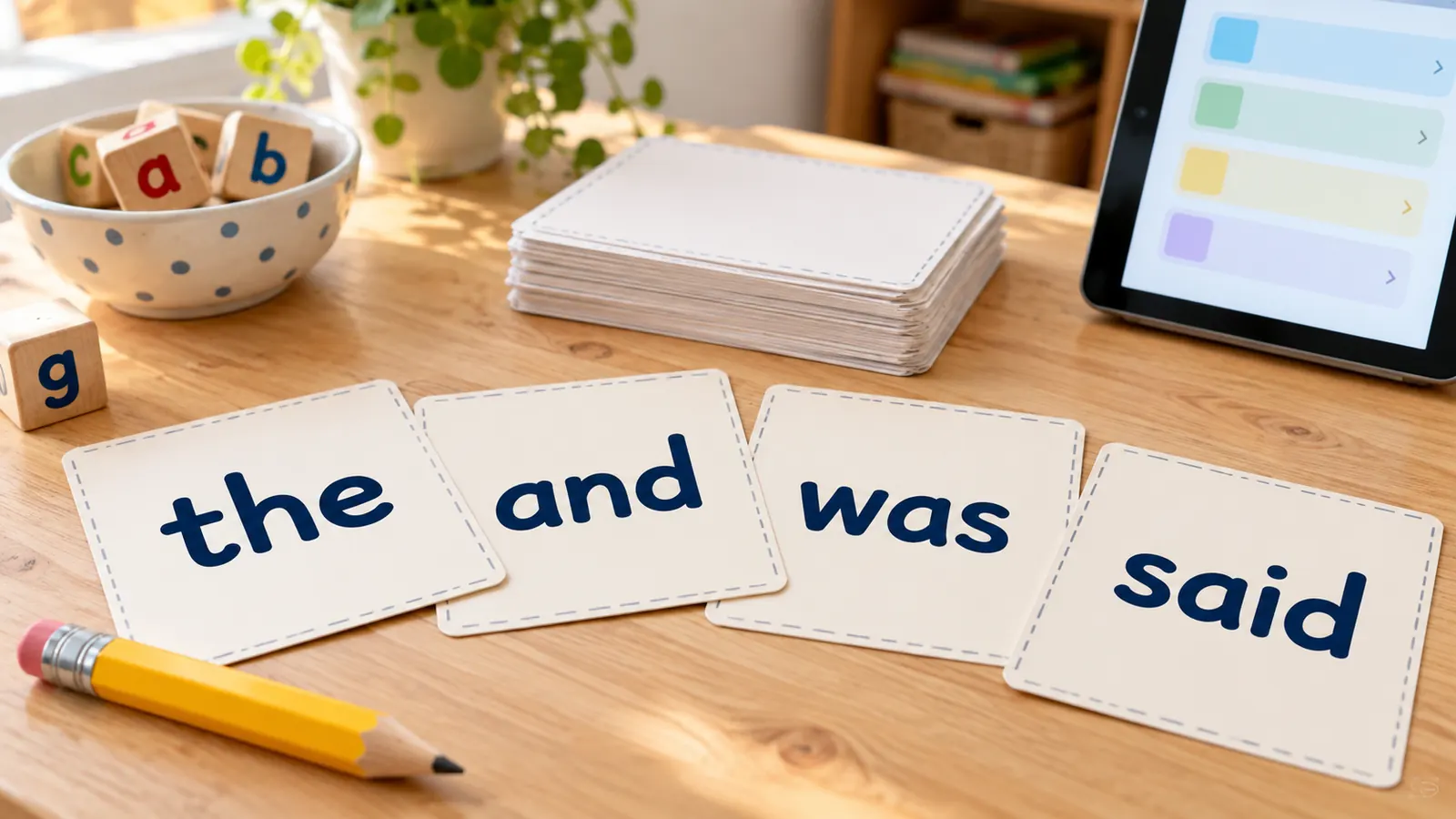
Word cards from the Dolch and Fry lists
Choose the 40 Dolch pre-primer words, the 52 primer words, the grade 1 to 3 lists, the 95 Dolch nouns or one of Fry's three hundreds. Print the whole list, or only words 11 to 20 this week. Type in your own words as well, such as a child's name or words from a class reader.
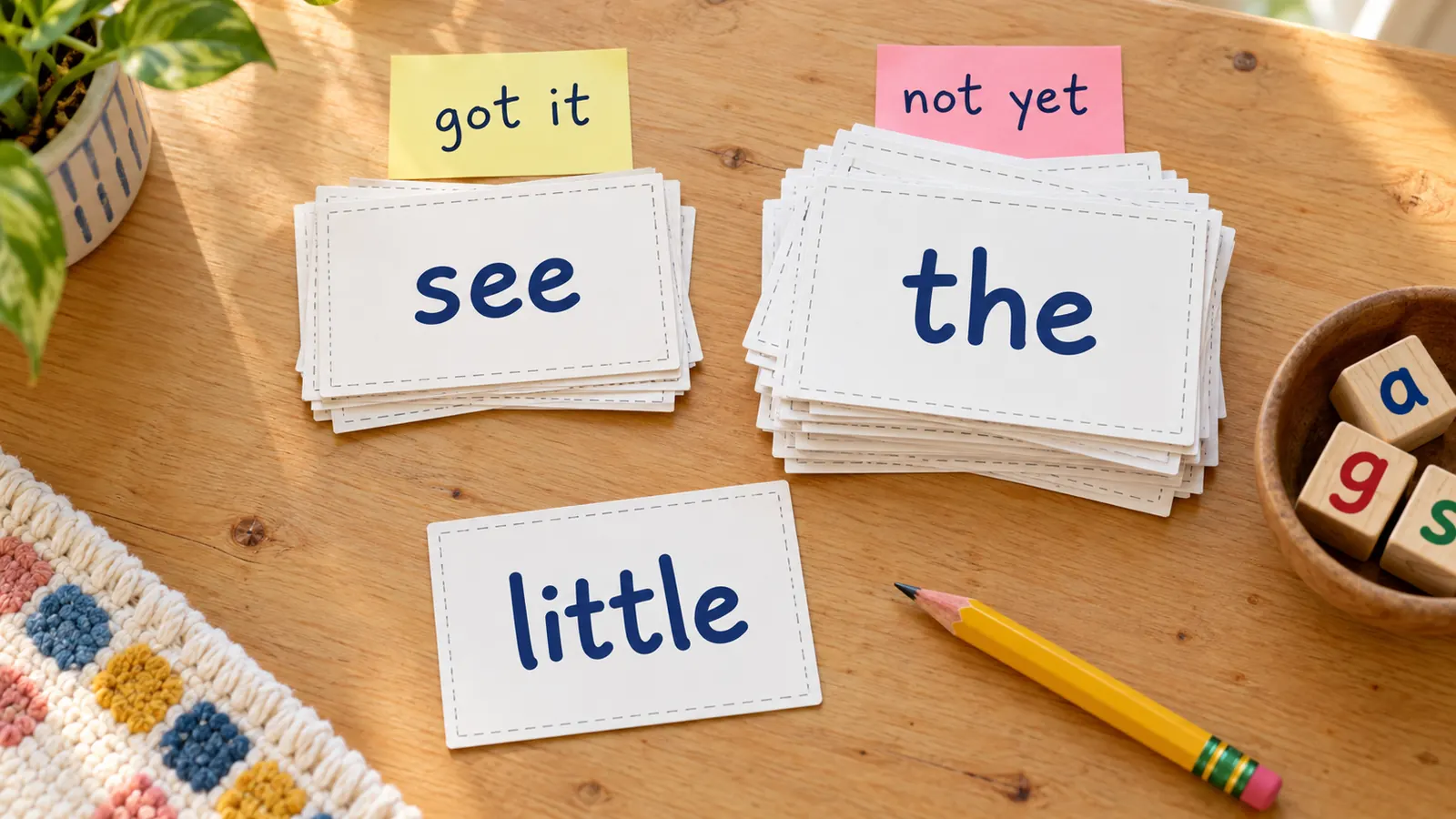
Shuffled cards and a back that tells the list
Print the words in list order for the first lesson, then shuffle them so a child cannot rely on the order. Hit shuffle again for a new mix. Put the list name and word number on the back, and a dropped pile sorts itself back into decks.
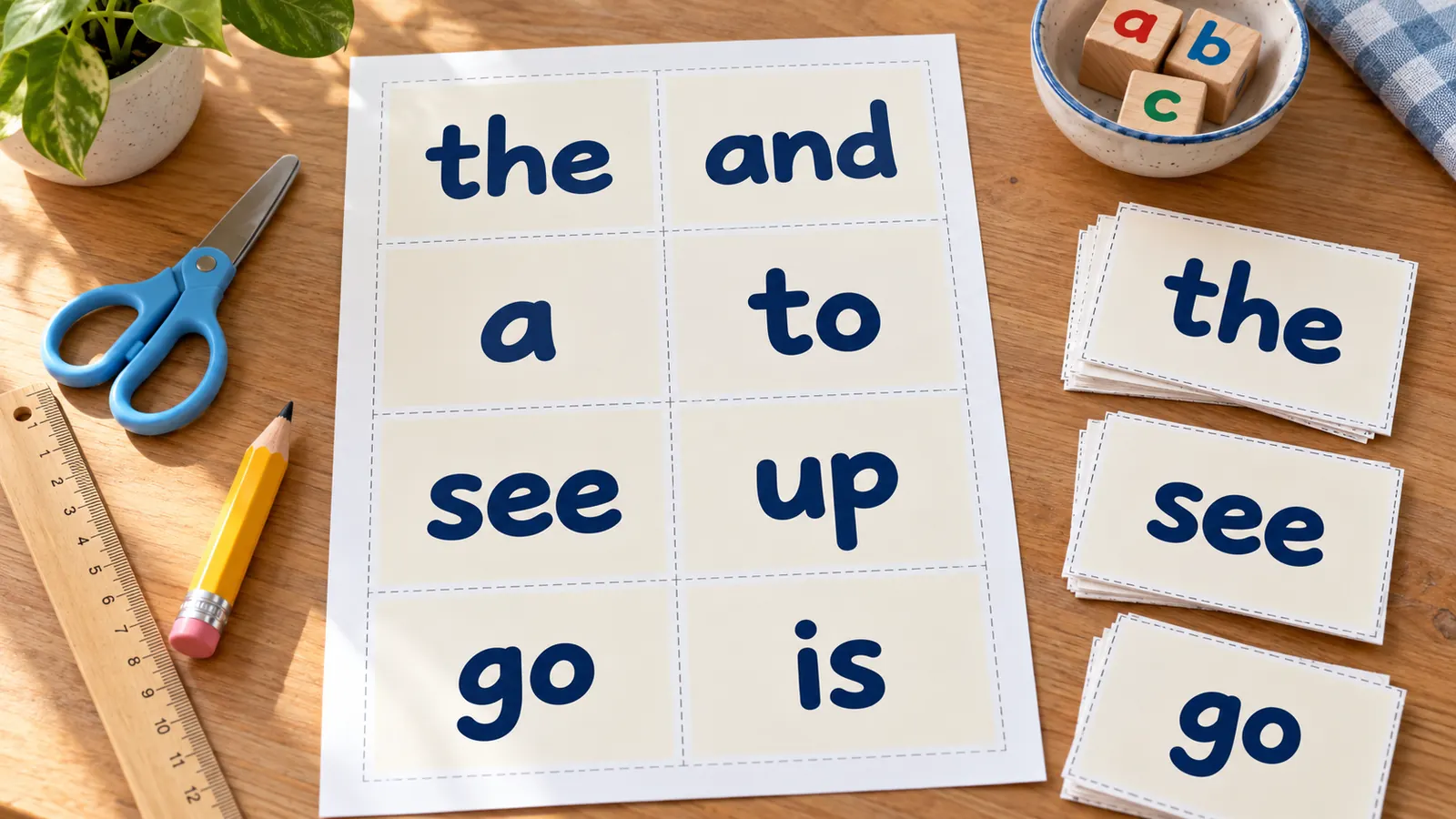
Print the cards single or double-sided
One word fills the whole card, so a child sees it from across the table. Single-sided is the quickest. For double-sided, pick long-edge or short-edge flip to match your printer, print the test page with one front and one back, and shift the back by up to 5 mm if it drifts.
What these sight word flashcards include
Everything runs in your browser, with nothing to install and nothing to upload.
PDF, PNG or print
One PDF with every page, a PNG, or print straight from the page. Same as the preview, no watermark.
9 word lists
Dolch pre-primer to grade 3, Dolch nouns, and Fry words 1 to 300, each with a first and last word you can set.
Any letter case
Lowercase, Capitalized or UPPERCASE, so the card matches the book your child is reading.
Every card editable
Change a word, add a card, or paste a list into batch input to build a deck from words you choose.
Letter and A4
4, 6, 8, 10 or 12 cards per page with the exact card size shown in millimetres and inches.
Private by design
No account, no ads, no upload. Your deck stays on your device.
How to make sight word flashcards in four steps
From a blank page to a stack of cut word cards in a few minutes.
Pick the word list
The deck opens with the Dolch pre-primer words. In Word cards, pick another list: Dolch primer or grade 1 to 3, the Dolch nouns, or Fry words 1 to 100, 101 to 200 or 201 to 300. Start with the list that matches where your child is reading now.
- If you are not sure, start with pre-primer and move on when the cards are easy.
- Reset returns to the deck you started with.
Choose the words, the case and the order
Set the first and last word to print a small group, for example words 1 to 10. Pick lowercase, Capitalized or UPPERCASE, and list order or shuffled. Changing these options rebuilds the deck, so edit single cards or paste your own words last.
- Short rounds work better than long ones: a handful of new words with a few known ones.
- Use the back that shows the list name if you keep several decks.
Print a test page first
Choose US Letter or A4, then cards per page and the print mode. Single-sided needs no test. For double-sided, match the flip edge to the one in your printer dialog and press Print test page. Hold the two sheets up to a window; if the back sits off, enter a shift in millimetres.
- Print at 100% or actual size and turn off fit to page.
- Long-edge flip suits most printers for portrait pages.
Print, cut and practise
Print on card stock or heavy paper, cut along the dashed lines and keep the set in a bag. Show a card, wait a few seconds, let the child read it, and say the word if they cannot. Understood.org suggests teaching about five new words a day and continuing until each word is read correctly at least twice.
- Also read the words in real sentences and books; cards alone do not build reading.
- Stop while it is still fun.
Sight word flashcards FAQ
Answers about free printing, the Dolch and Fry lists, card size, double-sided printing and practising with word cards.
Yes. They are free, need no account and add no watermark to the PDF, PNG or printout. Everything is made in your browser, so the words you choose are not uploaded.
Sight words are common words a reader should recognise quickly without sounding them out, such as the, and, was and said. Teachers also say high-frequency words, and some programmes use heart words for the tricky parts of irregular words. These cards work with any of those terms: they just show one word each.
Both. Dolch has 220 service words in five levels (pre-primer 40, primer 52, grade 1 41, grade 2 46, grade 3 41) plus 95 nouns. Fry words are the most frequent words in print, in three hundreds: 1 to 100, 101 to 200 and 201 to 300. Neither is the Common Core list, which only gives examples such as the, of, to, you and she.
Choose double-sided in the template library, pick long-edge or short-edge flip to match your printer, and print the test page first. It prints one front and one back; hold them up to a light. If the back is slightly off, use the back page shift fields, then print the whole deck.
You can fit 4, 6, 8, 10 or 12 cards per page. On A4, 4 per page gives cards of 91 × 128 mm, 6 per page 91 × 84 mm, 8 per page 91 × 62 mm and 12 per page 59 × 62 mm; US Letter is very close. There is no standard size: free downloads use full-page, half-page, quarter-page and 8-per-page cards, and the tool shows the exact size.
Keep it short. Understood.org's example is to pick the 25 words a child misses most and teach about 5 a day. Mix a few new cards with known ones, and stop while it is still fun. There is no single rule, so follow your school's scheme if it has one.
Show one card at a time, wait about three seconds, and let your child read the word. If they cannot, say it and have them repeat it, then return to it later in the pile. Shuffle between rounds so the order does not give the word away. Understood.org suggests continuing until each word is read correctly at least twice.
Flashcards are practice, not a method on their own. UFLI says flashcards suit practice after a word has been introduced and taught, and many readers pick up irregular words in a few exposures while struggling readers may need 20 or more. Reading researcher Timothy Shanahan also stresses that children should meet the words in real text, not only on cards.
Yes. Every card in the table can be edited, you can add or remove cards, and the batch input replaces or extends the deck with a list of your own words, one per line. You can use it for names, class reader words or the UK tricky words you are teaching.
Yes. Pick shuffled order and press shuffle again for a new mix. On the back you can show the list name and the word number, which helps when several decks get mixed up. Both options rebuild the deck, so make single-card edits last.
Make your sight word flashcards with the free printable maker
Pick a Dolch or Fry list, choose the words, shuffle them, print a test page and get a deck in minutes.
Free, no sign-up, no watermark, and nothing leaves your device.
Tip: print on card stock, cut along the dashed lines and keep each list in its own zip bag.