Small business thank you cards to tuck into every order
Make small business thank you cards with your own logo and a note from the person who packed the order. Download a free PDF or PNG without signing up. The cards print without a watermark.
Edit your small business thank you card template
Replace the sample shop name, greeting, coupon and social handle. Add your logo and the link you want customers to open when they scan.
1 · Templates
2 · Your wording
Personalize a batch
Up to 200 records; UTF-8 CSV or one name per line. Map each column before applying.
3 · Style & photo
Fonts adapt to the characters you enter; CJK uses the matching Noto font.
JPEG, PNG or WebP; up to 15 MB / 24 megapixels.
Print & download
Print at 100% / Actual size. Match the paper size and turn off headers and footers. Test one sheet before a batch.
Preview
85 × 55 mm · Per sheet: 0 · Pages: 0
Your text, photos and lists stay in this browser. Free, no account or watermark.
Print options for packaging insert cards
One design repeats across the sheet so you can cut a batch for the packing table.
- Price
- Free
- Account
- No account required
- Watermark
- None
- Export formats
- PDF, PNG or direct printing
- Paper sizes
- US Letter (8.5 × 11 in) and A4 (210 × 297 mm)
- Supported sizes
- 85 × 55 mm per insert (about 3.35 × 2.17 in), 4 or 8 copies per sheet
- Privacy
- Your logo, QR destination and message are processed in your browser
- Languages
- English, Chinese, Spanish, Portuguese, French, German, Japanese and Korean
- Last updated
- November 4, 2026
Best for
- Sellers who pack their own orders and want to run off a few sheets whenever the message changes.
Not the best fit for
- Ordering professionally printed inserts on specialty stock for delivery.
How it compares
- Avery
- Avery offers printed packaging inserts you can order for delivery. Here you can test a single sheet, change the coupon and print the next batch on the paper already in your tray.
What goes on packaging insert cards?
Start with the thank-you. Then decide what one detail a customer will want to keep.
Let customers know who packed their order
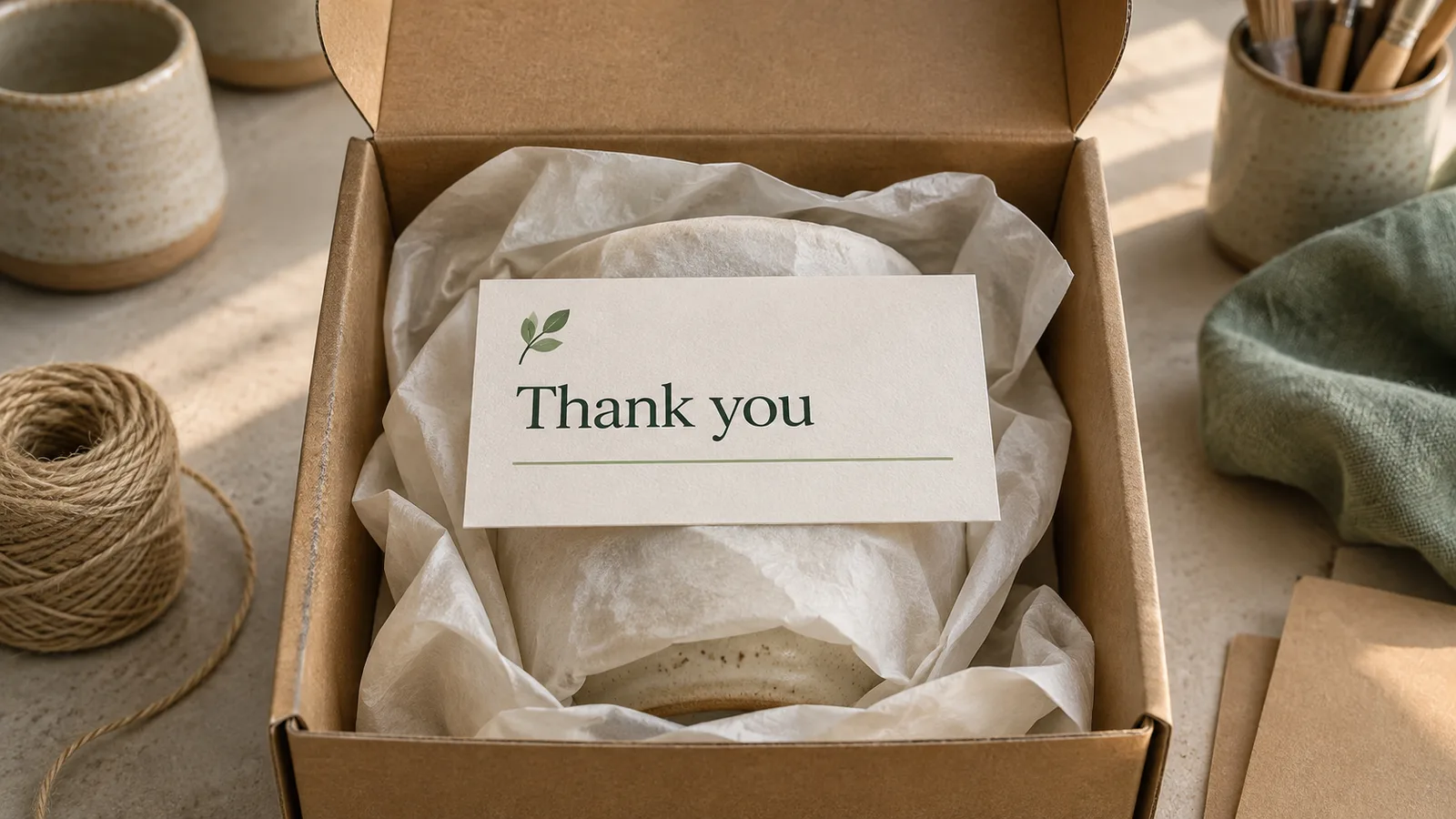
Sign with the name they saw on your storefront. A potter might write “Thanks for giving this mug a place at your breakfast table.” A detail like that makes a repeated note feel particular to the item.
Give the code a reason to be scanned
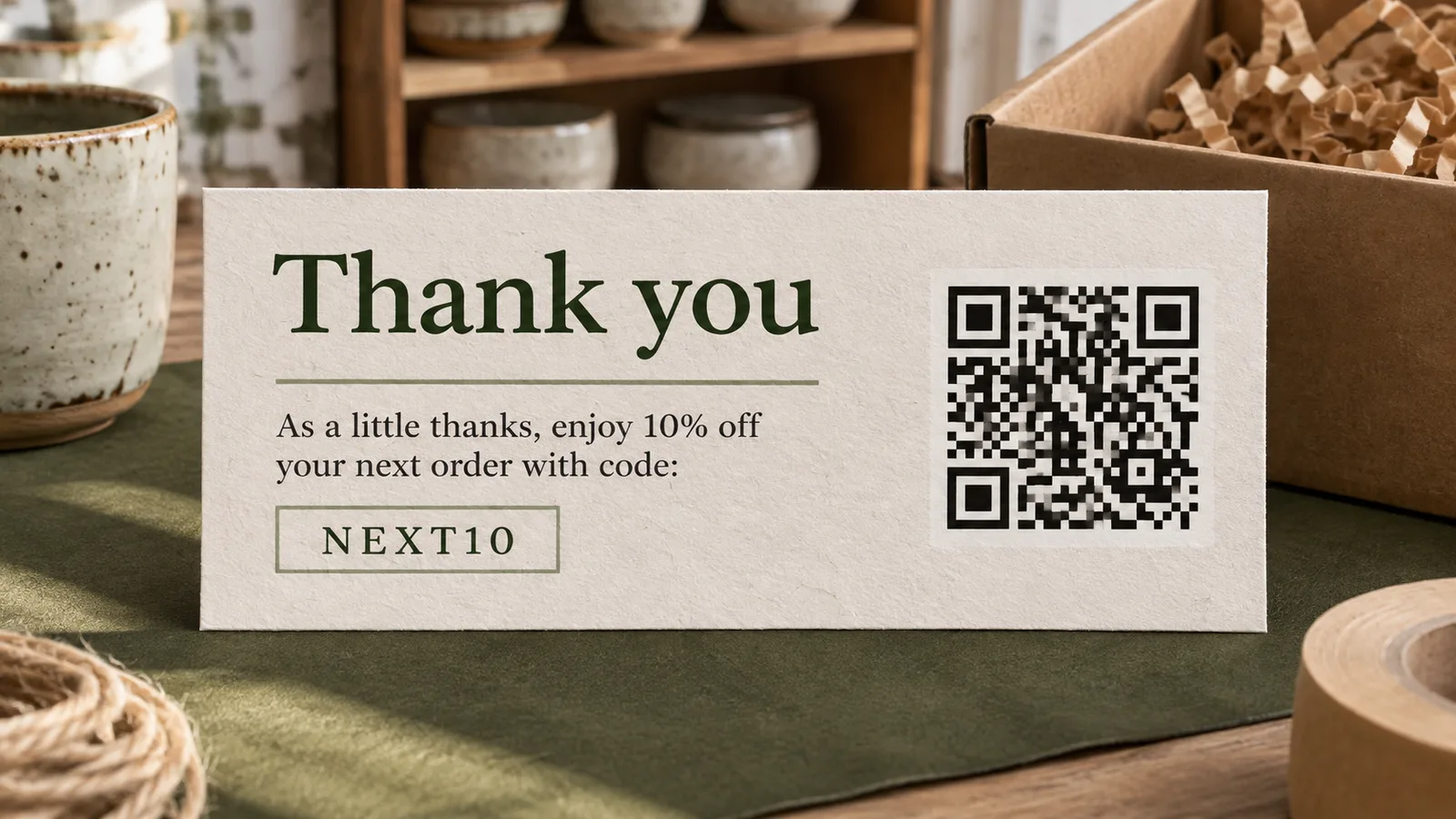
Point the QR code to something the buyer can use, such as washing instructions or your refill page. If you offer a discount, print the coupon as text too so customers can enter it at checkout.
Match the insert to the package
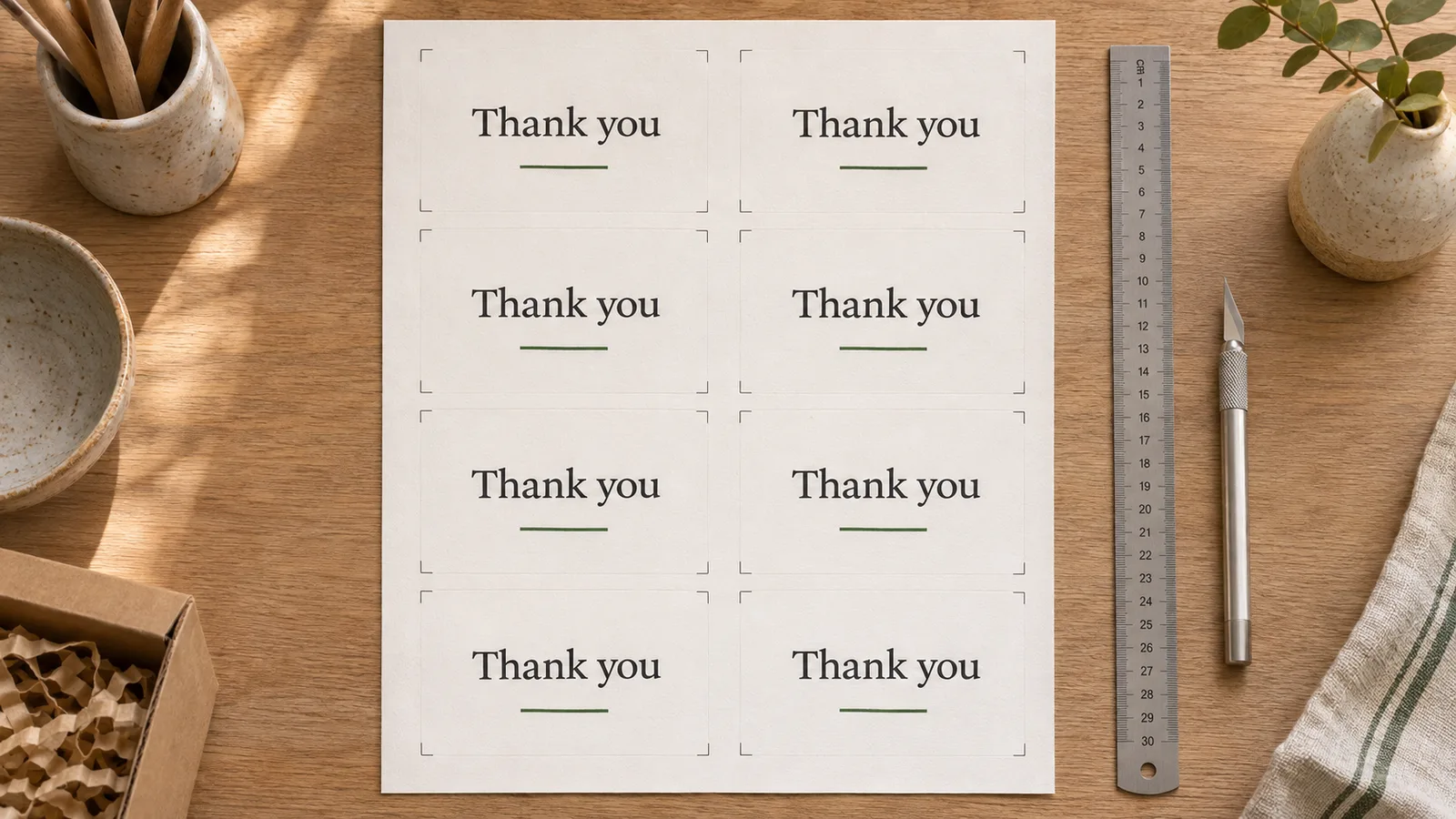
Cut an 85 × 55 mm sample and close the lid of your smallest box with the card inside. Choose four copies for a limited offer or eight when you need a stack of the same insert.
Thank you card wording for shop orders
Borrow a line that fits the item and sign it the way you would in person.
For a first order
“I’m so glad you found my little studio. I wrapped these earrings this morning and hope you enjoy wearing them.”
For a familiar name
“It was lovely to see your name on another order, Lee. I thought the blue glaze would look right at home beside your green cup.”
For an item that needs care
“A quick rinse is all this vase needs. Scan here for my notes on keeping the glaze looking its best.”
For a handwritten finish
Keep the printed message short and leave space to sign. At a market stall you can add the buyer’s name while you wrap their purchase.
How to print packaging insert cards at home
Test the message, the scan and the fit on one sheet before committing your cardstock.
Write the note and add your shop details
Replace the sample wording with a sentence about the order. Choose a clear PNG, JPEG or WebP logo from your device. If you include a discount, set it up in your store first and use exactly the same spelling on the card.
Browse thank-you card wording examplesChoose the sheet and check the QR link
Select Letter or A4 to match your tray. Choose four or eight copies per sheet and preview the layout. Paste the full https:// or http:// address if you want a QR code, then check the printed proof with a phone camera.
Print, trim and try it in a parcel
Use Actual Size or 100% in the PDF print dialog. Print on plain paper first. Trim a sample, slip it into your smallest mailer and check that the shop name and code are easy to read. For the final run, use cardstock within your printer’s supported weight range.
Read the cardstock printing guide
Questions about thank you for your order cards
Details to check before the cards reach the packing table.
Name the item, say what their order means to you and sign your name. A bookseller could write “Thanks for making room on your shelf for this collection. I hope you find a new favorite poem. — Robin”.
Yes. Select your logo from your device and preview it beside your message. You can download a PDF or PNG without creating an account, and your logo stays in your browser.
Choose four or eight identical 85 × 55 mm inserts on Letter or A4. For 40 orders, print ten four-card sheets or five eight-card sheets. Print one proof first if you have never used that paper.
Pick one destination you expect to keep live, such as the product’s care page, your shop or a social profile. For a new plant owner, a link straight to the watering guide saves a search through your shop menu. Label the destination in your message. Scan the printed card and check that it opens the right page.
No. Create the offer in your checkout system and test it on an eligible item. Then replace the sample code on the card. If the offer expires, include its end date and print only the number you expect to use in time.
Save the PDF. Match the print dialog’s paper size to the editor and choose Actual Size or 100%. Print and trim one sheet before loading your final stock.
Print your first sheet of packaging insert cards
Start with the note you would say across the counter. Add your shop details and try one card in a real parcel.
Free PDF and PNG · No sign-up · No watermark