Free Poster Maker Design at the size you want
Use this poster maker for event notices, classroom displays and wall art. Pick a template and save a PDF or PNG for free, without an account or watermark.
Edit your poster maker template
Pick a design and finished size, then replace the sample text. The home-printer paper choice only changes how the poster is split.
1 · Templates
2 · Your wording
3 · Style & photo
Font style · Serif
Palette · Market
Preview
Choose the whole poster or preview each labeled sheet.
Sheets: 4 · 5 mm overlap
297 × 420 mm
Your text, photos and lists stay in this browser. Free, no account or watermark.
Printable poster sizes and formats
- Price
- Free
- Account
- No account
- Watermark
- No watermark
- Export formats
- Full-size vector-text PDF, tiled PDF, PNG and direct tiled print
- Paper sizes
- A4 (210 × 297 mm) or US Letter (8.5 × 11 in) for tiles
- Supported sizes
- A3, A2, A1, 18 × 24 in and 24 × 36 in
- Privacy
- Edits, photos and downloads are processed in your browser
- Languages
- Eight languages with localized sample text
- Last updated
- November 19, 2026
Best for
- Useful for a community notice, a classroom display or a short message on the wall. The form keeps artwork, headings and details in defined positions. For a photo template, use a sharp original and check the crop in the preview.
Not the best fit for
- For professional prepress, ask the print shop about bleed, crop marks and CMYK before ordering. This tool provides fixed portrait designs and no print-shop production settings or saved project library.
How it compares
- Canva · Adobe Express · PDF24
- Canva and Adobe Express offer broad template libraries and freeform editing. PDF24 can split an existing PDF. PrintMigo combines a short template form with an A4 or Letter tile download. Choose the workflow that matches whether you already have artwork and how much layout control you need.
Make a poster for the space you have
Start from a layout with a clear focal point
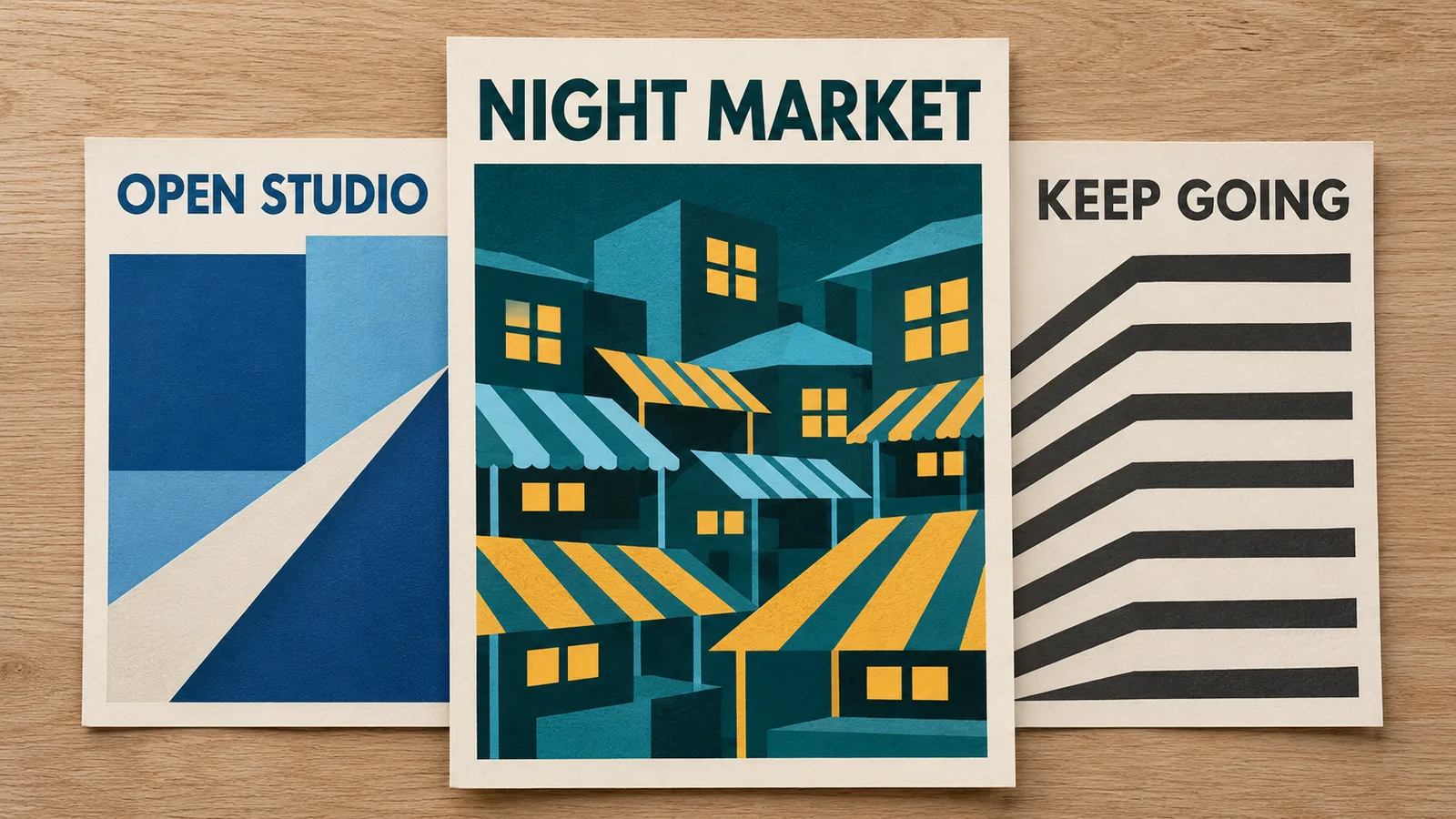
Try the illustrated market, live music or plant swap designs for an event. Choose the coastal or typography layouts for a wall print, or replace the landscape in the photo template with your own image.
Build a large print from ordinary sheets
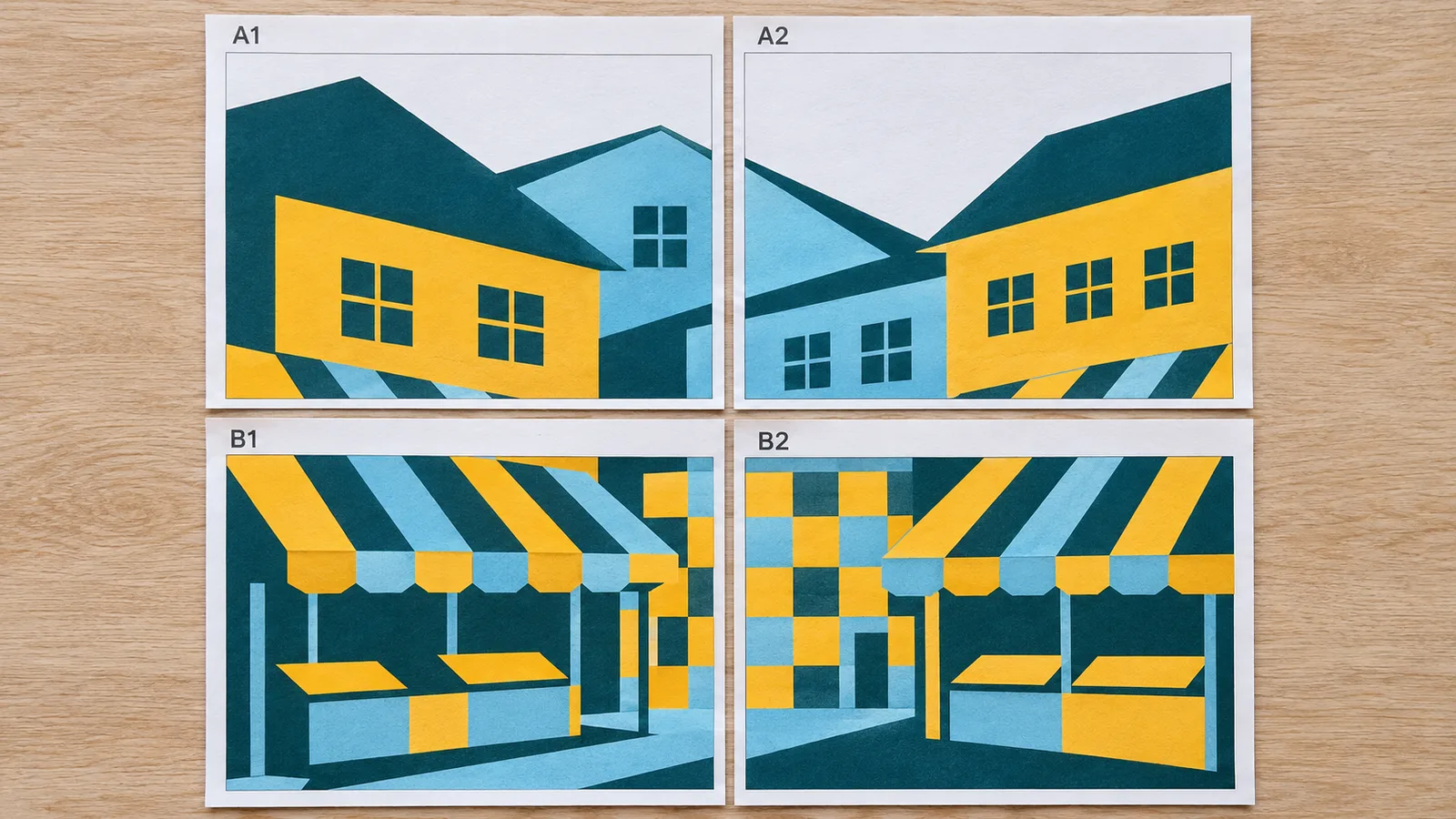
Choose the paper loaded in your home printer and switch to the tile preview. Each sheet shows its grid position; neighboring tiles repeat 5 mm of artwork. Print at 100%, trim the indicated edges, align the repeated image and tape the back. The live count shows how many pages your current settings need.
Send one full-size page to a print shop
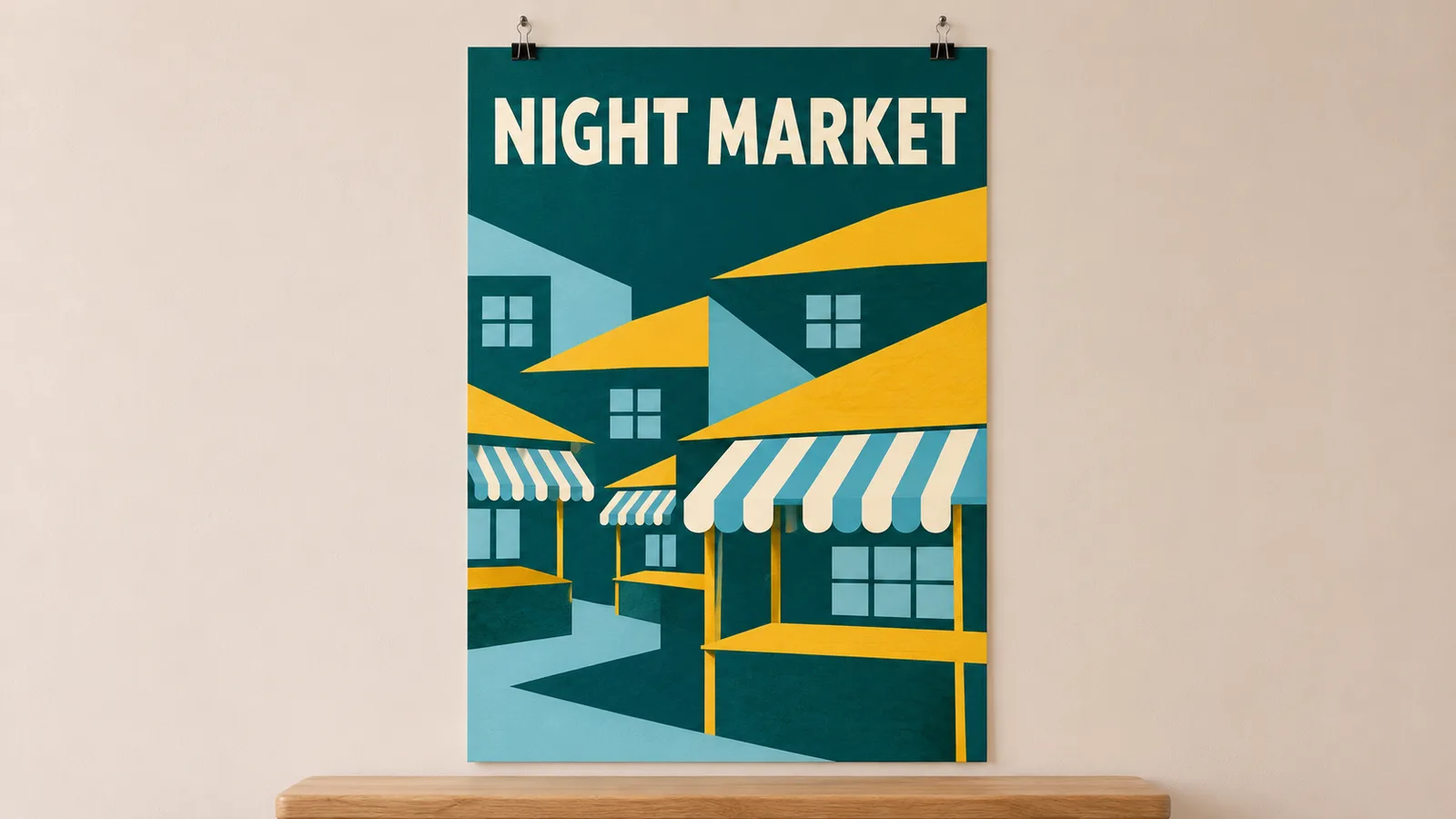
The full-size PDF keeps the finished page dimensions, whether you choose A3, A2, A1, 18 × 24 in or 24 × 36 in. Send that file for a single large sheet and ask the shop to confirm the size and margins. Preview the file before ordering and use a full-size PDF for sharp text.
Printable poster design and output settings
Five portrait sizes
A3 is 297 × 420 mm, A2 is 420 × 594 mm and A1 is 594 × 841 mm. The two inch sizes measure 457.2 × 609.6 mm and 609.6 × 914.4 mm. Measure the display area or frame before choosing.
Color and readable type
Start with the template palette or pick another. Adjust the type in the style panel and check the headline from a few steps away before you print the full poster.
A separate PNG for sharing
The PNG shows the whole design and is capped at 4,096 pixels on the longest side. It suits a screen preview or message attachment. For exact-size printing and a text layer that stays crisp, use one of the two PDFs.
Print and assemble a printable poster
Enter the message and choose a finished size
Replace the sample headline and details. Use the actual viewing distance as a guide: the title should be legible from farther away than the smaller line. In the photo design, zoom and position the image so that the main subject stays in view.
Match your printer paper
Select A4 or US Letter under home printing. Inspect the first numbered tile and use the preview arrows to check the edges. Download the tile PDF and print one PDF page per physical sheet with Actual Size or 100%, on one side.
Trim one side of a join and tape the reverse
Lay the sheets out in row and column order. Cut along the guide frame, leaving the printed overlap on one side of each join. Line up the repeated artwork, then secure the reverse with tape. Make one test print first, especially if your printer has a wide unprintable margin.
Poster maker questions about size and printing
Yes. You can edit all eight designs and download either PDF or a PNG for free. The tool requires no account, and exported pages have no watermark. Ordinary paper, ink and any external printing service are separate costs.
Yes. Select A4 or US Letter and download the numbered tile PDF. Print at 100% or Actual Size with one document page per sheet. It is already divided, so leave any extra tiling or multiple-pages-per-sheet setting off.
The tile count next to the home-paper selector updates when the poster or paper size changes. The layout automatically picks a sheet orientation and reserves margin space. The grid labels show which pieces go next to each other.
Choose Full-size PDF. The file has one page at the chosen finished size and keeps text as vectors. Confirm the shop accepts that page size and ask about margins, edge trimming and any prepress requirements before sending it.
Use Actual Size or 100%, and turn off Fit and extra tiling. Lay out the sheets by their labels and trim the white edges along the guides. Preserve one 5 mm overlap at each seam, align the repeated content and tape the back.
Choose the photo template and add a JPEG, PNG or WebP from your device. You can adjust its crop and positioning. Your edits and image are processed locally. Download your files before leaving because the editor has no saved project library.
Open the poster maker and choose a size
Start with a single headline and print a proof before committing all your ink and paper.