Printable Classroom Posters
Make printable classroom posters for elementary school and homeschool. Edit nine illustrated designs and save a free PDF or PNG with no sign-up or watermark.
Customize your classroom poster
Pick a design and edit the headline, body and small label. Switching designs changes sample text and keeps your edits.
1 · Templates
2 · Your wording
3 · Colors and fonts
Font style · Rounded
Palette · Cream and teal
Preview
Edit the text, then choose A4, US Letter or A3. Use the paper preview to check the number of sheets.
Sheets: 1
215.9 × 279.4 mm
Full-sheet designs use internal safe margins; exterior crop marks are omitted.
Your text is edited and exported in this browser. Free, with no account or watermark.
Classroom poster formats at a glance
- Price
- Free, with no paid tier or download fee
- Account
- Not required
- Watermark
- None
- Export formats
- Full-size PDF, A4 or US Letter paper PDF, PNG and direct print
- Paper sizes
- US Letter and A4
- Supported sizes
- Portrait A4 (210 × 297 mm), US Letter (8.5 × 11 in), A3 (297 × 420 mm)
- Privacy
- Editing and export run locally in your browser.
- Languages
- 8 languages: English, Chinese, Spanish, Portuguese, French, German, Japanese, Korean
- Last updated
- November 20, 2026
Best for
- Use these classroom posters in an elementary classroom, on a homeschool wall or in a shared reading space. Start with one design per spot.
Not the best fit for
- Choose a freeform editor for layouts that need movable artwork or several different page designs in one file.
How it compares
- Canva
- Canva has a drag-and-drop canvas and a wider gallery. PrintMigo uses fixed layouts with editable text and offers A4 or Letter tiling for home printers.
Find the right educational posters for your room
Nine designs with a job to do
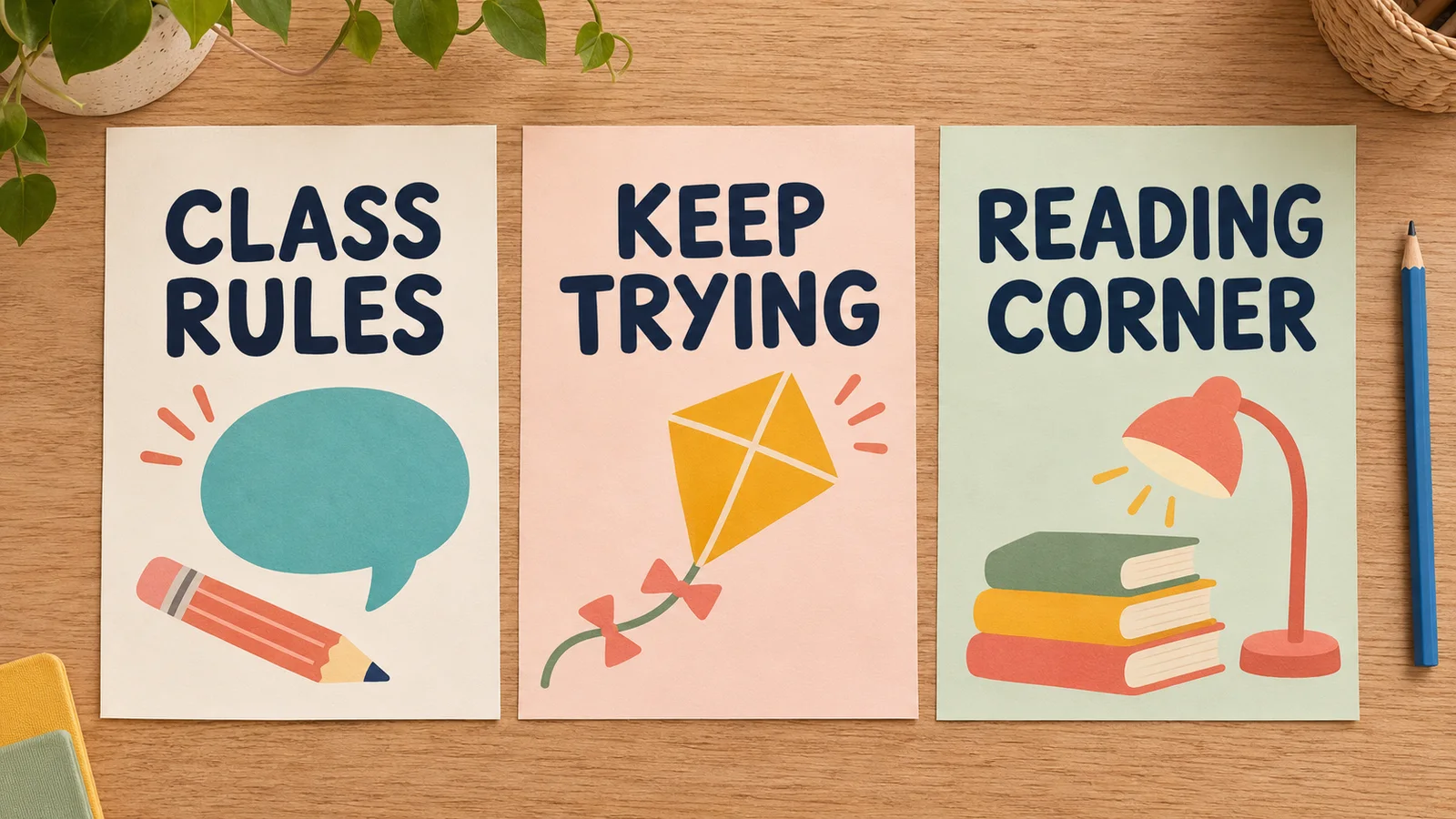
Start with class rules, a welcome sign or a growth mindset message. The reading, science and math designs give students short prompts at the stations where they’ll use them.
Plan the bulletin board before you print
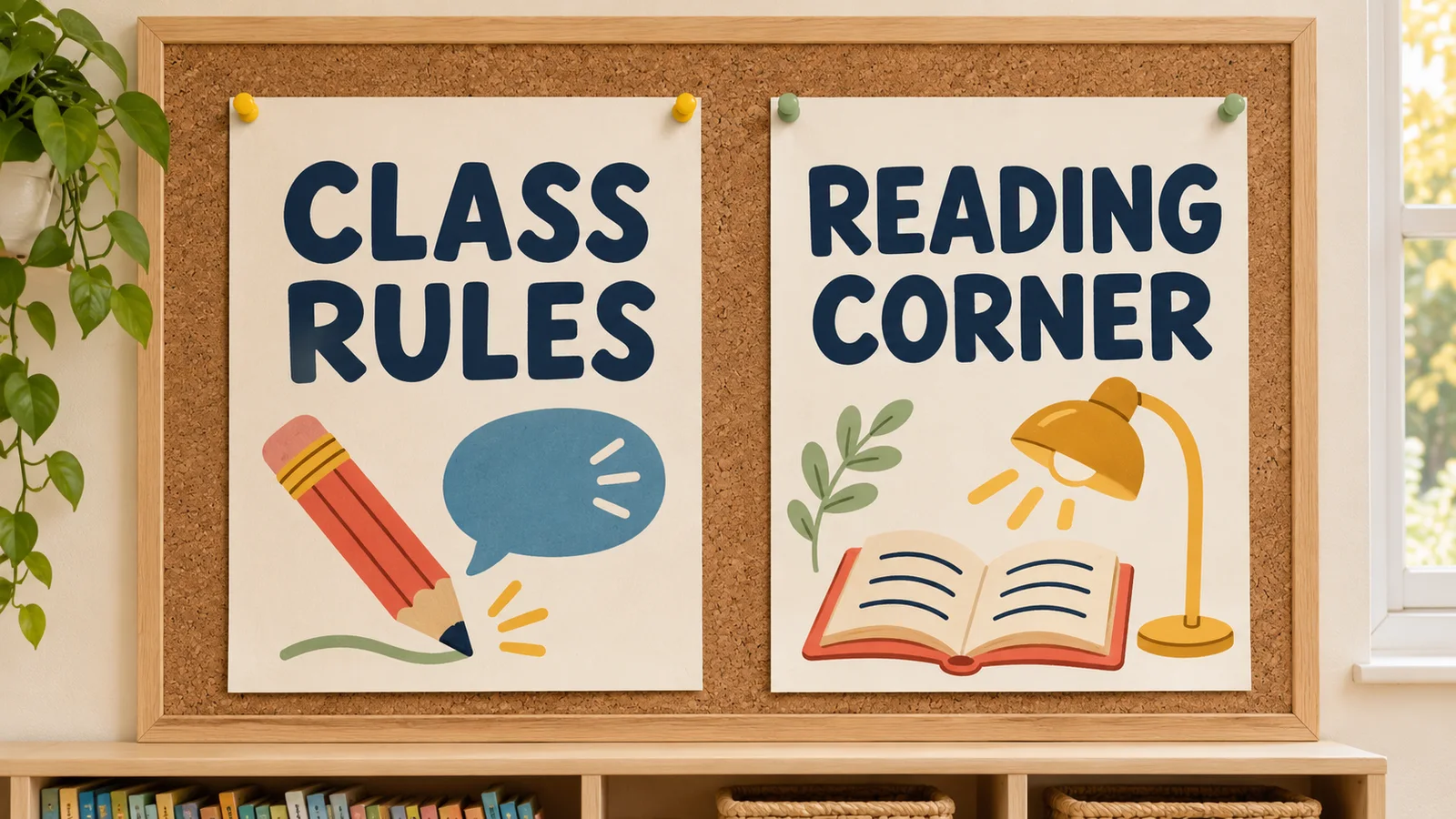
Set class rules near the entry or meeting area. Put the reading sign above the books. Proof the smallest line from the distance students normally stand.
Make an A3 display with a home printer
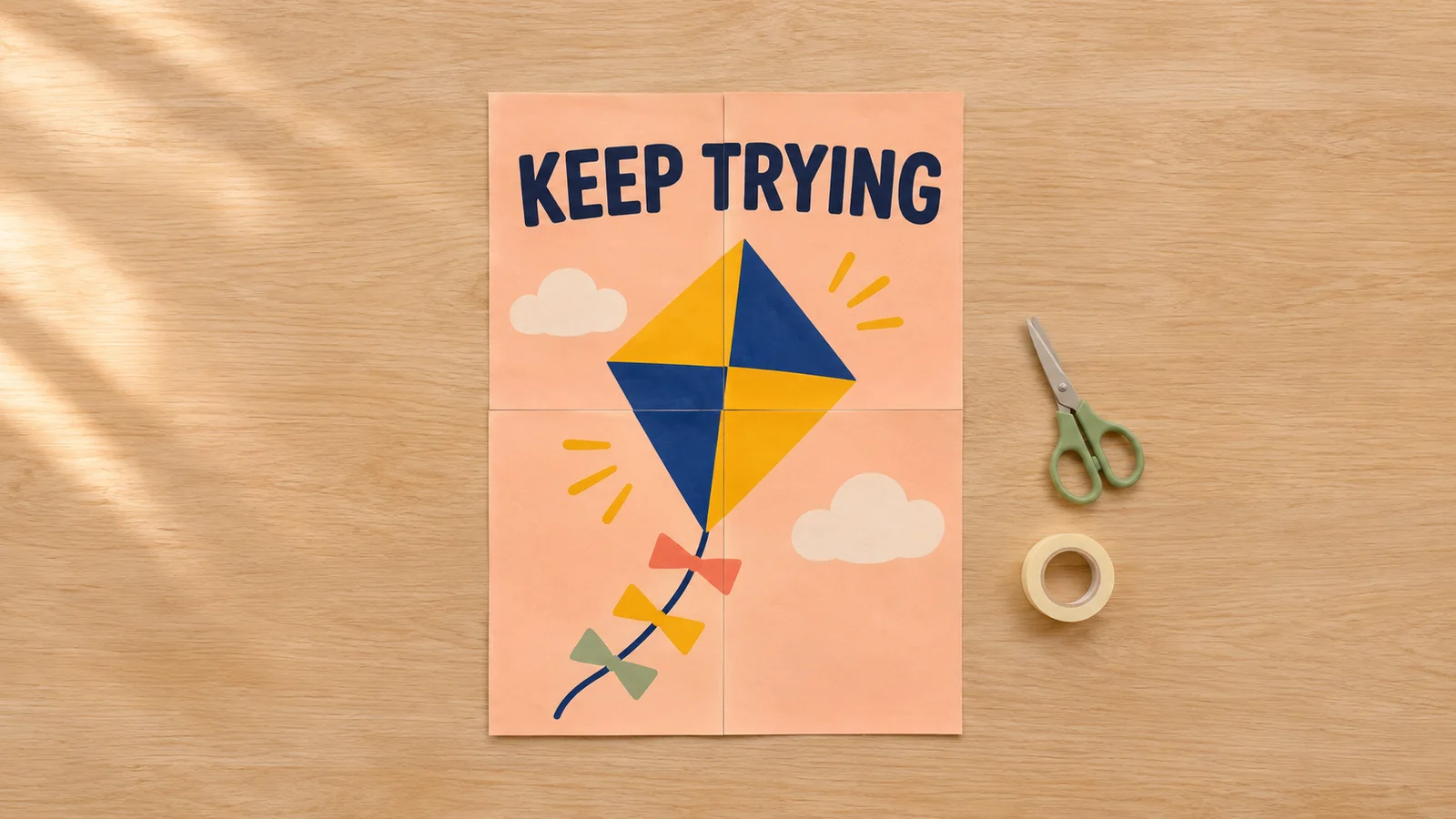
Choose A3 artwork and an A4 or US Letter paper PDF. The editor numbers the sheets and includes a 5 mm overlap so neighboring pieces can be lined up.
Details that make a classroom poster easier to read
Give each line one job
Write rules as short actions, such as “Put materials back.” Use a line break between ideas so students can scan the list.
Choose the file for the job
Send the full-size PDF to a copier or print shop. Use the PNG for a class slide or an online notice.
Proof a classroom copy
Start on ordinary paper. For a display you’ll reuse, try matte stock compatible with your printer or laminate the finished sheet.
Print classroom posters at home
Pick a template and size
Choose US Letter or A4 for a nearby station, or try A3 for a bulletin board. The main poster maker offers larger wall formats.
See larger poster sizesAdd your own classroom wording
Enter the class name, expectations or learning prompt. Keep the headline short and check the live preview for wrapped words.
Print a proof at actual size
Match the paper PDF to the paper in the tray and select Actual Size or 100%. For tiled prints, follow the sheet labels, trim one edge of each seam and tape from the back.
Printable classroom posters FAQ
All nine layouts and the PDF and PNG downloads are free. You can start on a phone or computer without registering, and the export has no watermark.
Yes. Replace the sample rules with your class agreements, use one line per action and change the small label to a room or class name.
Pick one display for a job students actually do. Classroom expectations work near the meeting area, and a prompt like “Explain how you know” is useful beside math materials.
Yes. US Letter is 8.5 × 11 inches and is the default in English. A4 is 210 × 297 mm. Choose your tray’s paper size before saving the paper PDF.
Choose A3 and download the A4 or Letter paper PDF. Check the sheet count in the preview and use the numbered tiles and overlap to assemble the display.
Choose PDF to preserve the physical size for printing. PNG is a convenient image for slides or a classroom website.
Yes. The small label can hold a class name or room number. Check that the text is readable at the door before printing the final copy.
Make a classroom poster for tomorrow
Try a class rule, an encouraging reminder or the title for a new reading corner. Edit the words and print a proof before you put it up.