Free Multiplication Worksheets Generator times tables to 12 × 12, long multiplication and answer keys
These multiplication worksheets are made fresh every time you press New problems. Practise the 2 to 5 tables, only the hard 6 to 9 tables or everything up to 12 × 12, then move on to 2-digit and 3-digit column multiplication. Print up to 30 different sheets with matching answer keys on US Letter or A4.
Make your multiplication worksheets: pick the tables and print
The page opens with 30 mixed times table facts from 2 × 2 to 10 × 10, written in a row. Choose another level, change the factor ranges and press New problems for a different set. The preview is exactly what the PDF, PNG and printout contain.
Grade presetsCurrent setup: Times tables 2–10 (Grade 3 / Year 3–4)Start from a grade level, then change anything.
Operations
Select one or more. With several operations the problems are mixed.
Number ranges
Layout and size
Each worksheet has new problems. Use the numbered buttons above the preview to look at each one.
Paper, color and symbolsUS Letter - Blue - × ÷
Print or download
Print at 100% (actual size) on plain paper. Use the black and white color to save ink.
Worksheet
Answer key
Multiplication worksheets: quick facts
Short answers for parents and teachers comparing free multiplication worksheet makers.
- Price
- Free, with no paid tier or download fee
- Account
- Not required
- Watermark
- None
- Export formats
- PDF (all sheets and answer keys in one file), PNG and direct print
- Paper sizes
- US Letter and A4
- Supported sizes
- 6 to 60 problems per page; vertical or horizontal; up to 30 different sheets per export
- Privacy
- Runs in your browser; nothing you type is uploaded
- Languages
- 8 languages: English, Chinese, Spanish, Portuguese, French, German, Japanese, Korean
- Levels
- 10 presets: times tables 2–10, 2–5, 6–9 and 2–12, 2-digit and 3-digit by 1-digit, 2-digit by 2-digit, 3-digit by 2-digit, missing factors and a 50-problem drill
- Factor ranges
- Any range from 0 to 999,999 for each factor, so you can drill the 7 times table only or any mix
- Multiplication sign
- Choose ×, · or * to match your textbook
- Answer keys
- Worked out from the same problems, after each sheet or all at the end
- Grade names
- Presets are labelled with US Grade and UK Year names
- Last updated
- October 18, 2026
Best for
- Parents and homeschoolers who need fresh daily times table practice at the right level
- Teachers who want several versions of the same quiz, each with an answer key
- Tutors and families preparing for the Year 4 multiplication tables check in England
Not the best fit for
- Word problems, arrays or pictures of equal groups
- Working shown for you: the column layout sets up the problem but does not draw partial products, carry dots or a grid
- Times table grids to colour in, or sheets that use only multiples of 10 such as 9 × 80
How it compares
- Math-Drills
- A very large free library of fixed multiplication sheets with choices such as 100, 64 or 25 questions; this generator lets you type your own factor ranges and make keys on demand.
- K5 Learning, Super Teacher Worksheets and Mathworksheets4kids
- Good content, but part of it sits behind a paid membership (K5 Learning and Mathworksheets4kids ask about $24 a year at the time of writing), and answer keys can be a member perk; here nothing needs an account.
- Asking ChatGPT
- Quick for word problems, but products can be wrong and the layout is hard to print; this generator calculates every answer exactly.
Why these multiplication worksheets fit the times tables you are teaching
Three things fixed PDFs cannot do.
Practise one group of times tables at a time
Children rarely struggle with every table. The 6, 7, 8 and 9 tables are the usual trouble spots, so one preset uses only those. Another covers the 2 to 5 tables, and you can type any first factor you like. The first factor is the table you practise, so a 7 sheet shows 7 × 4, not 4 × 7, just as the England check counts 4 × 12 as part of the 4 table.
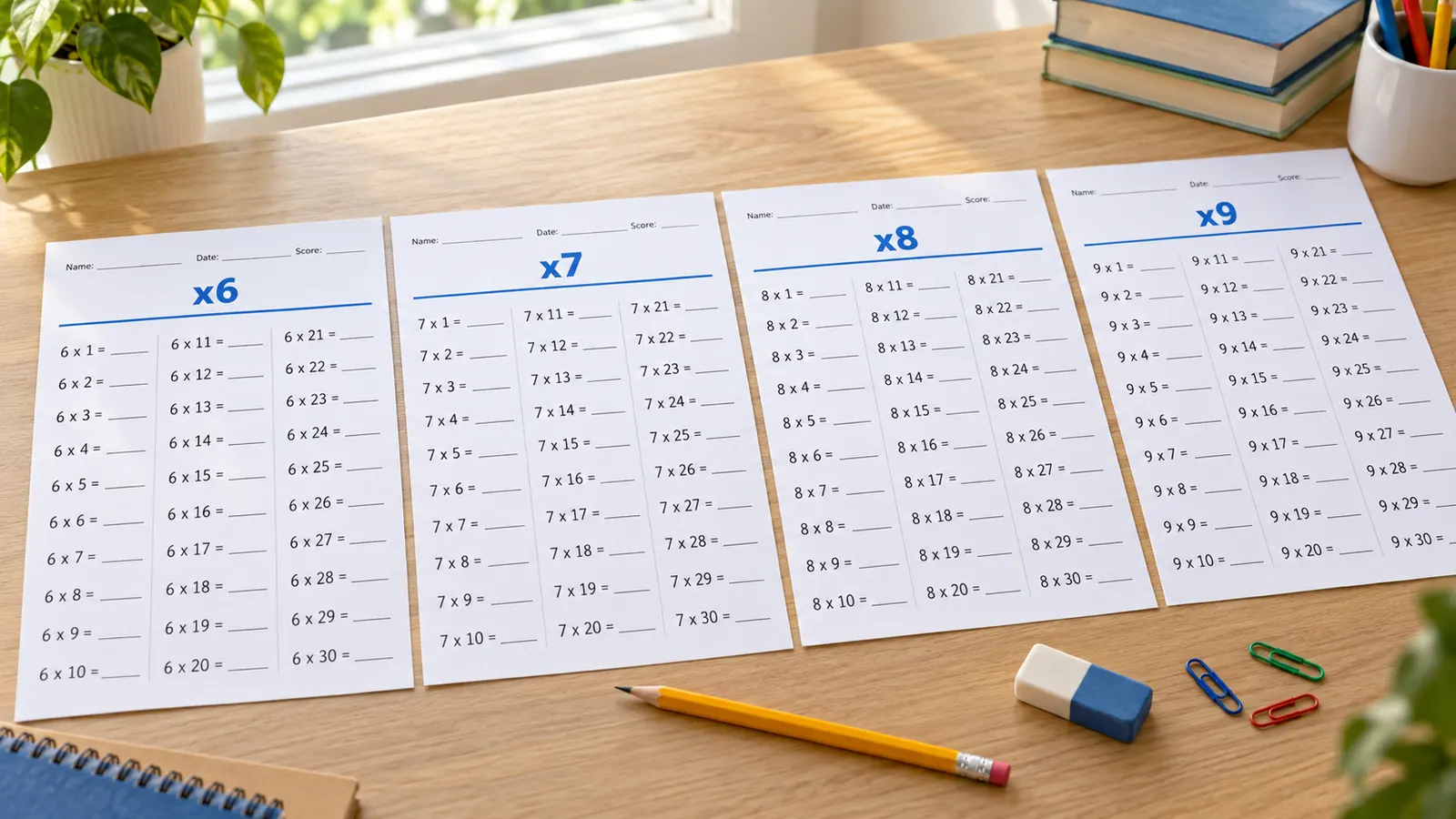
A ladder from times tables to long multiplication
Ten presets follow the order schools teach multiplication: the 2 to 10 tables, the hard 6 to 9 tables, all of 12 × 12, then 2-digit and 3-digit numbers times one digit, 2-digit times 2-digit and 3-digit times 2-digit in column form. Each preset sets the ranges and layout, and you can still change any number.
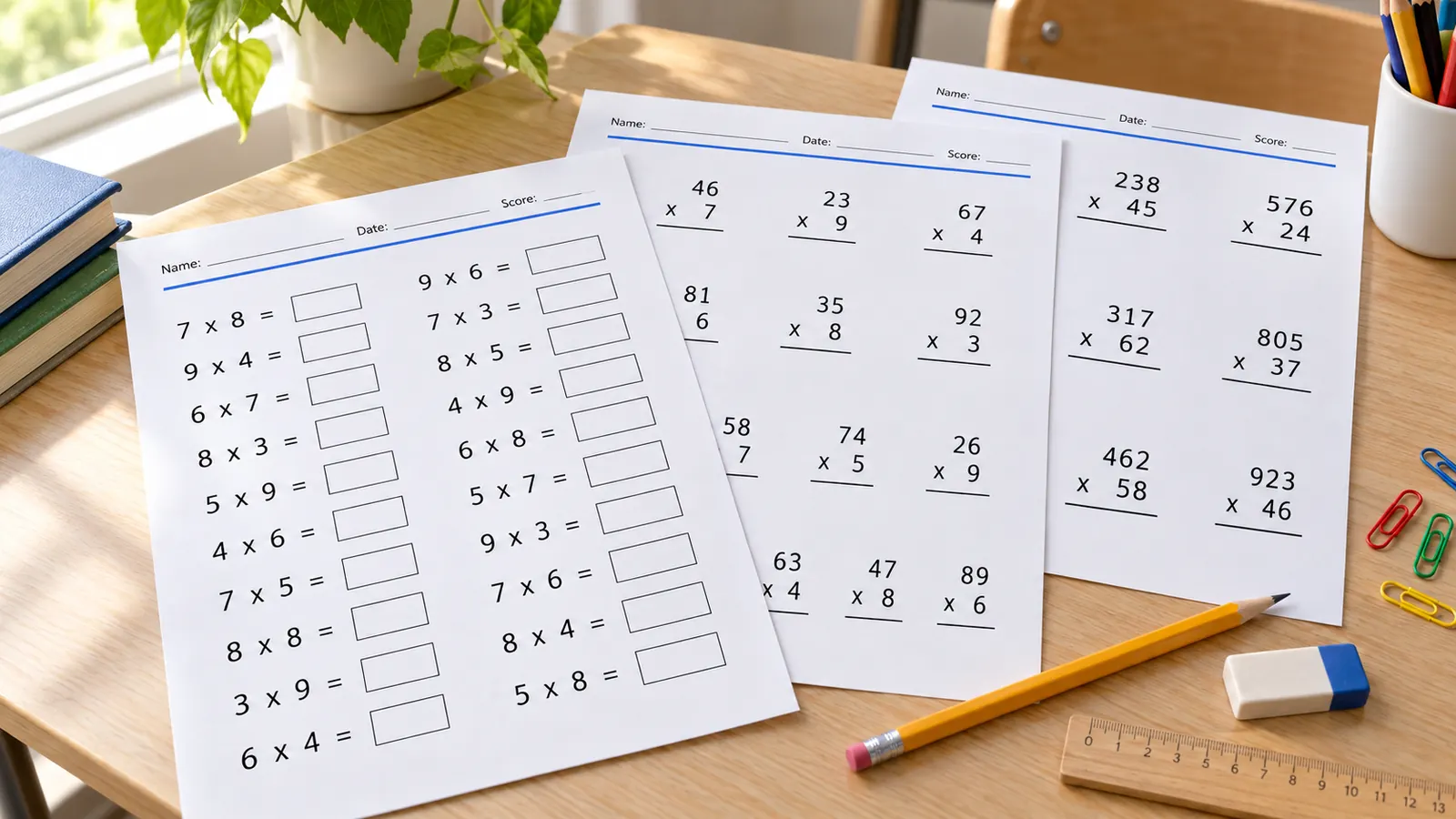
Answer keys and a new sheet every time
Every sheet comes with a key that is calculated from the same problems, placed after each sheet or at the end of the PDF. Make up to 30 different sheets at once for a class, a week of practice or a retake.
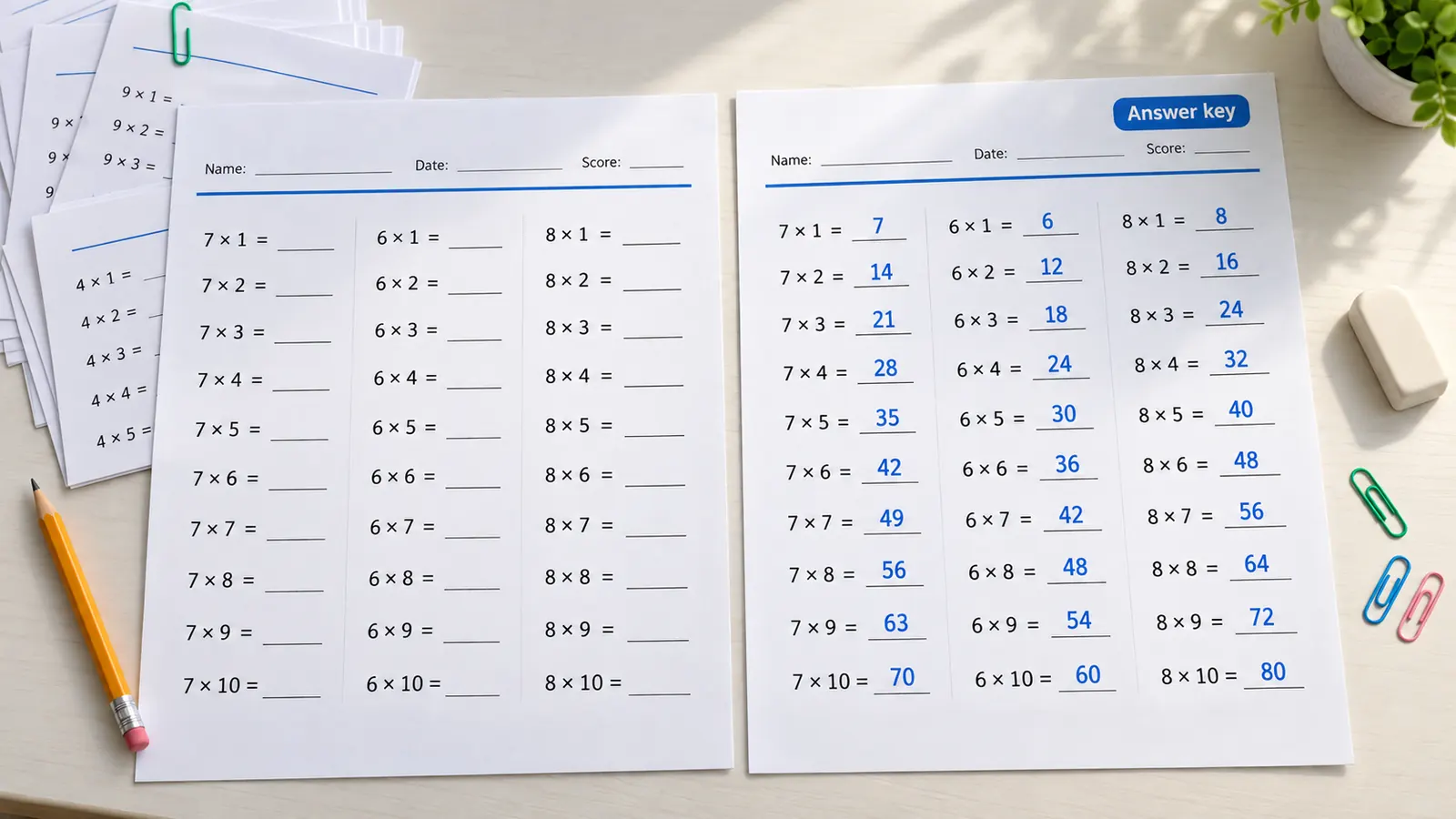
What the free multiplication worksheets generator includes
Everything runs in your browser, with nothing to install.
PDF, PNG or print
One PDF with every sheet and key, a PNG for tablets, or print straight from the page. No watermark.
Row or column
Facts in a row such as 7 × 8 = ___, or stacked column multiplication with room for your own working.
Missing factor
Fill-in problems such as 6 × ☐ = 42 show that multiplication and division undo each other.
Your multiplication sign
Print × as in the England national curriculum, or switch to · or * to match your own textbook.
50-problem drills
A 2 to 12 drill in five columns for beating your own time, with answers to check.
Private by design
Problems are made on your device. No account, no student names stored, nothing uploaded.
How to make multiplication worksheets in four steps
From a blank page to printed sheets with an answer key in about two minutes.
Choose the multiplication level
Open the multiplication presets and pick the step your child or class is on. In England, the national curriculum asks for the 2, 5 and 10 tables in Year 2, the 3, 4 and 8 tables in Year 3 and all tables up to 12 × 12 by the end of Year 4, plus 2-digit and 3-digit by 1-digit in a written layout, then long multiplication in Years 5 and 6. The US Common Core asks children to know all products of two one-digit numbers from memory by the end of Grade 3 (3.OA.C.7), to multiply up to four digits by one digit and two 2-digit numbers in Grade 4 (4.NBT.B.5), and to use the standard algorithm in Grade 5 (5.NBT.B.5).
- Not sure of the level? Print one sheet and see how many problems your child finishes comfortably.
- Facts up to 10 × 10 should feel easy before you move on to column multiplication.
Set the factor ranges
Type the smallest and largest number for the first and second factor. To practise only the 7 times table, set the first factor from 7 to 7 and the second from 2 to 12. A single table has few different facts, so widen the range or add a second table if the warning says problems will repeat. The generator avoids showing a fact twice on a sheet, even when it is written the other way round, as long as the range is wide enough.
- One sheet, one skill: keep the 6 to 9 tables and long multiplication on separate sheets.
- Add a few 0 and 1 facts to a sheet only after the main tables are secure.
Pick layout, problems per page and sheets
Use horizontal for times table facts and missing factors, and vertical for column multiplication. Thirty facts per page suit fluency practice, around 20 suit 2-digit by 1-digit, and 8 to 12 give long multiplication room to breathe. Choose how many different sheets you need and add the name, date and score line.
- Choose Automatic columns first, then adjust if you want more writing space.
- For a timed drill, use the 50-problem preset and let the child beat their own time.
Print with the answer key
Press Print or download a PDF. Print at 100% (actual size) on US Letter or A4 and choose black and white to save ink. Keep the key for yourself or hand it out for self-checking, and teach children to estimate first: 38 × 21 is close to 40 × 20 = 800, so an answer near 8,000 must be wrong.
- Check that the print dialog says 100% or actual size, not fit to page.
- Press New problems to make a different version any time.
Multiplication worksheets FAQ
Answers about times tables, grade levels, answer keys and printing.
Yes. There is no paid tier, no account and no watermark on the PDF, PNG or print. The problems are generated in your browser, so nothing you enter is uploaded.
Choose the hard times tables 6 to 9 preset, which uses 6 to 9 as the first factor and 2 to 10 as the second. For a single table, type the same number in From and To for the first factor, for example 7 and 7, and keep the second factor at 2 to 12.
Grade 3 (Year 3–4): the 2 to 10 times tables, with the 2 to 5 and 6 to 9 presets for step-by-step practice. Grade 4 (Year 4–5): 2-digit and 3-digit by 1-digit, then 2-digit by 2-digit. Grade 5 (Year 5–6): 3-digit by 2-digit long multiplication. In Australia, the Year 4 curriculum (AC9M4A02) asks for facts up to 10 × 10. Schools differ, so treat these as a guide.
Yes. Choose an answer key after each worksheet or all at the end. The key is calculated from the same problems, so it always matches the sheet you printed.
The England check has 25 questions on the 2 to 12 tables, 6 seconds for each, and no pass mark. Use the times tables up to 12 × 12 preset and the 50-problem drill, and time your child with a clock. It is taken on screen, so printed sheets build recall, not the exact format.
The official check framework gives extra weight to the 6, 7, 8, 9 and 12 tables because they are the hardest. Because 6 × 7 = 7 × 6, the 2 to 10 tables hold only 45 different facts, not 81, and 2 to 12 has 66. Learning half is much faster.
There is no official number. Many teachers use 20 to 30 facts for fluency, 15 to 20 column problems for 2-digit by 1-digit and 8 to 12 for long multiplication. Pick anything from 6 to 60 per page. Short, regular practice usually works better than one long sheet.
Multiply by the ones digit, then by the tens digit, and add the two partial products. For 34 × 27, 34 × 7 = 238 and 34 × 20 = 680, so 238 + 680 = 918. This generator lays out the problems but you or your child write the working.
In 6 × 7 = 42, the numbers 6 and 7 are the factors and 42 is the product. Common Core 3.OA.A.1 reads 5 × 7 as 5 groups of 7 objects. Anything times 0 is 0, and anything times 1 stays the same.
Choose the missing factor preset or switch to horizontal layout and set the blank to a missing number. Children then solve 6 × ☐ = 42 by thinking 42 ÷ 6 = 7, which links multiplication to division. Problems with a 0 factor never get a blank, because every number would fit.
Make your multiplication worksheets with the free generator now
Choose a level, press print and hand out fresh sheets with matching answer keys in two minutes.
Free, no sign-up, no watermark, and nothing leaves your device.
Tip: print the answer key on colored paper so it never gets mixed up with the worksheets.