Printable thank you tags a few words that make a gift personal
Make printable thank you tags for teachers, customers or wedding guests. Choose a ready-made message, edit it and download free PDF or PNG sheets for Letter or A4. No account or watermark.
Three editable wording presets · Letter and A4 · names stay in your browser
See printing instructionsCreate your printable thank you tags
Start with 12 rounded teacher tags, or choose the small business or wedding preset for 20 tags. Replace the words, check the preview and download your sheet.
Occasion quick start
TemplateSelected: BotanicalOpen to choose a gift tag design.
Paste up to 240 names, one per line. Each gets a tag and the list continues onto extra sheets.
Icon
Color
Tags per page
Paper
Tag shape
Live preview
12 tags per page · Letter landscape · each tag about 2.3 × 2.3 in (57 × 59 mm)
Thank you tags: facts before you print
Made for blank paper and cardstock that you cut yourself. Updated November 1, 2026.
- Price
- Free
- Account
- No account required
- Watermark
- No watermark
- Export formats
- PDF with all sheets, PNG per sheet, or direct print
- Paper sizes
- US Letter (11 × 8.5 in) and A4 (297 × 210 mm), landscape
- Supported sizes
- 4, 6, 8, 12, 20 or 30 tags per sheet; separate 15-per-page 2 in circles
- Privacy
- Names and messages are processed locally in your browser
- Languages
- English, Chinese, Spanish, Portuguese, French, German, Japanese and Korean
- Wording presets
- Teacher appreciation, small business orders and wedding thanks
- Personalization
- One shared message; optional recipient and sender lines; up to 240 names
- Last updated
- November 1, 2026
Best for
- Parents or students adding a short note to a teacher gift
- Small shops tying a thank-you to a package or handmade order
- Couples preparing matching tags for wedding favors
Not the best fit for
- Uploading a logo, photograph or QR code
- Pre-cut label stock requiring a product-specific alignment template
- Printing a different long message on every tag in one batch
How it compares
- Canva tag templates
- Canva offers broad control over fonts, graphics and placement. This tool is simpler: choose an existing design, edit its message and export repeated tags already arranged on a sheet.
- Avery Design & Print
- Avery templates match specific label and tag products. Use the matching Avery template for pre-cut stock; these sheets are designed for blank cardstock and manual cutting.
Printable thank you tags for three everyday moments
Use the preset as a starting point, then add the detail that makes your thanks specific.
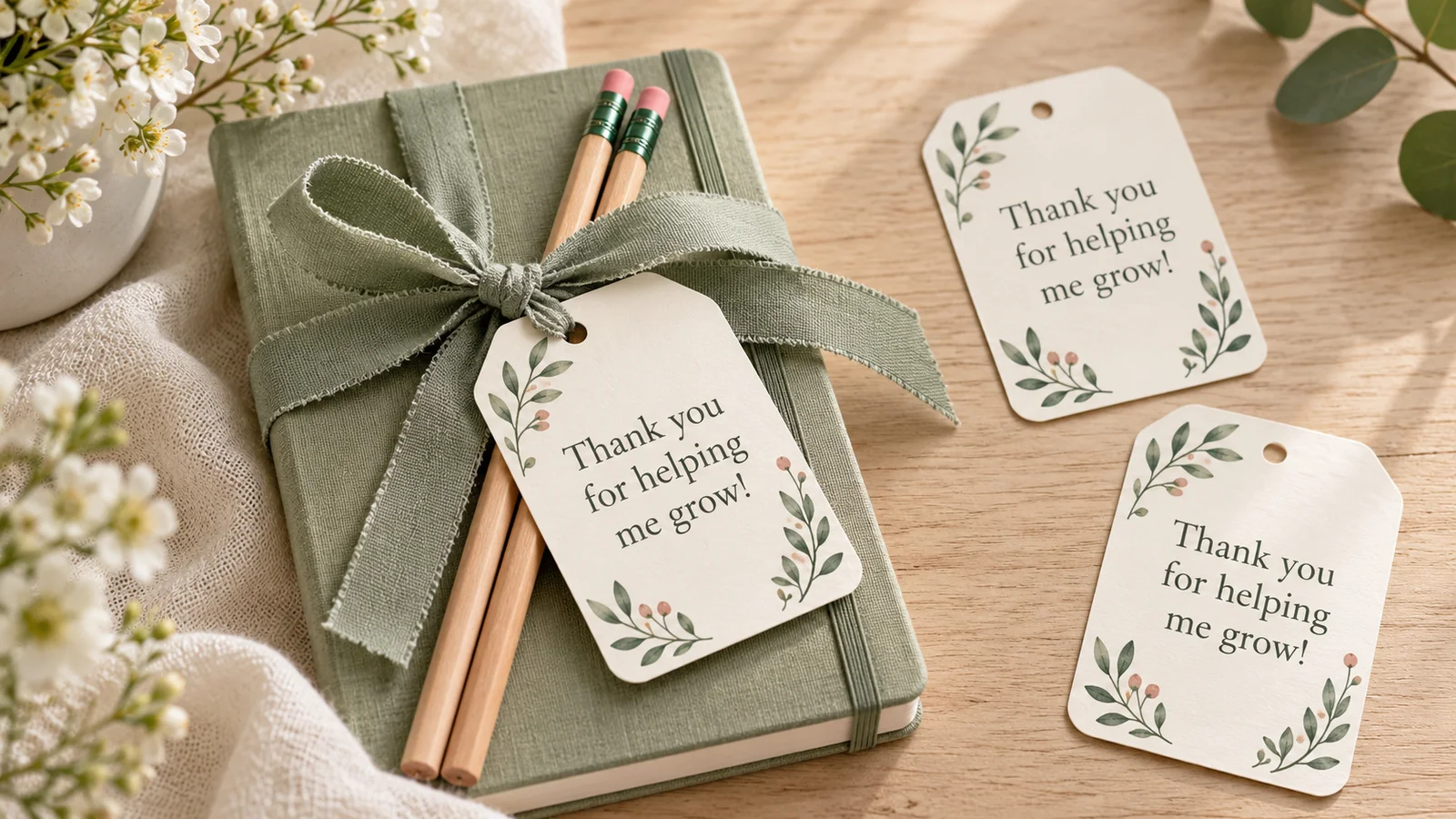
Thank a teacher in your own words
The teacher preset begins with a short appreciation message. Use it for an end-of-year present, a classroom helper or a thank-you after a school project. Add a specific detail such as the story a child loved or the skill they learned. Keep longer thoughts in a separate note so the tag stays easy to read. A gift is optional: the finished tag also works tied to a handmade card.
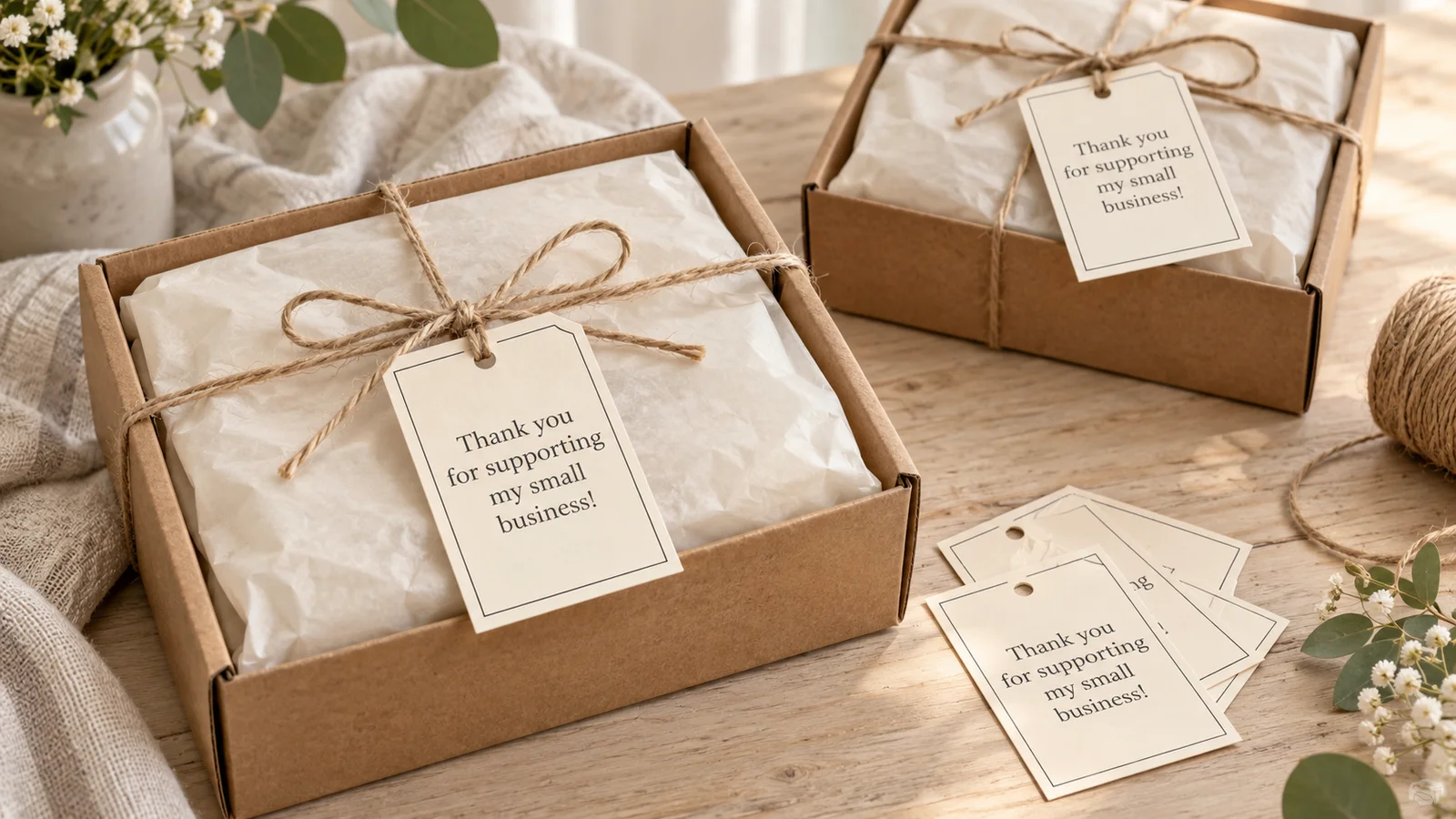
Finish a customer order with a warm greeting
Choose the small business message for a simple thank-you on a parcel, market purchase or handmade gift. Replace the sample text with your shop name and a brief greeting. Leave the recipient lines hidden for identical orders, or show them to add a customer’s first name. Make a new download when the wording changes; every tag in one batch shares the same message.
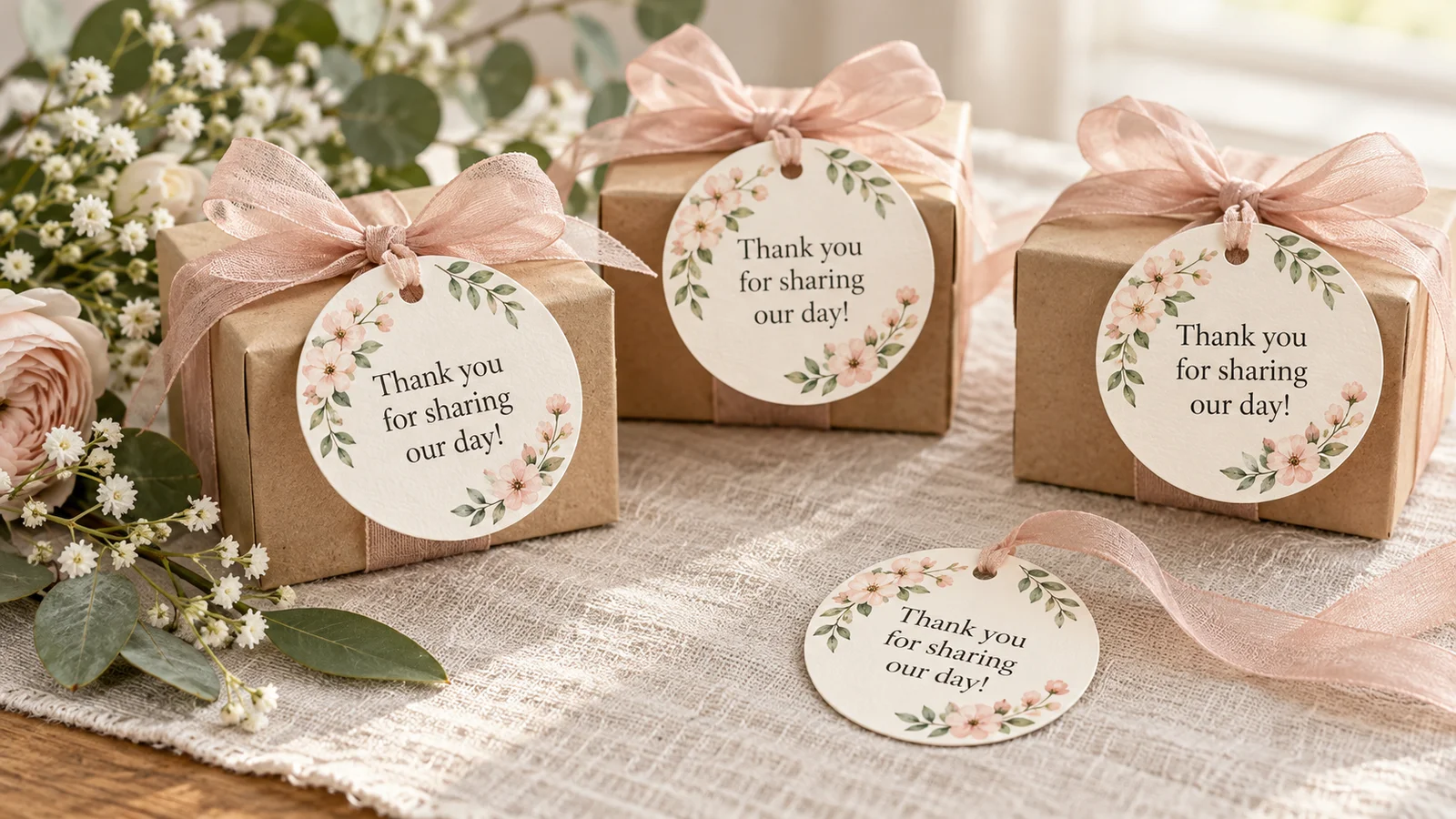
Give wedding guests a small keepsake
The wedding preset starts with thanks for sharing your day. Add initials or names if you want, then choose a shape that suits the favor box or ribbon. A date is optional; spell out the month if guests use different date formats. For wider party wording, try the related favor-tags page. Print one sample and hold it beside the favor before making the whole batch.
Thank you tags with practical controls
Keep the greeting brief and let the sheet layout do the repetitive work.
Three editable starting messages
Teacher, business and wedding presets load a design and message together. Edit the text before exporting; the downloaded sheet preserves what you see in the preview.
Optional names for a personal touch
Turn on recipient and sender lines for named gifts. Paste one recipient per line, up to 240 names. Extra sheets appear automatically, while the greeting stays the same.
Larger or more compact tags
Choose fewer tags for more room, or 20 or 30 for small packages. The size changes with the paper and shape; use the dimensions below the preview to plan your cuts.
A separate 2-inch circle layout
The 2 in circles option places fifteen 50.8 mm circles on a page. Measure a printed sample before using a craft punch, since printer scaling affects the finished diameter.
An ink-saving option
Use ink saver for a simple black-and-white sheet. White or cream cardstock makes small lettering easier to see, while colored twine or ribbon can add the finishing color.
Save now and print later
Use PDF for all sheets together or PNG for individual sheets. You can prepare a design on your phone, save the file and print it later from a computer.
How to print and finish printable thank you tags
A plain-paper proof is the quickest way to catch a size or wording mistake.
Choose the audience and write a short message
Select Teacher thanks, Small business thanks or Wedding thanks. Replace the sample message with your own words. The presets hide the To and From lines for a clean greeting-only design; show those lines when the tag needs names. Read the preview at a realistic size, especially when using a compact layout.
- A teacher message can name one thing the recipient helped with.
- For customer orders, keep the thank-you separate from care instructions or required product information.
- The message field accepts up to 60 characters; save a longer thank-you for a card or letter.
Match the sheet to your printer paper
Choose Letter or A4 and the number of tags per page. Compare the displayed dimensions with your gift or package. For 60 identical gifts, use three copies of a 20-tag sheet or two copies of a 30-tag sheet. Named lists may create several PDF pages automatically, so check the page count before printing.
- The 2-inch circle option is a separate layout with 15 circles, not 20 or 30.
- A rectangle is easy to trim with straight cuts; a circle requires scissors or a suitable punch.
Download PDF and print at 100%
Download the PDF, then select the matching paper size and landscape orientation. Choose Actual size or 100% in the print dialog; Adobe documents that Actual size prints without scaling. Test on plain paper first. Use only cardstock that your printer manual supports, with its recommended tray and media setting.
- Around 160 g/m² can be a starting point for a sturdier tag if your printer supports it.
- Keep one PDF page per printed sheet: the tags are already arranged on each page.
Cut, punch and attach your tags
Cut around the printed outline. Leave the hole mark enabled if you want to punch a hole and tie the tag with twine. Turn it off when attaching the tag flat with tape. Check one finished tag against the gift and ribbon before cutting the rest of the stack.
- Leave enough space around the punched hole so the paper does not tear.
- For additional shapes and occasions, open the parent Gift Tag Generator from the related links below.
Thank you tags: common questions
Choose the wording, paper and download that suit your next batch.
Yes. You can edit and download PDF or PNG sheets for free, without signing up or adding a watermark. Your message and names are processed in your browser. Save the finished file before closing the page if you want to print it later.
Yes. Choose Teacher thanks and edit the message for the recipient. A short sentence about their patience, encouragement or a memorable lesson feels personal. You can leave the name lines hidden or show them to add the teacher’s name and the student’s name.
Choose Small business thanks, then replace the greeting with your own short message and shop name. Print a sheet for your parcels or market bags. This tool does not upload logos or generate QR codes; use a design editor if those are essential to your packaging.
Keep it brief: thank guests for celebrating, then add the couple’s names or initials if you wish. The wedding preset gives you a starting message. The same wording repeats across the sheet; make another download if a different group needs a different greeting.
Yes. All three thank-you presets start with the lines hidden. Keep that setting for a message-only design. Turn it off to show recipient and sender fields. Entering a names list also makes the name lines visible so the personalized names can appear.
You can select 4, 6, 8, 12, 20 or 30 tags. A separate 2-inch circle layout contains 15 circles. Ordinary layouts change tag size with the paper and shape; the approximate measurements appear below the preview. The sheets print in landscape orientation.
For pre-cut Avery stock, use the matching Avery product template. These sheets are arranged for blank paper you cut yourself. In particular, Avery 22807 has 12 two-inch circles per sheet, while this tool has 15. For a craft punch, choose 2 in circles and measure a 100% test print first.
Paste up to 240 names into the names list, one per line. At 20 tags per sheet, 45 names create three sheets. Five positions on the last sheet contain those remaining names; the spare positions keep the shared greeting and can be filled by hand. The sender and message are shared throughout.
Use PDF for printing because it keeps all sheets in one file. Select Letter or A4 to match your paper, then print at Actual size or 100%. Test on ordinary paper before using printer-supported cardstock. PNG is useful for saving an image of each sheet, but it still needs the correct print scale.
Make your printable thank you tags
Choose a message, add your own detail and print a small thank-you for someone who made a difference.
Free PDF and PNG · Letter and A4 · no watermark