Printable favor tags a little thank-you for every guest
Make printable favor tags for party bags, wedding keepsakes or baby shower treats. Start with a ready-made greeting, edit the words and save a free PDF or PNG for Letter or A4. No account, email address or watermark.
20 or 30 small tags per sheet · separate 2-inch circle layout · local processing
Print and cut instructionsPersonalize your printable favor tags
The party preset starts with 20 round tags and a shared thank-you. Try wedding, baby shower or birthday wording, then check the size below the preview.
Occasion quick start
TemplateSelected: BotanicalOpen to choose a gift tag design.
Paste up to 240 names, one per line. Each gets a tag and the list continues onto extra sheets.
Icon
Color
Tags per page
Paper
Tag shape
Live preview
20 tags per page · Letter landscape · each tag about 1.9 × 1.9 in (49 × 49 mm)
Printable favor tags: sizes and downloads
These sheets are designed for blank paper or cardstock that you cut yourself.
- Price
- Free, with no paid tier or download fee
- Account
- Not required
- Watermark
- None
- Export formats
- PDF with all sheets, PNG per sheet, or direct print
- Paper sizes
- US Letter (11 × 8.5 in) and A4 (297 × 210 mm), landscape
- Supported sizes
- 20 or 30 compact tags; a separate 15-per-page layout for 2 in (50.8 mm) circles
- Privacy
- Runs in your browser; nothing you type is uploaded
- Languages
- 8 languages: English, Chinese, Spanish, Portuguese, French, German, Japanese, Korean
- Occasions
- Party, wedding, baby shower and birthday greetings
- Personalization
- One shared message; optionally add up to 240 guest names
- Shapes
- Circle, fan and rectangle, plus other gift-tag shapes
- Last updated
- November 1, 2026
Best for
- Hosts assembling goody bags, wedding favors or shower treats at home
- Small batches with one design and greeting repeated across a sheet
- Guests with different names but the same thank-you message
Not the best fit for
- Pre-cut label sheets that require a matching product number
- Uploading a photograph, logo or custom cutting-machine file
How it compares
- Canva tag templates
- Canva offers individual control over fonts, artwork and positioning. This tool uses finished designs and handles repeated sheet layouts for you.
- Avery Design & Print
- Avery has templates matched to specific label products. Use those for pre-cut stock. These cut-at-home layouts use blank sheets and are not aligned to Avery 22807.
Printable favor tags for gifts guests take home
Choose the wording first, then fit the shape to the bag, box or jar.
A thank-you that fits a little bag
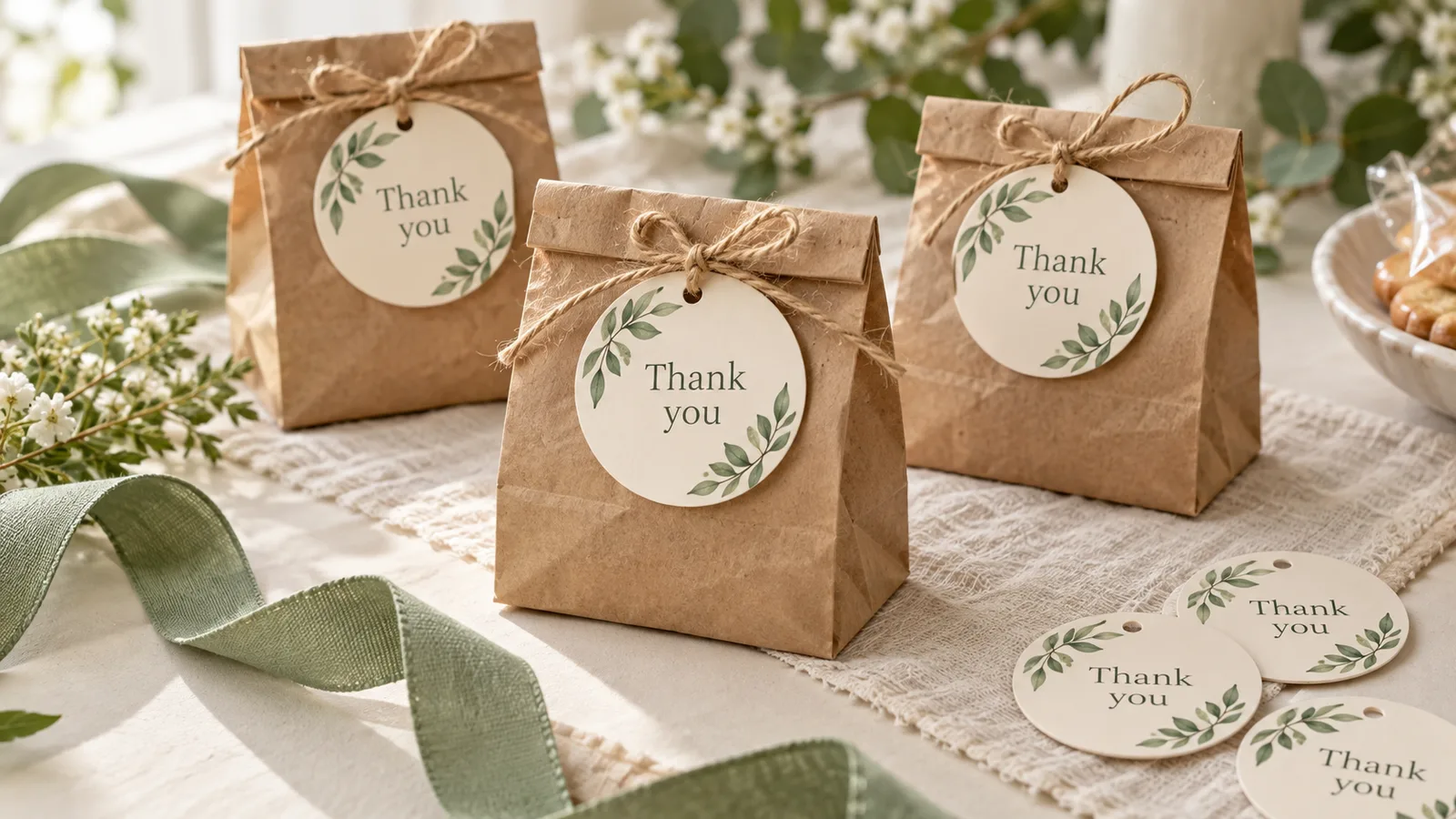
Tie a round tag to the handle of a paper bag, tuck a rectangle under a ribbon or choose a fan shape for a softer curved outline. Keep the message short so it remains readable on a small favor. The default hides To and From, leaving the thank-you as the focus. If the bags are already packed, cut one paper sample and hold it against the ribbon before printing the whole batch.
Words for four kinds of celebration
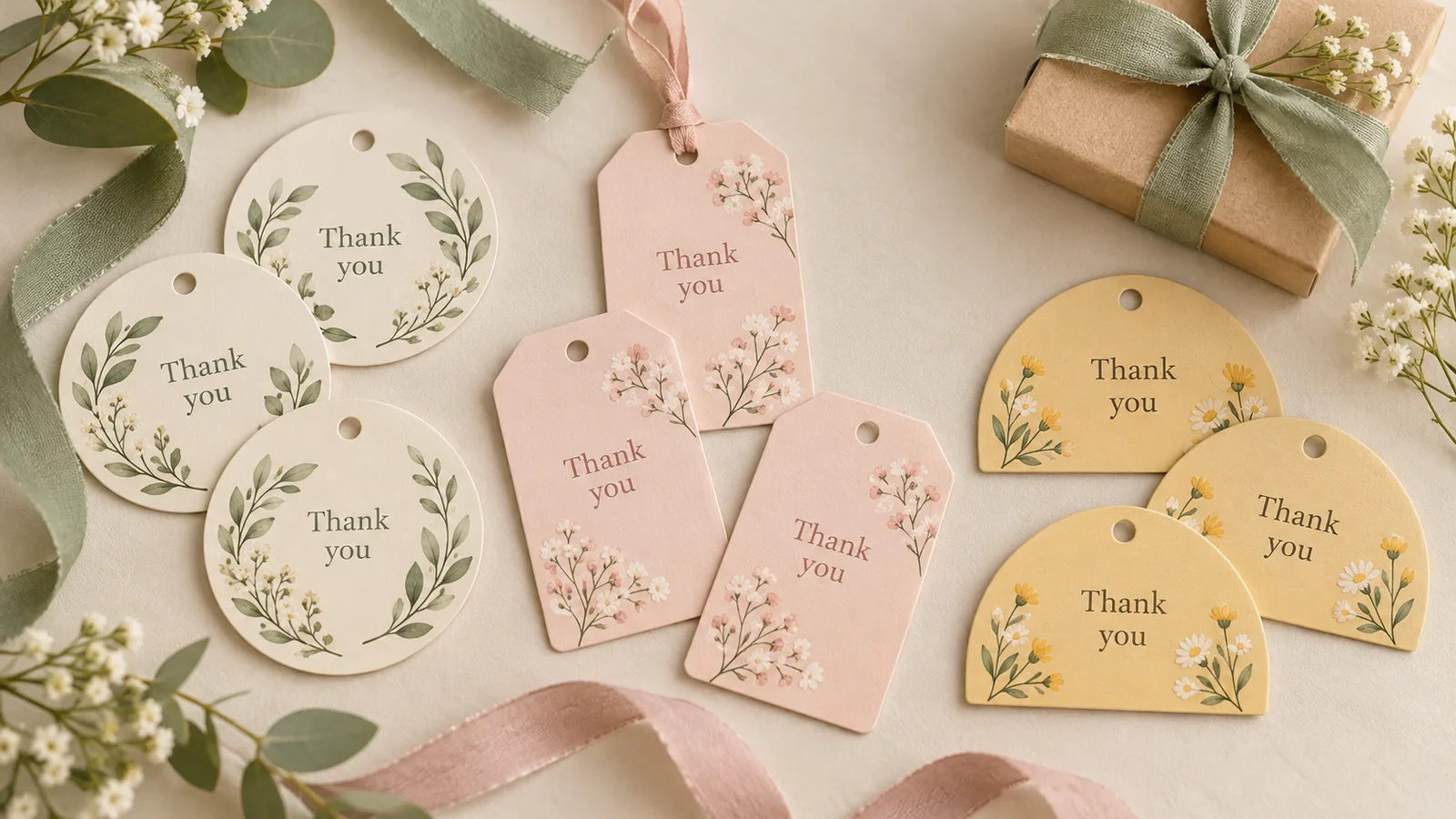
Start with “Thank you for coming!” for a general party, a shared-day message for a wedding, a warm shower greeting or birthday wording. Every message is editable. Add the couple’s initials, the child’s first name or a short event date if it helps guests remember the occasion. The greeting repeats across the batch; create a separate download when another group needs different words.
Small tags in a sheet you can finish at home
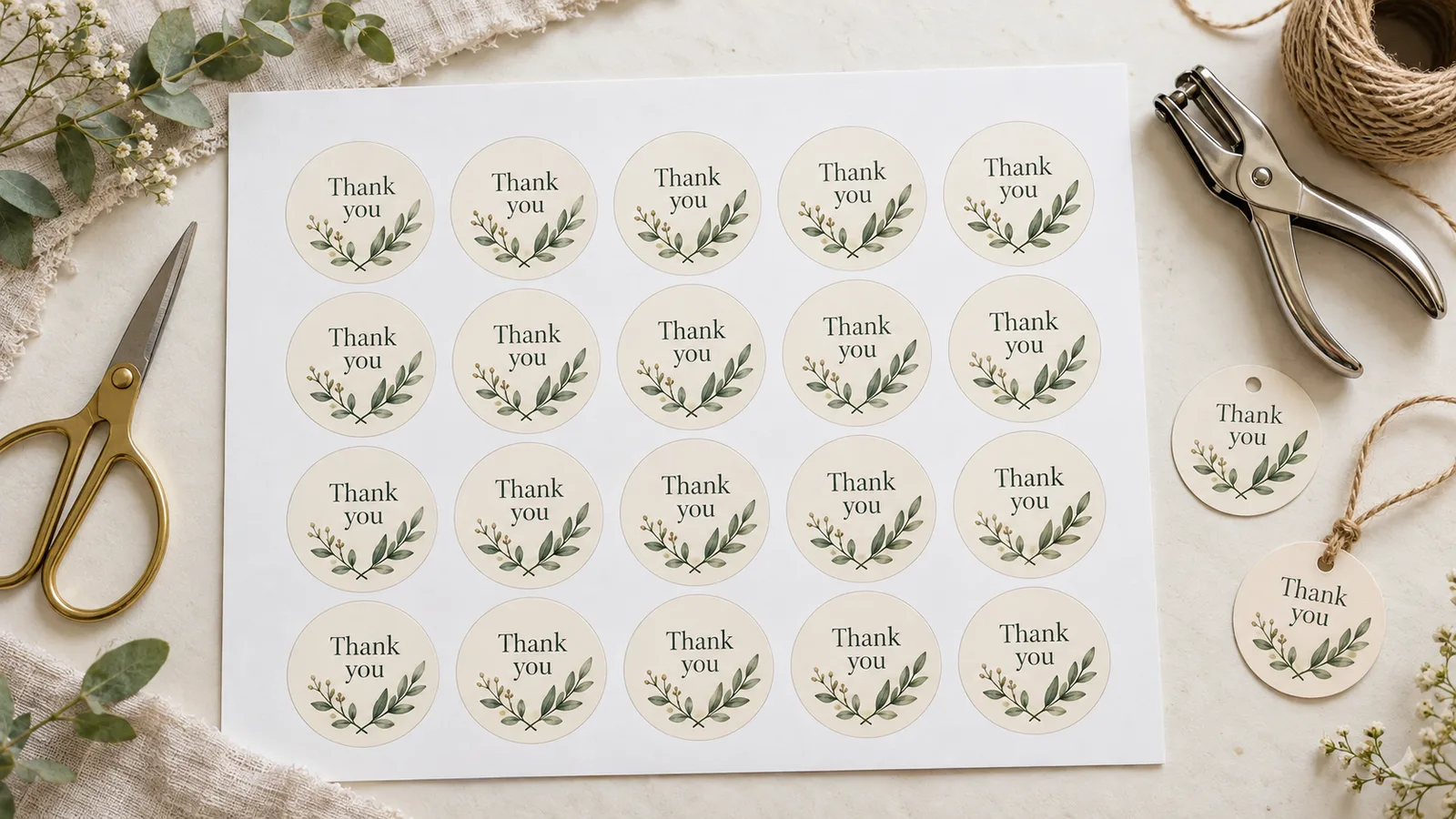
Use 20 or 30 per page for compact tags, or select the dedicated 2-inch circles option for 15 larger circles. The compact layouts change size with the paper and shape, so check the measurements under the preview. Print one test sheet, cut a sample and check the lettering before committing your cardstock. A plain white background is useful when the ribbon or packaging already carries the party colors.
Printable favor tags with useful finishing options
Make the same design work for a batch of identical gifts or a named guest list.
Message-only tags
The favor presets hide the recipient and sender lines. Turn that setting off when you want the names to appear. Keep the shared message to one short thought.
One guest per tag
With the name lines visible, paste up to 240 names, one per line. Additional sheets appear automatically; unused positions on the final sheet can be filled by hand.
A true 2-inch option
Select 2 in circles for 50.8 mm circles, 15 per page. Print at actual size and measure a test circle before using a craft punch.
Color or black and white
Choose a color variation or enable ink saver. White or cream cardstock keeps the message clear, while the ribbon can supply the accent color.
Optional hole mark
Keep the mark if you will punch and tie the tags. Turn it off for a tag you plan to tape flat to a box. Check your punch size against a test tag.
Prepare on your phone
Edit the greeting and view the sheet on a phone or computer. Save the PDF if you will print later from another device.
How to finish your printable favor tags
Make one proof before printing the full batch.
Choose the occasion and edit the greeting
Start with Party favors, Wedding favors, Baby shower or Birthday favors. The design and message load together. Replace the greeting with your own words and leave Hide To / From lines on for a simple thank-you. To personalize the bags, turn it off and paste one name per line.
- Try “Thanks for making today special!” or “A little treat with love.”
- Check the longest name in the preview, especially if you choose 30 tags per sheet.
Match the paper, shape and size
Choose Letter or A4 to match the paper in the printer. Select 20 or 30 compact tags, or the 2-inch circle option. Compare the dimensions shown below the preview with the favor bag. For 60 identical favors, print three copies of a 20-tag sheet or two copies of a 30-tag sheet.
- The 2-inch setting produces 15 circles on each sheet; it is separate from the compact layouts.
- Round tags need curved cuts, while rectangles are quicker to trim with a ruler.
Download and print at actual size
Download the PDF for all sheets in one document. In the print dialog choose the matching paper size, landscape orientation and Actual size or 100%. Adobe’s printing guide explains that Actual size leaves the PDF scale unchanged. Run a plain-paper test first, then use cardstock supported by your printer.
- Try around 160 g/m² cardstock only if your printer manual allows it; the supported tray and media setting matter too.
- Do not select several PDF pages per sheet: each PDF page is already a complete sheet of tags.
Cut, punch and attach
Cut along each tag outline. If you enabled the hole mark, punch it after cutting and thread a narrow ribbon or twine. Tie the tag to a bag handle or around the box. For a flat finish, omit the hole and attach the tag with double-sided tape.
- For a craft punch, measure the test circle first and trim the sheet into strips that your punch can reach.
- Keep one completed favor beside you as a reference while assembling the rest.
Printable favor tags: questions before you print
Wording, sizes and practical printing answers.
Yes. The PDF and PNG downloads are free, require no account and have no watermark. Your names and message are processed in the browser. Save the file to your device when you are ready to print.
A short thank-you is enough: “Thank you for coming!” or “Thanks for celebrating with me!” For a wedding, try a shared-day greeting with your initials or names. For a baby shower, thank guests for celebrating with your family. Edit the preset so it sounds like you.
Yes. The four favor presets start with those lines hidden. Leave Hide To / From lines enabled for a greeting-only design. Turn it off to show recipient and sender fields, then add a name or paste a guest list.
The compact layouts offer 20 or 30 positions per sheet. The dedicated 2-inch circle layout has 15. Those are different size choices: selecting 30 does not produce 30 two-inch circles. The current approximate dimensions appear below the preview.
Choose the 2 in circles option, download the PDF and print at 100% on the matching paper size. Measure a test circle: its intended diameter is 50.8 mm. Punch reach and cutting tolerance vary, so check one cutout before printing a batch.
No. Avery’s 22807 template uses twelve 2-inch labels per sheet, while this tool’s dedicated circle layout has fifteen. Use the official product template for pre-cut stock. Here, print on blank cardstock or a full blank adhesive sheet and cut each shape yourself.
Paste the names into Names list, one per line; entering names shows the To and From lines automatically. At 20 tags per sheet, 45 names create three sheets. The last sheet has five named tags and fifteen spare positions. The message and sender stay the same throughout the batch.
Use PDF so all sheets stay together. Print a proof on plain paper, check the greeting and count, then select the copies you need in the print dialog. For different guest names, print the complete PDF once; for identical favors, repeat the single sheet as needed.
The downloads are finished PDF or PNG sheets, not editable design files. Make text and layout changes in the tool before exporting. If you need free placement of graphics, an uploaded photo or individual font controls, a full design editor such as Canva offers more flexibility.
Make your printable favor tags
Start with a thank-you, check one printed sample and finish a matching tag for every bag or box.
Free PDF and PNG · Letter and A4 · no sign-up