To Do List Printable with priorities and time blocks
A free to do list printable you can type into or fill in by hand. Start with a Top 3 for the day, sort the rest by A/B/C priority, or give every task an hour on a time-block schedule. Daily, weekly and blank versions, as a PDF on US Letter or A4.
Make your to do list printable
The daily list opens first: a Top 3 for the day, other tasks and calls or errands. Type the tasks in, or print it empty and write by hand. Use the buttons to switch to the time-block list, the weekly list, the priority list or a plain blank list.
Choose your to-do list type
Template librarySelected template: Daily To-Do ListExpand to load any of the 30 editable Checklist Maker templates, from moving and packing to a hospital bag or rental inspection.
Edit checklist itemsAdd checklist item / Multi-line quick add
Add checklist item
Multi-line quick add
Paste one item per line. Start a line with # to make a group heading, or with [x] to print it ticked. Add a note after a | sign. Empty lines are ignored.
One item per line. # starts a group, [x] ticks an item, | adds a note. For CSV, use columns Item, Notes, Category. The file stays in your browser.
Categories
Layout, theme, and paper settings
Optional preview fields
Checklist Maker live preview
Daily To-Do List
US Letter, Grouped Checklist, Sunrise glow
Your checklist is saved automatically in this browser only and is never uploaded.
To do list printable: quick facts
Short answers for anyone choosing a printable to do list.
- Price
- Free, with no paid tier or download fee
- Account
- Not required
- Watermark
- None
- Export formats
- PDF, PNG and direct print, one page
- Paper sizes
- US Letter and A4
- Supported sizes
- US Letter (8.5 × 11 in) or A4 (210 × 297 mm), portrait
- Privacy
- Runs in your browser; nothing you type is uploaded
- Languages
- 8 languages: English, Chinese, Spanish, Portuguese, French, German, Japanese, Korean
- Five lists
- Daily Top 3, time-block day plan, weekly list, A/B/C priority list and a blank list
- Time blocks
- Hourly or half-hourly schedule next to the tasks, starting between 5 AM and 10 AM and ending between 4 PM and 11 PM
- Priority
- A free text column: write A/B/C, 1-2-3 or High/Low; the daily and priority lists also group tasks by priority
- Handwriting
- Empty rows stay on the page, so the printout works as a blank form
- Footer
- No watermark; a small “Created with PrintMigo” line prints at the bottom edge
- Last updated
- October 27, 2026
Best for
- People who plan the day on paper and like ticking boxes with a pen
- Anyone who wants priorities and time slots without a planner app
- Students, parents and teams printing a fresh list every morning
Not the best fit for
- Shared lists that sync between phones (use a to-do app for that)
- Reminders and notifications at a set time
- Recurring tasks that repeat on their own
How it compares
- Canva
- More design freedom and decoration, but you build the table yourself, and some elements need a paid plan.
- Etsy planners
- Beautiful sets for a few dollars; the layouts are fixed PDFs, so you can’t change the columns or type in the tasks.
- Word and Google Docs
- Fully editable and good for offline files, but you set up the boxes, columns and page size yourself.
Why this printable to do list fits real days
Pick what matters, give it a slot, and tick it off on paper.
Pick a Top 3 before the rest
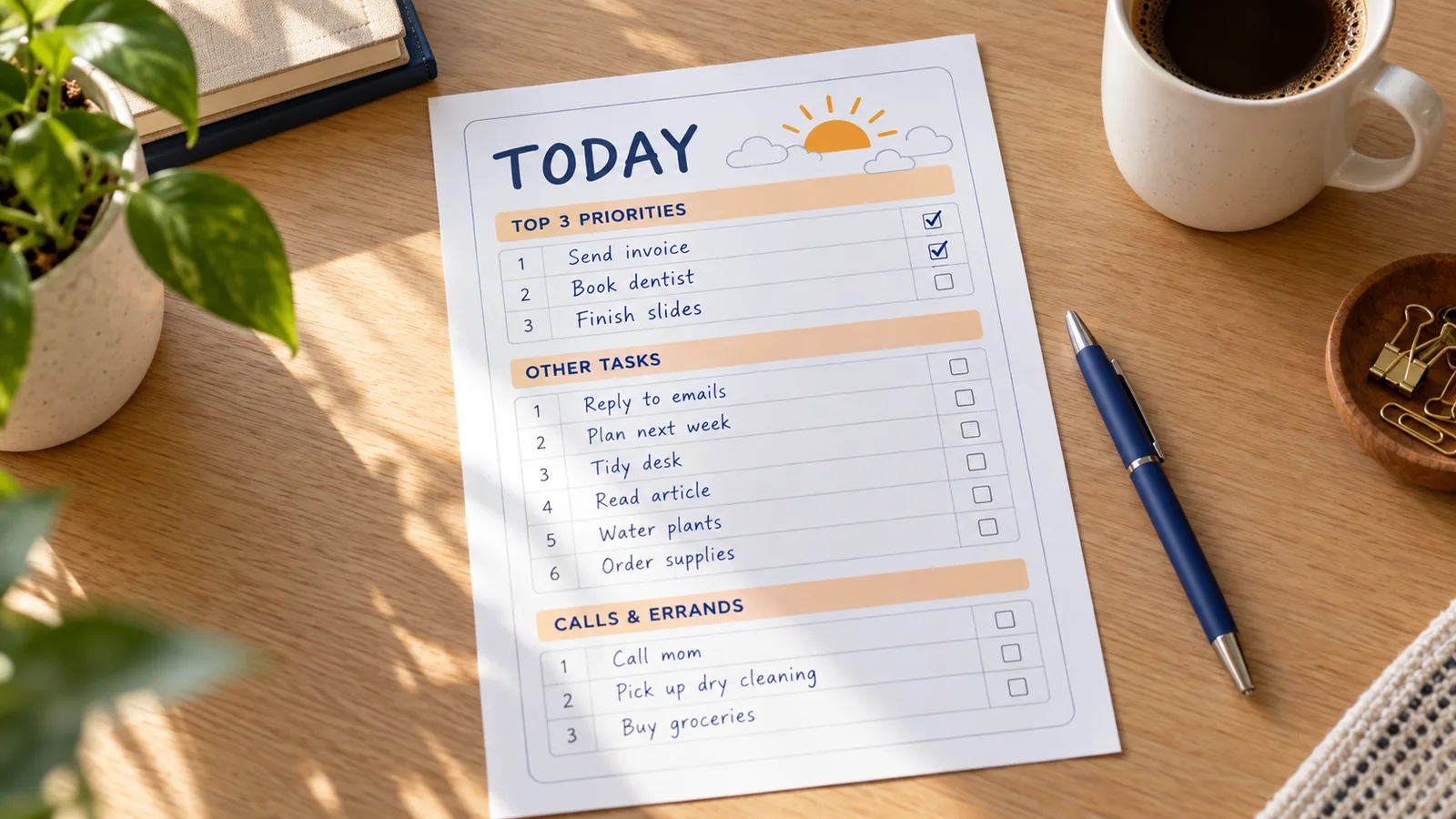
A long list hides the tasks that count. The daily list starts with three priority lines, then other tasks, then calls and errands. Write tomorrow’s Top 3 tonight and begin with the first one.
Give every task an hour
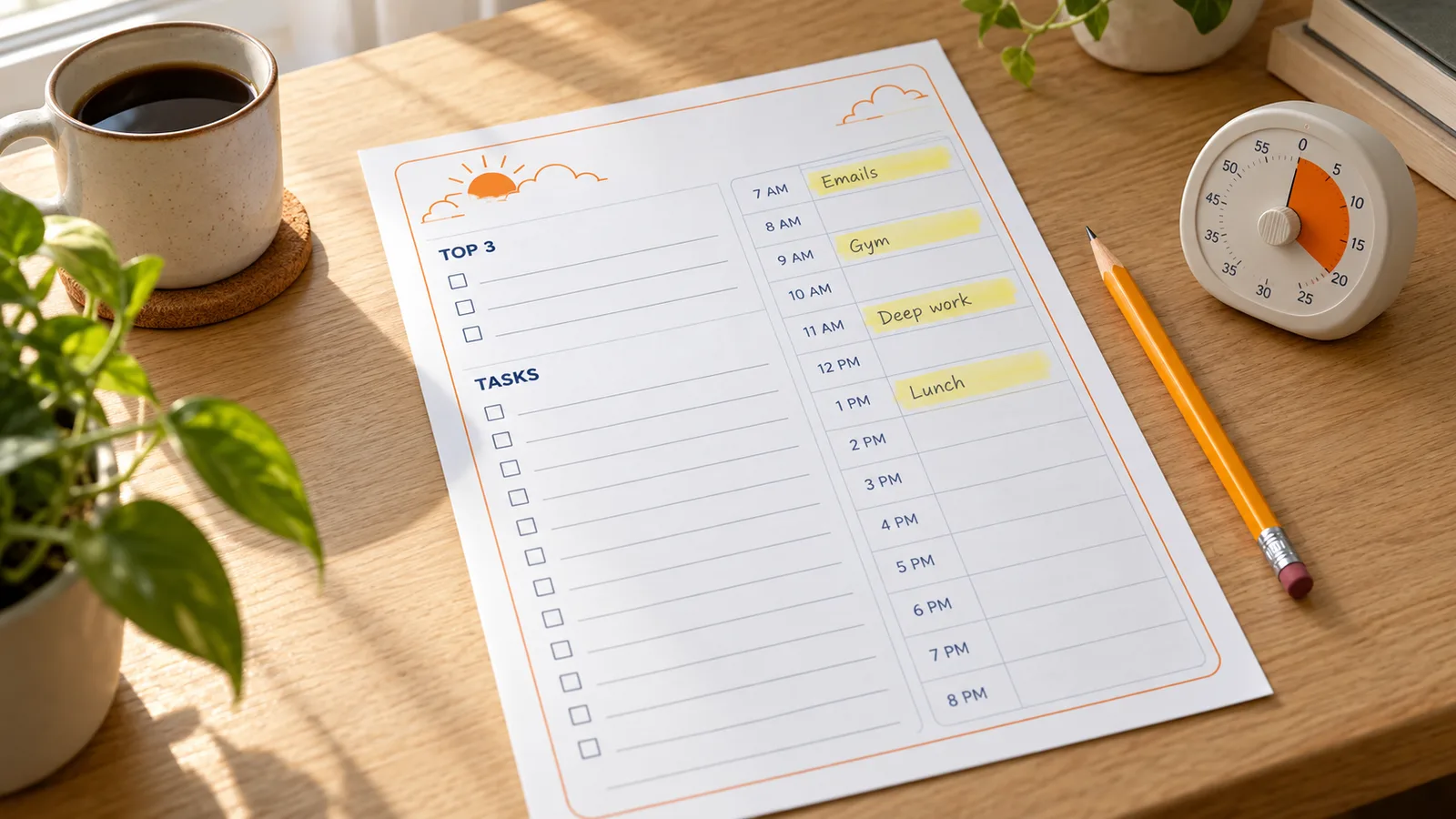
The time-block list puts your tasks on the left and an hourly schedule on the right. Pencil in the hours, add a buffer for things that run over, and set the day to start at 7 or 9 and end when you stop working.
Print a week or a blank page
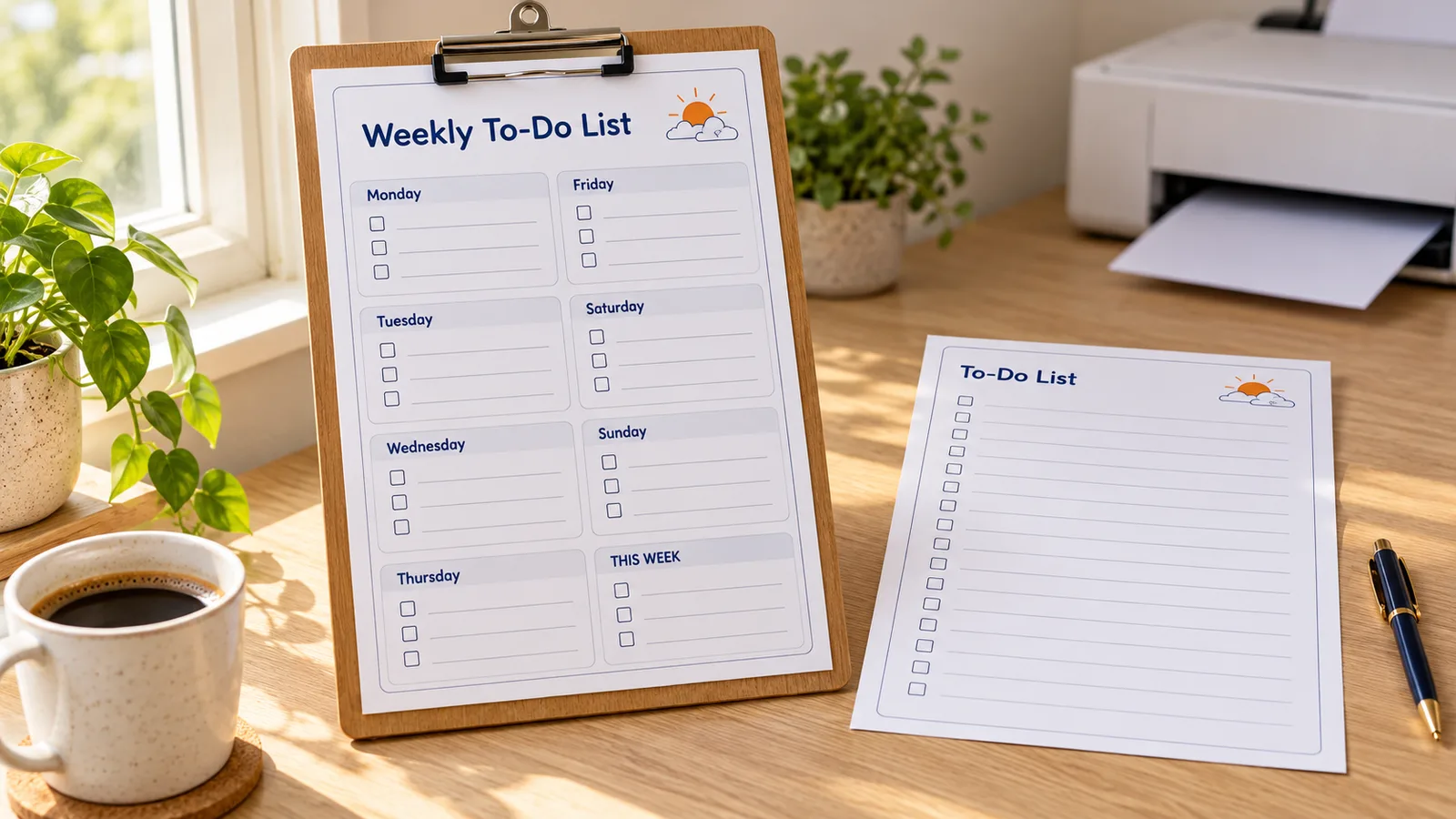
The weekly list gives each day its own block plus a spot for “This week”, and the simple list is eighteen empty rows to fill in by hand. Download a PDF, save a PNG or print straight from the browser.
What is in this printable to do list
Everything stays editable until you download, and nothing leaves your browser.
Top 3 priorities
The daily list opens with three priority lines. Rename the groups, add rows or delete the ones you don’t need.
Time-block schedule
Choose the first and last hour and 60 or 30 minute slots. Times print as 7 AM, 8 AM and so on.
Weekly list
Monday to Sunday plus “This week”, three lines each. Reorder the days if your week starts on Sunday.
A/B/C priorities
Group tasks into must do, should do and could do, and add a due date and the time each task needs.
Type or handwrite
Paste a list or type each task, or print the empty rows and write by hand with a pen.
Letter, A4, PDF, PNG
US Letter or A4 portrait. Download a PDF, a PNG for your phone or print from the page.
How to make a to do list printable at home
From this page to a printed list in about five minutes.
Pick the type of to do list
Use the buttons above the tool: Daily Top 3, Time blocks, Weekly, Priority or Simple. Each one opens with empty groups you can rename or reorder, and you can switch at any time.
- Start with the daily list if you have never kept one.
- Pick time blocks when meetings and appointments fill your day.
Type tasks or leave it empty
Add each task in the list editor, or paste several lines at once with Multi-line quick add. Leave the rows empty to write by hand. Keep a day to about six to nine tasks.
- The Ivy Lee method limits a day to six tasks, done in order.
- Write the priority as A, B or C, or 1, 2, 3.
Print at 100% on Letter or A4
Choose US Letter in the US and Canada, A4 in the UK, Australia and most other countries, then download the PDF or click Print and choose Actual size or 100%. Plain 20–24 lb (75–90 gsm) paper works well for pen and pencil.
- Print a stack of blank lists and keep them on your desk.
- Use a thin pen or pencil for the time-block hours so you can erase.
Use it and plan tomorrow
Tick tasks as you finish, move what is left to tomorrow and choose tomorrow’s Top 3 before you stop. The browser keeps your last draft on this device, so you can come back and print again.
- Plan the next day in the last ten minutes of the day.
- Download a PNG to keep a copy on your phone.
To do list printable FAQ
Priorities, time blocks, paper size and printing.
Yes. There is no sign-up, no email gate and no paid download, and the PDF and PNG have no watermark. A small “Created with PrintMigo” line prints at the bottom edge of the page. The list is built in your browser, so nothing you type is uploaded.
Open the daily list, type your tasks and put the three that matter most in Top 3 priorities. For a ranking, switch to the priority list, which groups tasks into A (must do today), B and C and adds a due date and a time-needed column. You can also turn on the Priority column and write 1, 2, 3 or A, B, C.
Aim for about six to nine, with a Top 3 on top. The Ivy Lee method allows at most six tasks a day, ranked and tackled in order. Anything unfinished moves to tomorrow’s list instead of piling up.
Time blocking gives each task a fixed slot in the day; it is the personal form of timeboxing. Open the time-block list, set the first and last hour, choose 60 or 30 minute slots and write each task in its hour. Leave one block as a buffer for tasks that overrun.
Yes. Type each task, add a due date or the time it needs, or paste a whole list in one go. The rows you leave empty print as blank lines with a box, so you can finish the list by hand.
US Letter (8.5 × 11 in) in the US and Canada, and A4 (210 × 297 mm) in the UK, Australia and most other countries. Switch it under Layout, theme, and paper settings and print at Actual size or 100% so the boxes keep their size.
A to do list holds the tasks for today or this week, and you cross them off once. A checklist is a reusable list of steps for the same job, such as packing for a trip. A planner adds dates, hours and goals. This page gives you the to do list, plus an hourly schedule when you want planner-style time blocks.
Rank tasks by importance and urgency. A simple way is A for must do today, B for should do soon and C for could do if there is time, an ABC method that Alan Lakein described in the 1970s. The Eisenhower matrix sorts tasks into four boxes by urgent and important.
No. The page is drawn in your browser, and the last draft is kept in this browser’s local storage on your device. Nothing is uploaded, and clearing the site data deletes the draft.
Print your to-do list printable now
A daily Top 3, an hourly time-block plan, a weekly list and a priority list, all in one free tool.
No sign-up, no watermark, and nothing leaves your browser.
Need packing, moving or cleaning lists too? The same Checklist Maker has 29 more templates.