Free End of Year Awards for Students a different award for every child in your class
Paste your class list, pick an award for each child from 36 kind, non-competitive ideas or type your own, add a one-line reason, and print one personalised certificate per student. Choose a classroom, confetti or gold design, print on Letter or A4, and keep every name in your browser. It is built for teachers who would rather not edit 25 certificates one by one.
Make your end of year awards for students
The classroom design is selected. Switch to confetti or gold, paste your class list, press the button to hand out different awards, and print at 100%. Use the preview arrows to check every student before you export.
Pick a design
Template librarySelected template: Student Awards – ClassroomTemplates are collapsed by default. Open the library to choose a certificate type, default wording, theme, and decoration.
Certificate text
Certificates from a list of names
One student per line: name | award | personal line. The award becomes the certificate title and the personal line prints under the name. Leave a column empty to use the default title and message from the form. Paste two or three columns from Excel or Google Sheets, or upload a CSV file. Up to 100 students.
Award ideas
Click an award to use it as the default title. To give every child a different one, add your class list and press the button below.
Learning
Character
Fun
Certificate settings
Printable certificate preview
End of Year Award
Printing notes
- Give every child an award and make each one praise something the child can be proud of. Skip titles about looks, speed or test scores.
- A short, specific personal line (10–14 words) means more than a long one. Say what the child did.
- Use first names, or a first name and an initial, if the printouts will be shared. Check your school's rules about names.
- Print on 28–32 lb (105–120 g/m²) paper or light cardstock at Actual size (100%) and run one test page on plain paper first.
- For official report cards, diplomas or graduation certificates, use your school's own documents.
Live certificate preview - Page 1
End of year awards: quick facts
Short answers for teachers, classroom assistants and parent volunteers. Everything below is true for the free version, which is the only version.
- Price
- Free, with no paid tier or download fee
- Account
- Not required
- Watermark
- None
- Export formats
- PDF (all awards in one file), PNG (one at a time) and direct print
- Paper sizes
- US Letter and A4
- Supported sizes
- Full-page landscape or portrait, on US Letter (8.5 × 11 in) or A4 (210 × 297 mm)
- Privacy
- Runs in your browser; nothing you type is uploaded
- Languages
- 8 languages: English, Chinese, Spanish, Portuguese, French, German, Japanese, Korean
- Designs
- Classroom (pencils, stars and a graduation cap), Confetti (party colors) and Gold (a calm end-of-year certificate), plus 12 more certificate types
- Award ideas
- 36 positive, non-ranking awards in three groups: learning, character and fun, such as Super Reader, Kindest Friend and Never Gives Up. Click one to use it, or type your own
- Class list
- One student per line as name | award | personal line, up to 100 per PDF; paste columns from Excel or Google Sheets, or upload a CSV
- Different award for each child
- One button gives every student without an award a different one from the list; a second button shuffles them all again
- Last updated
- October 17, 2026
Best for
- Classroom teachers who want every child to leave with their own award on the last day
- Teaching assistants, parent volunteers and club leaders who print awards for 10–100 children
- Home-school groups, tutoring centers and summer programs
Not the best fit for
- Official report cards, diplomas or graduation certificates
- Competitions that need first, second and third place certificates
- Awards that need a QR code, a verification page or a unique ID per child
How it compares
- Canva and Google Slides
- Cute templates, but you edit one name and one award at a time, and Canva needs an account for many designs.
- Teachers Pay Teachers packs
- Big award lists and artwork, but a fixed PDF per award unless you buy the editable version, and there is no class-list import.
- Word mail merge
- Works for a whole class once it is set up, but the setup takes a while and every child still gets the same wording.
Why these end of year awards are quick to make
Three things most free award downloads leave out.
A different award for every student in the class list
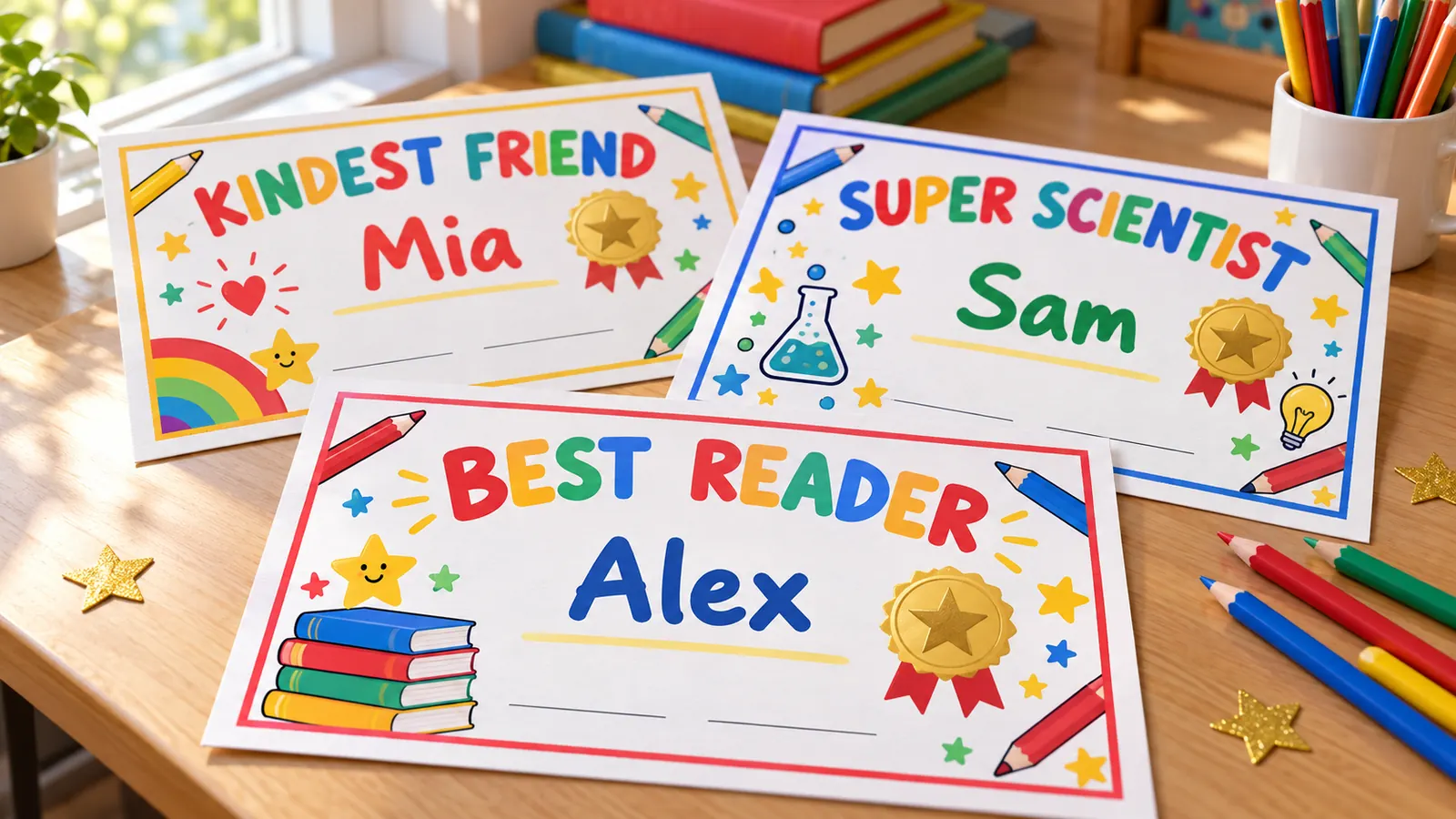
Type each child's name and the award they earned, such as 'Mia | Kindest Friend', and the award becomes the big title on that child's certificate. Not sure what to give everyone? Press one button and every child without an award gets a different one from 36 kind ideas. Change any of them by hand afterwards.
A personal line under each name
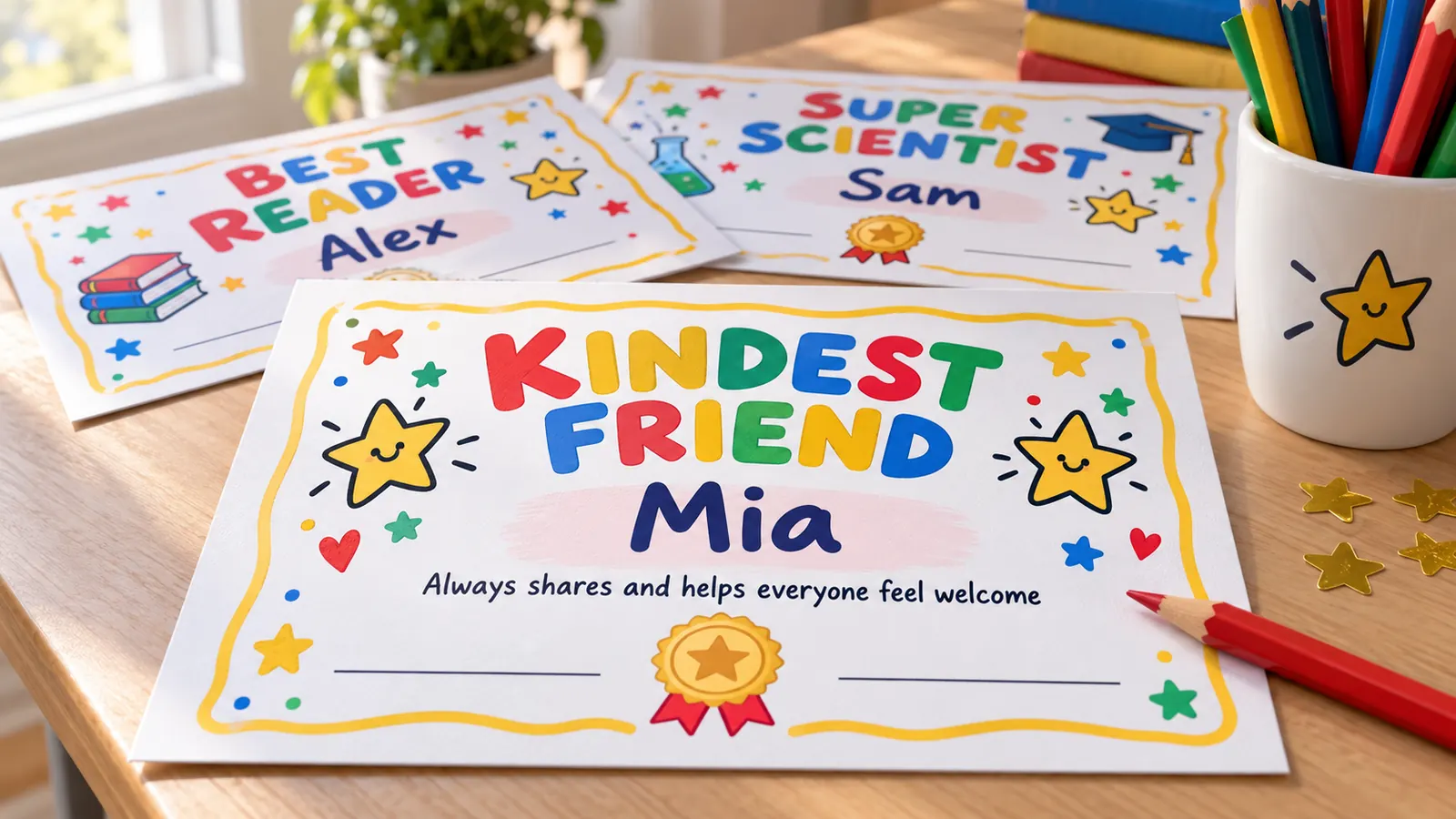
Add a third column and each certificate prints a short reason under the child's name, for example 'for always reading one more chapter and sharing great books'. Children remember what the line said long after they forget the title. Leave it empty and the default sentence from the form is used instead.
One class list in, one stack of awards out
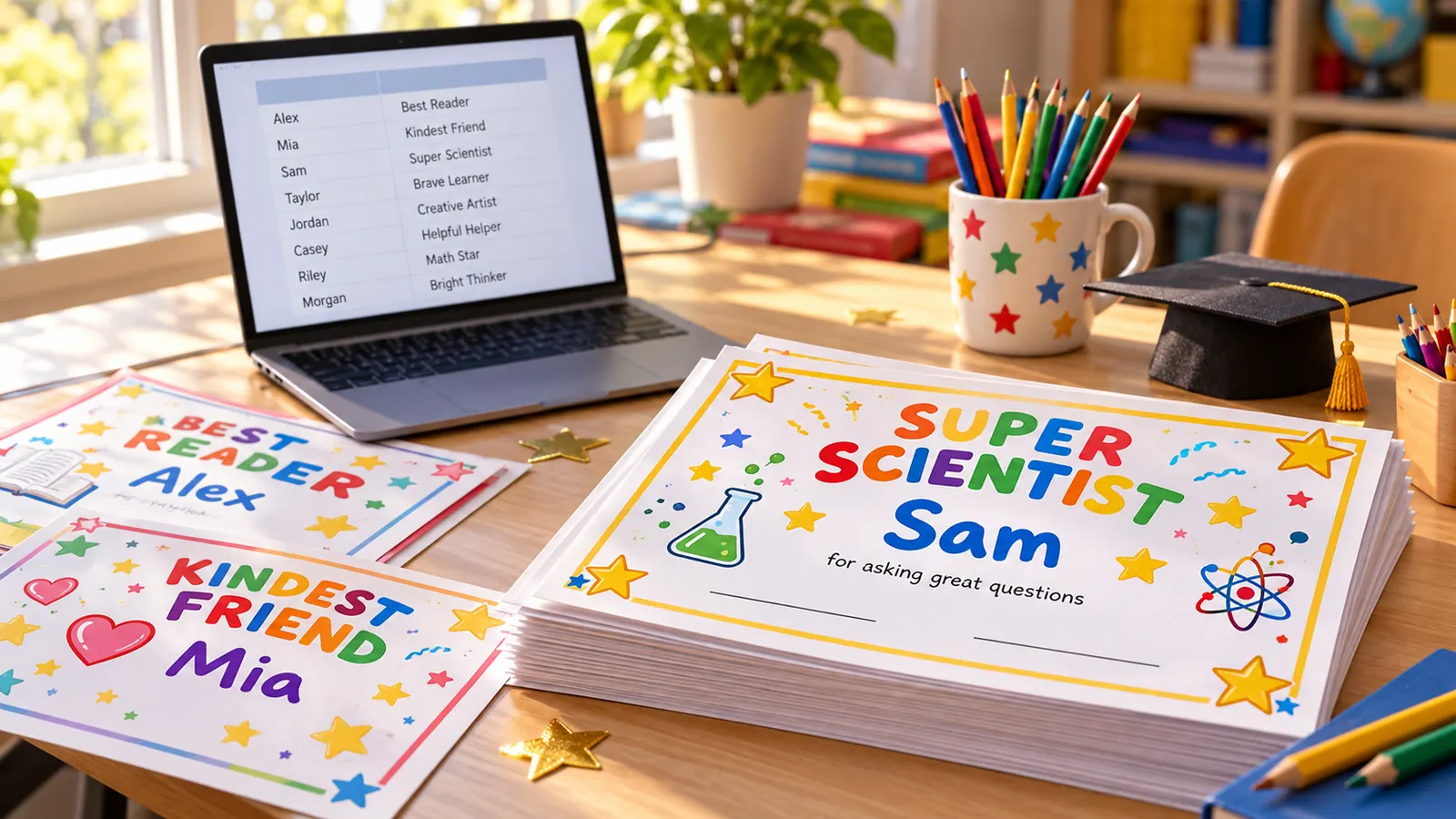
Paste a column of names from your gradebook, or paste three columns from Excel or Google Sheets, and each row becomes one page of the PDF. Up to 100 awards per file, all drawn in your browser so no names are uploaded. Check each page with the preview arrows, sort the list A–Z for handing out, and print.
What these end of year awards can do
Everything runs in your browser, so children's names are never uploaded. There is nothing to install and nothing to pay for.
Three classroom designs
Classroom pencils and stars, party confetti, or a calm gold certificate, each with its own border, color and wording.
36 award ideas
Learning, character and fun awards written to praise effort and kindness, never to rank children against each other.
Hand out awards automatically
One button gives each child a different award from the list, another shuffles them again if you want a new mix.
Class list import
Name, award and personal line per row, up to 100 per PDF, from a paste, Excel, Google Sheets or a CSV file.
Signature lines
Ruled lines for the teacher and the date, ready for a pen after you print.
PDF, PNG and print
Multi-page PDF, one PNG per student or direct print, on Letter or A4, with no watermark.
How to make end of year awards in ten minutes
From a class list to a stack of printed awards ready to sign. Most teachers finish in about ten minutes, even with 30 children.
Choose a design and set the class details
Tap Classroom, Confetti or Gold. Type your class or school as the issuer, such as 'Room 12 · Ms. Taylor', the date of the last day and your name as the signer. The default award name and default message are used for any child who does not get their own.
- Choose Classroom for ages 5–9 and Gold for upper elementary and middle school.
- Switch on signature lines if you want to sign every award by hand.
Paste your class list
Paste one first name per line, or copy a column from your gradebook, Excel or Google Sheets. First names or first name plus an initial are enough for a classroom certificate and keep shared printouts private. Use Sort A–Z so the stack matches your register.
- Check your school's policy before printing full names on documents that go home.
- Remove duplicates fixes a name that was pasted twice.
Give every student a different award
Press 'Give every student a different award' and each child without an award gets one from the 36 ideas, with no repeats until the list runs out. Then read through them: swap an award by editing the second column, and add a short reason in the third. A good line names something the child really did.
- Give every child one, and make sure each award praises something the child can be proud of.
- Skip awards that single out looks, speed or test scores.
Print at 100% and sign
Download the PDF or click Print, choose Actual size or 100%, never Fit to page, and print page 1 on plain paper first. Then print the batch on 28–32 lb (105–120 g/m²) paper or light cardstock and sign each one. Keep the PDF so you can reprint a lost award later.
- Keep the printer's borderless option off so the border is not cropped.
- Letter is standard in the US and Canada, A4 in the UK, Australia and most other countries.
End of year awards for students FAQ
Award ideas, what to write and how to make one for every child.
Yes. There is no sign-up, no trial, no watermark and no limit on printing. The awards are drawn in your browser and the PDF or PNG goes straight to your device, so the names you paste are never uploaded. You can reuse it for every class and every year.
Good awards praise something a child actually did. Learning ideas include Super Reader, Math Whiz and Curious Mind. Character ideas include Kindest Friend, Helpful Hands and Team Player. Fun ideas include Artistic Star, Sunshine Award and Never Gives Up. This page has 36 ready-made ones, and you can type any award you like.
Paste the class list, then press 'Give every student a different award'. Each child without an award gets one from the list, with no repeats until all 36 are used. For 36 or fewer students nobody gets the same award. Edit the second column to change any award, or press Shuffle awards for a new mix.
Include the award title, the child's name, a one-line reason, the date and your signature. A good reason is specific and about 10–14 words, such as 'for helping classmates feel welcome and brightening our room every day'. Say what the child did rather than what they are, and avoid comparisons with other children.
If every child gets one, you need up to 25 titles, or fewer if a few repeat. The 36 awards on this page cover a class of 25–30 with no repeats. Mix learning, character and fun awards so each child's strengths show, and make sure each award is one a shy child would also be happy to receive.
They can be, as long as the joke is on the situation and not the child. 'Sunshine Award', 'Giggle Maker' and 'Super Inventor' celebrate a strength. Avoid awards about looks, clumsiness, noise or being late, and avoid 'most' or 'best' titles that rank children. When unsure, ask whether the child would be proud to show it at home.
Most are full-page: US Letter (8.5 × 11 in) in the US and Canada, A4 (210 × 297 mm) in the UK, Australia and most other countries. Landscape is the usual direction. The page keeps a safe print margin so a home or school printer does not crop the border.
Yes. Download the PDF, choose Actual size or 100%, print one test page on plain paper, then print on 28–32 lb (105–120 g/m²) paper or light cardstock. Colored designs use more ink, so choose the Gold design with a lighter color theme for large classes, and print in draft mode if your printer has it.
Yes. Names, awards and personal lines are only used to draw the certificates in your browser. Nothing is sent to a server, and closing the tab clears the list. Check your school's rules about printing full names, and download the PDF if you want to print again.
Print your end of year awards now
Pick a design, paste your class list, hand out a different award to every child and print. Everything works on a phone, a tablet or a laptop.
Free, no sign-up, no watermark, and the names stay in your browser.
Need a single formal award instead? The same Certificate Generator has award certificates with signature lines.