Crossword Puzzle Maker with your own words and clues
Create a printable crossword puzzle with your own words and clues. Everything is generated in your browser - no sign-up, no upload, no puzzle database required.
For classrooms, spelling practice, ESL vocabulary, parties, weddings, holidays, and family games.
How to make a crossword puzzleCrossword Puzzle Maker tool
Add answers and clues, choose a print style, then download a blank crossword puzzle and an optional answer key.
Template Library
Choose a template to quickly apply content and style.
Advanced Settings
Adjust grid size, layout, theme, paper size, word bank, and answer key before printing or exporting.
Unused Words
All valid words were placed in the crossword grid.
Crossword Puzzle Preview
More Printable Puzzle Makers
Why use this Crossword Puzzle Maker?
The Crossword Puzzle Maker focuses on printable worksheets made from your own answers and clues, not puzzle databases or solver lookups.
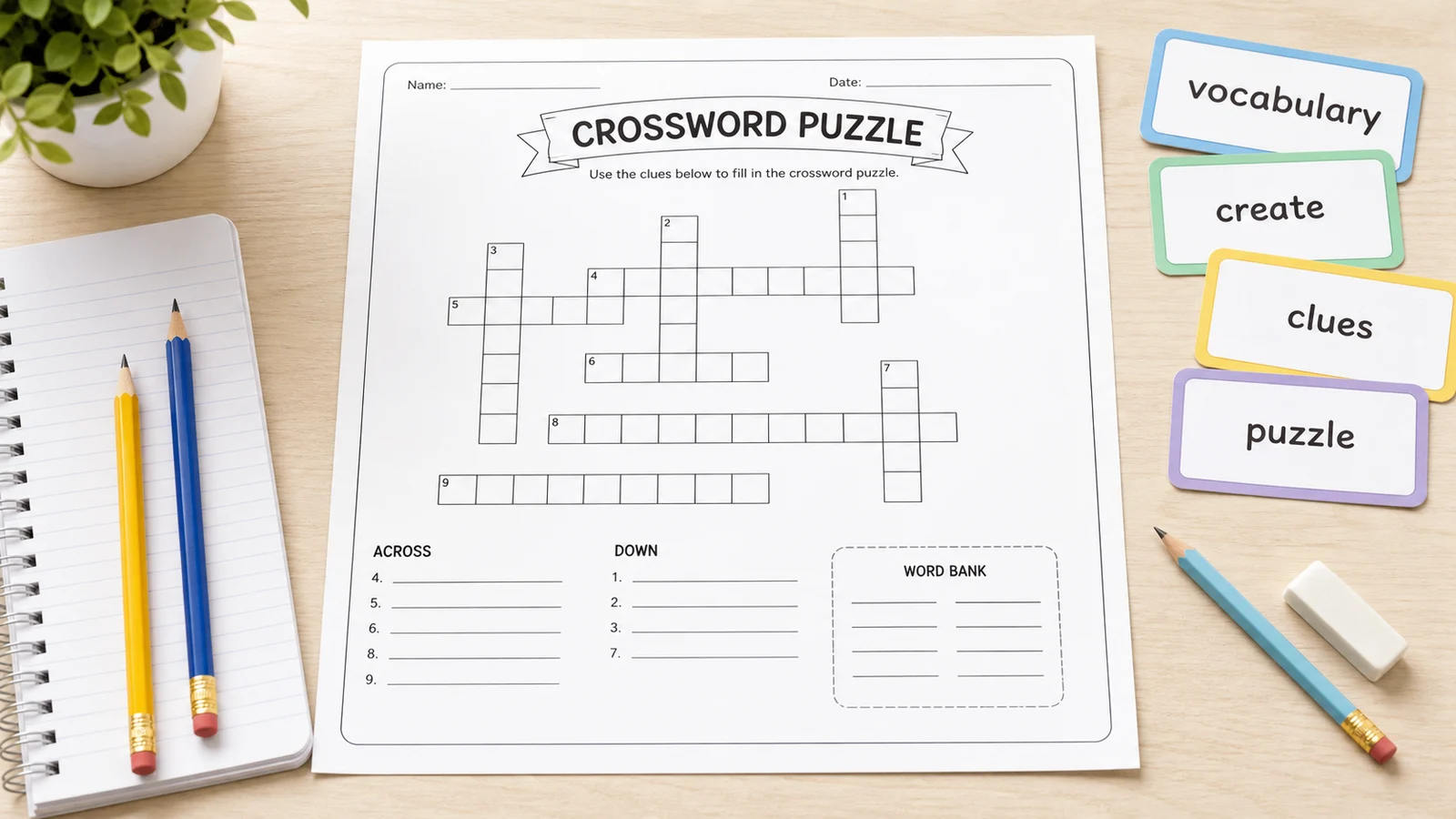
Crossword Puzzle Maker for classrooms
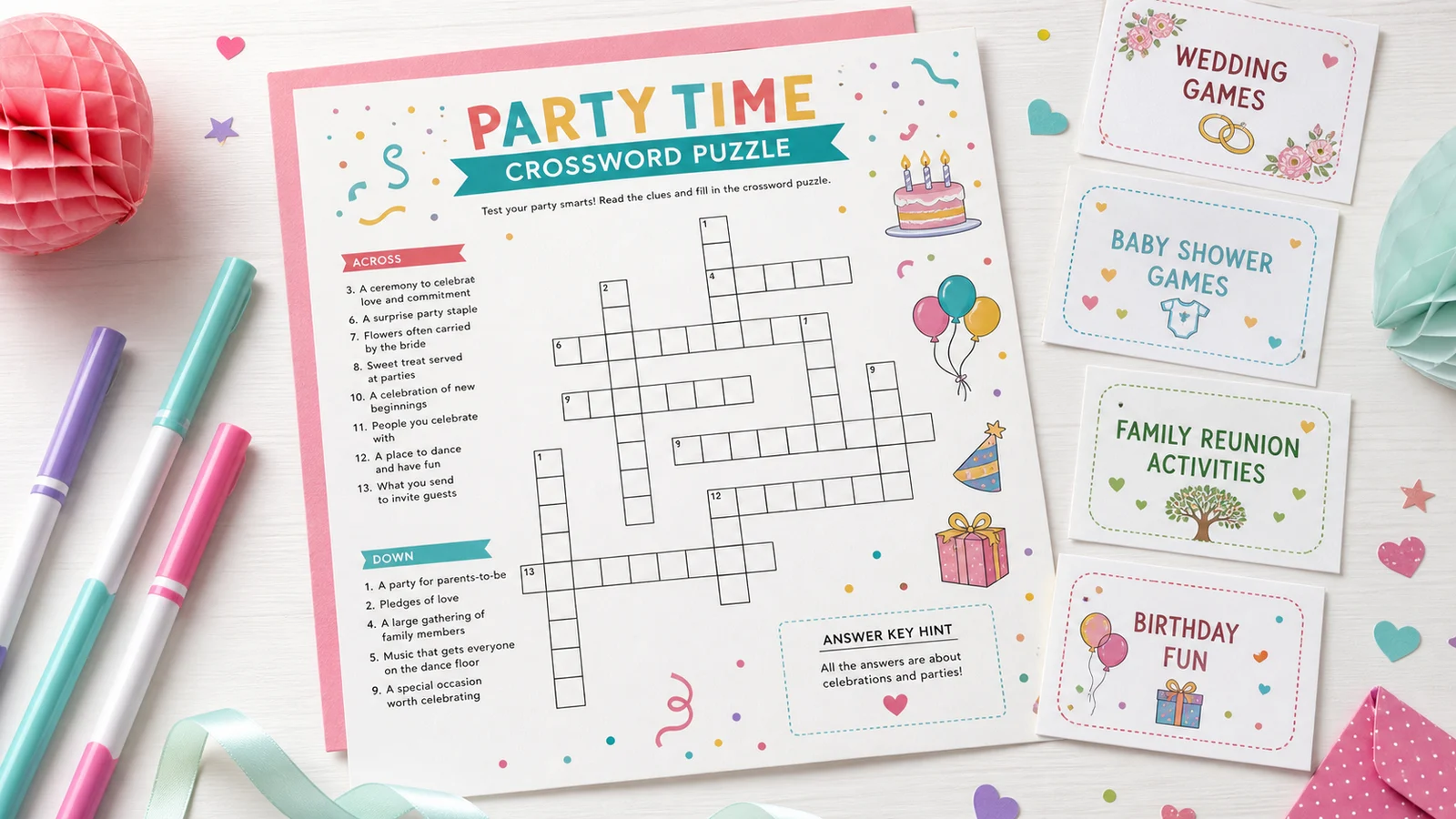
Crossword Puzzle Maker for parties and events
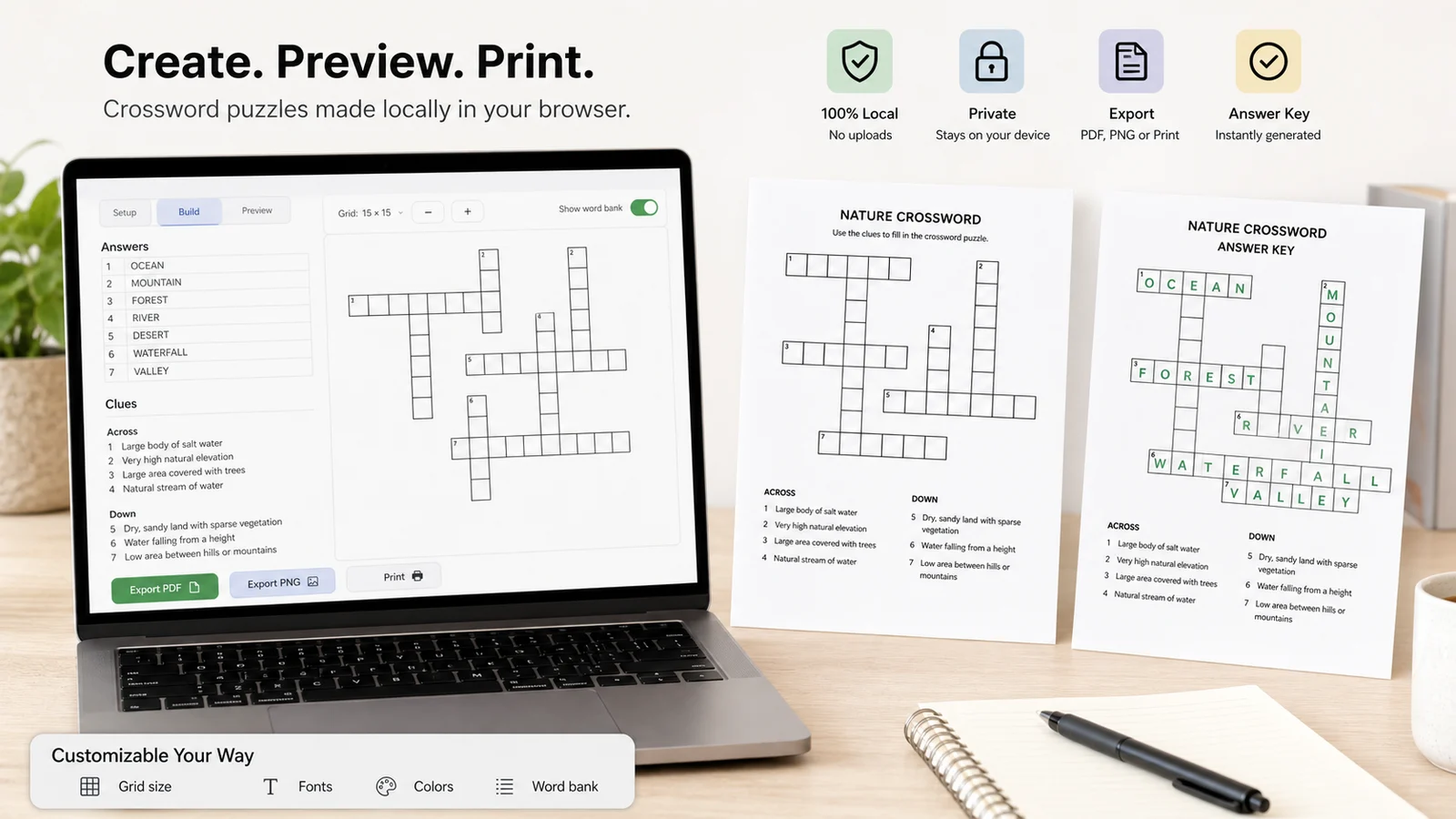
Crossword Puzzle Maker with local PDF and PNG export
What is a Crossword Puzzle Maker?
A Crossword Puzzle Maker turns your answer and clue pairs into a printable crossword worksheet. This page does not provide daily crossword puzzles, a crossword solver, a clue database, AI clue generation, PDF or URL imports, multiplayer solving, accounts, leaderboards, or answer database lookups.
Crossword Puzzle Maker from your own content
Type answers and clues for the exact vocabulary, facts, names, or party prompts you want learners and guests to solve.
Crossword Puzzle Maker answer key
Generate a blank puzzle page and an answer key page from the same grid so teachers, parents, and hosts can check the puzzle before printing.
Crossword Puzzle Maker privacy
The crossword grid is arranged locally in your browser. Your words and clues are not uploaded and no account is required.
Crossword Puzzle Maker print styles
Choose solid, multi-color, soft gradient, or decorative themes that stay light enough for printable classroom and event pages.
Crossword Puzzle Maker word bank
Turn the word bank on for younger players, ESL practice, or easier review sheets, then hide it for a stronger challenge.
Crossword Puzzle Maker downloads
Use Print, Download PDF, or Download PNG for A4 and US Letter worksheets that are ready for classrooms, homes, and event tables.
How to use the Crossword Puzzle Maker
Use four practical steps to make a printable crossword puzzle that is clear, compact, and easy to check.
Enter a Crossword Puzzle Maker title and instructions
Give the puzzle a clear title and tell solvers how to use the clues, word bank, and answer key.
Add Crossword Puzzle Maker answers and clues
Enter at least 3 rows. For best results, use 8-20 answers, mix short and long words, and keep most answers between 3 and 18 characters.
Choose a Crossword Puzzle Maker layout
Select Auto, Small, Medium, or Large grid size; pick Easy, Standard, or Compact layout; then choose a print-friendly theme.
Print or download the Crossword Puzzle Maker result
Check unused words, confirm Across and Down numbering, then print or download PDF and PNG versions with the optional answer key.
Crossword Puzzle Maker FAQ
Common questions about printable crossword puzzles, exports, privacy, and unused words.
Yes. Enter your own answers and clues, and the Crossword Puzzle Maker arranges the words into a printable crossword grid in your browser.
Yes. You can print directly or download the crossword puzzle as a PDF or PNG. The export includes the title, instructions, grid, clues, optional word bank, and optional answer key.
Yes. Turn on Answer Key to include a solved answer page. Turn it off when you only need the blank puzzle worksheet.
No. Your words and clues are processed locally in your browser. PrintMigo does not require sign-up, uploads, a puzzle database, or account saving for this tool.
Some answers may not share letters or may not fit the selected grid size. Shorten the answer, adjust spelling, choose a larger grid, or add more words with shared letters.
Open the Crossword Puzzle Maker
Use the Crossword Puzzle Maker for classroom vocabulary review, spelling practice, ESL lessons, party quizzes, wedding games, holiday activities, and printable family puzzles.
Your puzzle is created locally in the browser, with no sign-up, no upload, and no crossword database required.
Tip: check the answer key before printing and replace any unused words that do not fit the grid.