Free Printable Sudoku Generator for puzzle worksheets
Sudoku Generator creates standard 9x9 Sudoku puzzles directly in your browser. Choose the difficulty, puzzle count, page layout, paper size, title, and optional answer key, then print or download PDF and PNG.
Sudoku puzzles are generated directly in your browser. No signup, no puzzle database, and no online scoring are required.
How to use the Sudoku GeneratorSudoku Generator tool
Use the Sudoku Generator to make printable 9x9 Sudoku sheets for classrooms, family puzzle time, senior activities, road trips, and quiet worksheet packs.
Sudoku Generator template librarySelected template: Clean Classic Sudoku
Choose a template to apply a printable layout. Templates keep the same order in every language.
Paper settingsChoose paper size, color style, and decorative pattern. Preview, PDF, PNG, and print update together.
Sudoku Generator print preview
Answer Key Preview
Answer key pages are placed after the puzzle pages in PDF, PNG, and print output.
Why use this Sudoku Generator
The Sudoku Generator focuses on printable worksheets instead of online play, so every setting supports clear paper output.
Sudoku Generator puzzles made in your browser
Create fresh standard 9x9 Sudoku puzzles without accounts, online scoring, external puzzle databases, or third-party puzzle APIs.
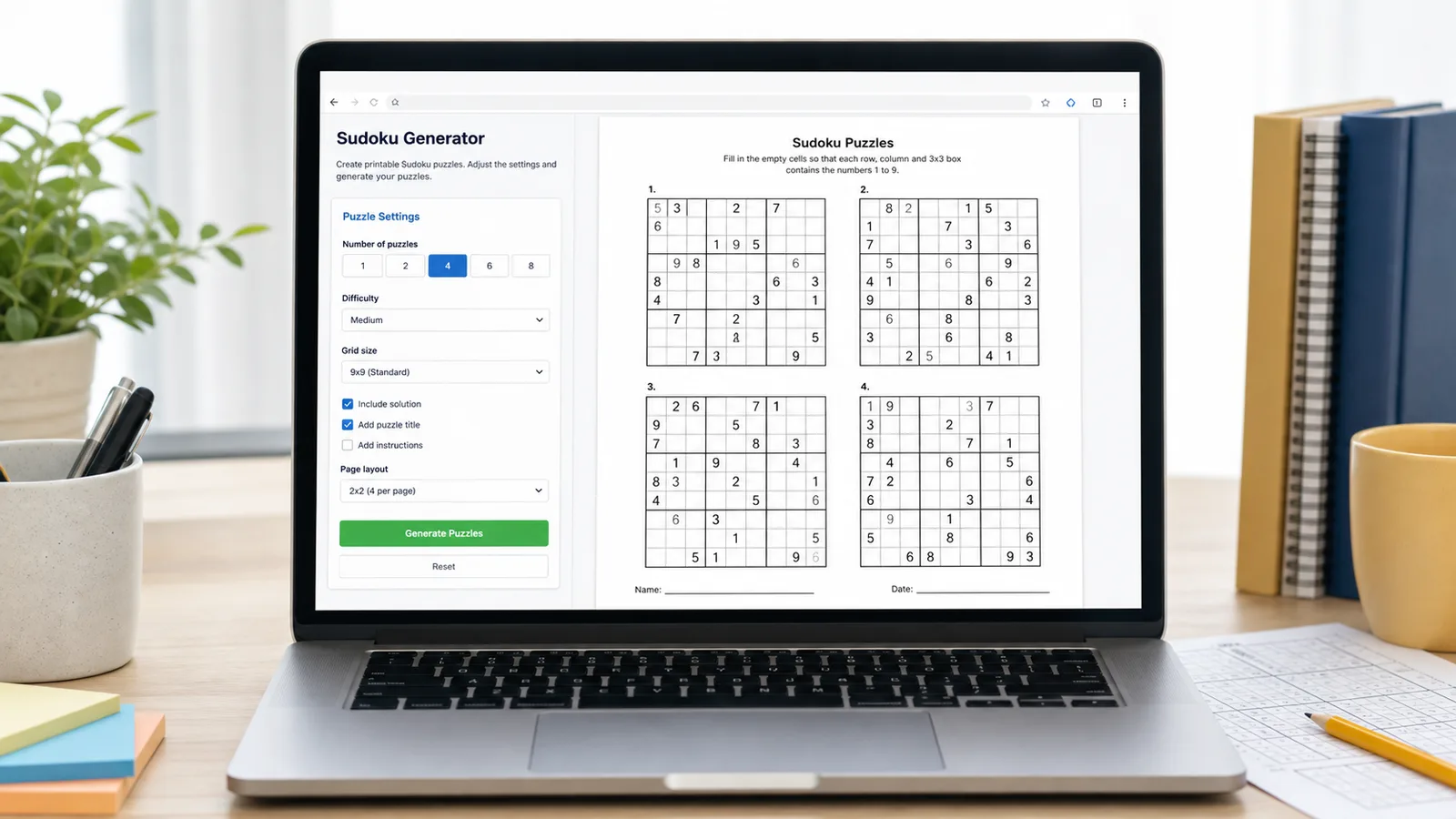
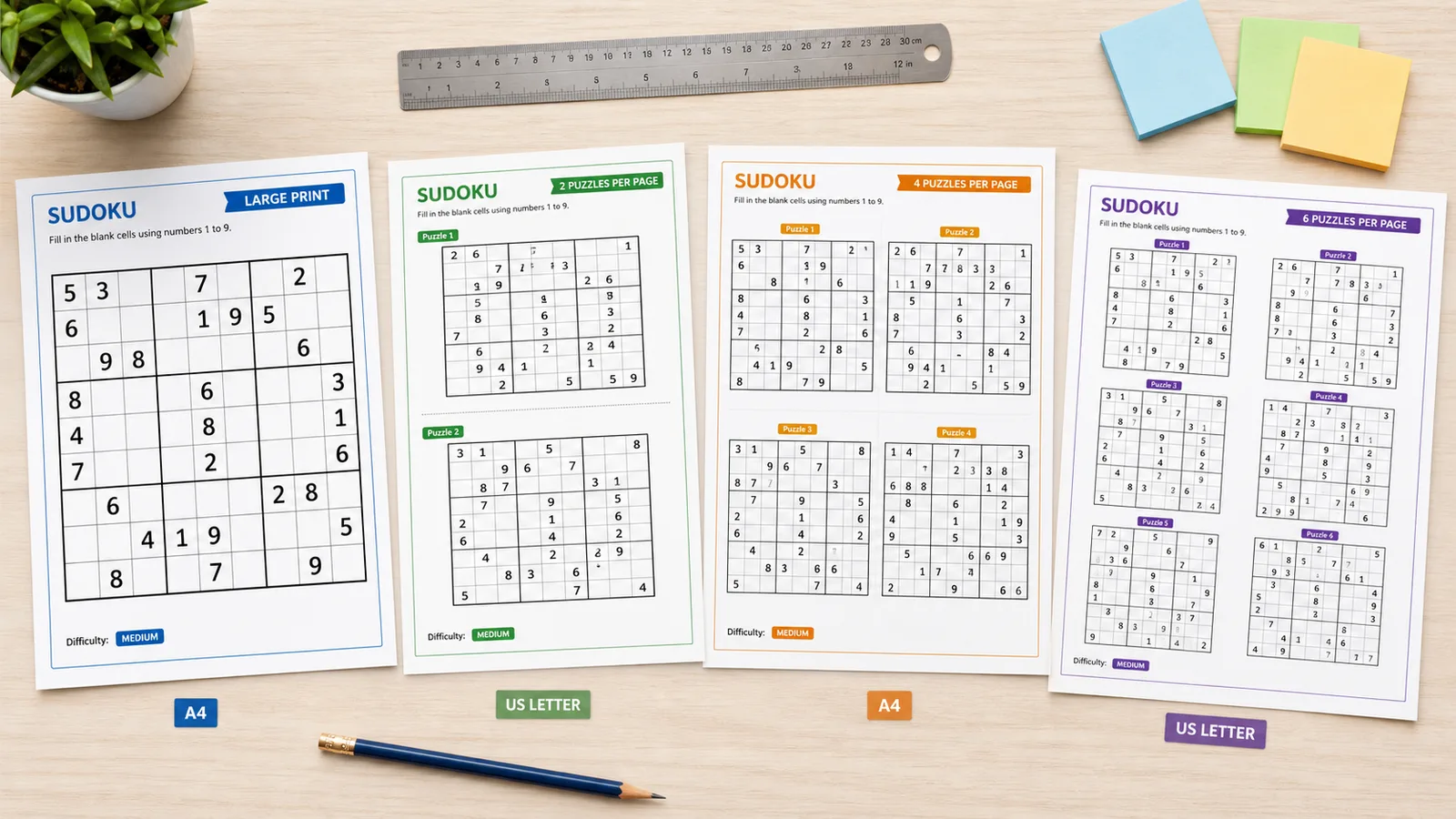
Sudoku Generator layouts for A4 and US Letter
Pick 1, 2, 4, or 6 puzzles per page so the Sudoku Generator can fit large-print practice, classroom worksheets, and compact activity packs.
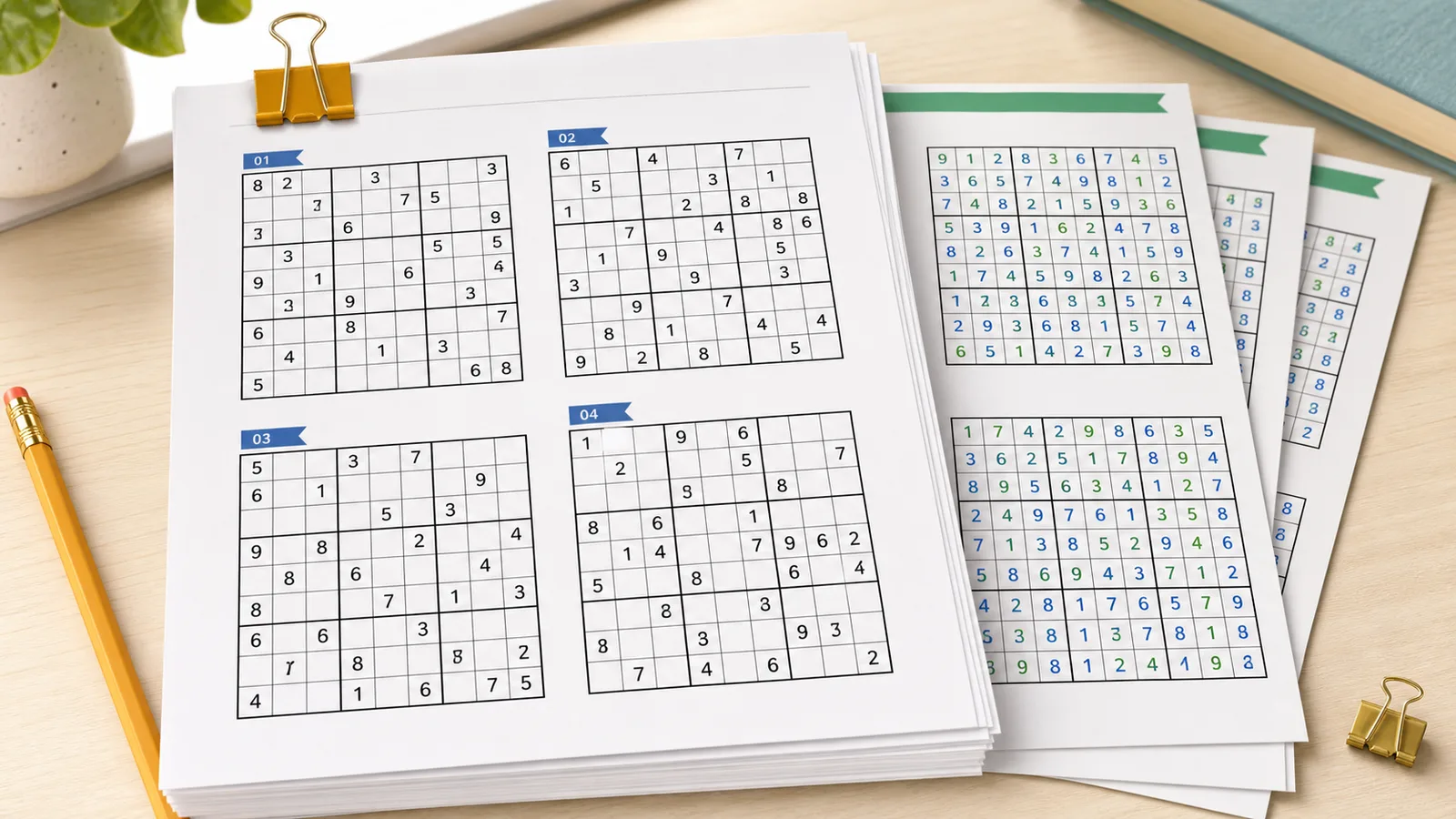
Sudoku Generator answer keys at the end
Keep the answer preview folded on screen, then include answer pages after the puzzle sheets when you print or export the Sudoku Generator file.
Sudoku Generator features for printable puzzle sheets
Set the exact Sudoku Generator output you need before printing.
Four Sudoku Generator difficulty levels
Easy works for warmups and beginners, Medium fits regular practice, Hard gives experienced solvers more empty cells, and Expert adds a stronger challenge.
Batch Sudoku Generator output
Generate 1 to 50 Sudoku puzzles at once, then place 1, 2, 4, or 6 puzzles on each printable page.
Sudoku Generator PDF and PNG export
Print directly or download matching PDF and PNG files from the same SVG preview so borders, numbers, and answer pages stay consistent.
How to use the Sudoku Generator
Build a printable Sudoku worksheet in a few careful steps.
Choose a Sudoku Generator template
Start with Clean Classic, Large Print, Classroom Color, Activity Pack, Ocean Quest, or Sunset Challenge. Each template loads a distinct color style, decorative pattern, and printable layout.
- The template library starts folded.
- Templates stay in the same order in every language.
Choose a Sudoku Generator difficulty
Pick Easy, Medium, Hard, or Expert. Difficulty is estimated from the generated puzzle setup, so you can regenerate if a batch feels too light or too demanding.
- Easy is good for beginners.
- Hard and Expert are better for experienced solvers.
Pick the best Sudoku Generator printable layout
Use one puzzle per page for large print, two per page for worksheets, four per page for balanced packs, or six per page when saving paper matters most.
- A4 and US Letter are both supported.
- The preview changes as soon as the layout changes.
Add Sudoku Generator answer keys
Turn on answer keys when teachers, parents, or activity leaders need quick checking. Answer pages are placed after the puzzle pages.
- The answer preview is folded by default.
- Exports include answers only when the option is on.
Print or download from the Sudoku Generator
Use Print, Download PDF, or Download PNG. The export uses the same printable pages shown in the preview.
- Use PDF for handouts.
- Use PNG for quick sharing or inserting into documents.
Sudoku Generator FAQ
Answers for teachers, parents, activity leaders, and anyone printing Sudoku worksheets.
Yes. The Sudoku Generator supports 1, 2, 4, or 6 puzzles per page. Use one puzzle per page for large print, two for worksheets, four for balanced packs, and six for paper-saving activity packets.
Yes. Turn on Include answer key and the Sudoku Generator adds answer pages after the puzzle pages. The answer preview stays folded by default so solutions do not clutter the screen.
Yes. Choose Easy, Medium, Hard, or Expert. Difficulty is estimated from generation settings, so you can use Generate New Puzzles if you want a different batch.
Yes. The Sudoku Generator includes Print, Download PDF, and Download PNG. PDF is usually best for classroom handouts, homework sheets, and activity packs.
Yes. The Sudoku Generator creates puzzles in your browser. It does not require signup, user accounts, a cloud puzzle database, or online score tracking.
No. This tool is designed for printable Sudoku sheets, not online timed play, score tracking, or leaderboards.
Start the Sudoku Generator
Create a free printable Sudoku worksheet for class, home, senior activities, or a travel puzzle pack.
Choose your Sudoku Generator settings, then print or download the finished pages.
The Sudoku Generator runs in your browser and does not need an account.