Free Word Search Generator with answer key
Create a printable word search puzzle with your own word list. Choose a grid size, set the difficulty, and download the puzzle with an answer key.
For teachers, parents, students, ESL learners, classroom activities, spelling practice, and family games.
How to use the Word Search GeneratorWord Search Generator tool
Paste your word list, choose a grid size and difficulty, then print or download a puzzle page and an answer key.
Template Library
Choose a Word Search Generator template to fill the title, word list, grid size, difficulty, and theme.
Easy places words forward only, horizontally and vertically.
Advanced Settings
Adjust paper size, theme, answer key pages, word placement, and export range before printing or downloading.
Words not placed
All valid words were placed in the grid.
Puzzle Preview
Answer Key Preview
Why use this Word Search Generator?
This Word Search Generator is built for fast printable puzzles from your own list, with local processing and a practical answer key.
Word Search Generator for classroom vocabulary
Paste spelling words, ESL vocabulary, holiday terms, or review lists and turn them into a printable puzzle worksheet in minutes.
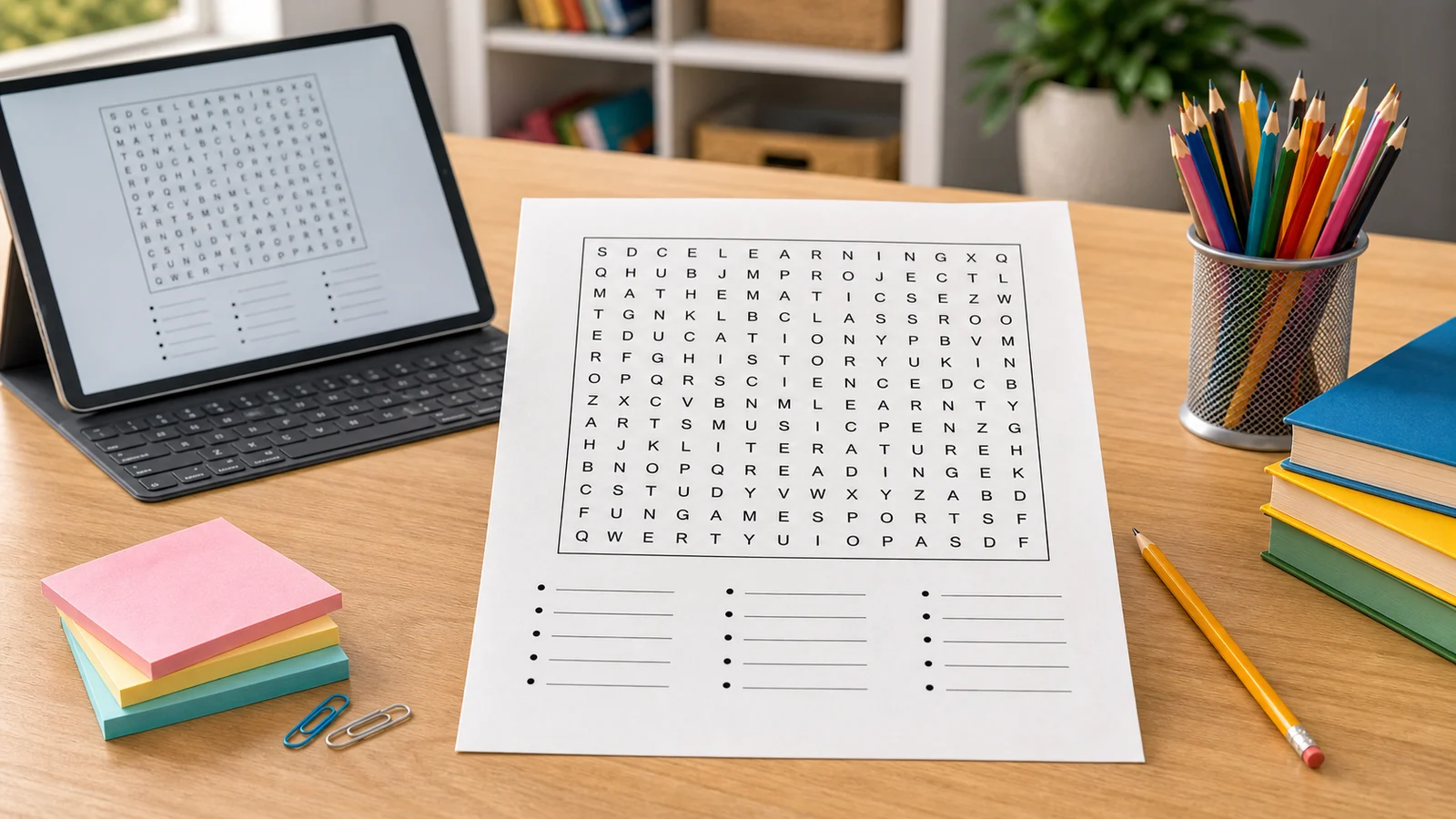
Word Search Generator with answer key
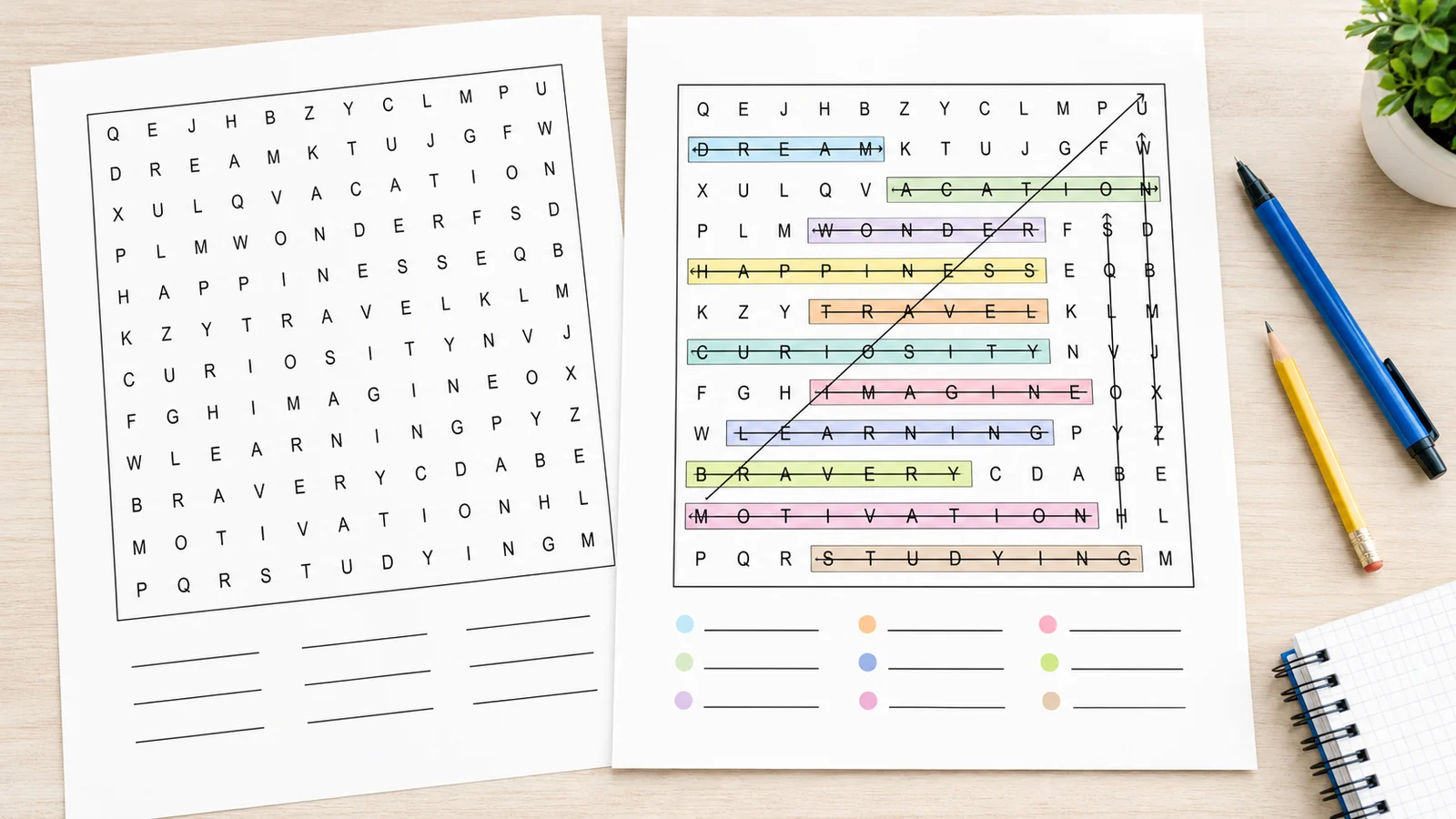
Create a puzzle page and a clear answer key page from the same hidden-word layout, so checking is quick for teachers and parents.
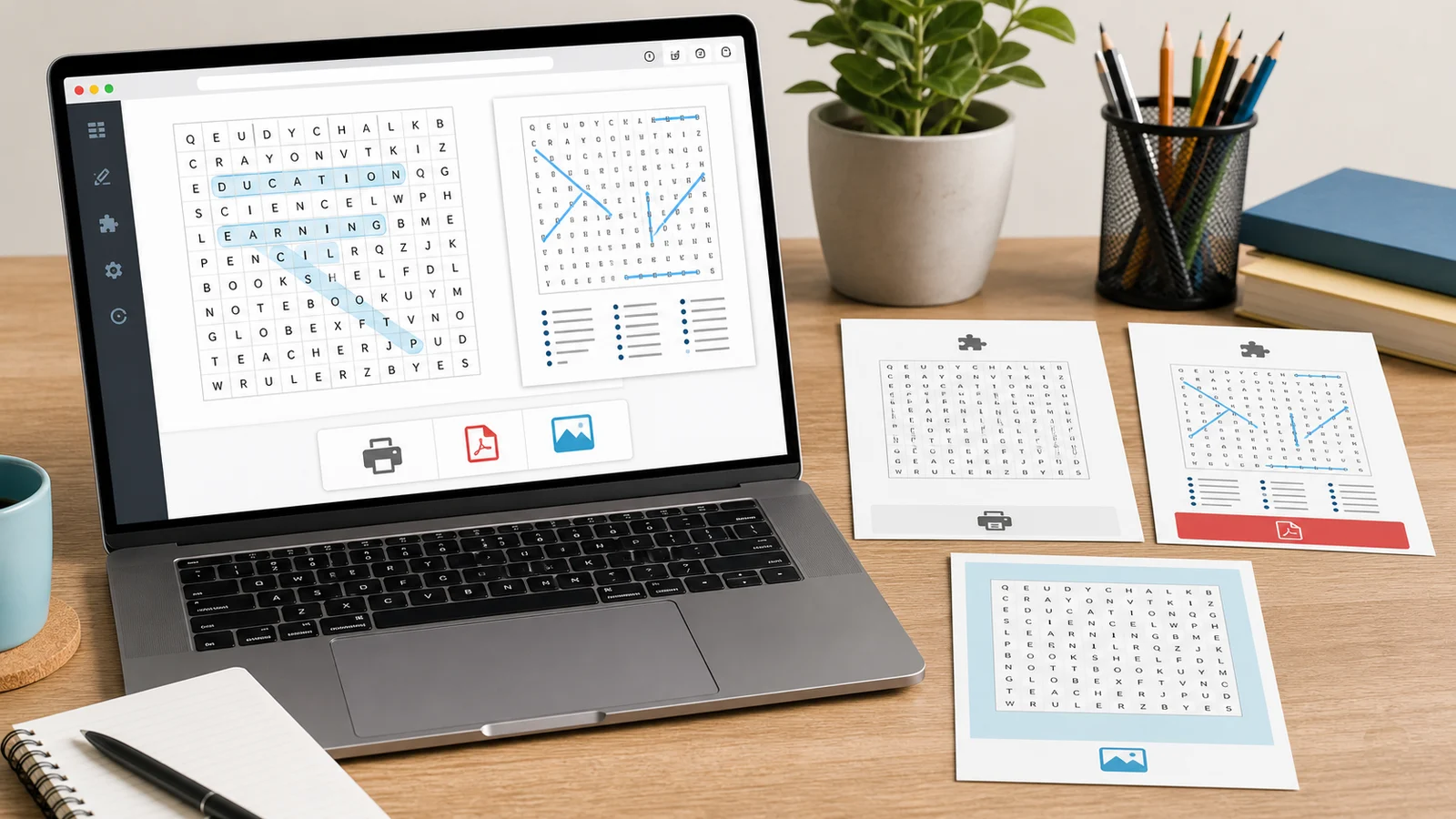
Word Search Generator with PDF, PNG, and print
Export puzzle only, answer key only, or both pages as A4 or US Letter worksheets that match the on-screen preview.
What is a Word Search Generator?
A Word Search Generator hides your words in a letter grid and fills empty cells with random letters. This page is not an AI word list generator, public puzzle library, account system, online leaderboard, multiplayer game, or bulk KDP puzzle book generator.
Word Search Generator from your own words
Paste one word or phrase per line. Spaces stay visible in the word list, while phrases are placed in the grid without spaces.
Word Search Generator difficulty controls
Use Easy for forward horizontal and vertical words, Medium for forward diagonals, and Hard for reverse directions too.
Word Search Generator answer page
The answer key marks horizontal, vertical, diagonal, and reverse words with lines that remain visible on printable pages.
Word Search Generator privacy
The puzzle is generated locally in your browser. Your title and word list are not uploaded, saved, or shared.
Word Search Generator themes
Choose black-and-white, pastel classroom, rainbow, decorative, holiday, minimal, or ESL styles that stay readable when printed.
Word Search Generator downloads
Print directly or download PDF and PNG versions for A4 or US Letter worksheets, with puzzle-only and answer-key-only options.
How to use the Word Search Generator
Follow four steps to make a printable word search puzzle that is clear, fair, and easy to check.
Enter a Word Search Generator title
Give the puzzle a short title such as Spelling Review, Animals Word Search, or Holiday Vocabulary.
Paste words into the Word Search Generator
Add one word or phrase per line. The Word Search Generator removes blank lines, duplicates, and unsupported punctuation before placing words.
Choose Word Search Generator grid size and difficulty
Use 8 x 8 or 10 x 10 for short lists, 12 x 12 or 15 x 15 for classroom vocabulary, and 20 x 20 for longer words.
Print or download from the Word Search Generator
Review the puzzle preview and answer key preview, then print or download PDF and PNG files for puzzle only, answer key only, or both pages.
Word Search Generator FAQ
Practical answers before you print a Word Search Generator worksheet.
Yes. Paste your own word list, one word or phrase per line. The Word Search Generator keeps spaces in the printed word list, then removes spaces when hiding phrases in the grid.
Yes. Turn on Include Answer Key to preview and export a separate answer page with marked word paths for horizontal, vertical, diagonal, and reverse placements.
No. Your title and words are processed in your browser. PrintMigo does not require sign-up, does not upload the list, and does not save a public puzzle.
Yes. Use Download PDF or Download PNG to export puzzle only, answer key only, or both pages in A4 or US Letter size.
Use smaller grids such as 8 x 8 or 10 x 10 for younger learners and short words. Choose 15 x 15 or 20 x 20 when your list has longer words, phrases, or more than about 12 words.
A word may be longer than the selected grid or may not fit after other words are placed. Try a larger grid, fewer words, or Regenerate Layout.
Create a Word Search Generator worksheet now
Paste a spelling list, classroom vocabulary set, ESL topic, or family game theme.
The Word Search Generator builds a printable puzzle and answer key locally in your browser.
Free to use. No sign-up, no upload, no watermark.