Sticker Chart Printable sticker chart with 10, 20 or 30 spaces and a prize picture at the finish
This free maker builds a numbered sticker grid for kids: choose how many spaces (5 to 100), pick a picture of the prize for the last square, type the child's name and print. US Letter or A4, PDF, PNG or print, no sign-up, and nothing leaves your browser.
5–100 spaces · prize picture on the last square · square size shown in mm and inches · PDF, PNG and print
How it worksMake your sticker chart: pick the spaces, pick the prize, print
The chart opens with 20 numbered spaces and a park trip as the prize. Change the number of spaces, choose a prize picture for the finish square, and check the square size under the buttons before you buy stickers.
Quick templatesPick a sticker grid, weekly reward chart, behavior chart, chore chart, potty training chart, classroom chart or monthly chart.
Prize picture (last spot)
Park trip
Picture theme
Chart layout
Number of stickers
Paper size
Orientation
Print styleOcean
Printable reward chart preview
US Letter · Portrait · Ocean
Sticker chart: quick facts
Short answers for parents and teachers comparing free printable charts.
- Price
- Free, with no paid tier or download fee
- Account
- Not required
- Watermark
- None
- Export formats
- PDF, PNG and direct print
- Paper sizes
- US Letter and A4
- Supported sizes
- US Letter or A4, portrait or landscape; 5, 10, 12, 15, 20, 25, 30, 40, 50 or 100 numbered spaces
- Privacy
- Runs in your browser; nothing you type is uploaded
- Languages
- 8 languages: English, Chinese, Spanish, Portuguese, French, German, Japanese, Korean
- Finish square
- The last space is the prize: a checkered finish line and a picture (gift, ice cream, teddy bear, toy car, book, movie night, park trip, ball, trophy or cake), or a plain sticker spot
- Square size
- Shown under the count buttons. In portrait: about 38–41 mm (1.5 in) for 10 spaces, 28–31 mm (1.1 in) for 20, 23–25 mm (0.9 in) for 30, 14 mm (0.55 in) for 100
- Templates
- 5-space first chart for toddlers, 10, 20 and 30 spaces, plus potty training, behavior, weekly and monthly charts in the same tool
- Print style
- 8 colour themes, plus soft low-ink and black and white; spots print as dashed outlines so real stickers sit on top
- Last updated
- October 18, 2026
Best for
- Parents who want a simple chart for one goal, such as tidying toys, brushing teeth or reading
- Toddlers and preschoolers who need a short chart (5 or 10 spaces) and a picture of what they are working for
- Teachers who print a chart for one student or a reading challenge
Not the best fit for
- Tracking several tasks every day of the week: use the weekly reward chart or the behavior chart instead
- Potty training with step pictures: the potty training chart has sit, flush and wash-hands steps
- Sticker sheets themselves: this makes the chart, you still need stickers or a stamp
How it compares
- Free PDF charts
- Quick to print and often nicely illustrated, but the number of spaces and the reward are fixed, and some sites ask for an email first. Here you choose the count and the prize picture, with no account.
- Online editors (Canva, Template.net)
- Much more design freedom and many themes, but you place the boxes yourself, and some templates or downloads need a login or a paid plan. Here the numbered grid is built for you; the trade-off is fewer design choices.
- Store-bought charts
- Sturdy and come with stickers, but you pay for every chart and the goals are printed for you. A printed chart costs a sheet of paper, and you can print a new one each time the child finishes.
Why this sticker chart is quick to make and easy to stick on
Three things a fixed PDF cannot do.
A sticker chart with exactly the number of spaces you need
Pick 5 or 10 spaces for a toddler's first chart, 20 for a two-week goal, or 30 for a month of reading. 40, 50 and 100 spaces are there too. The title and goal change with the number, and the tool shows how big each square prints.
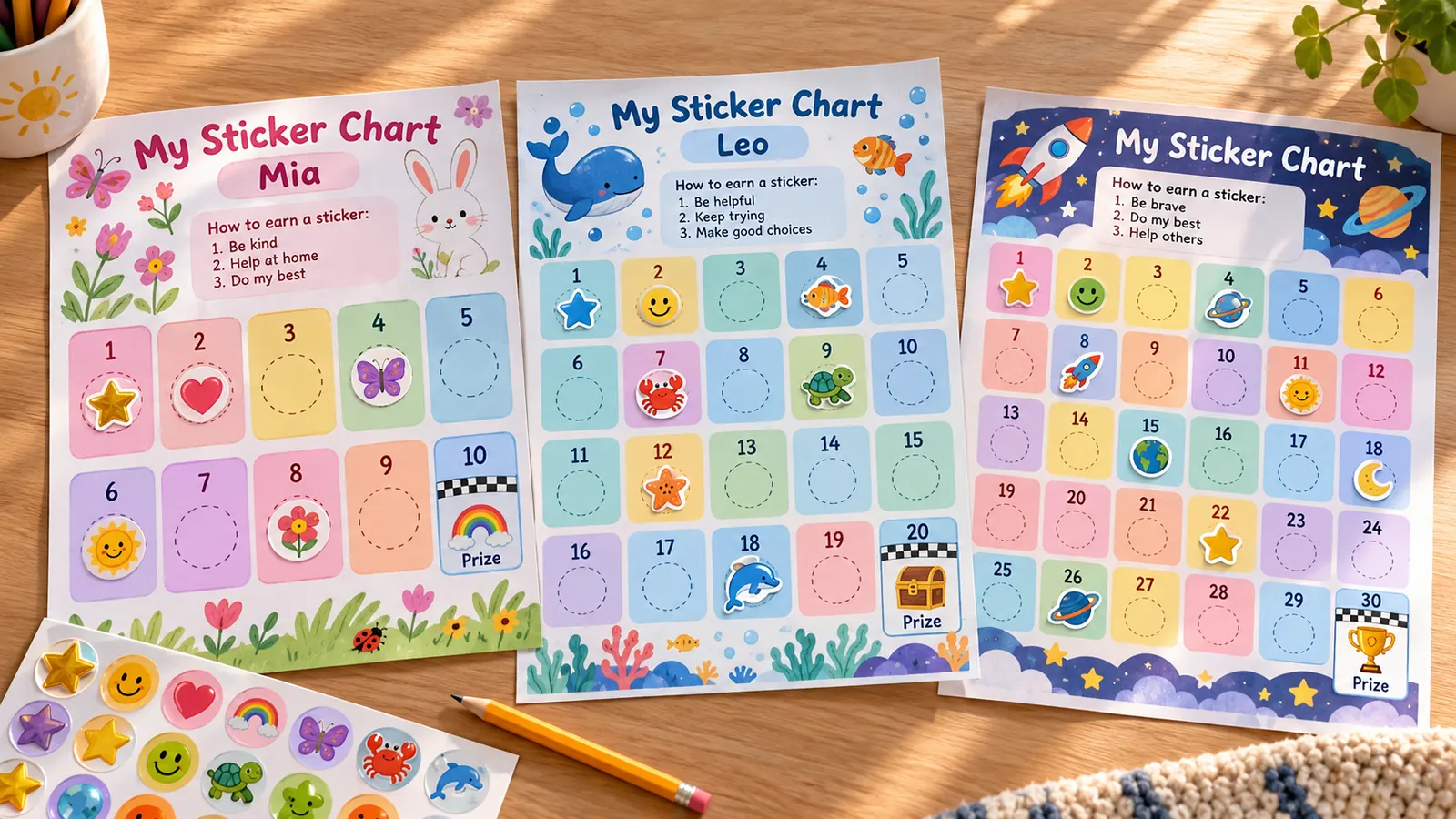
A prize picture on the last square of the sticker chart
The last space gets a checkered finish line and a picture of the reward: a gift, ice cream, teddy bear, book, park trip, movie night and more. A young child can see what they are working towards, and the same picture appears in the reward box at the bottom.
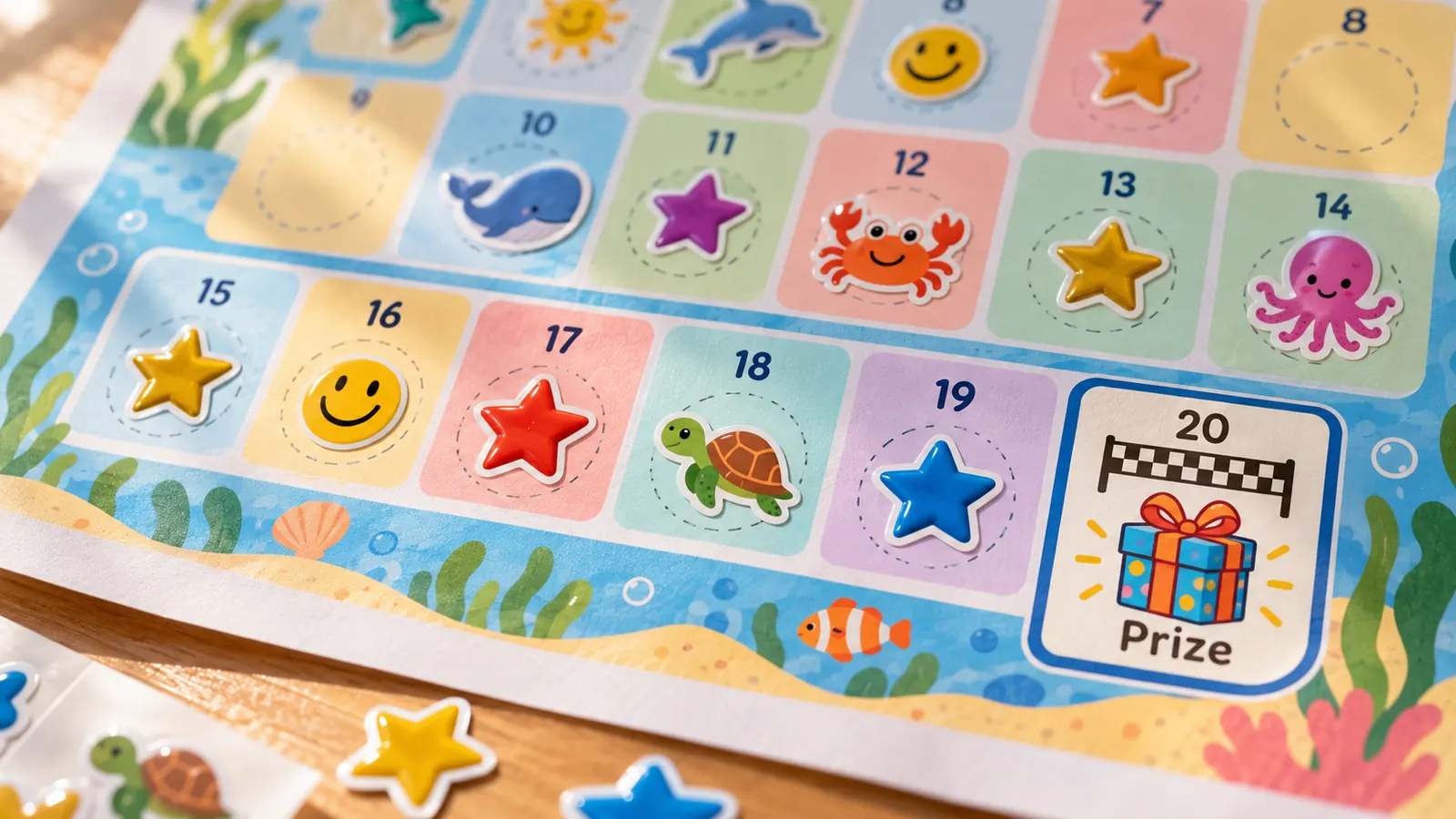
A sticker chart printable sized for real stickers
Every space prints as a dashed outline, so a sticker covers it neatly. The square size is shown in millimetres and inches: 20 spaces on US Letter give about 1.1 in squares, which fit common 3/4 in dot stickers. Print on Letter or A4 at actual size.
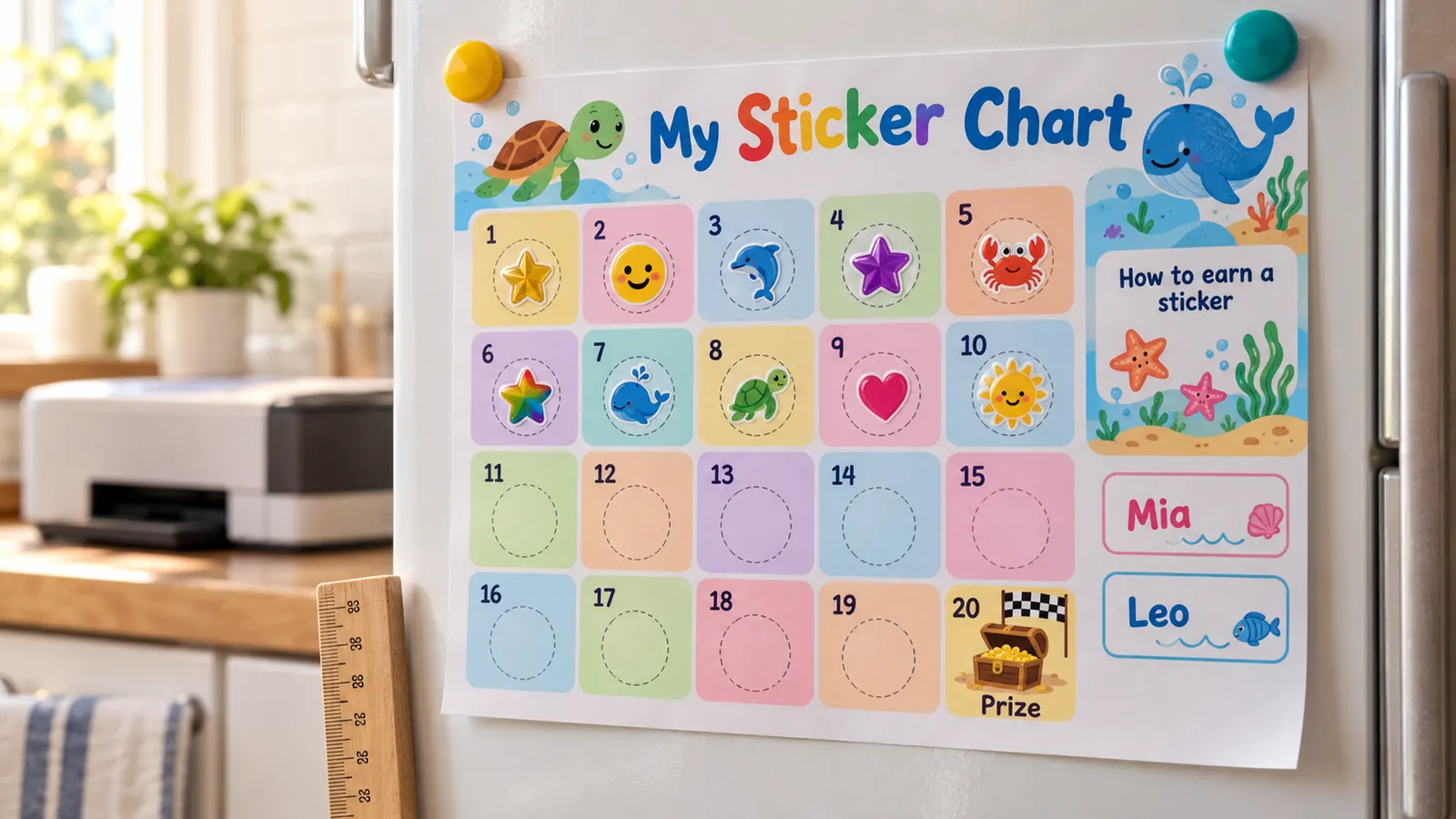
What this sticker chart maker includes
Everything runs in your browser; nothing to install, nothing to upload.
PDF, PNG or print
One PDF, a PNG, or print straight from the page. Same as the preview, no watermark.
5 to 100 spaces
10 options from a 5-space first chart to a 100-space challenge.
10 prize pictures
Gift, ice cream, teddy, toy car, book, movie night, park, ball, trophy or cake.
How to earn a sticker
Up to 8 short goals printed above the grid, so everyone agrees on the rules.
8 themes, low ink, B&W
Bright colours, a soft ink-saver, or black and white for colouring in.
Private by design
No account, no ads, no upload. A child's name stays on your device.
How to make a sticker chart that works: four steps
From a blank page to a printed chart in a few minutes.
Choose one goal and say how to earn a sticker
The CDC says a child needs to be told exactly what they need to do to earn a reward. Write one or two clear goals in “How to earn a sticker”, such as “Tidy my toys before dinner”. HealthyChildren.org (AAP) adds that children should help choose the reward, so pick the prize together.
- Write goals as something the child does, not what they should stop doing.
- Use the potty training chart or the behavior chart if you track steps or time periods.
Pick the number of spaces and the prize picture
A Salford Royal NHS tip sheet suggests starting where rewards are easy to earn, with only a few stickers, and putting a picture of the reward on the chart so the child can see what they are working for. Start with 5 or 10 spaces for a toddler and 20 or 30 for a school-age child, then pick the prize picture.
- The square size appears under the count buttons: check it against your stickers.
- Add small rewards on the way in “Stage rewards”, for example “10: extra story”.
Print at actual size
Choose US Letter or A4 and portrait or landscape. Print at 100% or actual size and turn off fit to page, so the squares keep the size shown in the tool. Card stock (about 160–200 g/m², or 65 lb cover) holds stickers well and survives the fridge door.
- Soft low-ink mode keeps the colours light; black and white lets the child colour the chart.
- Download the PDF once and print a new chart each time one is full.
Give the sticker straight away and praise
The CDC advises giving the reward right after the behavior and never taking away a reward the child has earned. Hand over the sticker with specific praise, let the child stick it on, and give the prize as soon as the last square is reached. HealthyChildren.org suggests phasing the chart out once the habit sticks.
- Do not remove stickers for bad behavior; just wait for the next chance.
- After the prize, start a new chart with a slightly bigger number of spaces.
Sticker chart FAQ
Answers about free printing, how many spaces, sticker sizes, prizes and ages.
Yes. The maker is free, needs no account or email and adds no watermark to the PDF, PNG or printout. It runs in your browser, so the child's name is not uploaded.
Yes. The page opens with 20 spaces. You can also choose 5, 10, 12, 15, 25, 30, 40, 50 or 100 spaces, and the last space is always the prize.
There is no official number. A Salford Royal NHS tip sheet advises starting with only a few stickers so the reward comes quickly, then increasing. A common approach is 5 to 10 stickers for toddlers and preschoolers and 20 to 30 for school-age children.
The tool shows the printed square size under the count buttons. In portrait, 10 spaces give squares of about 38–41 mm (1.5 in), 20 spaces about 28–31 mm (1.1 in), 30 spaces about 24 mm (0.9 in) and 100 spaces about 14 mm. Common 3/4 in (19 mm) dot stickers fit 20 spaces.
A small reward your child chose with you, such as an extra story, a park trip, a movie night or a small toy. Pick its picture for the last square. HealthyChildren.org says children should take part in choosing rewards.
Roughly 2 to 8 years. Toddlers do best with 5 or 10 spaces and a picture of the prize; school-age children can manage 20 to 30 spaces. Older children often prefer points or a contract, according to HealthyChildren.org.
No. The CDC advises never taking away rewards your child has earned, and HealthyChildren.org says penalties can discourage a child from trying. If the goal was not met, simply give no sticker that time.
Yes. You can change the title, the child's name, the goals, the number of spaces, the prize picture and text, the theme, the paper size and the orientation. The preview updates as you type.
Yes. Choose US Letter (8.5 × 11 in) or A4 (210 × 297 mm), portrait or landscape. Print at 100% or actual size and turn off fit to page so the squares match the size shown in the tool.
Make your sticker chart with the free maker
Pick the number of spaces and the prize picture, type a name and print in minutes.
Free, no sign-up, no watermark, and nothing leaves your device.
Tip: let your child choose the prize picture, then stick the chart where they can reach it.