Free Printable Multiplication Chart Generator 1-12 charts, blank grids and practice sheets
Build a chart in the range you need, print a blank grid to fill in, or make single times table and random practice sheets with an answer key. Free, no signup, no watermark, and everything runs in your browser.
Charts for 1-10, 1-12 or 1-20, blank grids and practice sheets with answer keys. PDF, PNG or print on US Letter or A4. Nothing you type leaves your browser.
Read the guideMultiplication chart editor for charts, blank grids and practice sheets
Pick a chart or practice type, set the number range and answer style, then print, download a PDF or save a PNG.
Template librarySelected template: 1-10 Basic Multiplication ChartOpen to load 11 templates, from a 1-12 multiplication chart to a 50-question random sheet. Click a practice template again for a fresh set of questions.
Multiplication chart mode
Multiplication chart settings
Paper, orientation, and themeUS Letter - Portrait - Solid color
Your multiplication chart
A 1-12 or 1-20 multiplication chart prints best in landscape. Single times table and random practice sheets work well in portrait. Print at 100% (actual size).
Preview
Printable multiplication chart generator: quick facts
Short answers for parents, teachers and homeschoolers choosing a free way to print charts and times table sheets.
- Price
- Free, with no paid tier or download fee
- Account
- Not required
- Watermark
- None
- Export formats
- PDF, PNG and direct print
- Paper sizes
- US Letter (8.5 × 11 in) and A4 (210 × 297 mm), portrait or landscape
- Supported sizes
- Charts for 1-9, 1-10, 1-12 and 1-20, or any custom range up to 30 × 30
- Privacy
- Runs in your browser; nothing you type is uploaded
- Languages
- 8 languages: English, Chinese, Spanish, Portuguese, French, German, Japanese, Korean
- Sheet types
- Filled chart, blank grid (hide all or part of the answers), single times table, random practice
- Practice length
- 10, 20, 30 or 50 random questions, or 1 to 30 questions for a single times table
- Answer key
- Optional page that follows the same question order
- Styles
- 9 themes, including a black and white ink saver and a chalkboard look
- Extras
- Highlighted square numbers, headers on or off, half chart that shows each fact once
- Last updated
- October 18, 2026
Best for
- Parents and homeschoolers who need a 1-12 chart or a blank grid in a minute
- Teachers who want a class set of practice sheets and the answer key from one page
- Students preparing for a times tables check or for third grade fluency within 100
Not the best fit for
- Timed on-screen drills: the sheets are for paper, not an online quiz
- Progress tracking or student accounts: nothing is saved
- Division or mixed operations: use the math worksheet generator instead
How it compares
- Math-Drills
- A big library of ready-made PDF tables with many layouts, but you choose from fixed files; here you set the range, headers, highlights and paper yourself.
- Math Salamanders and Super Teacher Worksheets
- Free fixed charts and worksheets, with a membership for some extras. You get no custom range, and no single tool that covers chart, blank grid, times table and random sheet.
- Twinkl and Education.com
- Large resource libraries with polished designs, though some downloads need a free account or a membership. The charts here are generated on the spot, with no account.
A printable multiplication chart you can shape to the lesson
Set the range, hide the answers or add a key, then print the sheet exactly as you need it.
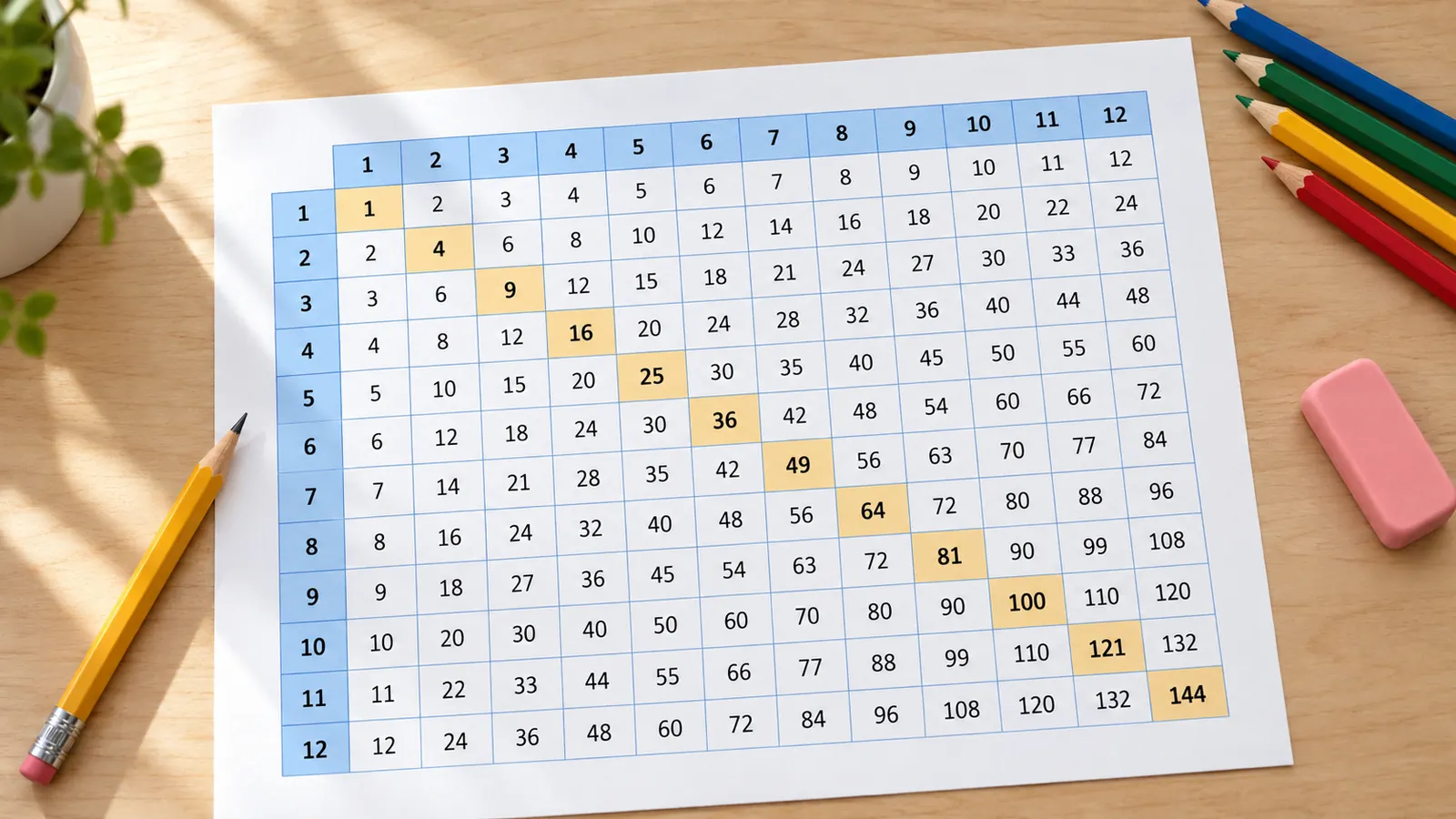
Multiplication chart 1-12 or any range you pick
Choose a range of 1-9, 1-10, 1-12 or 1-20, or type your own rows and columns up to 30. Switch headers on or off, highlight the square numbers, or show each fact only once with the half chart.
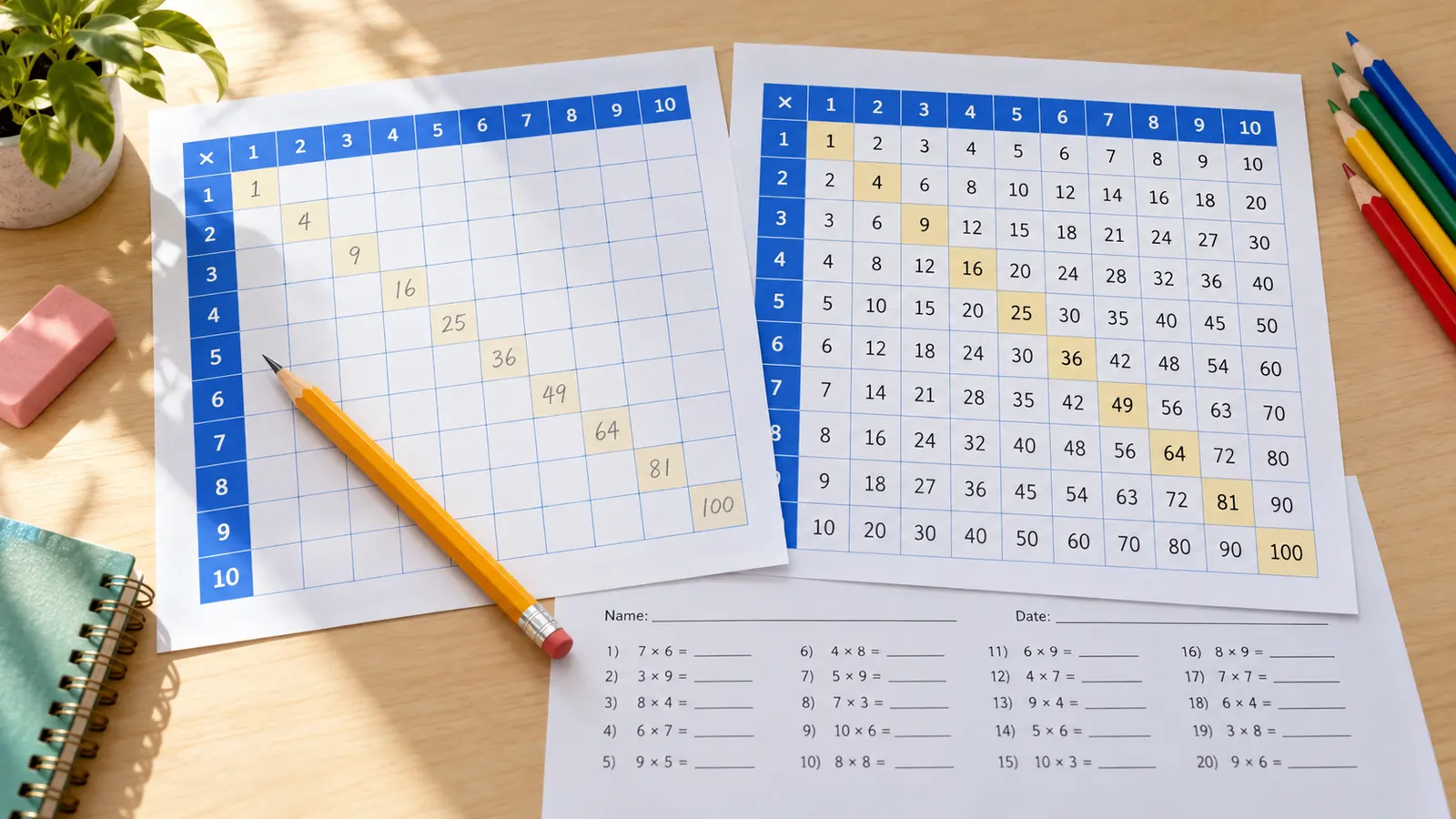
Blank multiplication chart and practice sheets with answer keys
Hide every answer or a random share of them for a blank grid to fill in. Add a single times table or 10 to 50 random questions, then print an answer key in the same order.
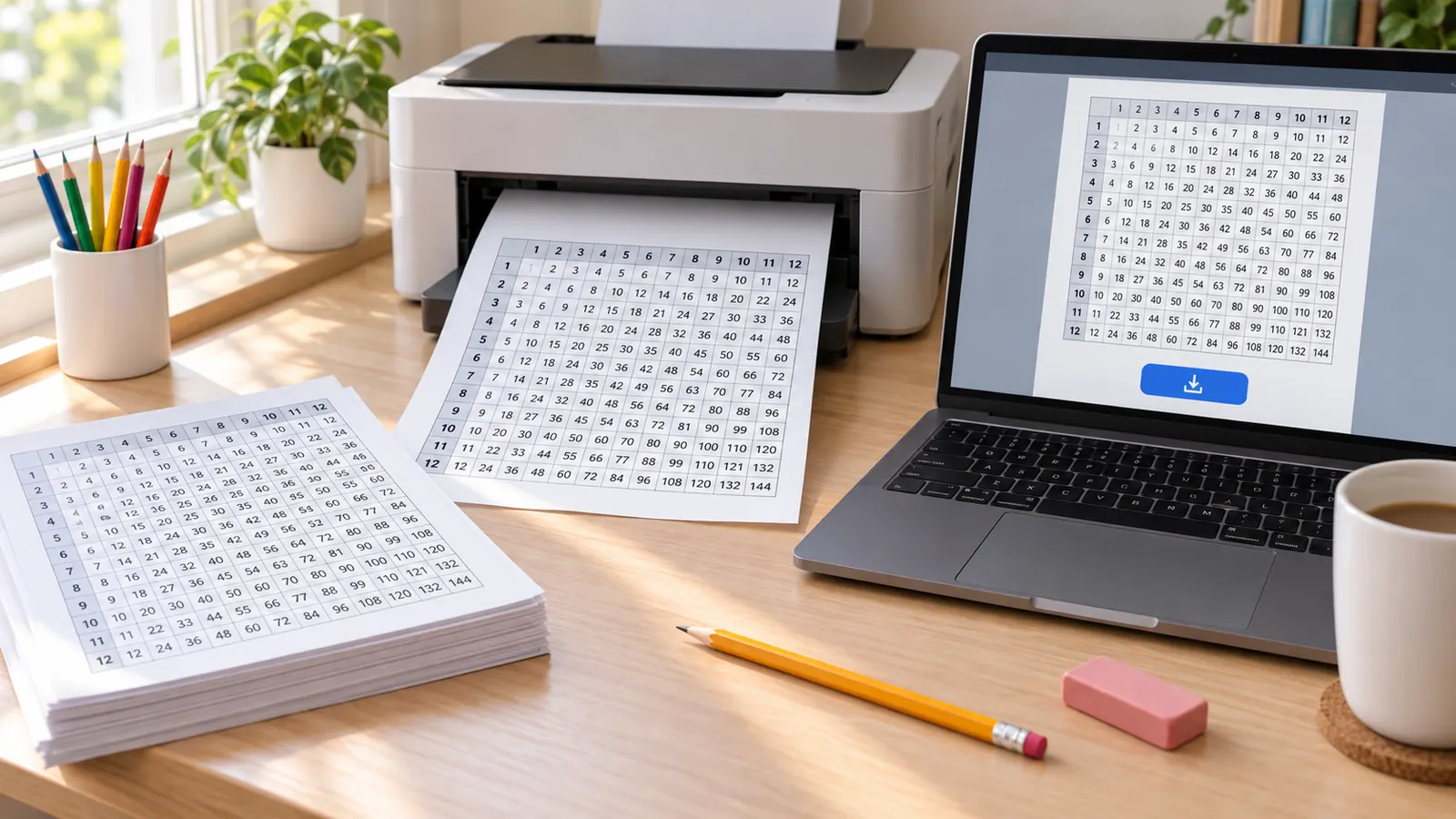
Print or save your multiplication chart as PDF or PNG
The sheet is built in your browser, so you can print on US Letter or A4, download a PDF or save a PNG with no login, watermark or upload. Nine themes include a black and white ink saver for class sets.
What this multiplication chart generator can make
Choose the sheet that fits the learner, the lesson or the homework routine.
Filled charts
1-9, 1-10, 1-12, 1-20 or a custom grid with optional headers.
Single times tables
A sheet for one number, such as 6, 7, 8, 9 or 12, with answers shown or left to fill in.
Blank grids
Hide every answer, or a random 10-90 percent of them, for fill-in practice.
Random practice
10, 20, 30 or 50 questions with no repeats until the combinations run out, plus name, date and score lines.
Answer keys
A matching key page for every practice sheet, in the same order.
Print-ready output
Print, download a PDF or save a PNG that matches the preview exactly.
How to make a printable multiplication chart
Four steps from an empty page to a chart or practice sheet on paper.
Choose a chart or practice type
Start with a filled chart, a blank grid, a single times table or random practice, or load one of the 11 templates.
- Use 1-9 or 1-10 for a first chart.
- Use 1-12 for the times tables most schools teach up to Year 4 or Grade 4.
- Use a template to skip the setup.
Set the range and the answers
Pick a preset range or type your own, then decide whether answers are shown, hidden or randomly hidden. The half chart shows each fact once.
- Hide 30 to 50 percent of the answers once the easy facts are known.
- Square numbers are on the diagonal; highlight them to spot the pattern.
Pick paper, orientation and style
US Letter or A4, landscape for wide 1-12 and 1-20 charts, portrait for times table sheets. Choose the black and white ink saver when you print many copies.
- Print at 100% or Actual size, not Fit to page.
- Use 120 gsm paper or laminate a chart that will hang on the wall.
Print, download a PDF or save a PNG
All three exports come from the same preview, so borders, colors and answer keys match what you saw on screen.
- PDF is best for printing again later.
- PNG is handy for a slide or a class message.
Multiplication chart FAQ
Quick answers about free use, ranges, blank charts, answer keys and privacy.
Yes. You can make and print charts for free, with no account, no watermark and no download limit. Everything is created in your browser.
Open the 1-12 Standard Times Table Chart template, keep landscape orientation, then choose Print or Download PDF. Print at 100% on US Letter or A4 so the squares keep their size.
Yes. Choose Blank Multiplication Chart, then hide every answer or a random share between 10 and 90 percent. Turn on the answer key to print the completed grid for checking.
Most people mean a 10 × 10 chart, because the largest product is 100. Choose the 1-10 range for that. If you need a larger grid, enter a custom range up to 30 × 30.
A chart shows every product of two numbers in one grid. A times table lists one number, such as the 7 times table. This tool makes both, plus blank grids and random practice.
Find the first factor in the left column and the second in the top row; the square where they meet is the product. It also helps with division and with finding factors.
Start with 2s, 5s and 10s, then use doubling for 4s and 8s and the digit pattern for 9s. Practice the hardest facts, usually 6, 7, 8 and 9, in short daily sessions with a fresh sheet and the key.
In England pupils learn the tables up to 12 × 12 by Year 4 and take the Multiplication Tables Check with 25 questions. In the US, Common Core 3.OA.C.7 expects products of two one-digit numbers from memory by the end of Grade 3, so 1-10 is enough.
Yes. Random Practice creates 10, 20, 30 or 50 questions from your range, avoiding repeats until the combinations run out, with optional name, date and score lines and a matching answer key.
No. It has no student accounts or score tracking, and nothing you set is uploaded. The sheet is generated on your device and only leaves it when you print or download.
Make your multiplication chart now
Choose a range, hide the answers if you like, and print in under a minute.
Free on US Letter or A4, with PDF, PNG, print and optional answer keys.
No sign-up, no watermark, no student data stored.